Table Talk
Nothing here yet. Love this design? Say so - the designer might see it.
Log in to join the conversation.
The Isofarian Guard multiple prints
Card & Deck Holders
Free
Plan Your Print
Sign in
to track this print from Want to Printed.
✓Needs about 1,013 g
From the designer's print profile
What it takes
11 plates
22h 30m
1,013 g PLA, PLA-S
X1 Carbon, X1, X1E, H2D, H2D Pro, H2S, P2S, H2C, X2D, A2L
Bambu Lab X1C (wide objects)
0.4 mm nozzle
PLA+ (color of choice)
Infill 10% Gyroid
Some parts use support (plates 2, 9, 10, and 11)
Support for plates 9, 10, and 11 are for bed adhesion (so possibly not needed for your printer)
Plate Details (11)
0.4 mm nozzle, all plates
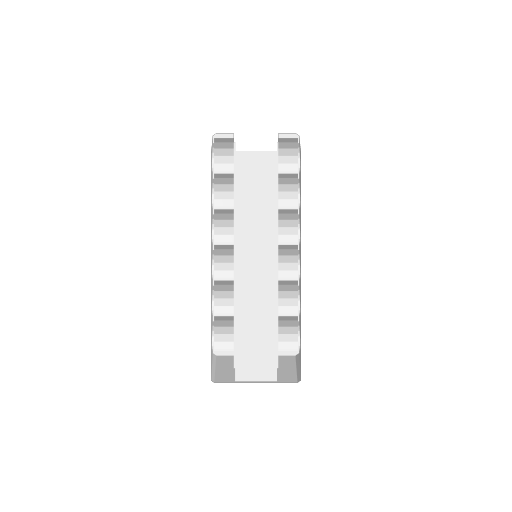
Plate 1
2h 4m
87 g
PLA · 87 g
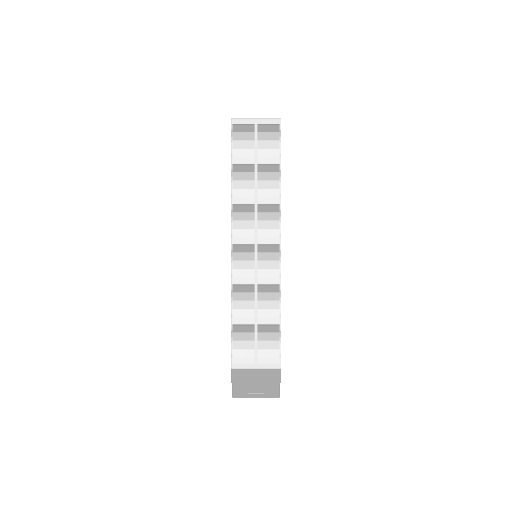
Plate 2
1h 58m
67 g
PLA-S · 1 g
PLA · 66 g
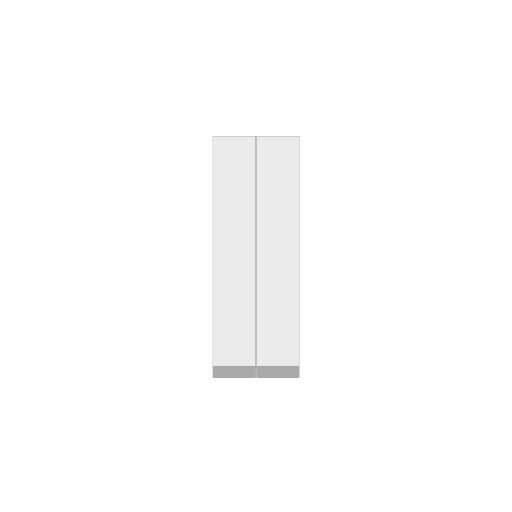
Plate 3
1h 36m
77 g
PLA · 77 g
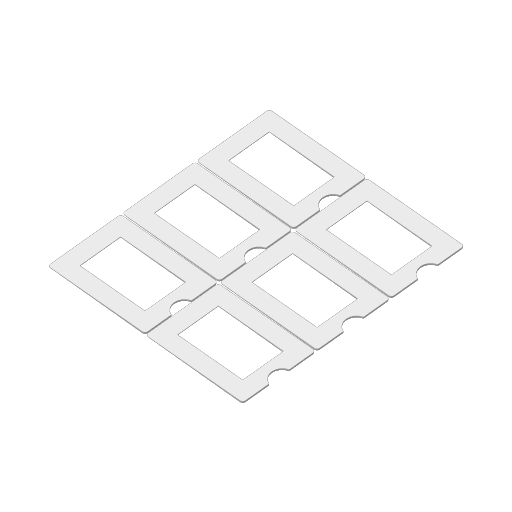
Plate 4
1h 3m
30 g
PLA-S · 30 g
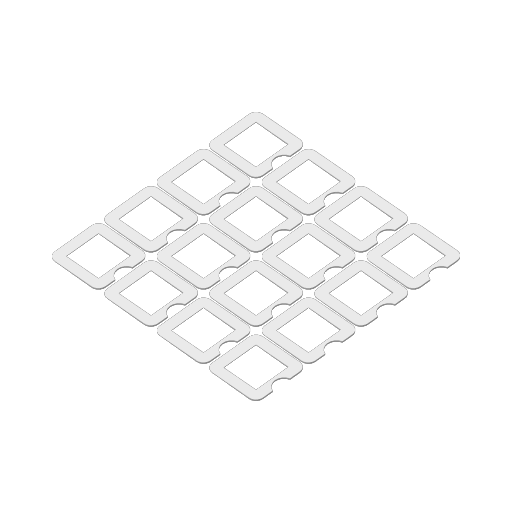
Plate 5
1h 25m
34 g
PLA-S · 34 g
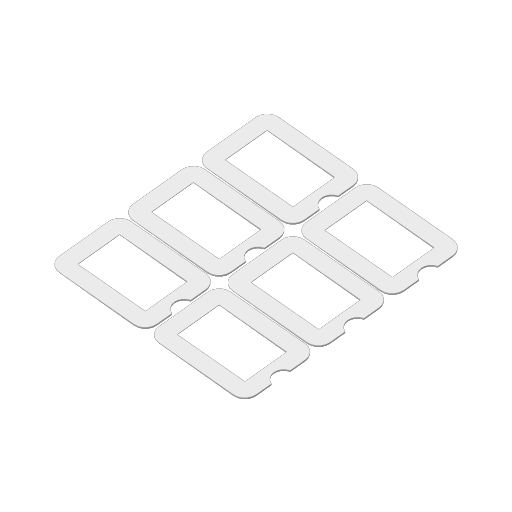
Plate 6
1h 6m
32 g
PLA-S · 32 g
Plate 7
28m
13 g
PLA-S · 13 g
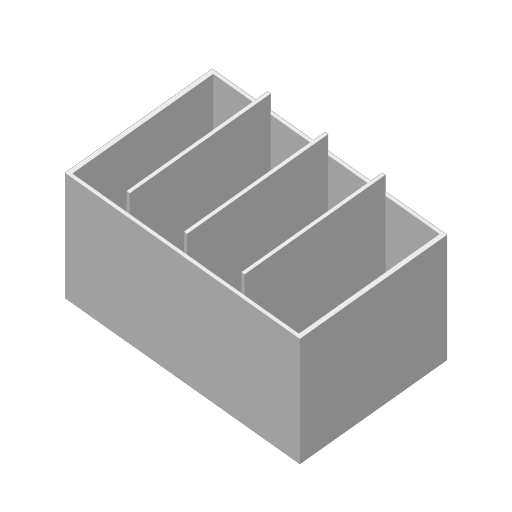
Plate 8
2h 5m
93 g
PLA-S · 93 g
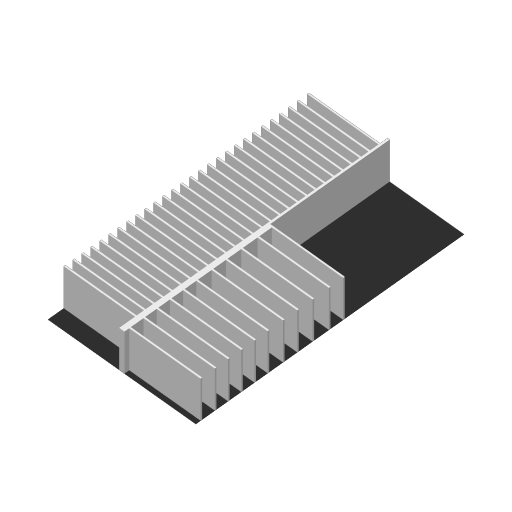
Plate 9
5h 15m
254 g
PLA-S · 244 g
PLA · 10 g
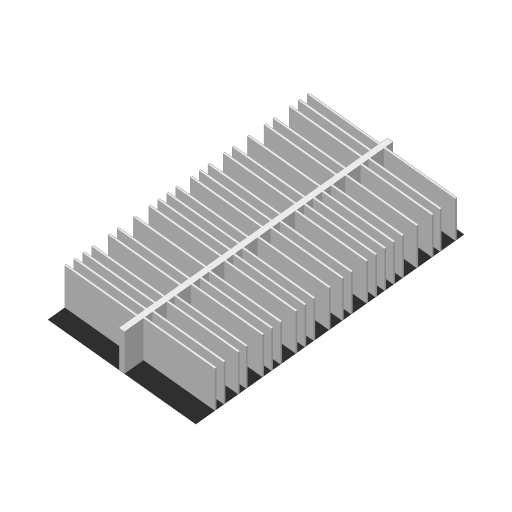
Plate 10
4h 27m
283 g
PLA · 273 g
PLA · 10 g
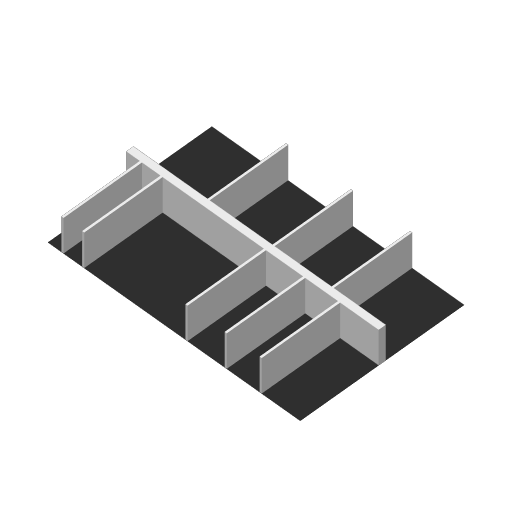
Plate 11
1h 4m
43 g
PLA-S · 37 g
PLA · 6 g
Model Description
These are my printables for the board game The Isofarion Guard.
Within the .3mf print file you'll find the following prints (per plate):
- ChipTray_Outer
- The outside of the chip tray
- Fits the original lid from the chip tray
- ChipTray_Inner
- The inside of the chip tray slides into the outer part.
- This can slide in with the inlay from print plate 3 to heighten the inner chip tray.
- Without the inlay, it fits the original lid (together with the outer part) for storage in the game box
- ChipTray_Inlay (2x)
- Heighten the inner part of the chip trays
- Replace these 2 inner parts with the foam part to fit the game box (see picture)
- NOTE*: When downloading .stl files, these 2 parts are saved as “obj_3_Assembly.stl”
- CardLift_GuardRegularCards (6x)
- The incline/decline of the inlay makes it easy to slide the cards out of the guard board
- CardLift_GuardSmallCards (16x)
- The incline/decline of the inlay makes it easy to slide the cards out of the guard board
- CardLift_EnemyCards (6x)
- The incline/decline of the inlay makes it easy to slide the cards out of the enemy board
- CardDivider_FieldEvent (4x)
- Divide the locked/unlocked per category
- CardBox_FieldEvent
- Holds all the field event cards per category
- This box fits within the open space within the card box together with the guards and bosses (see print plate 9)
- CardBoxInlay_BossGuard
- This inlay has a spot for the Field Event Cardbox (see print plate 8) - on the left side
- This inlay has a spot for each set of guard, boss, and prestige cards
- left side: CardBox_FieldEvent, Prestige Cards, Universal, Alek, Grigory, Catherine, Yuri, Kharzin, Vera, Pavel, Yana, Dunamis
- right side: per enemy (space is identical for each boss).
- At the end, there is a spot for the dividers which are not needed with the inlay
- NOTE: When downloading .stl files, this part (plus a flat object for strong bed adhesion: print with support PLA, height of 0.20mm) is saved as “obj_37_Assembly.stl”.
- CardBoxInlay_Enemy
- This inlay has a spot for each set of enemy cards
- The enemies are placed in alphabetical order:
- left side from ‘Armored Zhuk’ to ‘Kingsguard’
- right side from ‘Metal Eater’ to ‘Waste Prowler’
- NOTE*: When downloading .stl files, this part (plus a flat object for strong bed adhesion: print with support PLA, height of 0.20mm) is saved as “obj_38_Assembly.stl”.
- CardBoxInlay_SmallCards
- This inlay has a spot for each set of small guard cards
- left side: Harvesting, Mining, Enemy Drops, Items, Tool Items
- right side: Accessories, Armor, Weapons, Speaking Stones
- NOTE*: When downloading .stl files, this part (plus a flat object for strong bed adhesion: print with support PLA, height of 0.20mm) is saved as “obj_39_Assembly.stl”.
* When downloading .stl files (zip-file):
Each object will have its .stl file, a total of 39 files.
Most of them are copies of the same object (to print multiple identical objects within one print).
Be aware: Objects 37, 38, and 39 have a flat object to enhance bed adhesion. This object, with a height of 0.20mm, should be printed with Support PLA for easy removal.
NOTE: You can use Bambu Studio (a slicer) when you don't own a Bambu printer. This will let you import the .3mf file with all print setup integrated.

/pic8805771.jpg)