Log in to join the conversation.
Insert for the Skyrise board game
Please support Ted Marshall by Liking/Boosting their Print on MakerWorld.
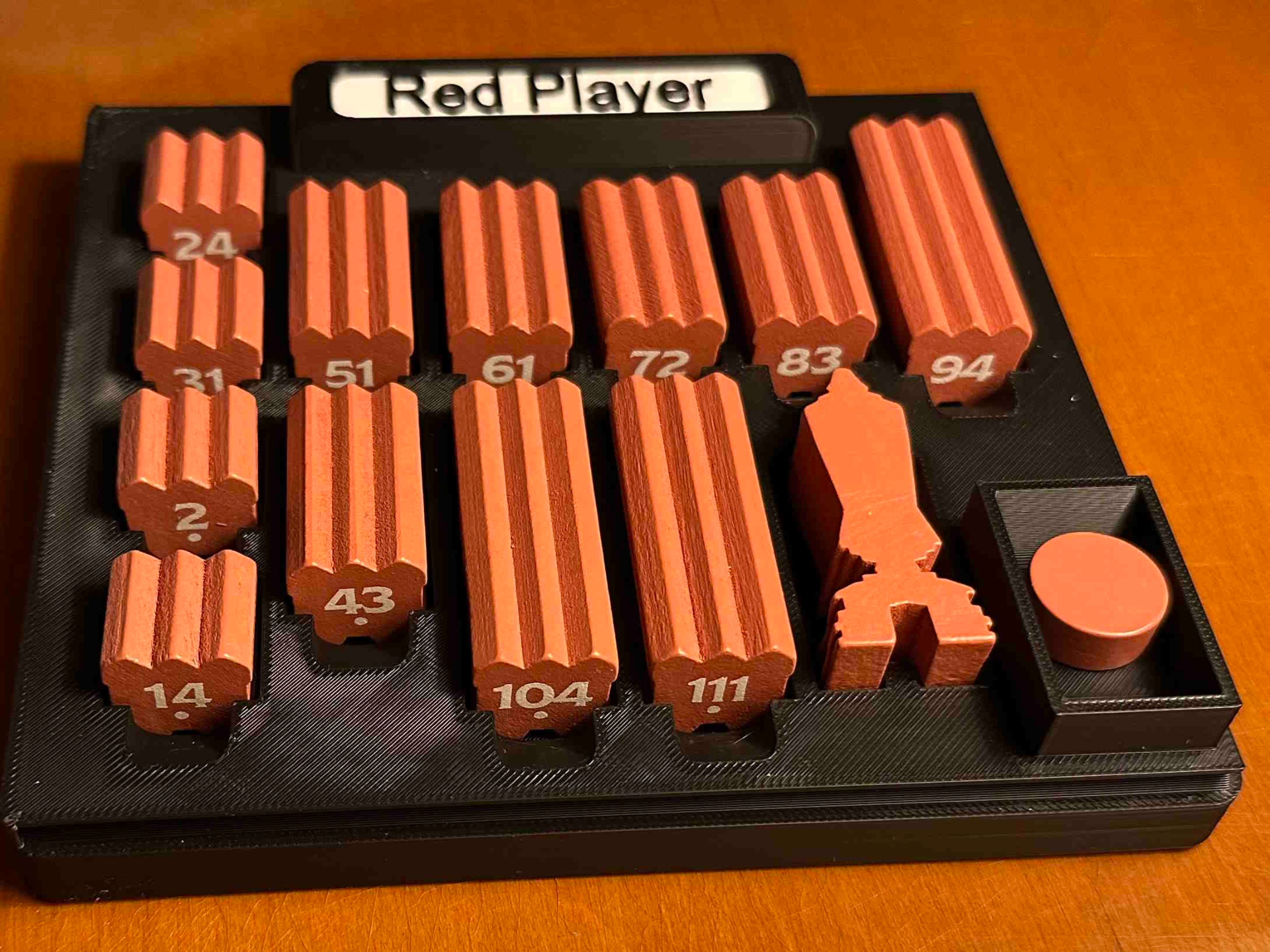
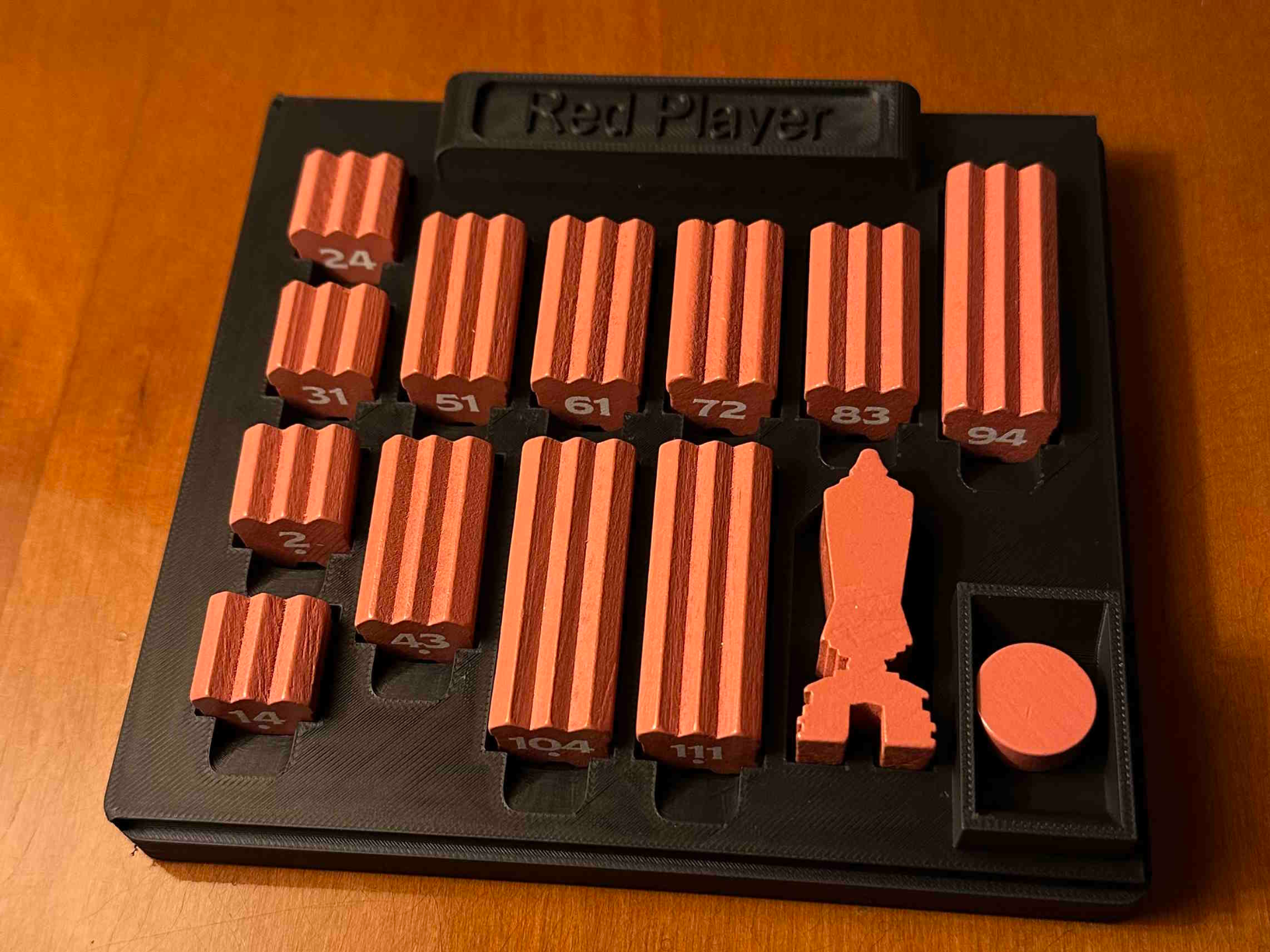
This is an insert/parts trays for the retail (Essentials) edition of the board game Skyrise from Roxly Games ( https://boardgamegeek.com/boardgame/298231/skyrise ). These trays hold all of the loose parts and allow easy game set up and clean up. Note that the original cardboard insert must be removed.
Please note that my project is in no way associated with Roxly Games nor am I associated except as a satisfied customer. It is a personal, non-commercial project intended simply to improve the game experience.
My design has two advantages over other Skyrise inserts I've seen:
• The trays have slide-on covers so that the game box can be stored on its side without the bits spilling.
• The largest part is 165mm on a side, allowing it to be printed on smaller printers such as the A1 Mini.
The AMS multi-filament system is used only to put a white background on the text on the player trays. The text is raised so it is still visible when printed with a single color filament.
Note that the first plate, with the player tray top, needs to be printed 4 times. All other plates only need a single copy each.
The parts go in the game box as follows:
• The four player trays go in the bottom.
• Next, along the top and right (or left) side, go the card tray, token tray, disc tray and bag tray.
• At the same level, in the open space, goes the lager game cardboard pieces: the island boards and the player board.
• At the top, go the game board and rule book.
This is for the (retail) Essentials edition, with the punchboard key and 4-point token. Insert with individual trays for each player, the cards, the tokens and the discs. Each tray has a slide-on top the prevent spilling when the game is stored on its side. Also, the largest print is 165mm on a side, allowing printing on almost any filament printer. Two-color printing is optional, used only to highlight the (raised) text. The file are hosted for free download on MakerWorld.com. Users with Bambu Labs printers can print directly. Other printer users can download a ZIP of the STL files by selecting "Download STL/CAD Files" in the green button.