Log in to join the conversation.
Compile Triple Storage System Main 1 + 2 + 3 + AUX
Please support 3djuju by Liking/Boosting their Print on MakerWorld.
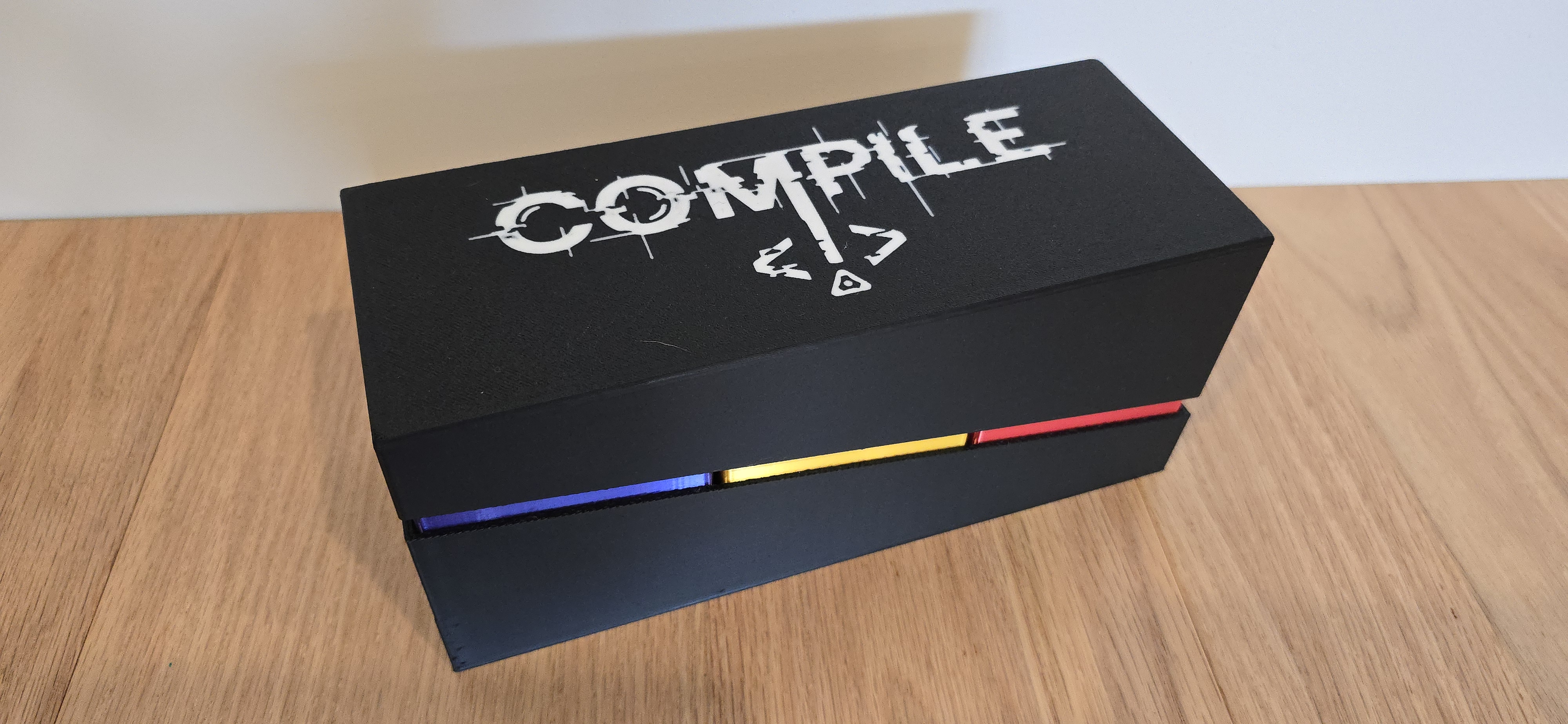
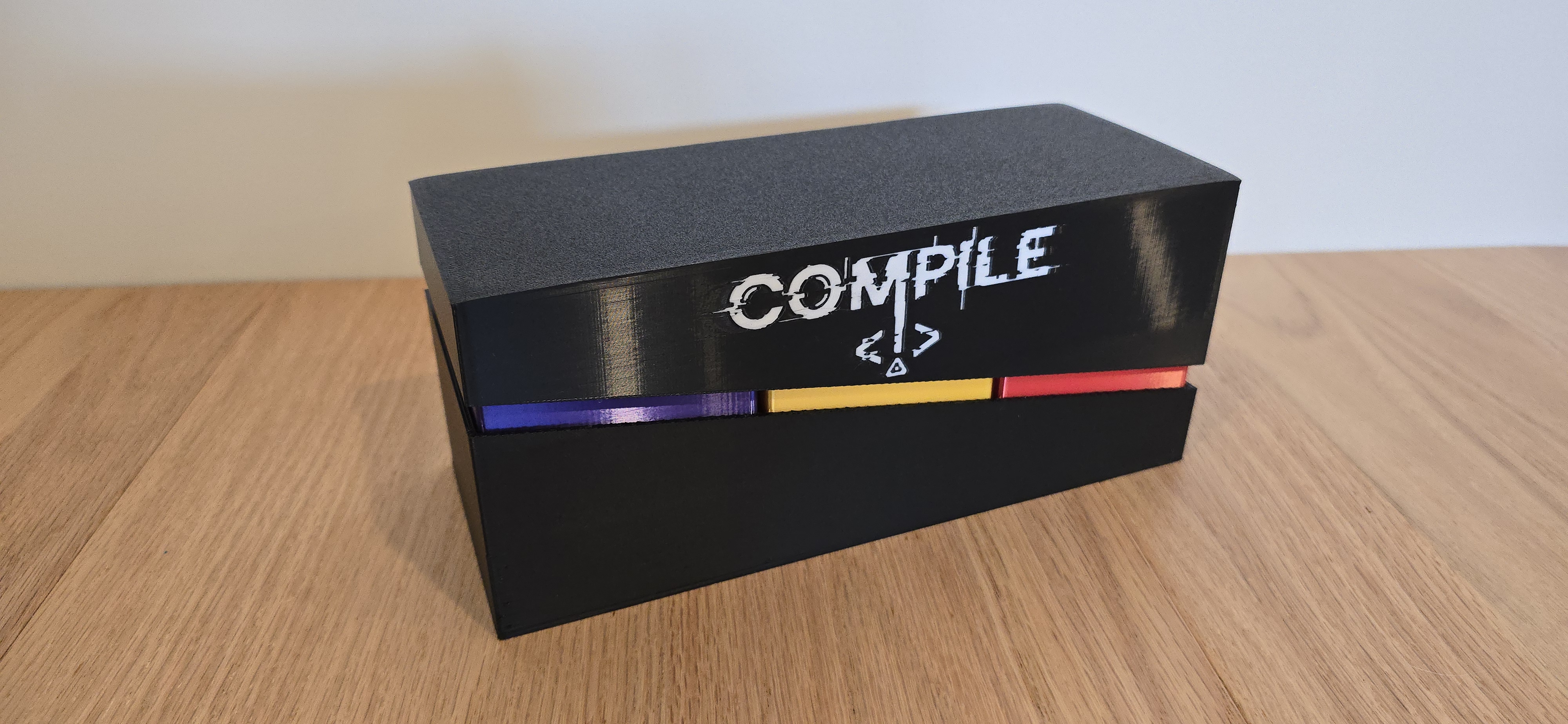
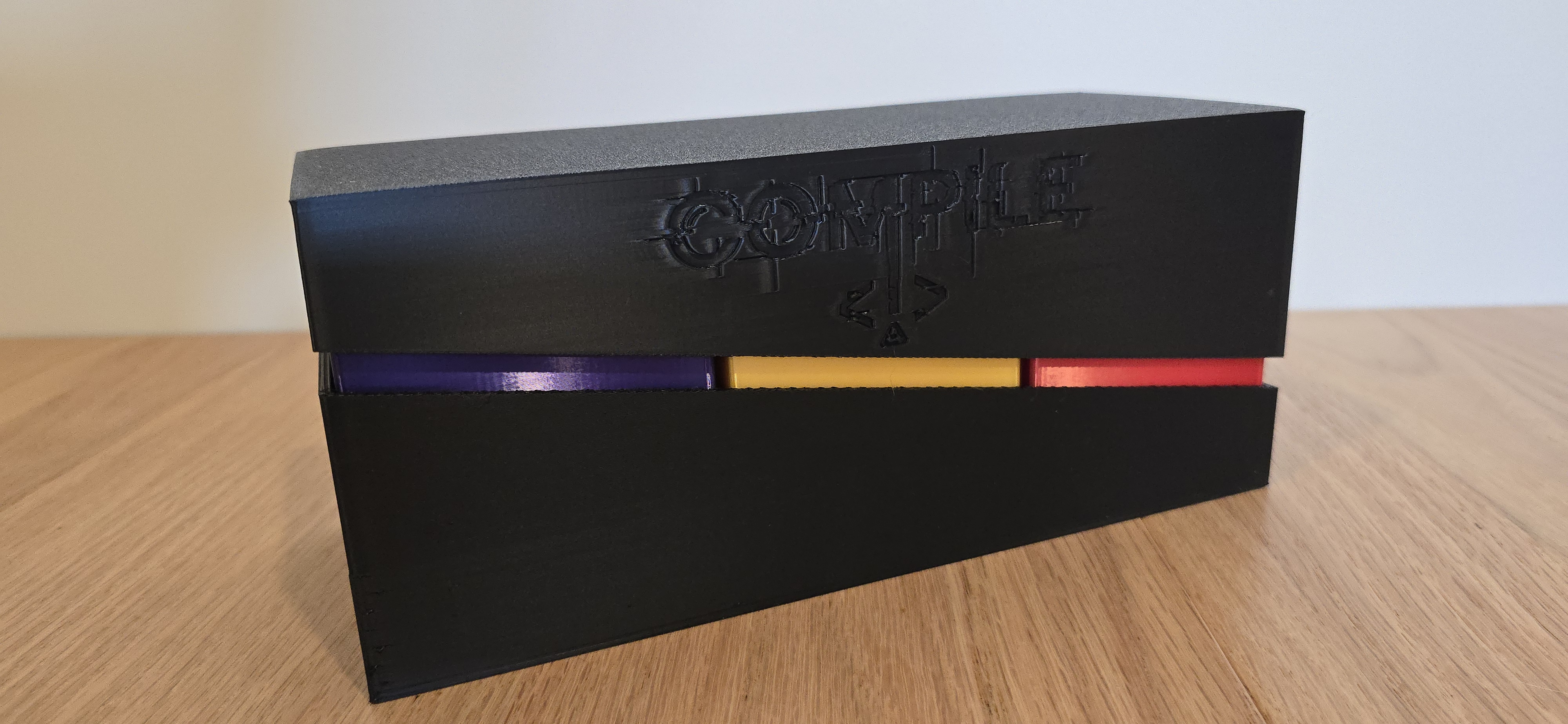
Store all three versions of Compile (Main 1, Main 2, and Main 3) together in a single compact container, with room for all AUX expansions, sleeved cards, and lifters.
The system consists of:
• Three removable inner boxes (one per game)
• A shared outer base
• An angled lid for easy access and a clean visual break
Both the base and inner boxes are sized to comfortably hold sleeved cards, lifters, and expansion content. Tested with Gamegenic sleeves and all AUX expansions installed at the same time.
This integrates with my matching protocol lifter system — one lift-out tray per protocol, plus a dedicated PROTOCOLS draft hub. Each protocol's 6 cards sit on its own tray; lift the tab and the whole protocol comes out at once. Sized to fit inside this storage box and make drafting and cleanup much smoother.
➡️ Protocol Lifters: https://makerworld.com/en/models/2451393-compile-protocol-lifters-lift-out-dividers#profileId-2691289
Already own my Dual Storage System ? The inner boxes are identical — no need to reprint them, they drop right in.
Print plate fit. The outer base just barely fits a 256 mm build plate. Make sure your plate is clean and free of debris, residue, or stray purge so the part seats and adheres across its full footprint. There is very little margin — a dirty or uneven plate edge can cause adhesion problems or a failed first layer on this part.
Fit philosophy. The base is intentionally tighter than the lid. This is by design: the tighter base retains the inner boxes so they don't shift during storage or transport, while the looser lid comes off without binding. This is not a tolerance error. The inner boxes are designed for smooth insertion and removal while staying properly aligned once seated.
Inner box print time. The inner boxes take a long time to print because their settings are tuned for maximum surface shine. You can bypass these settings for a much faster print if you don't need the premium finish.
🔹 AMS Top-Logo Version (Recommended) Flush logo on the lid top, optimized for AMS. Fast and economical — roughly 4 hours, ~8 filament changes, and only ~2 g of purge waste. This is the version I'd suggest for most people.
🔹 AMS Wall-Logo Version Logo integrated into the front wall. Included because my original Dual Storage System featured the wall logo and I didn't want to drop it for anyone who preferred that look. Be aware it's much more demanding to print: roughly 12 hours, ~220 filament changes, and ~85 g of purge waste — the logo spans nearly the full wall height, so the printer swaps colors on almost every layer. It looks great, but if you don't specifically want the wall placement, the Top-Logo version gives you the same logo for a fraction of the time and filament.
🔹 Single-Color Version Indented logo, ideal for single-color printing or minimal filament waste.
• Layer height: 0.20 mm
• Nozzle: 0.4 mm
• Supports: not required
• Plates: one plate per component, clearly labeled — choose one lid version
Tuned specifically for PLA Silk, prioritizing surface quality and minimizing vertical banding.
• Nozzle temperature: 225–235 °C
• Cooling fan: ~40%
• Outer wall speed: 40–45 mm/s
• Walls: 5 wall loops (~2.0 mm)
• Outer wall acceleration: reduced, ≈2500–3000 mm/s²
• Infill: gyroid at ~6%
• Black → White: ~150 mm³
• White → Black: ~120 mm³
If you see minor color bleed, increase priming volume slightly before increasing flush values.
/pic9001669.png)
/pic9542239.png)
/pic9001673.png)