Table Talk
Nothing here yet. Love this design? Say so - the designer might see it.
Log in to join the conversation.
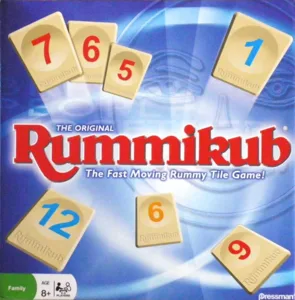
Rummikub tiles multi color
Free
Plan Your Print
Sign in
to track this print from Want to Printed.
✓Optional multicolor profile
The designer also offers a multicolor way to print this (an MMU/AMS profile or per-color parts)
Model Description
This is a remix from the Rummikub Tiles here on Printables.
When printing it should print both colors on the same layer. First the numbers and after a manual color change the second color. Which than should print the rest of the tile.
Number of pieces:
2x number and base per color which is total 104x
2x Jokers
I recommend printing in a 0.2mm layer height.
The following guide is how I made a manual color change possible on the MK3S+ using the Prusaslicer.
Multi color using the 3mf files:
- Load file
- Go to printer settings and add a second extruder, on the right side of plater view you'll see some thing are added
- Make sure that the "number" is above the “base”
- After that set “number” on extruder 1 and the “base” on extruder 2. For visual help change the color of filament
- Now you should be ready to print
- First it will print the numbers, next a purge tower
- At the start of the purge tower press pause print
- Press unload filament and load new filament color
- Next up Resume print, it will finish the purge tower and finish the rest of the print
Are you printing directly the gcode? Use the guide from step 5.
If something is confusing or you think this can faster. Please feel free to let me know.
/pic2315912.jpg)