Log in to join the conversation.
Roman City Gate Porta Nigra with 3 Roman Centuries
Plate Details (3)
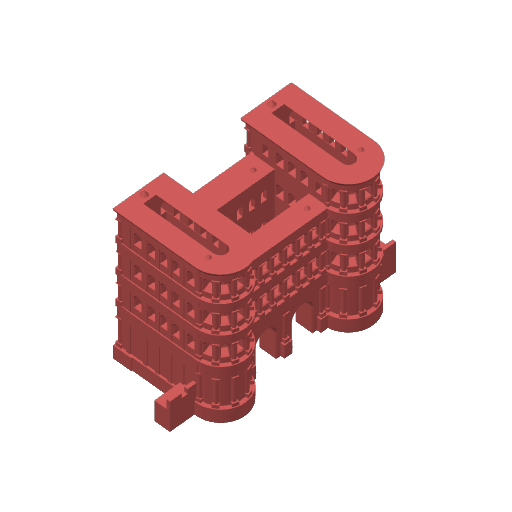

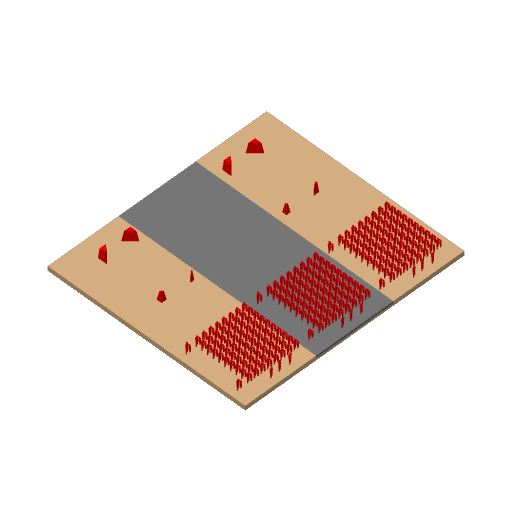
Roman Gate Porta Nigra with 3 Roman Centuries (Scale 1:200)
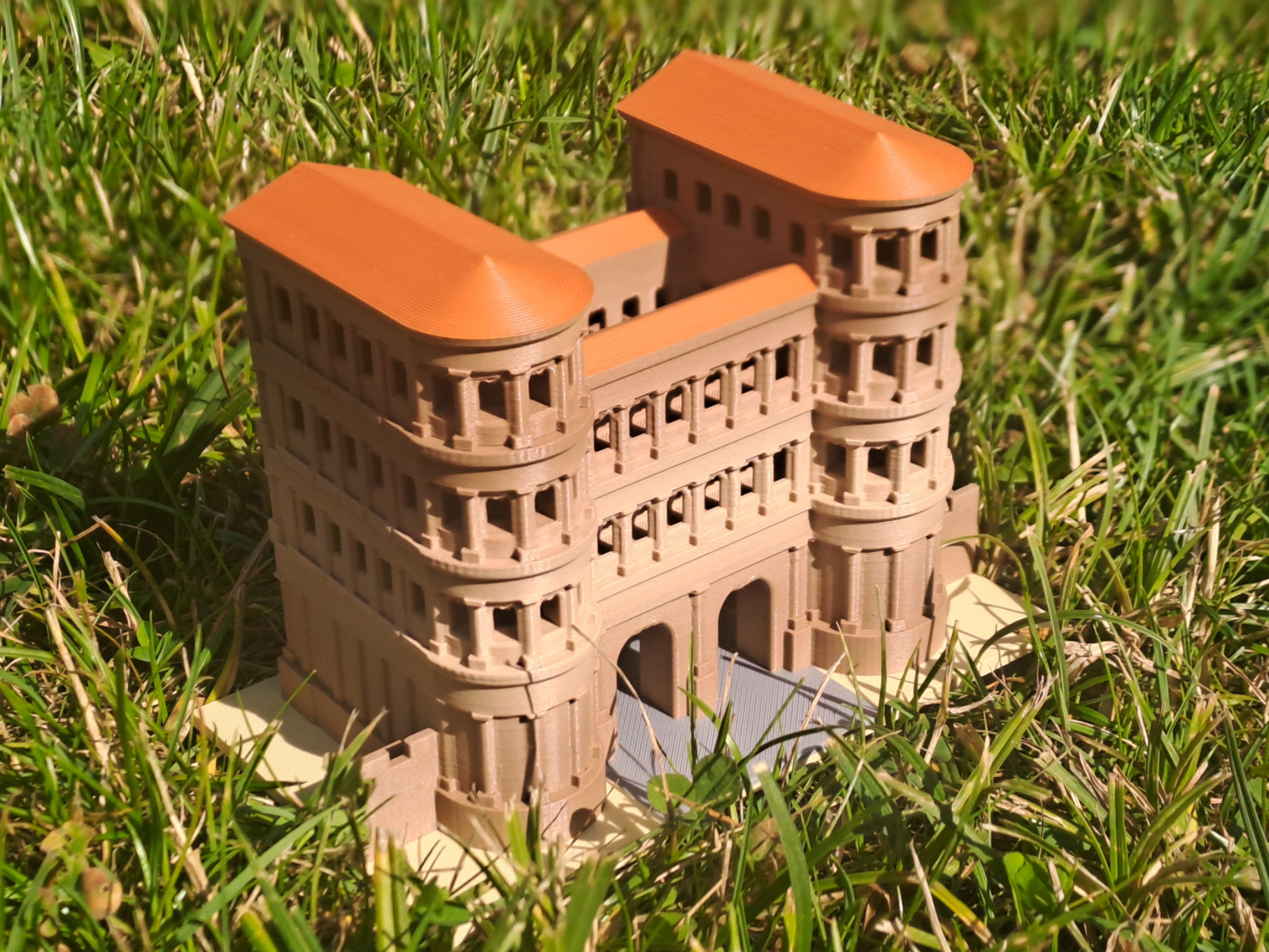
Step into the captivating world of ancient Rome with this meticulously crafted 3D print model of the Porta Nigra in Trier, accompanied by three Roman centuries in a 1:200 scale, using the full A1 build plate space (230 x 207.5 x 162 mm)! This unique model brings the grandeur of the Roman city gate and the striking presence of a Roman military unit right to your desk or collection. Designed for 5-color printing without the need for an AMS (Automatic Material Switching), this model is a must-have for 3D printing enthusiasts and history lovers alike.
The model shines with its precision: The Porta Nigra, the iconic Roman city gate, has been faithfully recreated, capturing its characteristic sandstone structure and imposing twin towers. The three Roman centuries—each consisting of 80 soldiers—are positioned in formation in front of the gate, showcasing the discipline and strength of the Roman army. Every figure is designed to reveal characteristics of its rank, despite the small scale.
Why print this model?
- Historical Accuracy: Scale-accurate (1:200) and highly detailed, perfect for history buffs and model builders.
- Easy Printing: Optimized for 5-color printing without AMS, compatible with common 3D printers.
- Educational and Decorative: Ideal as a teaching tool, display piece, or collector’s item.
- Unique Design: Combines architecture and military history in a stunning scene.
Download this model now, print it in vibrant colors, and bring a piece of Roman history to life!
Some Brief Explanations
Porta Nigra:
The Porta Nigra (Latin for “Black Gate”) is a Roman city gate in Trier, Germany, built around 170 CE. It is the best-preserved Roman city gate north of the Alps and part of the UNESCO World Heritage Site. Its name comes from the dark patina of its sandstone. Originally part of the city walls of Augusta Treverorum, it served as both a grand entrance and a defensive structure.
Trier:
Trier, founded as Augusta Treverorum in 16 BCE, is Germany’s oldest city. As a major Roman metropolis, it was a residence of emperors and a center of Roman administration. In addition to the Porta Nigra, Trier is home to other Roman monuments, such as the Konstantin Basilica and the Roman Bridge, reflecting its rich historical legacy.
Roman Century:
A Roman century was a tactical unit of the Roman army, consisting of approximately 80 soldiers (not 100, as the name might suggest), led by a centurion. It was part of a cohort and, in turn, a legion. Centuries were renowned for their discipline, tight formations, and critical role in Rome’s military dominance.
Printing Instructions:
The print contains 3 build plates. The first two ones make use of only a single color. The third plate uses three colors and can be printed with AMS or reduced to two colors and be printed without AMS:
Plate 1: Building
I used Overture Sedimentary Rock PLA for this part to achieve a bit of color variation. A Bambu PLA Matte Caramel should be a good match.
Plate 2: Roofs
This is a perfect fit for Bambu PLA Matte Terracotta.
Plate 3: Base Plate
Uses 3 colors: Bambu PLA Matte Dark Red (Soldiers), Bambu PLA Matte Desert Tan (Floor), Bambu PLA Matte Gray (Road).
With AMS, printing is trivial and does not require explanation.
Without AMS, floor and road will get the same color (Gray or Desert tan as you prefer), the soldiers are red. You can set up color handling as follows:
- In Bambu Studio, choose Plate 3 (Base Plate), go to Preview and wait for slicing to finish which may take a minute or two.
- In the right-hand layer slider, choose layer 26, right-click the Plus mark and select ‘Add Pause’ in the popup menu.
- Load the color you chose for the floor and start printing.
- Before Layer 26, printing stops. Unload the used filament, load the red filament and continue the print.
Mounting Instructions:
Boost Me Thank you so much for your interest in supporting my 3D prints! I really appreciate your help in spreading the word. A boost will help me reach more people who might be interested in my designs. If you have any ideas that you would like to see realized, or if you want to know more about my work, feel free to ask!