Log in to join the conversation.
Modular Card Divider - Arkham Horror LCG
Please support KICW by Liking/Boosting their Print on MakerWorld.
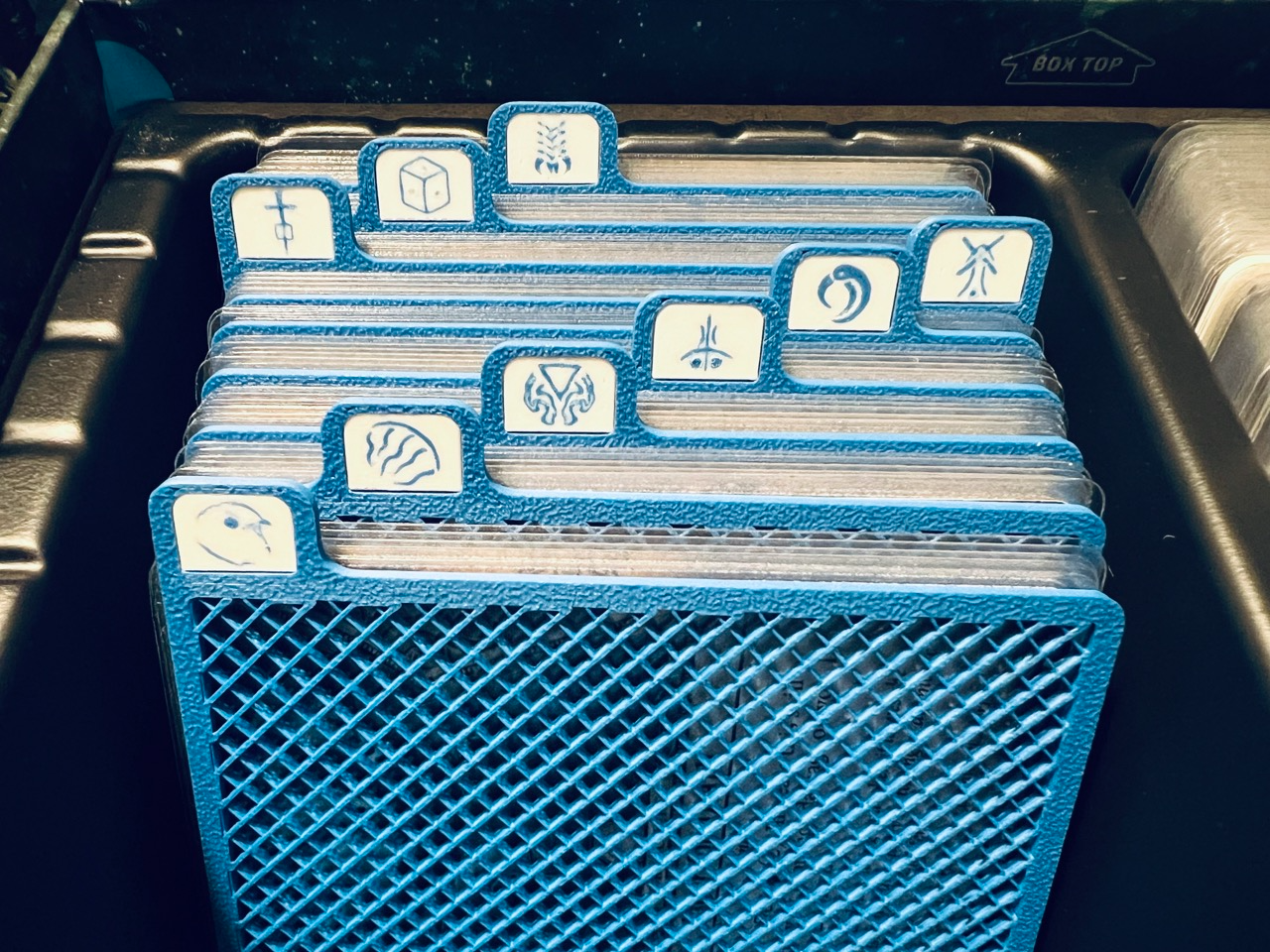
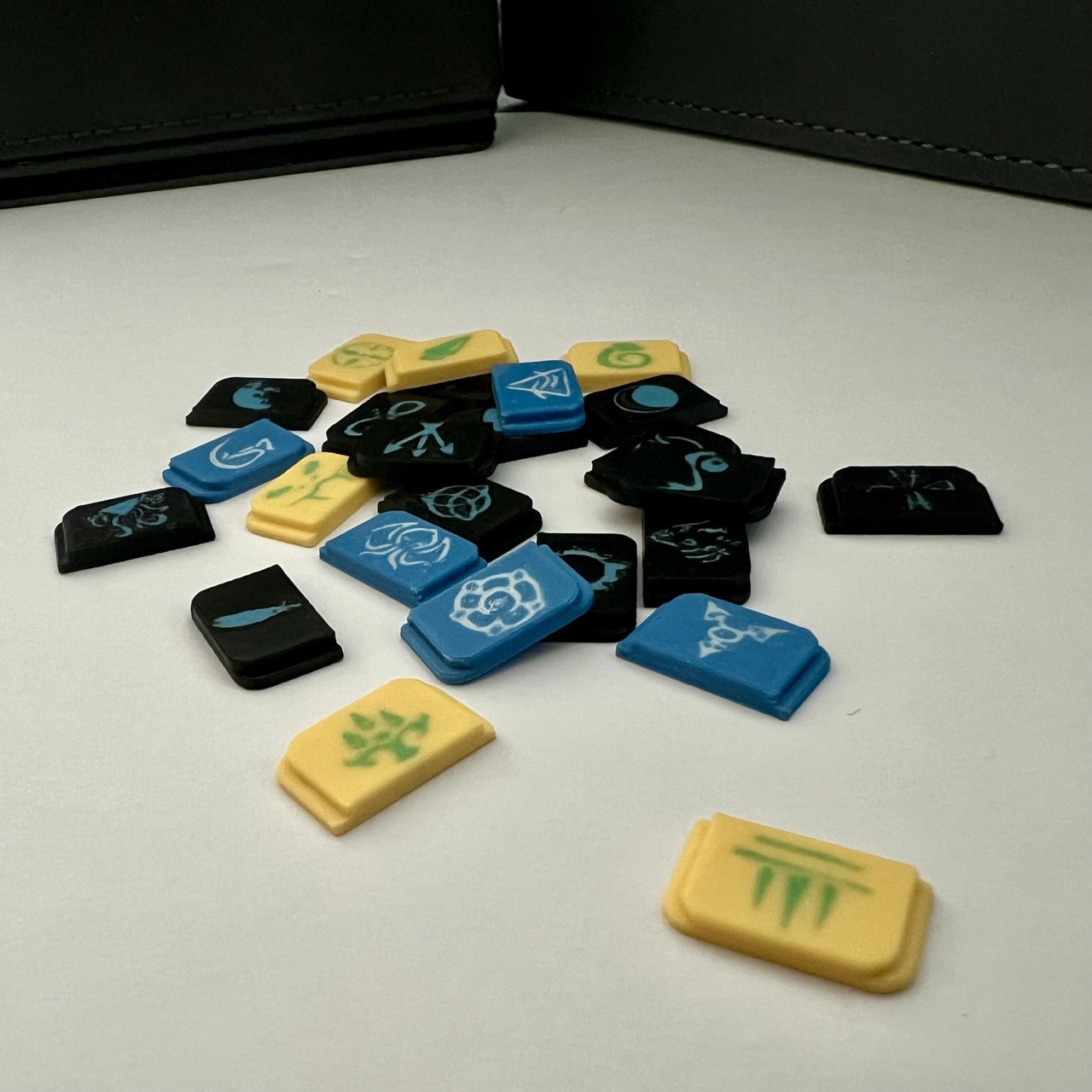
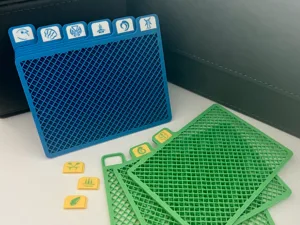
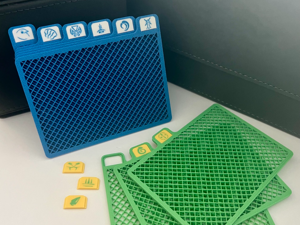
Modular card divider specifically designed for Arkham Horror LCG. These are horizontal dividers that can be used inside a campaign box.
It can be adopted to other games/needs, and the modular approach to tabs means you can reuse the same divider for different scenarios by simply swapping the inserts!
中文说明:诡镇奇谈特制模组化卡片分离器,也可用于其它卡牌游戏
• Features:
• Six Tabs
• Non-solid infill for material saving
• Swappable Tabs (Modular)
• Dimensions
• Dividers are near the same size as Dragon Shield Matte Sleeves (W 92mm X H 66.5mm)
• Tab Height 9mm
• Since this will take the entire height of the campaign box, it is recommended to skew the cards to leave room for rulebooks
• Divider thickness 2mm
• Content
• Designed for A1 Mini
• 0.4mm nozzle: 3 X plates for cards 1234, 5612, 3456 (where 1 is the first tab index from left), 1 plate for blank tab insert.
• 0.2mm nozzle: Tab inserts for Revised Core Set, The Dunwich Legacy, The Path to Carcosa
• Source Files
• 3df source file included. This design is parametric, meaning you can adjust the dimensions to your own needs!
• Adjustable: width, height, number of tabs
• Slicing Tips
• Divider
• The infill object should have wall loop 2, and no top and bottom shell layers. Use rectlinear infill
• The frame should use wall loop of 4. Ultimately we want to ensure the infil adheres to the frame well.
• You can use the mirror operation to generate the other half of the tabs (for example, 1 → 6, 2 → 5, 3 → 4)
• Label
• The labels should be printed with 0.2mm nozzle
• Obtain SVG you want to print. For arkham horror LCG check out https://boardgamegeek.com/thread/1671881/scenario-set-icons-available-compilation-thread/page/12 final comment from coldtoes
• Right click on the label object > Add Modifier > SVG
• I have the SVG inset into the model my 0.3mm, and check Use Surface
• Enabled ironing globally for top surfaces. Use Rectlinear pattern.
• Arachne wall generator
• Per SVG object, under Quality
• Bump up line width to 0.26mm for walls - to fill the gaps as much as possible
• Change ironing pattern to Concentric - this helps the nozzle to “draw” the icons along their strokes
• Fitting: to ensure the inserts stays in the tabs securely, it is designed to have zero clearance. In practical use I found the inserts tend to shrink as the temperature drops. Alternatively you can try scaling them to 99% for an easier fit.
• Note
• The dividers are printed using 0.4 mm nozzle for maximum speed
• The tab inserts should be printed using 0.2 mm nozzle for maximum icon quality
• The icons look best when using light colored background and dark colored icon
• Thoughts and Potential Improvements
• I wish to make the entire tab swappable, this will maximize the reuse and simplify plate part adjustments - no more tab counting! However, the thickness of the object makes a modular tab design challenging.
• The icon is inset into the labels for durability, as I found overlaying the icon on top of the label (to save color switching times) results in a weak product, and the printed icons can be easily “wiped” off.
• Still evaluating, but if the inserts are not secure enough I will look into alternative designs that keep the inserts locked in place.