Log in to join the conversation.
Drawing Dead Insert
Print Profile (2) 1 color print 17h 32m 742 g PLA
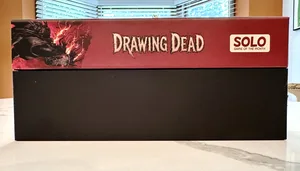
Plate Details (2)
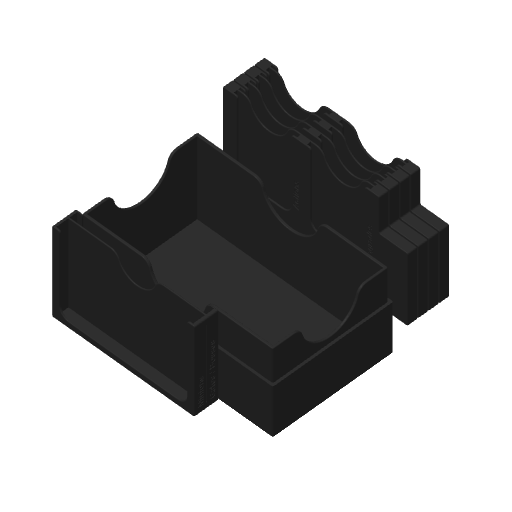
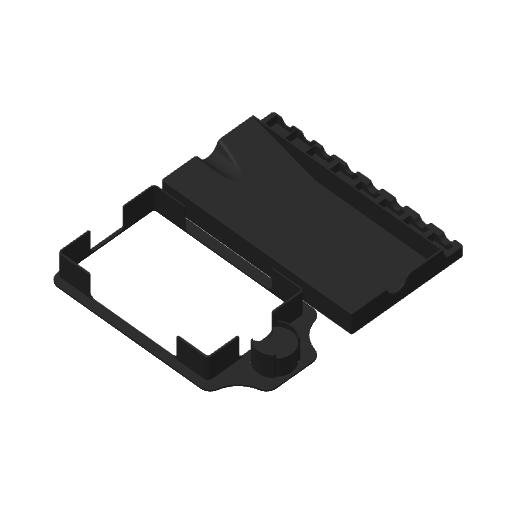
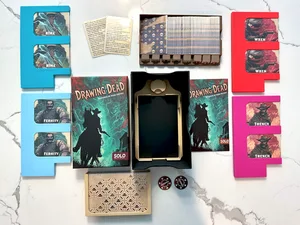
Plate Details (7)
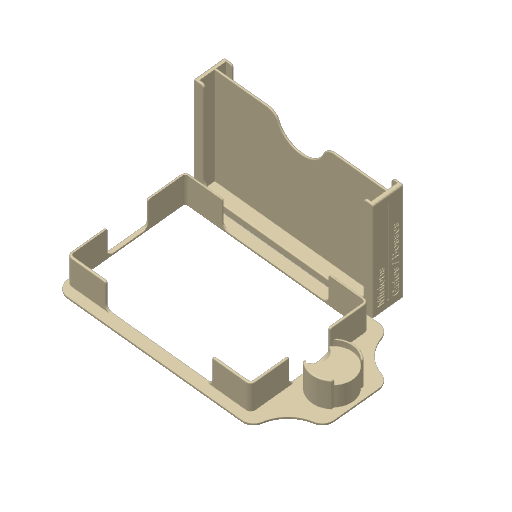
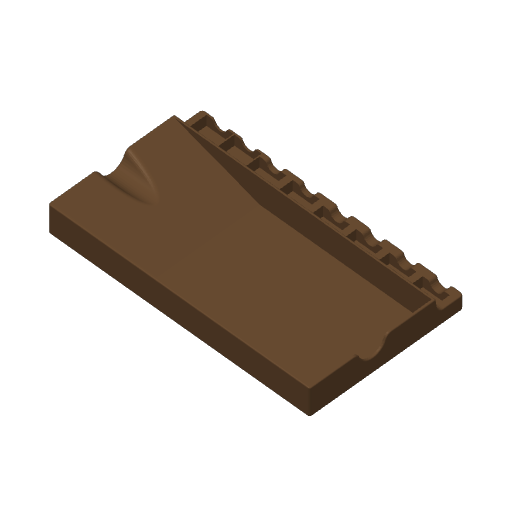
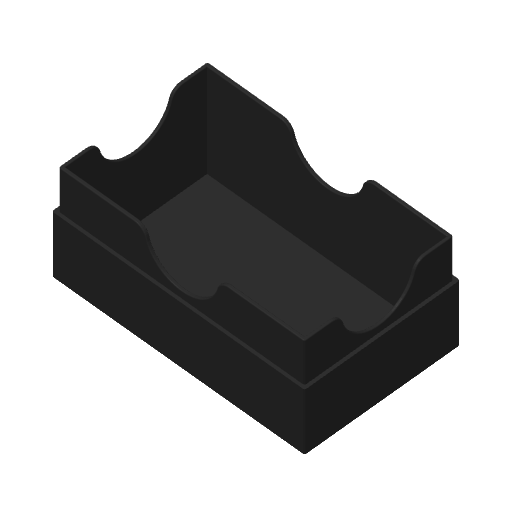
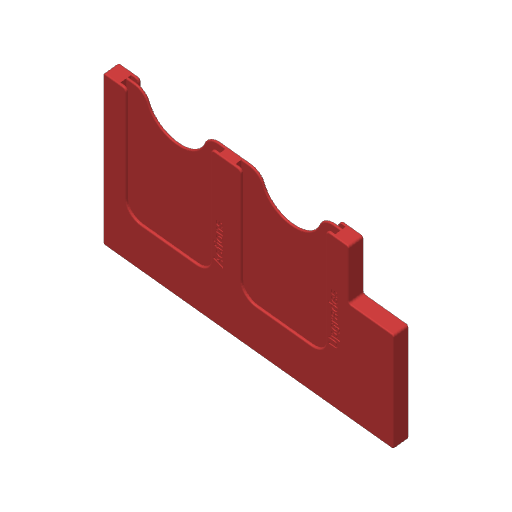
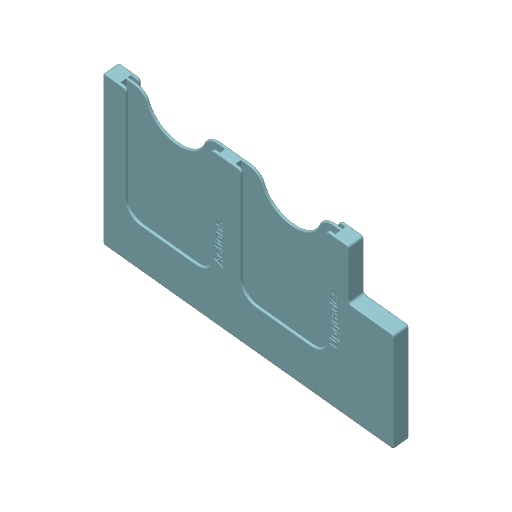
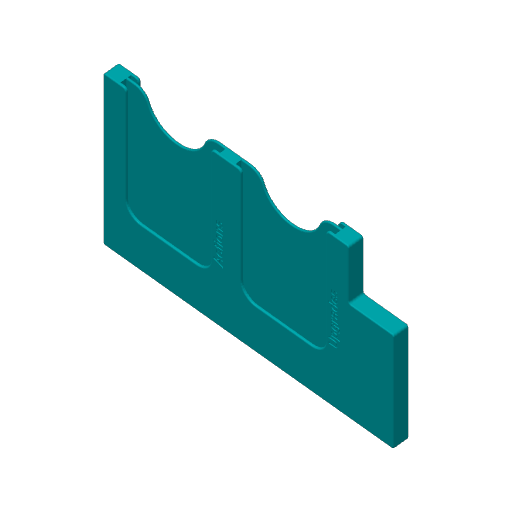
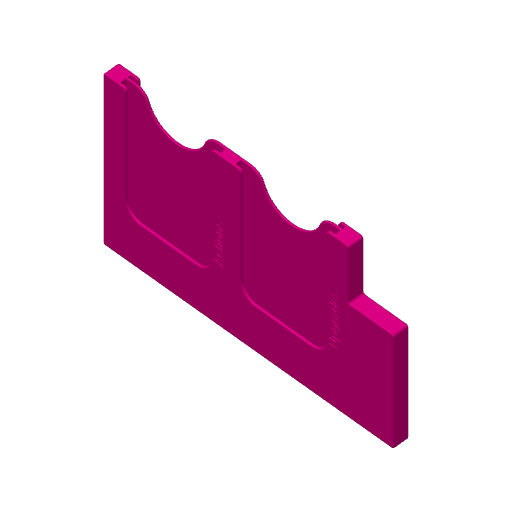
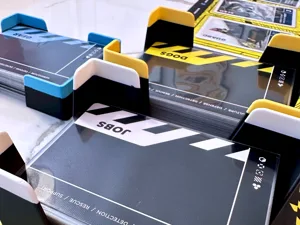
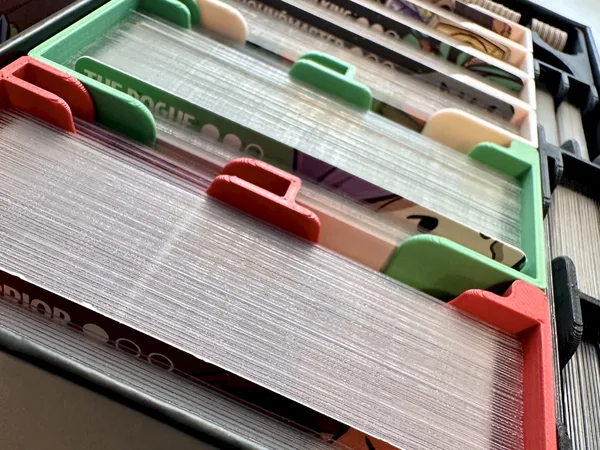
An insert for the Solo Game Of The Month Drawing Dead . This was a tough one because the two card sizes didn't fit comfortably together in the box in any orientation. This left little space for any sort of useful tray. If I wanted to optimize fitting in the box and no lid lift, then I'd have essentially been filling the gaps and couldn't sleeve any of the cards. In deciding to take an approach that prioritized setup and improving play I accepted that the original box would require lift. That freed me to embrace sleeves as well. The final decision I made was to “get rid” of the lift by creating a new bottom that fits snuggly into the box top.
Setup should be a breeze.
- Open box
- Place deck / token tray on the table in front of you.
- Grab the characters and choose one. Set the rest aside.
- Grab the Gates / Bosses / Minions tray and pull out the cards you need for the difficulty you're playing at, along with the 2 Penance tokens.
- Remaining Gates, Bosses, Minions, and Characters can go back in the box.
- Draw the river and begin.
Supports:
✅ Sleeved Cards
✅ Easy Setup
✅ Vertical Storage (Make sure your top fits on the printed box bottom snuggly, otherwise the deck cards will open the box because of gravity. I left my print vertically overnight and didn't notice any issues.)
Printing Details:
- 2 Profiles: one for printing in “multi-color” (all individual pieces are a single color), a second for printing all trays in a single color
- I've started printing personally with .16mm layers, so that's what is in the profiles. I don't see why anything wouldn't work if you set this back to .2mm if you wanted to save some filament, though
- I've added brims to the character trays since those print vertically and are quite narrow / tall. I suspect they'd print fine without them, but wanted to let you know if you care about that.
- If you download the STLs, print 1 of everything except the character trays, print 4 of those.
Boost Me Like my inserts? Would love a boost. Have thoughts that can help me improve? Please leave a comment.
 Drawing Dead 2026
Layer by Layer
Drawing Dead 2026
Layer by Layer
Cover Colors
Thought this would be easy, but this specific combination of cards and box size just didn't play nicely. If I sleeved my card or unsleeved them, but prioritized easy setup then there was going to be lift, so… I embraced it, creating the insert I wanted when playing the game, sleeved, and made a new box bottom to handle the "lift" issue. This ends up being about the same size as the larger SGOTM boxes and everything is nicely organized inside of it. Makerworld