Log in to join the conversation.
Star Trek: Captain's Chair - Insert all Expansions
Please support stormburns by Liking/Boosting their Print on MakerWorld.
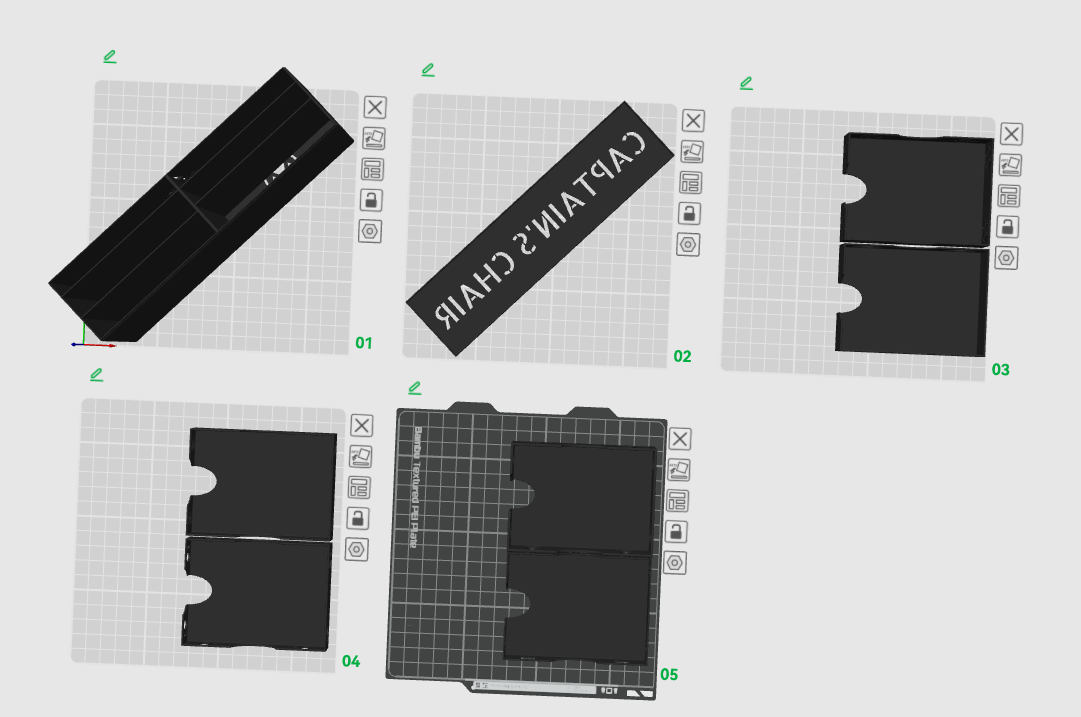
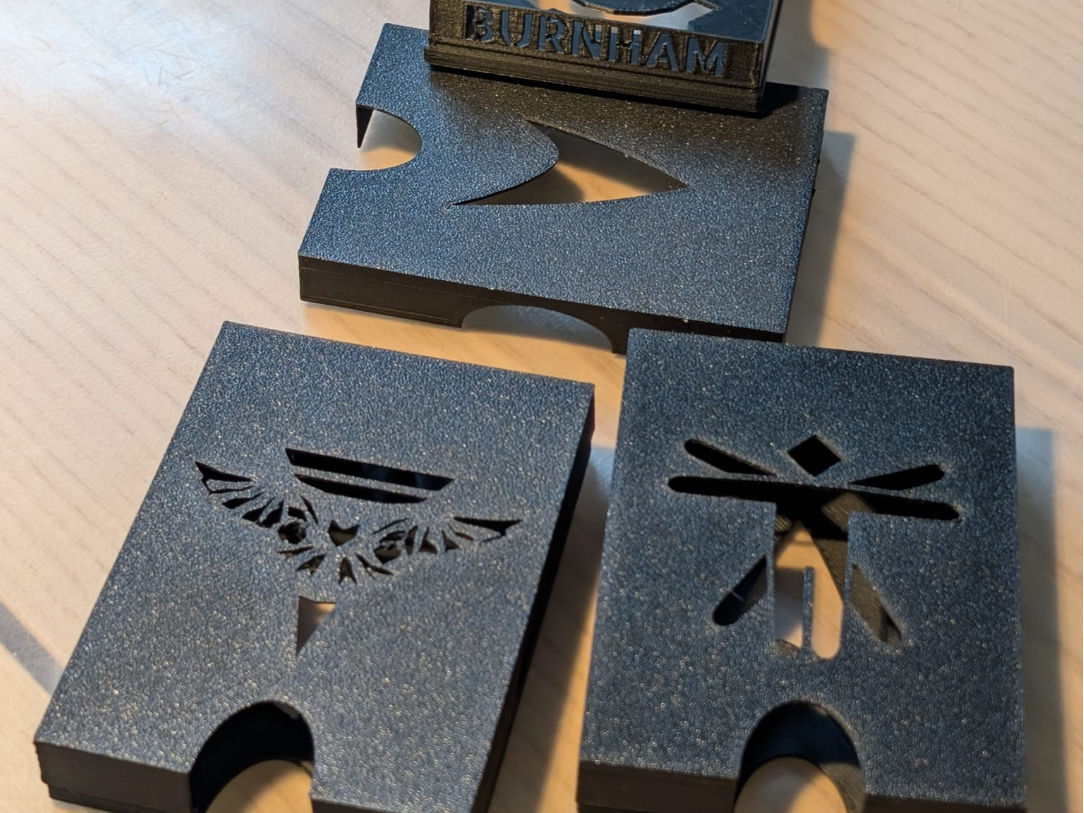
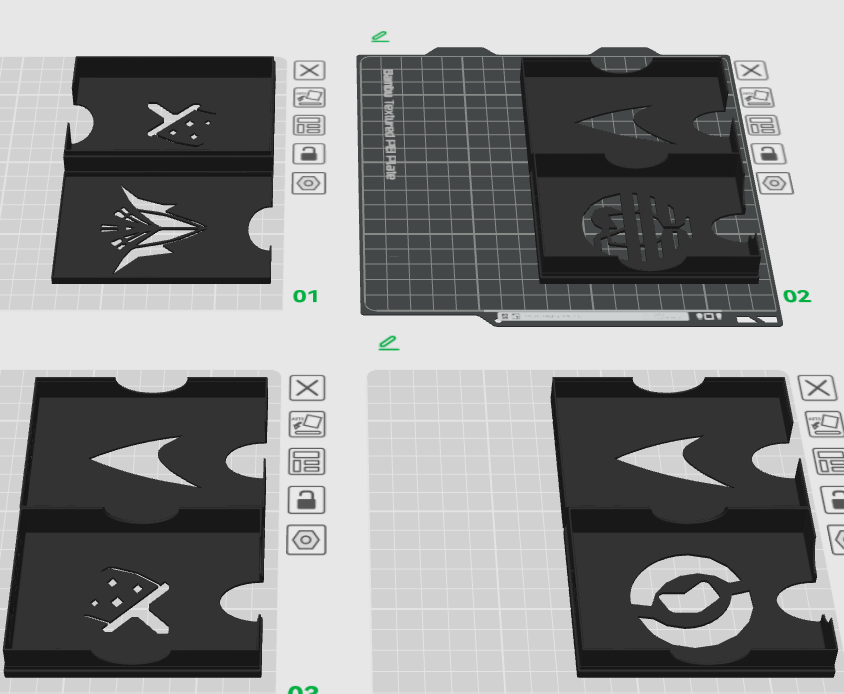
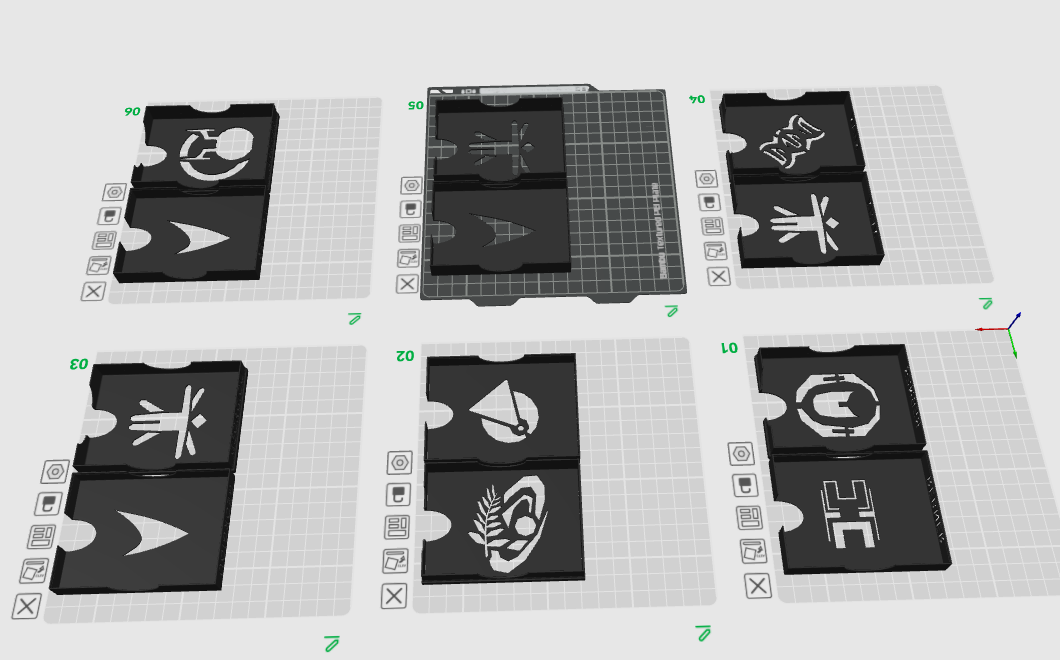
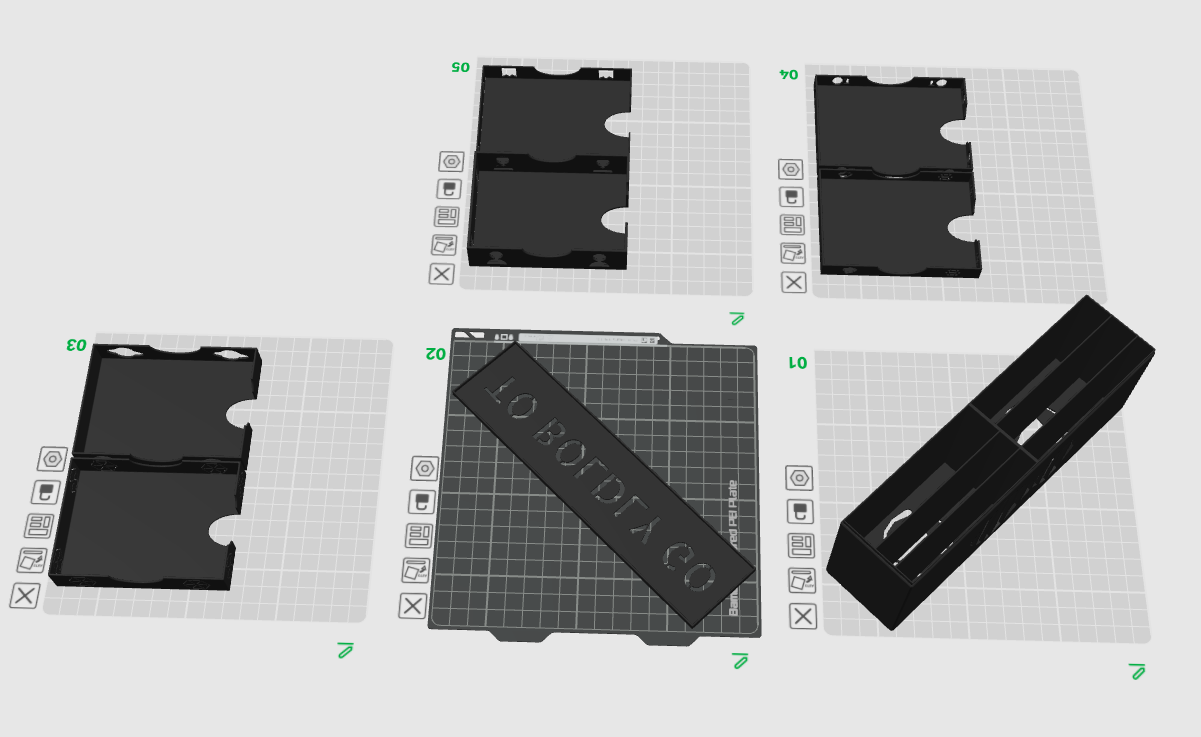
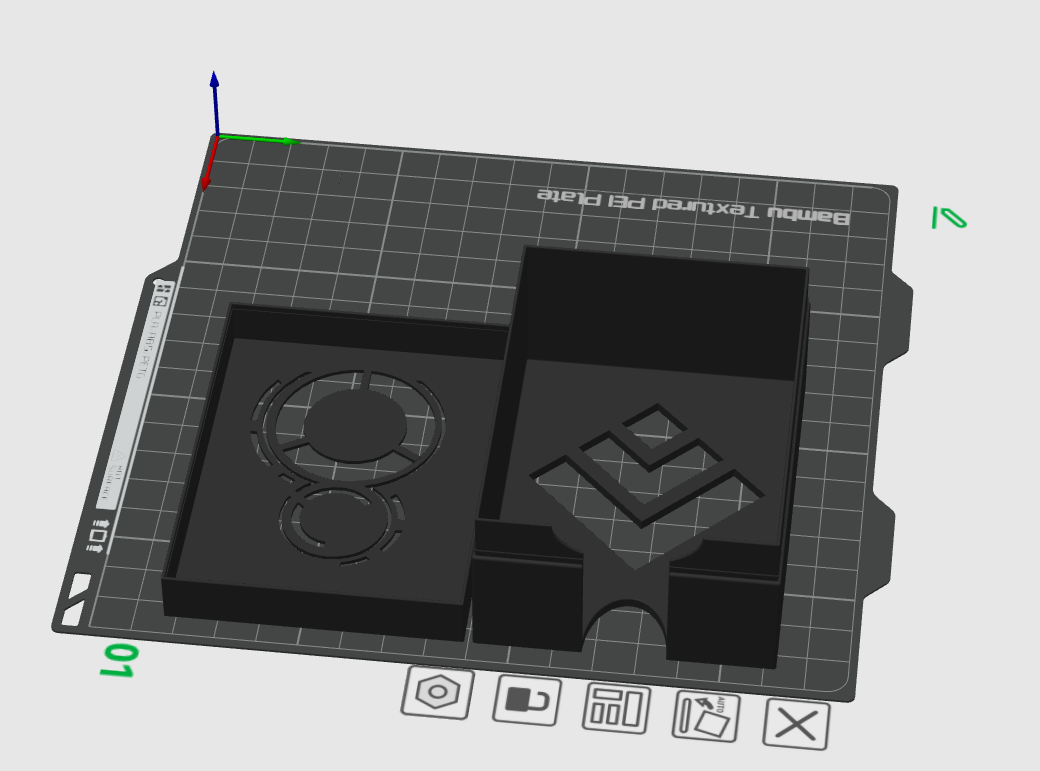
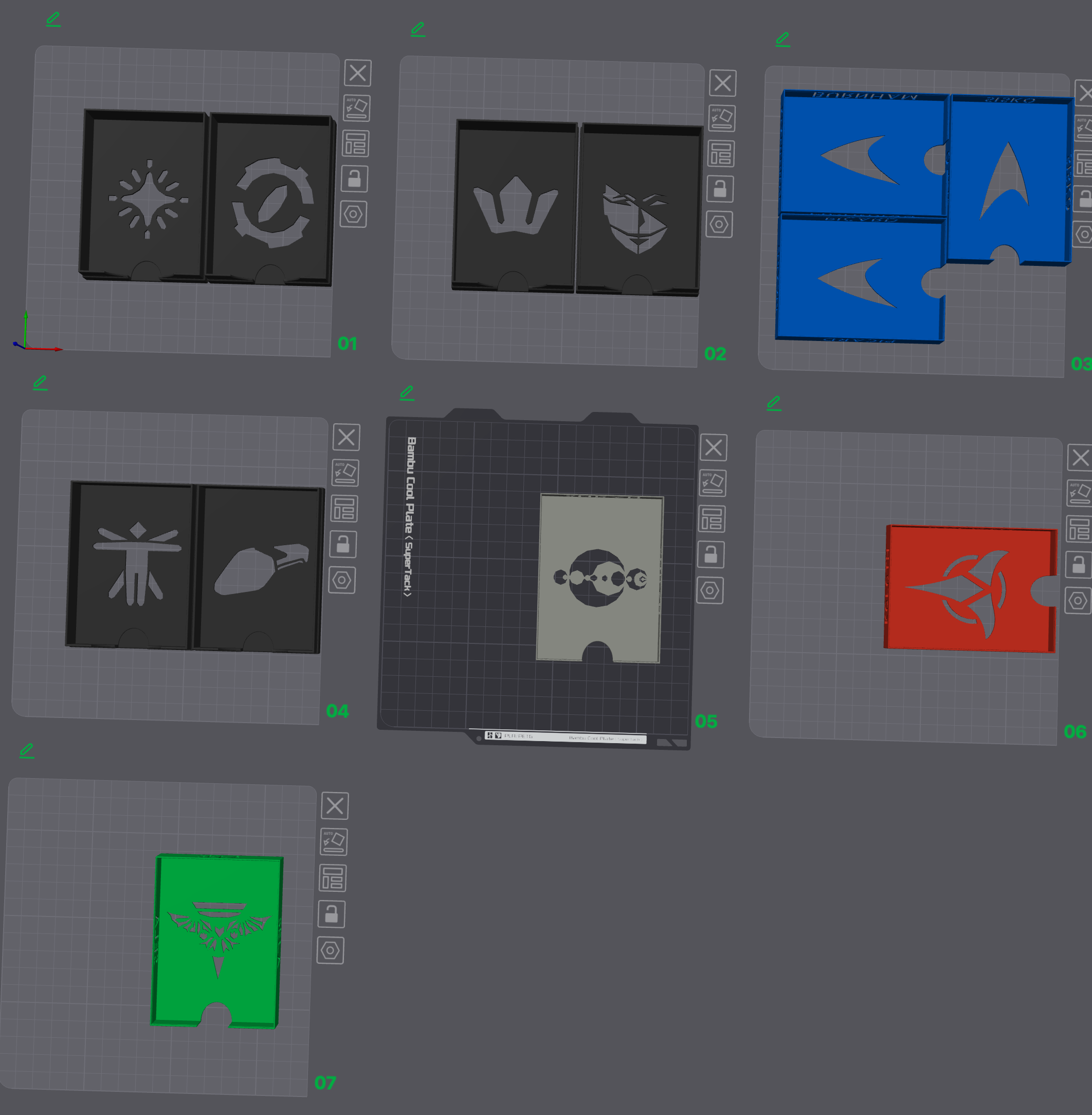
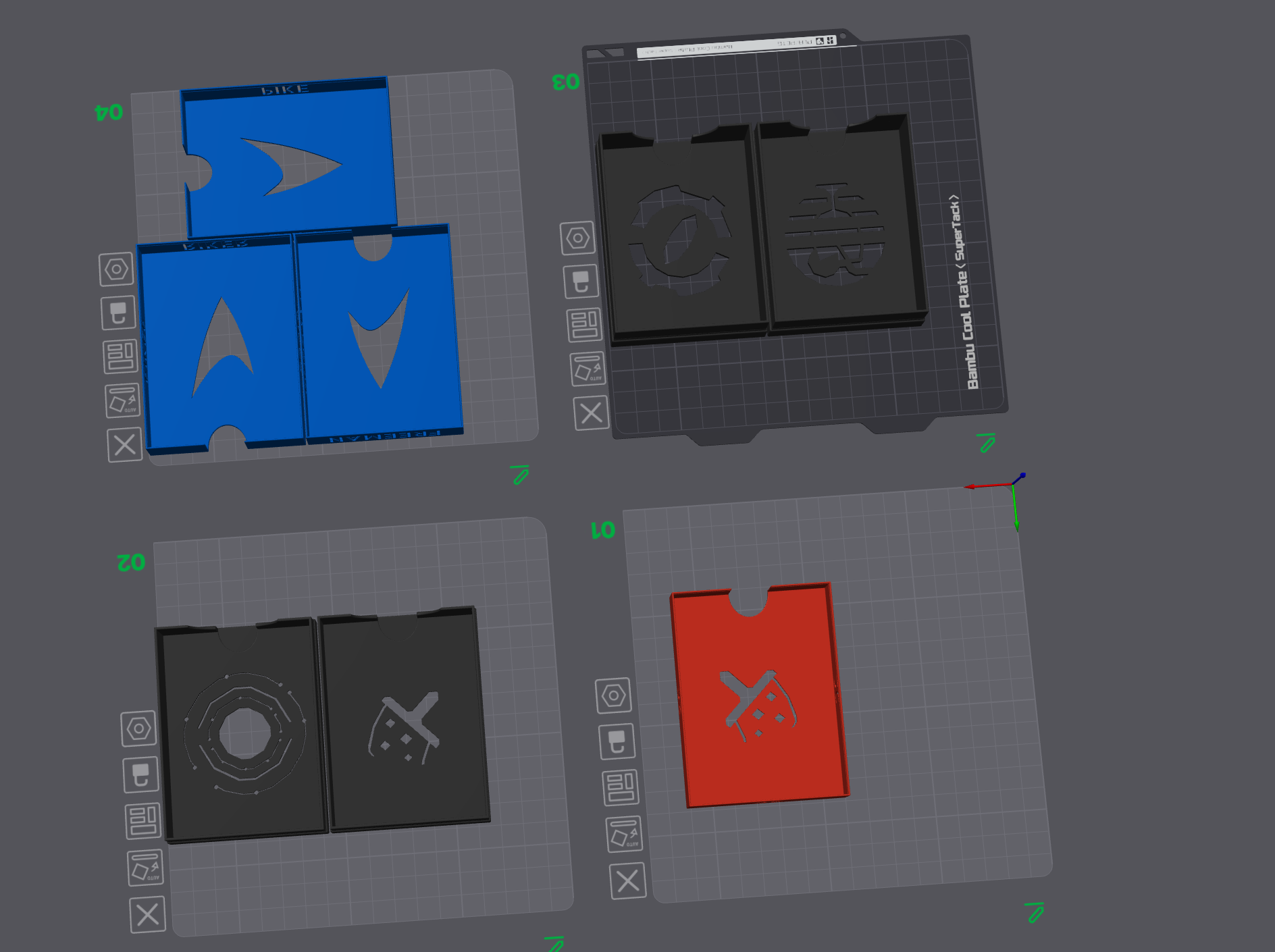
These are unofficial organizers for Star Trek: Captain's Chair , Star Trek: Captain's Chair - To Boldy Go and Star Trek: Captain's Chair - Second Contact.
These are not meant for the original boxes, though it would fit. The idea is that these can fit any larger box or card holder box and be future proof. Included in the files are:
•
A box with shelves for the commons of Star Trek: Captain's Chair and To Boldy Go, each with cut-out icons/traits. (195g per)
The markets are kept separate, as per designers intent.
•
A deck box for each captain (doubles as deck and log holder) with their respective traits and names cut out. (360g total)
• Star Trek: Captain's Chair - Second Contact , gets a simple deck box. (25g)
~820g for everything and 375g for one box.
UPDATE: V2 of Deck Boxes now supports putting the standees inside each deck box at the cost of higher filament usage. Also tweaked and improved in other ways (names on the side but dont punch through anymore for cleaner prints, less flexing).
This stellar boardgame will have many expansions in the future (or past? What time line is this?) and requires a modular solution to be as future proof as possible. I will boldly go ahead and state to support everything the design team chooses to put out for STCC.
Design philosophy:
These deckboxes are as filament saving as possible while still proving maximum usability:
• Snap on lid construction.
• The bottom half doubles as a ingame deck holder
• The lid doubles as a holder for your log.
• These boxes have space for 26 cards (the max cpt. card count for now) in 100mu thick sleeves (tested with gamegenic mattes).
The captain's names have all been stenciled in the side that faces your opponent during play and show upwards if you put them upright into a box with minimum hight of 96 mm. If you want to put them in the original boxes you will need to put them on their sides or live with some lid lift.
Notes on how to print:
• Ignore floating regions, these occur due to the punch out captain names, you will see some overhangs buts it's not to be avoided unless you choose to remove the names.
• Always have the punched out traits flush with the print bed.
• Print lids and bottoms separately in batches to reduce print time.
• Don't bother changing infill, there is none!
• make sure your printer is calibrated, tolerances are tight!
How I made these:
These boxes use my snap on lid technique I developed in Onshape.
The names are in stencil font from Onshape.
The traits are converted from Star Trek symbols and Davinci human on the Internet to dxf. Traits like Romulan I had to do completely myself with reference to the game and online resources. The traits are as close to the in-game icons as possible while remaining feasible to punch out.
Multii-box option

/pic8931241.jpg)