Log in to join the conversation.
Critter Kitchen + À la cart expansion INSERT
Please support TheVillas by Liking/Boosting their Print on MakerWorld.
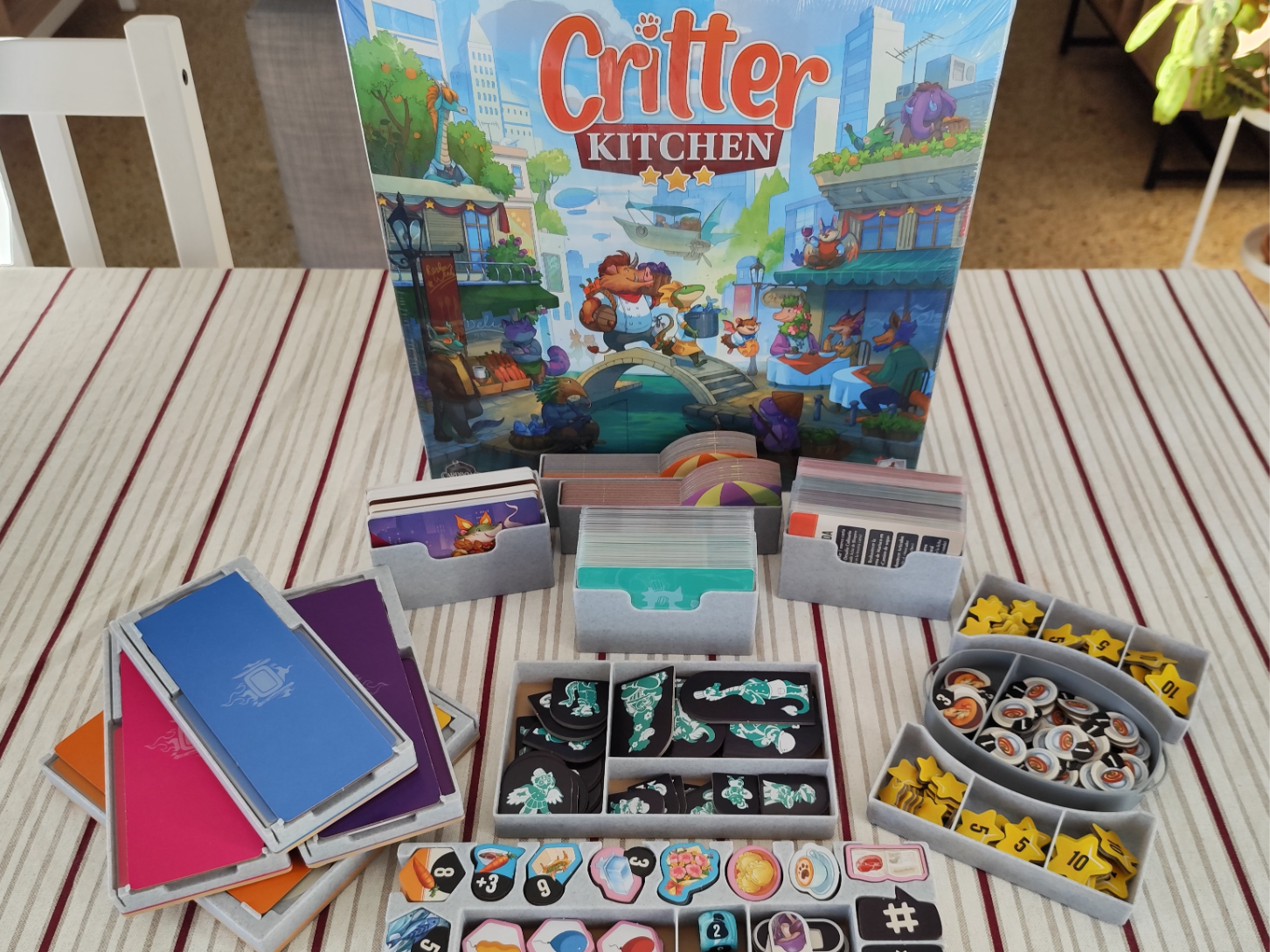
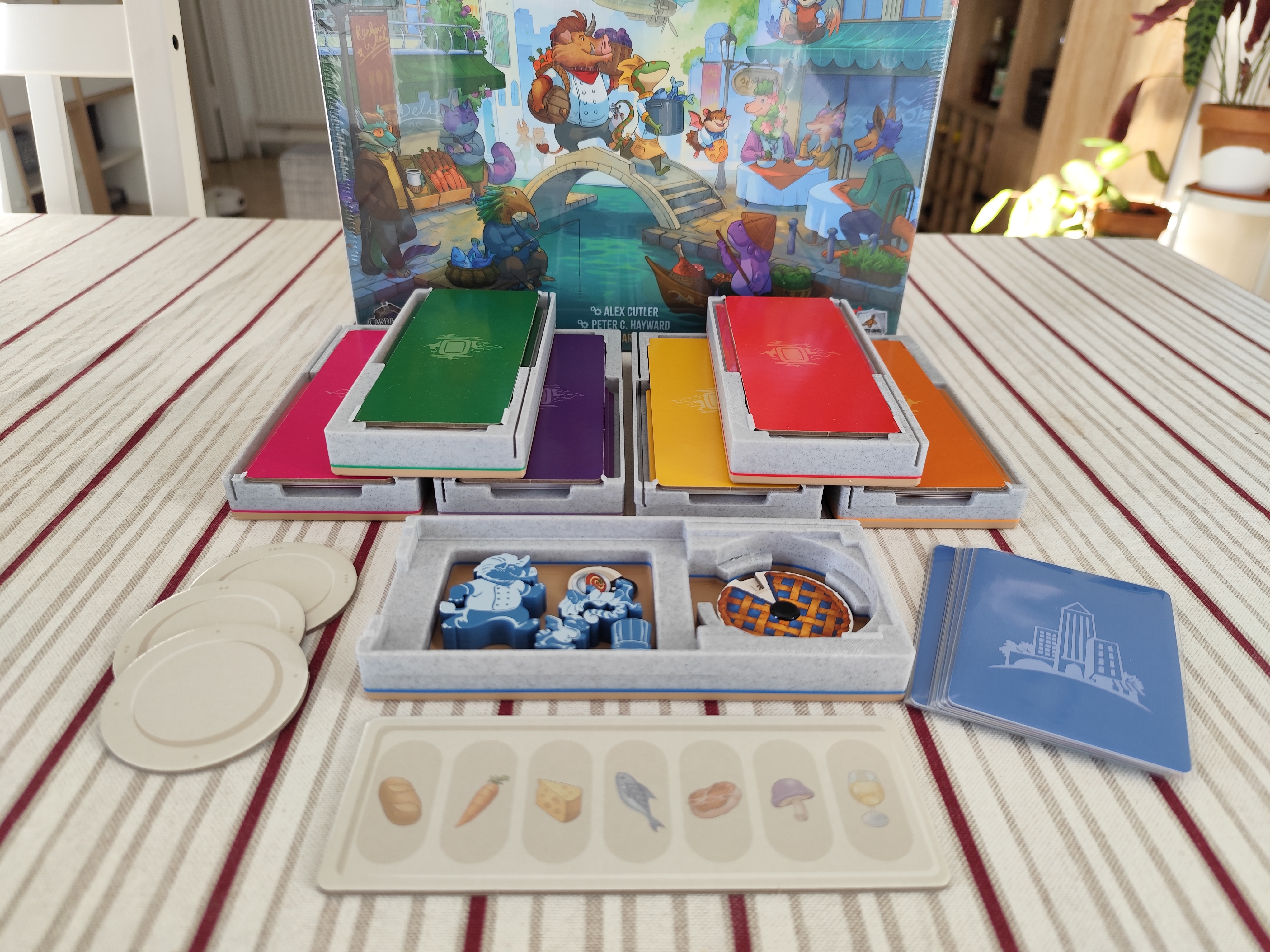
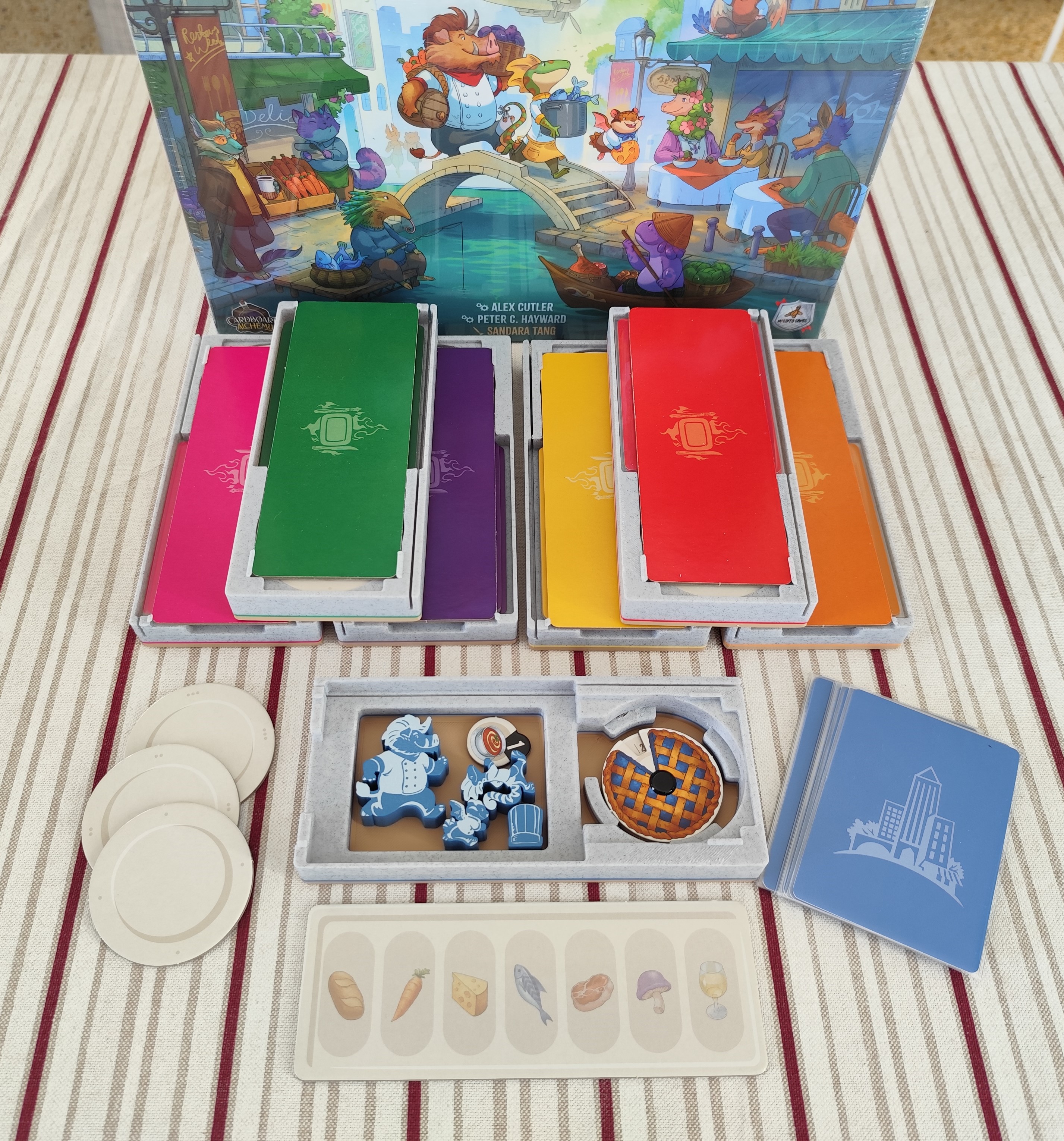
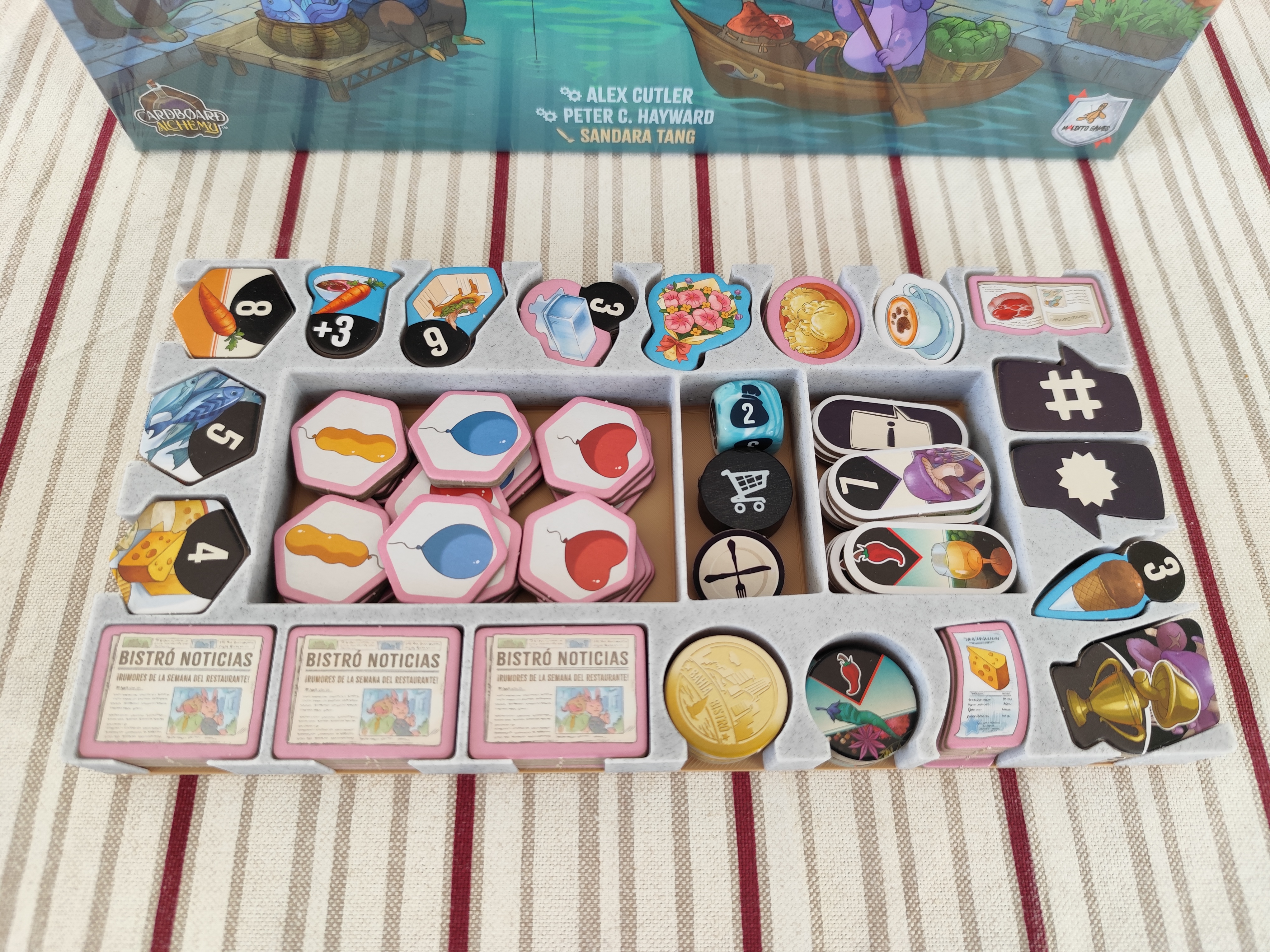
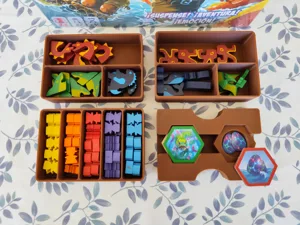
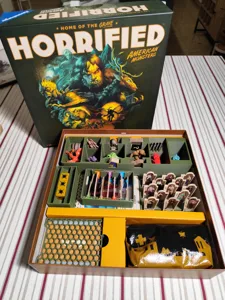
This insert is made for the retail edition of the boardgame Critter Kitchen and its expansion Critter Kitchen: À la cart, fitting all the components in the base game box. It has a little lid lift (aprox. 1cm) as shown in pics.
It does fit sleeved and unsleeved cards . Just note that with sleeved cards, some location boards fit quite tight in the box, meaning you may need to push the cards a little to make them fit, but nothing extreme and it causes no damage as far as I can tell in my copy of the game.
Components:
• Card Trays: divided into 3 trays - one for Solo Mode cards, another for the Set Up cards, and one to use during games, like the Zous-chefs cards. Important: The stl files are UNLABELED , if you wish labeled card trays, please download the 3mf file. Text is editable, so you can change to the language you need, the default one is english.
• Player Trays: one for each player. It holds all the player components, including cards, tokens and plates. It's also useful during games as it holds the restaurant shields/screens and works as storage for your ingredients.
• Zous-chefs Tray: a place to hold all the cardboard helpers. It has compartments to sort them by size: Big, Medium and Small, as seen in pics.
• Star Storage: two handy trays to keep the stars at reach of all players.
• Soup Pot: thematic token holder for the soup and bisque tokens.
• Miscellaneous Token Tray: holds all the tokens from the expansion, the ingredients and rumors for 6th and 7th player games, round tracker, hold token and mystery die.
• Cart Holders (optional): two pieces to keep all the cart tiles together. You could also just place them in the box without the holder.
How to store player components in player tray.
PS: when storing the components in the box, divide the restaurant screens/shields into two piles - 2 screens/shields go on top of the ingredients bag and 5 screens/shields go on top of the cardboard locations.
Due to makerworld's limitation on the number of picsallowed, the storage steps are shown as a GIF. If you'd like to see pics step by step you can click here .
and Makerworld .
More by TheVillas