LayerUp Games
Games ▾
All Games
My Games My Game Wishlist
3D Models ▾
All Game 3D Models Tabletop Accessories
Kanban BG My Prints My Future Prints
Makers ▾
Makers Designers
Contribute ▾
Submit a 3D Model Request a 3D Model 3D Model Bounties
Print Resources
Unboxing ▾
Today's Puzzle
Leaderboard Archive
Theme
Light
Dark
⌘K
Sign In Register
Arcadia Quest: Hoshi

Arcadia Quest: Hoshi

2017
Submit a 3D Model

Expansion of Arcadia Quest

Buy on Amazon ↗

As an Amazon Associate, LayerUp Games earns from qualifying purchases.

Game Details

Design by Thiago Aranha, Guilherme Goulart, Eric M. Lang, Fred Perret

Published by CMON Global Limited

7.8
Rating
2–4
Players

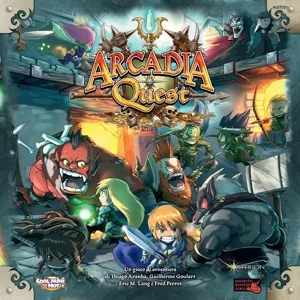
Hoshi is a playable hero with a miniature and card for Arcadia Quest and Arcadia Quest: Inferno. She is a kick-starter exclusive character gotten by having backed Arcadia Quest: Inferno and additionally having made the optional purchase for the Arcadia Quest: Fire Dragon expansion.

Adventure, Fantasy, Fighting, Miniatures · Dice Rolling, Grid Movement, Modular Board, Variable Player Powers

More ▾

View on BGG ↗

0 3D models for Arcadia Quest: Hoshi

No 3D model files yet.

Know of one? Submit a 3D Model, or request one to let the community know.
You might also like

Similar games by designer or mechanics that also have prints.

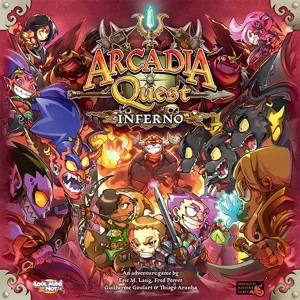
Arcadia Quest: Inferno
3 prints
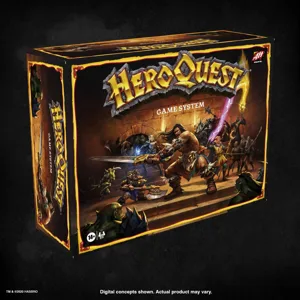
HeroQuest
HeroQuest
217 prints
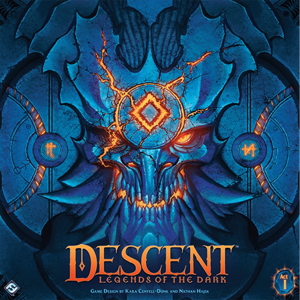
Descent: Legends of the Dark
29 prints
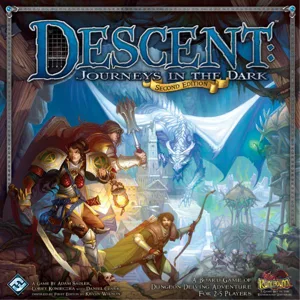
Descent: Journeys in the Dark
19 prints
Descent: Journeys in the Dark (Second Edition)
18 prints
Shadows of Brimstone: City of the Ancients
12 prints
Board Games Game Prints Accessories Designers Photos Stats Submit a 3D Model Request a 3D Model
About Privacy Contact Tabletop Glow Up VisualSpool Discord
Powered by BoardGameGeek Powered by BoardGameGeek
Made with by Kamio · © 2026 LayerUp Games · Not affiliated with any platform
↑↓ navigate ↵ open esc close

Keyboard shortcuts

General
CtrlKOpen the command palette
/Jump to the page search
EscClear search · close dialogs
?Show this help
In the command palette
↑↓Move between results
↵Open the selected result
EscClose the palette
Open the command palette →