LayerUp Games
Games ▾
All Games
My Games My Accessories
Game Shelf Sleeve Stash Sleeve Catalog
3D Models ▾
All Game 3D Models Tabletop Accessories
Kanban BG My Prints My Future Prints My Collections
Blog
Community ▾
Makers Designers
Submit a 3D Model Request a 3D Model 3D Model Bounties
3D Printing Resources
Unboxing #55
Theme
Light
Dark
⌘K
Sign in Join free
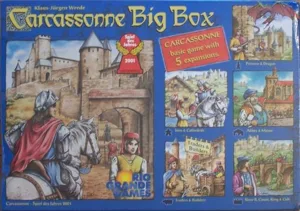
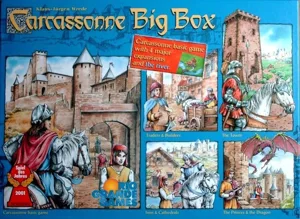
Carcassonne Big Box 3

Carcassonne Big Box 3

2010 Layer by Layer
Flag this page

Sign in to flag this page. Nothing changes right now either way - it tells an admin to look.

Buy this game on Amazon ↗

As an Amazon Associate, LayerUp Games earns from qualifying purchases.

Game Details

Carcassonne is a tile-placement game in which the players draw and place a tile with a piece of southern French landscape on it. The tile might feature a city, a road, a cloister, grassland or some combination thereof, and it must be placed adjacent to tiles that have already been played, in such a way that cities are connected to cities, roads to roads, etc. Having placed a tile, the player can then decide to place one of his meeples on one of the areas on it: on the city as a knight, on the road as a robber, on a cloister as a monk, or on the grass as a farmer. When that area is complete, that meeple scores points for its owner. During a game of Carcassonne, players are faced with decisions like: "Is it really worth putting my last meeple there?" or "Should I use this tile to expand my city, or should I place it near my opponent instead, giving him a hard time to complete his project and score points?" Since players place only one tile and have the option to place one meeple on it, turns proceed quickly even if it is a game full of options and possibilities. This new Big Box contains the base game, plus the most popular of the expansions: Inns & Cathedrals, Traders and Builders, Princess & Dragon, Abbey & Mayor, and Bridges, Castles, & Bazaars.

City Building, Medieval · Area Majority / Influence, Tile Placement

More ▾

View on BGG ↗

Klaus-Jürgen Wrede , designer

Doris Matthäus , artist

Filosofia Éditions , publisher

7.9
Rating
2.1
Weight
2–6
Players
Cover Colors

Main colors from the cover art. Find matching filament, or tap swatches to narrow.

Matching filament

0 3D models for Carcassonne Big Box 3

Submit a 3D Model

No 3D model files yet.

Know of one? Submit a 3D Model, or request one to let the community know.

Expansions (4 with models)

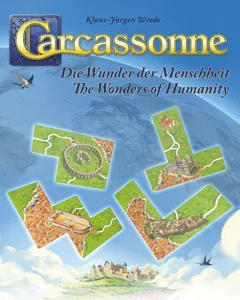
Carcassonne: The Wonders of Humanity
2023 · 1 model
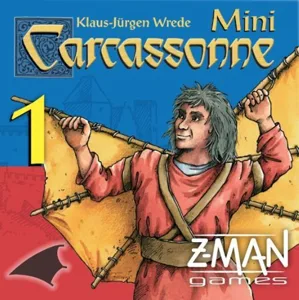
Carcassonne: The Flying Machines
2012 · 2 models
Carcassonne: The School
2011 · 1 model
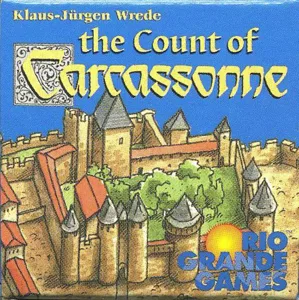
Carcassonne: The Count of Carcassonne
2004 · 28 models
Show all expansions (2 with no models yet)
Reimplements: Carcassonne Big Box 2 2008 0
Reimplemented by: Carcassonne Big Box 4 2012 0
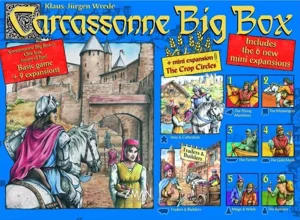
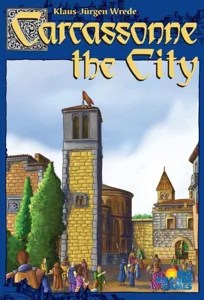
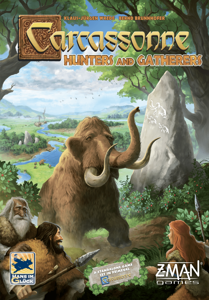
Same series: Carcassonne 2000 207 Carcassonne: Hunters and Gatherers 2002 4 Carcassonne: The Castle 2003 1 Carcassonne Big Box 2006 1 Carcassonne: South Seas 2013 2 Mists over Carcassonne 2022 6 +1 more

You might also like

Similar games by designer or mechanics that also have 3D models.

Carcassonne Big Box 6
1 model
Carcassonne Big Box
Carcassonne Big Box
1 model
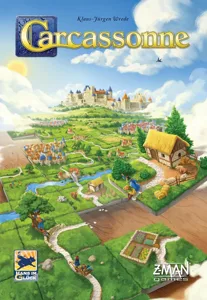
Carcassonne
Carcassonne
207 models
Carcassonne: Winter Edition
1 model
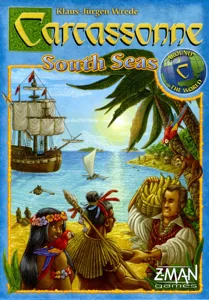
Carcassonne: South Seas
2 models
Mists over Carcassonne
6 models
Board Games Game Prints Accessories Designers Photos Stats Submit a 3D Model Request a 3D Model
Blog Guides About Privacy Contact VisualSpool Discord
Powered by BoardGameGeek Powered by BoardGameGeek
The newsletter

Join the LayerUp Newsletter and be notified of new blog posts and 3D model reviews/articles.

Made with by Kamio · © 2026 LayerUp Games · Not affiliated with any platform
↑↓ navigate ↵ open esc close

Keyboard shortcuts

General
CtrlKOpen the command palette
/Jump to the page search
EscClear search · close dialogs
?Show this help
In the command palette
↑↓Move between results
↵Open the selected result
EscClose the palette
Open the command palette →