LayerUp Games
Games ▾
All Games
My Games My Game Wishlist
3D Models ▾
All Game 3D Models Tabletop Accessories
Kanban BG My Prints My Future Prints
Makers ▾
Makers Designers
Contribute ▾
Submit a 3D Model Request a 3D Model 3D Model Bounties
Print Resources
Unboxing ▾
Today's Puzzle
Leaderboard Archive
Theme
Light
Dark
⌘K
Sign In Register
Cthulhu Wars: Shaggai Map Expansion

Cthulhu Wars: Shaggai Map Expansion

2019
Submit a 3D Model

Expansion of Cthulhu Wars

Buy on Amazon ↗

As an Amazon Associate, LayerUp Games earns from qualifying purchases.

Game Details

Design by Sandy Petersen, Lincoln Petersen

Published by Petersen Games

7.8
Rating
2–5
Players

This new map represents the planet of Shaggai, annihilated centuries ago. It is, of course, the original home of the Insects from Shaggai (who made their appearance in Onslaught Two). In those days, the horrendous hellworld Ghroth wandered too near Shaggai, and initiated the process that resulted in Shaggai’s complete destruction. The map of course is set during the time of Shaggai’s eradication, which is represented by the Worms of Ghroth – horrendous tools of woe which spread across the surface, leaving oblivion in their wake. The map is divided into hex-shaped areas, representing the insectile nature of the world’s native inhabitants. Some are oceans, other land, and the game starts with a single Worm of Ghroth – a harbinger of ruin. As the game progresses, each Doom phase existing Worms of Ghroth tend to annihilate the areas they are on, and new Worms are spawned. Eradicated areas actually generate power, and can even benefit the players. For example, if your controlled gate gets eradicated, you earn an Elder Sign. For each unit that is eradicated, you earn 1 Power. The Power gain may not be enough to make up for losing a big monster or Great Old One, but at least it helps. And, after all, the destruction has been telegraphed by the presence of a Worm – so you had your chance to escape! The Shaggai map has other fun elements. For example, you can “jump over” Eradicated areas, and thus access the map more easily. This does cost a unit though, so be sure to include someone cheap to sacrifice to the hungry void. Also, if the map deteriorates too far, the game can end regardless of whether anyone has 30 Doom yet. In such a case, all players add up their Doom and Elder Signs and see who is victorious. —description from the publisher The Worm of Ghroth sculpt is credited to "Tidal 4".

Expansion for Base-game, Fantasy, Fighting, Horror, Miniatures · Action Points, Area Movement, Dice Rolling, Variable Player Powers

More ▾

View on BGG ↗

0 3D models for Cthulhu Wars: Shaggai Map Expansion

No 3D model files yet.

Know of one? Submit a 3D Model, or request one to let the community know.

You might also like

Similar games by designer or mechanics that also have prints.

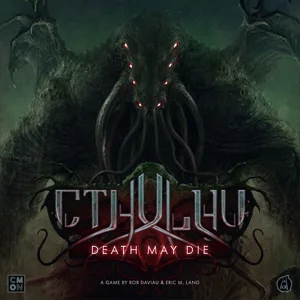
Cthulhu: Death May Die
42 prints
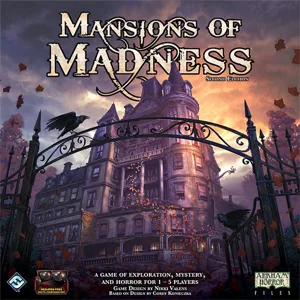
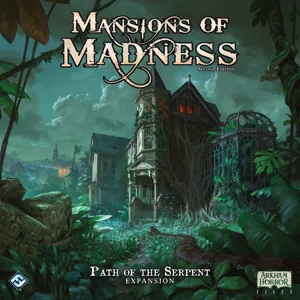
Mansions of Madness: Second Edition – Path of the Serpent: Expansion
1 print
Mansions of Madness: Second Edition – Horrific Journeys: Expansion
1 print
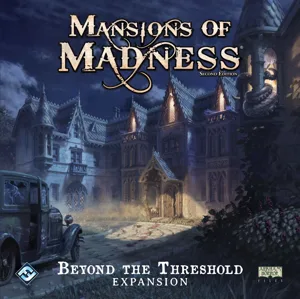
Mansions of Madness: Second Edition – Beyond the Threshold: Expansion
1 print
Mansions of Madness: Second Edition – Streets of Arkham: Expansion
1 print
Carnival Zombie: 2nd Edition
1 print
Board Games Game Prints Accessories Designers Photos Stats Submit a 3D Model Request a 3D Model
About Privacy Contact Tabletop Glow Up VisualSpool Discord
Powered by BoardGameGeek Powered by BoardGameGeek
Made with by Kamio · © 2026 LayerUp Games · Not affiliated with any platform
↑↓ navigate ↵ open esc close

Keyboard shortcuts

General
CtrlKOpen the command palette
/Jump to the page search
EscClear search · close dialogs
?Show this help
In the command palette
↑↓Move between results
↵Open the selected result
EscClose the palette
Open the command palette →