LayerUp Games
Games ▾
All Games Sleeve Catalog
My Games My Game Wishlist My Accessories
3D Models ▾
All Game 3D Models Tabletop Accessories
Kanban BG My Prints My Future Prints My Collections
Makers ▾
Makers Designers
Contribute ▾
Submit a 3D Model Request a 3D Model 3D Model Bounties
3D Printing Resources
Unboxing ▾
Today's Puzzle
Leaderboard Archive
Theme
Light
Dark
⌘K
Sign In Register
Disney DVD Bingo

Disney DVD Bingo

2005
Flag this page

Sign in to flag this page. Nothing changes right now either way - it tells an admin to look.

Buy this game on Amazon ↗

As an Amazon Associate, LayerUp Games earns from qualifying purchases.

Game Details

Disney-themed version of Bingo played on home DVD units. Players attempt to form Bingo on their cards from the numbers revealed through the DVD player. Numbers correspond to various Disney characters. Short Disney movie clips are often interspersed throughout the game. Helps young children learn numbers, colors, and patterns.

Children's Game, Movies / TV / Radio theme · Pattern Building, Pattern Recognition

More ▾

View on BGG ↗

Mattel , Inc. , publisher

4.4
Rating
2–6
Players

0 3D models for Disney DVD Bingo

Submit a 3D Model

No 3D model files yet.

Know of one? Submit a 3D Model, or request one to let the community know.

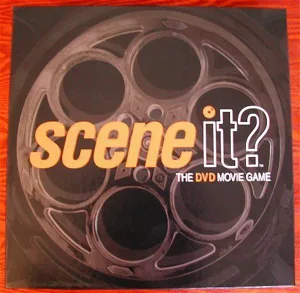
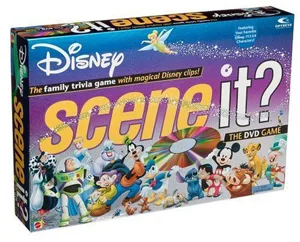
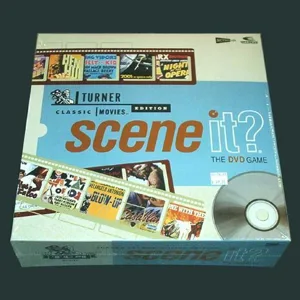
Same series: Scene It?: The DVD Movie Game 2002 0 Scene It? Disney 2004 0 Scene It? Friends 2005 0 Scene It? Harry Potter 2005 0 Scene It? Squabble 2005 0 Scene It? Warner Brothers 50th Anniversary 2006 0 +1 more

You might also like

Similar games by designer or mechanics that also have 3D models.

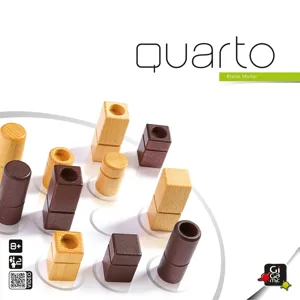
Quarto
Quarto
41 models
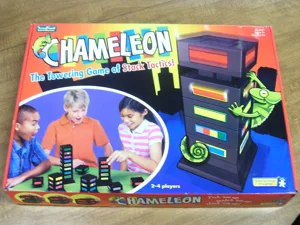
Chameleon
Chameleon
1 model
Snap
Snap
2 models
Bingo
Bingo
1 model
Dominoes
Dominoes
4 models
Pentago XL
Pentago XL
3 models
Board Games Game Prints Accessories Designers Photos Stats Submit a 3D Model Request a 3D Model
About Privacy Contact Tabletop Glow Up VisualSpool Discord
Powered by BoardGameGeek Powered by BoardGameGeek
Made with by Kamio · © 2026 LayerUp Games · Not affiliated with any platform
↑↓ navigate ↵ open esc close

Keyboard shortcuts

General
CtrlKOpen the command palette
/Jump to the page search
EscClear search · close dialogs
?Show this help
In the command palette
↑↓Move between results
↵Open the selected result
EscClose the palette
Open the command palette →