LayerUp Games
Games ▾
All Games Sleeve Catalog
My Games My Game Wishlist My Accessories
3D Models ▾
All Game 3D Models Tabletop Accessories
Kanban BG My Prints My Future Prints My Collections
Makers ▾
Makers Designers
Contribute ▾
Submit a 3D Model Request a 3D Model 3D Model Bounties
3D Printing Resources
Unboxing ▾
Today's Puzzle
Leaderboard Archive
Theme
Light
Dark
⌘K
Sign In Register
Gergovia

Gergovia

2006

Expansion of Caesar: Conquest of Gaul

Flag this page

Sign in to flag this page. Nothing changes right now either way - it tells an admin to look.

Buy this game on Amazon ↗

As an Amazon Associate, LayerUp Games earns from qualifying purchases.

Game Details

For those of you who can’t stand someone who wins all the time, here is an opportunity to game one of Julius Caesar’s rare losses. The Battle of Gergovia was Caesar's failed attempt to wipe out the threat of a large Gallic uprising by isolating and defeating a gathering of the Arverni, plus several other Gallic contingents, under their new chieftain, Vercingetorix. The Arverni had taken a defensive position in the hill fortress oppidum of Gergovia, a position somewhat similar to (but much smaller than) that that they would take at Alesia but, given the surrounding terrain, a bit more difficult to take. In a series of short battles that took place mostly below the walls of the oppidum, and probably helped by a topless show from the Gergovian women (really!!), the Gauls managed to drive off the Romans, inflicting on Caesar his only serious loss in his 8 year campaign. The Gergovia module comes with its own map but uses, mostly, counters from Caesar: Conquest of Gaul, along with a few extra tribesmen counters. It also uses the rules for C/CoG (preferably the 2nd edition (2006), but the original version will work just fine). And while the hilltop oppidum of Gergovia is fortified, Gergovia is not a siege assault (for the most part), but a rather disconnected series of attacks, feints and mistakes. The terrain is not overly conducive to linear combat, the approach to Gergovia being fairly steep and somewhat rocky, but Caesar, Roman that he is, has already built two camps and a sunken trench for easy movement. Gergovia is a tough game for either side, as the options and possible strategies are multiple. Designed by GBoH’s own Caesar (Julius, not Sid), Richard Berg and Developed by his House Labienus, Al Ray, Gergovia contains one full map, one small sheet of counters, and all rules needed for the battle (as a scenario for Caesar: Conquest of Gaul). (from the GMT Website)

Ancient, Expansion for Base-game, Wargame · Hexagon Grid

More ▾

View on BGG ↗

Richard H. Berg , Alan J. Ray , designer

Rodger B. MacGowan , Leland Myrick , Mark Simonitch , artist

GMT Games , publisher

7.4
Rating
3.3
Weight
2
Players

0 3D models for Gergovia

Submit a 3D Model

No 3D model files yet.

Know of one? Submit a 3D Model, or request one to let the community know.
You might also like

Similar games by designer or mechanics that also have 3D models.

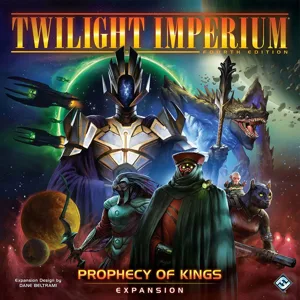
Twilight Imperium: Fourth Edition – Prophecy of Kings
3 models
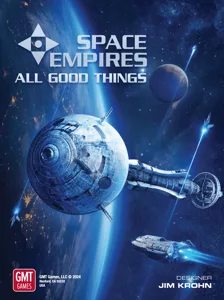
Space Empires: All Good Things
2 models
Commands & Colors: Medieval – Expansion #1 Crusades Mid-Eastern Battles I
1 model
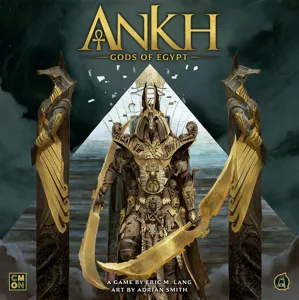
Ankh: Gods of Egypt
Ankh: Gods of Egypt
10 models
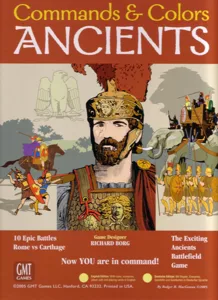
Commands & Colors: Ancients
4 models
Inis: Legendary Edition
1 model
Board Games Game Prints Accessories Designers Photos Stats Submit a 3D Model Request a 3D Model
About Privacy Contact Tabletop Glow Up VisualSpool Discord
Powered by BoardGameGeek Powered by BoardGameGeek
Made with by Kamio · © 2026 LayerUp Games · Not affiliated with any platform
↑↓ navigate ↵ open esc close

Keyboard shortcuts

General
CtrlKOpen the command palette
/Jump to the page search
EscClear search · close dialogs
?Show this help
In the command palette
↑↓Move between results
↵Open the selected result
EscClose the palette
Open the command palette →