LayerUp Games
Games ▾
All Games Sleeve Catalog
My Games My Game Wishlist My Accessories
3D Models ▾
All Game 3D Models Tabletop Accessories
Kanban BG My Prints My Future Prints My Collections
Makers ▾
Makers Designers
Contribute ▾
Submit a 3D Model Request a 3D Model 3D Model Bounties
3D Printing Resources
Unboxing ▾
Today's Puzzle
Leaderboard Archive
Theme
Light
Dark
⌘K
Sign In Register
Hordes: High Command

Hordes: High Command

2013
Flag this page

Sign in to flag this page. Nothing changes right now either way - it tells an admin to look.

Buy this game on Amazon ↗

As an Amazon Associate, LayerUp Games earns from qualifying purchases.

Game Details

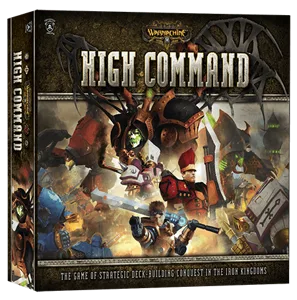
Game description from the publisher: Brutal conflict spreads across the wilds of western Immoren, fought by savage warriors and terrible beasts. Powerful warlords orchestrate grand strategies and daring battlefield tactics, their actions bringing glorious victory — or the despair of final defeat. Do you have the courage and cunning to guide your forces to ultimate triumph? Take command of the mightiest warriors and beasts to conquer the wilds of Immoren! In Hordes: High Command, each player takes control of one faction of the Hordes world – Skorn, Circle of Orboros, Trollblods or Legion of Eveblight – leading whole armies of soldiers, Warlocks and mighty Warbeasts to great battles which will shake all of Immoren and change it forever. Each faction has individual decks with faction-specific warbeasts, units, and resources which assure different strategy and gameplay from the other factions. Additionally, before each game, players choose three of the five warlocks specific to their faction. This decision makes every game different and allows for multiple strategies. During the game, players play a whole season of War, trying to build up their strength, then capture strategic locations to earn victory points. Hordes: High Command can be combined with the following other core sets: Warmachine: High Command. Warmachine: High Command – Faith & Fortune

Card Game · Campaign / Battle Card Driven, Deck, Bag, and Pool Building

More ▾

View on BGG ↗

David Carl , designer

Privateer Press , publisher

#10202
Rank
6.3
Rating
2.6
Weight
2–4
Players
Cover Colors

Main colors from the cover art. Find matching filament, or tap swatches to narrow.

Matching filament

0 3D models for Hordes: High Command

Submit a 3D Model

No 3D model files yet.

Know of one? Submit a 3D Model, or request one to let the community know.

Expansions (5)

Hordes: High Command – Castle of the Keys Campaign Expansion
2014 · no models yet
Hordes: High Command – Elemental Rage
2014 · no models yet
Hordes: High Command – Gargantuan Might
2014 · no models yet
Hordes: High Command – Immortal Tales
2014 · no models yet
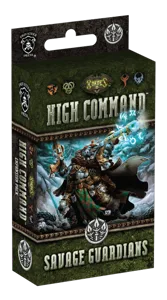
Hordes: High Command – Savage Guardians
2014 · no models yet
Show only expansions with models
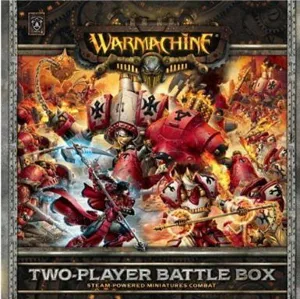
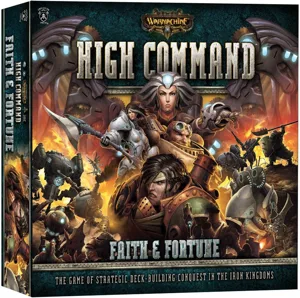
Same series: Warmachine 2003 0 Hordes 2006 0 Warmachine Prime Mk II 2010 0 Warmachine: Two-Player Battle Box 2011 0 Warmachine: High Command 2013 0 Warmachine: High Command – Faith & Fortune 2014 0 +1 more

You might also like

Similar games by designer or mechanics that also have 3D models.

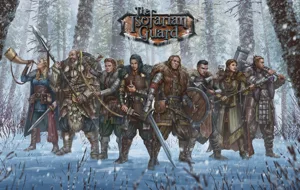
The Isofarian Guard
The Isofarian Guard
8 models
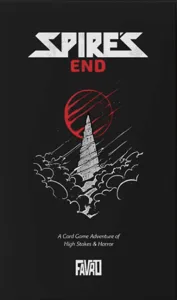
Spire's End
Spire's End
2 models
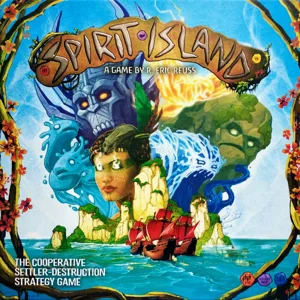
Spirit Island
Spirit Island
156 models
Frosthaven
Frosthaven
93 models
Bloodborne: The Board Game
25 models
The Lord of the Rings: Journeys in Middle-Earth
20 models
Board Games Game Prints Accessories Designers Photos Stats Submit a 3D Model Request a 3D Model
About Privacy Contact Tabletop Glow Up VisualSpool Discord
Powered by BoardGameGeek Powered by BoardGameGeek
Made with by Kamio · © 2026 LayerUp Games · Not affiliated with any platform
↑↓ navigate ↵ open esc close

Keyboard shortcuts

General
CtrlKOpen the command palette
/Jump to the page search
EscClear search · close dialogs
?Show this help
In the command palette
↑↓Move between results
↵Open the selected result
EscClose the palette
Open the command palette →