LayerUp Games
Games ▾
All Games
My Games My Game Wishlist
3D Models ▾
All Game 3D Models Tabletop Accessories
Kanban BG My Prints My Future Prints
Makers ▾
Makers Designers
Contribute ▾
Submit a 3D Model Request a 3D Model 3D Model Bounties
Print Resources
Unboxing ▾
Today's Puzzle
Leaderboard Archive
Theme
Light
Dark
⌘K
Sign In Register
Isle of Skye: Big Box

Isle of Skye: Big Box

2022
Submit a 3D Model

Buy on Amazon ↗

As an Amazon Associate, LayerUp Games earns from qualifying purchases.

Cover Colors

Main colors from the cover art. Find matching filament, or tap swatches to narrow.

Hide matches ▴
Game Details

Design by Andreas Pelikan, Alexander Pfister

Art by Klemens Franz · Published by Lookout Games

7.9
Rating
2.1
Weight
2–5
Players

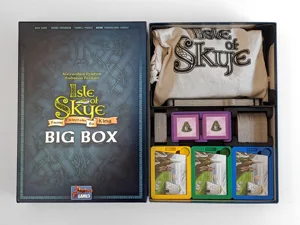
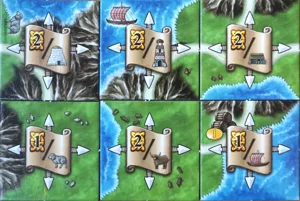
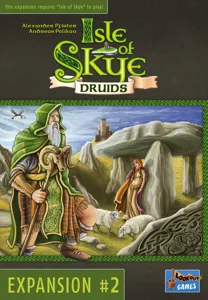
Get the full load (minus 4 expansions) of the modern classic tile-laying game with the Isle of Skye Big Box! The Big Box contains the award-winning Isle of Skye base game (Kennerspiel des Jahres 2016), the Druids expansion, and additional scoring and tunnel tiles. A new addition is the mini-expansion Randgebiete. In the game, you embody one leader of each of the five traditional Scottish clans. You create your own small empire in order to gain the necessary victory points. But in each game only four of the included 24 score cards are in play. This makes each game different and requires different tactics and strategies. In each round you can buy one of the tiles of a fellow player. Face down, all players simultaneously set the prices of the pieces they offer. A high price can lead to prosperity and much needed money. However, if no buyer can be found, the seller must add the tile to his empire himself and give up the money he has invested. In the end, the player who has scored the most victory points wins. —description from the publisher (translated) The "Randgebiete"/ borderland expansion is a module that can be added to any game, alone or together with the expansions. Every player starts with the same 6 borderland tiles in their supply. There are two tiles each of water, mountain, and land. Each of them has only two sides for connections and two already closed borders. In each round, when you place your other tiles, you may also place one borderland tile connected to at least one other tile. If it’s connected to other tiles on both sides, it gets flipped to the better side with more scoring symbols (like cows, sheep) on it. No tile may be placed touching one of the other two sides with closed borders.

Economic, Territory Building · Auction / Bidding, Catch the Leader, I Cut, You Choose, Set Collection, Tile Placement, Turn Order: Progressive

More ▾

View on BGG ↗

1 3D model for Isle of Skye: Big Box

1 designer · newest 10mo ago

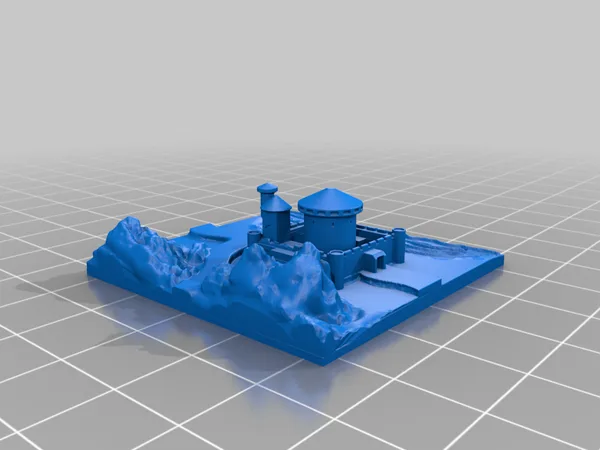
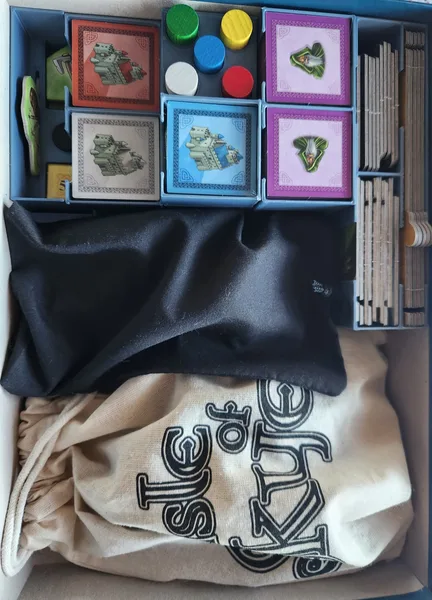
Isle of Skye: Big Box - Organizer Insert
Inserts
MakerWorld BoardGameMeta 37

Don't see the print you need? Request it

Expansions (2)

Isle of Skye: Journeyman
2017 · no prints yet
Isle of Skye: From Chieftain to King – Adjacency Scrolls
2016 · no prints yet
Show only expansions with prints

You might also like

Similar games by designer or mechanics that also have prints.

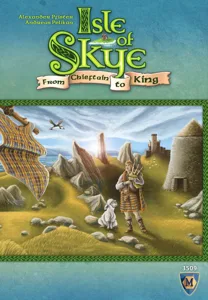
Isle of Skye: From Chieftain to King
8 prints
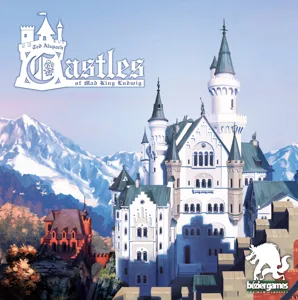
Castles of Mad King Ludwig
12 prints
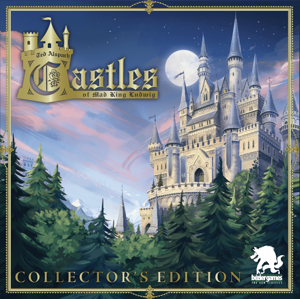
Castles of Mad King Ludwig: Collector's Edition
3 prints
New York Slice
New York Slice
2 prints
Champions of Wind & Fire
1 print
Charcuterie: The Board Game
2 prints
Board Games Game Prints Accessories Designers Photos Stats Submit a 3D Model Request a 3D Model
About Privacy Contact Tabletop Glow Up VisualSpool Discord
Powered by BoardGameGeek Powered by BoardGameGeek
Made with by Kamio · © 2026 LayerUp Games · Not affiliated with any platform
↑↓ navigate ↵ open esc close

Keyboard shortcuts

General
CtrlKOpen the command palette
/Jump to the page search
EscClear search · close dialogs
?Show this help
In the command palette
↑↓Move between results
↵Open the selected result
EscClose the palette
Open the command palette →