LayerUp Games
Games ▾
All Games
My Games My Accessories
Game Shelf Sleeve Stash Sleeve Catalog
3D Models ▾
All Game 3D Models Tabletop Accessories
Kanban BG My Prints My Future Prints My Collections
Blog
Community ▾
Makers Designers
Submit a 3D Model Request a 3D Model 3D Model Bounties
3D Printing Resources
Unboxing #56
Theme
Light
Dark
⌘K
Sign in Join free
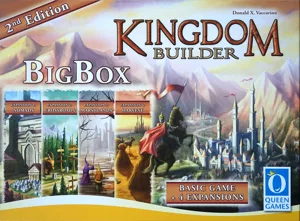
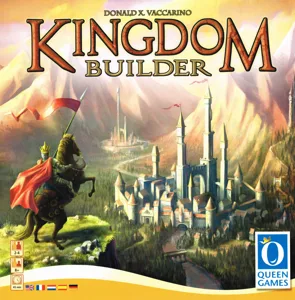
Kingdom Builder: Big Box

Kingdom Builder: Big Box

2014 Layer by Layer
Flag this page

Sign in to flag this page. Nothing changes right now either way - it tells an admin to look.

Buy this game on Amazon ↗

As an Amazon Associate, LayerUp Games earns from qualifying purchases.

Game Details

In Kingdom Builder, the players create their own kingdoms by skillfully building their settlements, aiming to earn the most gold at the end of the game. Nine different kinds of terrain are on the variable game board, including locations and castles. During his turn, a player plays his terrain card and builds three settlements on three hexes of this kind. If possible, a new settlement must be built next to one of that player’s existing settlements. When building next to a location, the player may seize an extra action tile that he may use from his next turn on. These extra actions allow extraordinary actions such as moving your settlements. By building next to a castle, the player will earn gold at the end of the game, but the most gold will be earned by meeting the conditions of the three Kingdom Builder cards; these three cards (from a total of ten in the game) specify the conditions that must be met in order to earn the much-desired gold, such as earning gold for your settlements built next to water hexes or having the majority of settlements in a sector of the board. Each game, players will use a random set of Kingdom Builder cards, special actions, and terrain sectors to build the map! Kingdom Builder: Big Box includes the first two expansions Nomads and Crossroads as well as two Queenies - Capitol and Caves.

Medieval, Territory Building · Area Majority / Influence, Chaining, Enclosure, Grid Movement, Modular Board, Network and Route Building

More ▾

View on BGG ↗

Donald X. Vaccarino , designer

Michael Schacht , Oliver Schlemmer , artist

Queen Games , publisher

7.5
Rating
2.3
Weight
2–5
Players
Cover Colors

Main colors from the cover art. Find matching filament, or tap swatches to narrow.

Matching filament

0 3D models for Kingdom Builder: Big Box

Submit a 3D Model
Looking for Kingdom Builder (2011) ? 14 models ↗
No 3D model files yet.

Know of one? Submit a 3D Model, or request one to let the community know.

Expansions (3)

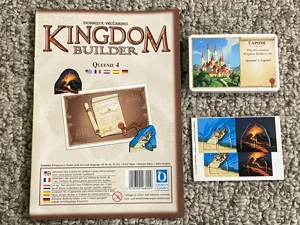
Kingdom Builder: Queenie 4 – The Emperor's Choice
2023 · no models yet
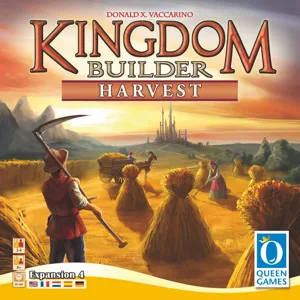
Kingdom Builder: Harvest
2017 · 1 model
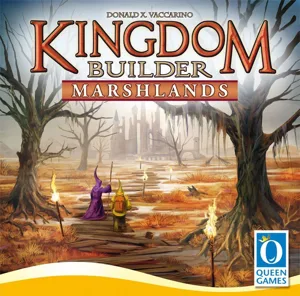
Kingdom Builder: Marshlands
2016 · 1 model
Show only expansions with models
Reimplemented by: Kingdom Builder: Big Box (Second Edition) 2017 1
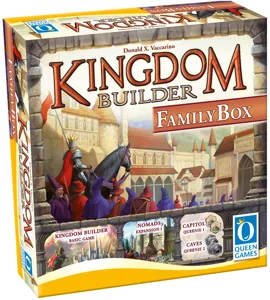
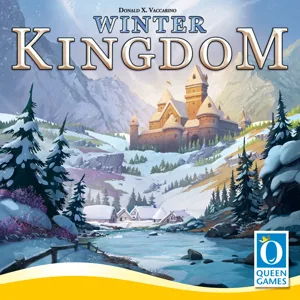
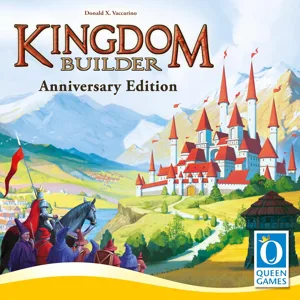
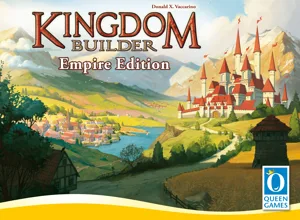
Same series: Kingdom Builder 2011 14 Kingdom Builder: Family Box 2018 0 Winter Kingdom 2020 1 Kingdom Builder: Empire Edition 2023 0 Kingdom Builder: Family & Friends Compact Edition 2025 0 Kingdom Builder: Premium Big Box 2026 0

You might also like

Similar games by designer or mechanics that also have 3D models.

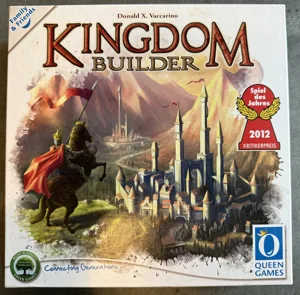
Kingdom Builder
Kingdom Builder
14 models
Winter Kingdom
Winter Kingdom
1 model
Kingdom Builder: Big Box (Second Edition)
1 model
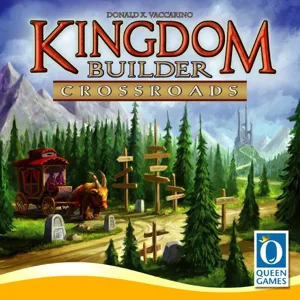
Kingdom Builder: Crossroads
1 model
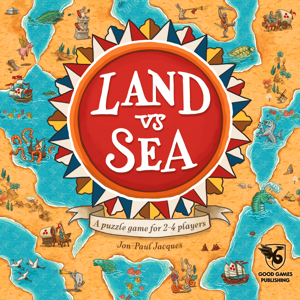
Land vs Sea
Land vs Sea
2 models
Great Plains
Great Plains
1 model
Board Games Game Prints Accessories Designers Photos Stats Submit a 3D Model Request a 3D Model
Blog Guides About Privacy Contact VisualSpool Discord
Powered by BoardGameGeek Powered by BoardGameGeek
The newsletter

Join the LayerUp Newsletter and be notified of new blog posts and 3D model reviews/articles.

Made with by Kamio · © 2026 LayerUp Games · Not affiliated with any platform
↑↓ navigate ↵ open esc close

Keyboard shortcuts

General
CtrlKOpen the command palette
/Jump to the page search
EscClear search · close dialogs
?Show this help
In the command palette
↑↓Move between results
↵Open the selected result
EscClose the palette
Open the command palette →