LayerUp Games
Games ▾
All Games
My Games My Accessories
Game Shelf Sleeve Stash Sleeve Catalog
3D Models ▾
All Game 3D Models Tabletop Accessories
Kanban BG My Prints My Future Prints My Collections
Blog
Community ▾
Makers Designers
Submit a 3D Model Request a 3D Model 3D Model Bounties
3D Printing Resources
Unboxing #55
Theme
Light
Dark
⌘K
Sign in Join free
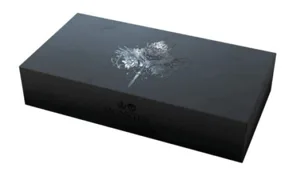
Kingdom Death: Monster – Dragon King Expansion

Kingdom Death: Monster – Dragon King Expansion

2016 Layer by Layer

Expansion of Kingdom Death: Monster 104

Flag this page

Sign in to flag this page. Nothing changes right now either way - it tells an admin to look.

Buy this game on Amazon ↗

As an Amazon Associate, LayerUp Games earns from qualifying purchases.

Game Details

The Dragon King's species is long dead. It remains alone, clinging to the memories of its once mighty race. Its destructive moods swing wildly from impotent rage to obsessive nostalgia. It stalks the darkness, lashing out at anything it meets. Survivors that run across the moody monster usually fall prey to the unseen waves of ruinous pain that emanate from the monster's glowing heart. Those survivors lucky enough to drive off the monster will be amply rewarded with a trove of new armaments crafted from the abandoned husk of the monster's body. The Dragon King is a major content expansion for Kingdom Death: Monster that adds a whole new huge monster, new armor kit (2 male and 2 female as usual), rules, AI cards, hit location cards, new special resources, settlement events, innovations gear and new lore to the game. Everything you will need to step up and challenge this dangerous entity.

Expansion for Base-game, Adventure, Fantasy, Fighting, Horror, Mature / Adult, Miniatures · Cooperative Game, Dice Rolling, Role Playing

More ▾

View on BGG ↗

Adam Poots , designer

Zeen Chin , Lokman Lam , Ein Lee +2 more , artist

Kingdom Death , publisher

9.2
Rating
3.6
Weight
1–6
Players

3 3D models for Kingdom Death: Monster – Dragon King Expansion

Submit a 3D Model
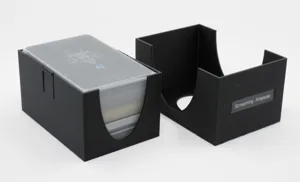
Kingdom Death: Monster - Card Boxes
Card & Tile Holders · for Kingdom Death: Monster
Printables Soerli 9
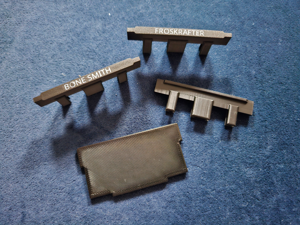
Kingdom Death Monster Gear Divider
for Kingdom Death: Monster
MakerWorld CertainDeath 3
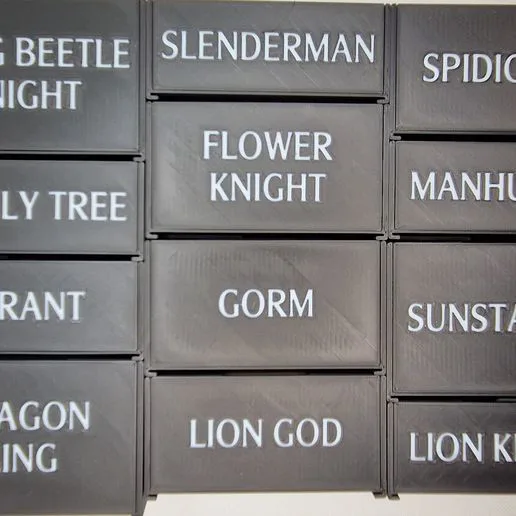
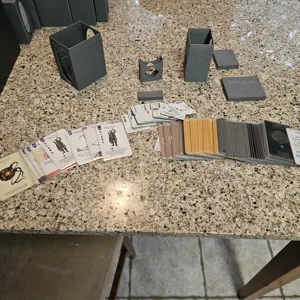
Kingdom Death: Monster Storage for the Dragon King
for Kingdom Death: Monster
Printables Broken Wheel Hobbies 1

3 designers · newest 8mo ago

Don't see the 3D model of your dreams? Request it here

Expansions (1 with models)

Kingdom Death: Monster – Campaigns of Death Expansion
2026 · 4 models
Show all expansions (2 with no models yet)
Same series: Kingdom Death: Monster 2015 104

You might also like

Similar games by designer or mechanics that also have 3D models.

Vampire: The Masquerade – Milan Uprising
1 model
Mansions of Madness: Second Edition – Streets of Arkham: Expansion
2 models
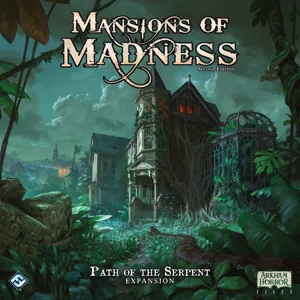
Mansions of Madness: Second Edition – Path of the Serpent: Expansion
1 model
Mansions of Madness: Second Edition – Horrific Journeys: Expansion
1 model
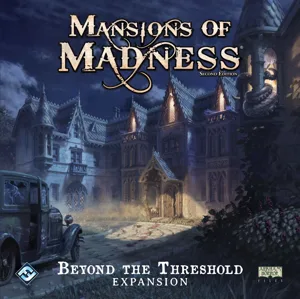
Mansions of Madness: Second Edition – Beyond the Threshold: Expansion
1 model
Elder Sign: Gates of Arkham
1 model
Board Games Game Prints Accessories Designers Photos Stats Submit a 3D Model Request a 3D Model
Blog Guides About Privacy Contact VisualSpool Discord
Powered by BoardGameGeek Powered by BoardGameGeek
The newsletter

Join the LayerUp Newsletter and be notified of new blog posts and 3D model reviews/articles.

Made with by Kamio · © 2026 LayerUp Games · Not affiliated with any platform
↑↓ navigate ↵ open esc close

Keyboard shortcuts

General
CtrlKOpen the command palette
/Jump to the page search
EscClear search · close dialogs
?Show this help
In the command palette
↑↓Move between results
↵Open the selected result
EscClose the palette
Open the command palette →