LayerUp Games
Games ▾
All Games
My Games My Game Wishlist
3D Models ▾
All Game 3D Models Tabletop Accessories
Kanban BG My Prints My Future Prints
Makers ▾
Makers Designers
Contribute ▾
Submit a 3D Model Request a 3D Model 3D Model Bounties
Print Resources
Unboxing ▾
Today's Puzzle
Leaderboard Archive
Theme
Light
Dark
⌘K
Sign In Register
Monumental

Monumental

2020
Submit a 3D Model

Buy on Amazon ↗

As an Amazon Associate, LayerUp Games earns from qualifying purchases.

Cover Colors

Main colors from the cover art. Find matching filament, or tap swatches to narrow.

Hide matches ▴
Game Details

Design by Matthew Dunstan

Art by Tey Bartolome, Georges Bouchelaghem, Hendry Iwanaga +6 more · Published by Funforge

#1661
Rank
7.4
Rating
2.9
Weight
1–4
Players
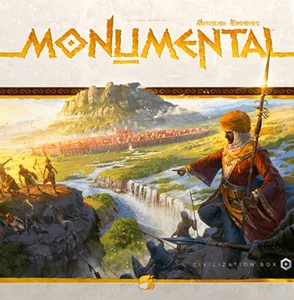
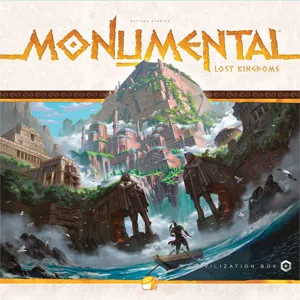
In Monumental, each player will control a civilization that will evolve through his city: a grid of 3x3 cards (coming out from the player's starting civilization deck) that can each be activated to gather various resources such as Science, Military, Production, Culture, and Gold that will allow them to trigger many actions. But there’s a trick: one cannot activate all their cards at once, which means that tough choices will have to be made each turn in order to select the cards that are the most needed. The resources gathered from the activated city cards will allow the players to acquire cards from a common pool, allowing them to get improved buildings, technologies, wonders, etc. and therefore to leverage their civilization deck to new heights through more and more efficient card combos. As the common pool of cards progresses (either as players have acquired cards or because they didn't - which leads to one card from the pool to be discarded per turn), the game progresses through eras. Medieval cards are better than classical cards, and industrial cards are even better, but of course those cards are more and more expensive to acquire. A modular board, at the center of the table, holds each civilization's army. The board is made of Provinces to be conquered. Unoccupied Province's inhabitants are barbarians who will provide resources to the player who defeats them. Holding a conquered province also brings victory points. The player with the most impressive civilization at the end of the game will be remembered for all time (and they also win the game!). —description based on the publisher's

Civilization, Fighting, Territory Building · Action Queue, Area Movement, Deck, Bag, and Pool Building, Hand Management, Modular Board, Set Collection, Solo / Solitaire Game, Variable Player Powers

More ▾

View on BGG ↗

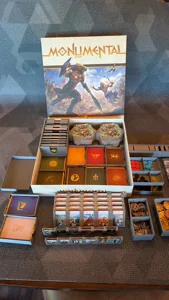
2 3D models for Monumental

2 designers · newest 17mo ago

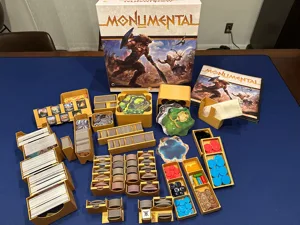
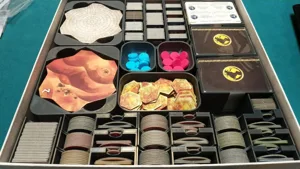
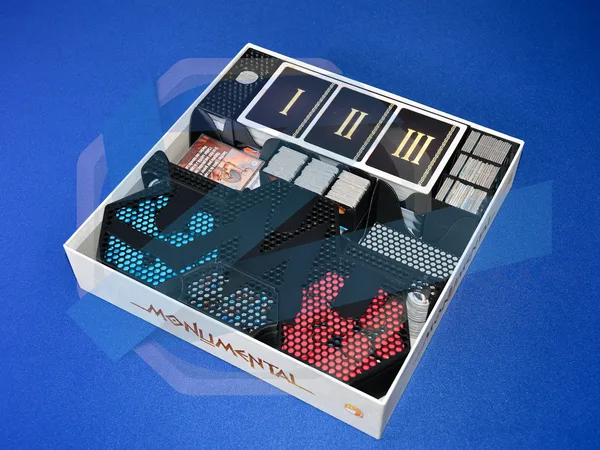
Monumental Board Game Insert Retail Edition + Both Expansions (Lost Kingdoms, African Empires)
Inserts
Thingiverse CompletelyProfessional 14
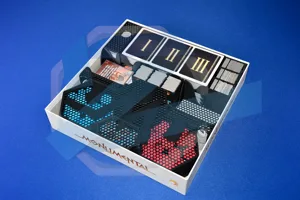
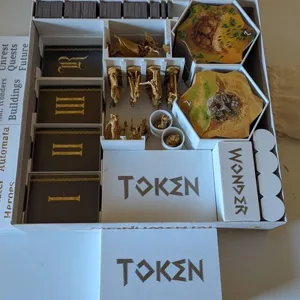
MONUMENTAL insert + Lost Kingdoms retail version l Board game
Inserts
Thingiverse Javisonfor 8

Don't see the print you need? Request it

Expansions (4)

Monumental: The Behemoth
2024 · no prints yet
Monumental: Typhon
Monumental: Typhon
2024 · no prints yet
Monumental: African Empires
2021 · 1 print
Monumental: Lost Kingdoms
2020 · 2 prints
Show only expansions with prints

You might also like

Similar games by designer or mechanics that also have prints.

Black Rose Wars
Black Rose Wars
14 prints
StarCraft: The Board Game
8 prints
Tainted Grail: The Fall of Avalon
10 prints
Sierra West
Sierra West
1 print
Endless Winter: Paleoamericans
8 prints
Keep the Heroes Out!
46 prints
Board Games Game Prints Accessories Designers Photos Stats Submit a 3D Model Request a 3D Model
About Privacy Contact Tabletop Glow Up VisualSpool Discord
Powered by BoardGameGeek Powered by BoardGameGeek
Made with by Kamio · © 2026 LayerUp Games · Not affiliated with any platform
↑↓ navigate ↵ open esc close

Keyboard shortcuts

General
CtrlKOpen the command palette
/Jump to the page search
EscClear search · close dialogs
?Show this help
In the command palette
↑↓Move between results
↵Open the selected result
EscClose the palette
Open the command palette →