LayerUp Games
Games ▾
All Games Sleeve Catalog
My Games My Game Wishlist My Accessories
3D Models ▾
All Game 3D Models Tabletop Accessories
Kanban BG My Prints My Future Prints My Collections
Makers ▾
Makers Designers
Contribute ▾
Submit a 3D Model Request a 3D Model 3D Model Bounties
3D Printing Resources
Unboxing ▾
Today's Puzzle
Leaderboard Archive
Theme
Light
Dark
⌘K
Sign In Register
ONUS! Rome Vs Carthage

ONUS! Rome Vs Carthage

2014
Flag this page

Sign in to flag this page. Nothing changes right now either way - it tells an admin to look.

Buy this game on Amazon ↗

As an Amazon Associate, LayerUp Games earns from qualifying purchases.

Game Details

Box 9.1 × 3.9 × 2 in (23 × 10 × 5 cm) · English/Spanish edition (2016). Editions vary, check your copy before printing an insert.

Have you ever dreamed of commanding a powerful army? Have you ever imagined leading troops, which included elephants over the Pyrenees and the Alps to try to conquer Rome? Have you enjoyed a good historical novel dated on the old Republic of Rome, and you would like to travel to that time? ONUS! Rome Vs Carthage is a war game similar to miniatures games in which both sides fight an ancient battle. The game is mainly based on the II Punic war, although battles from III to I B.C centuries can be also simulated. The game concept combines both, orders and events cards, that makes each game different and each combat becomes unpredictable and thrilling. ONUS! can be played anywhere but to get the best gaming experience we do recommend a game area as large as possible, i.e. 3.2 x 2.9 feet (100 x 90 cm). Units are represented by cards which have been scaled around a Centuria (also known as Century) or to a Maniple (also known as Manipulus), representing formations from 80 to 100 men for Infantry units, 20 cavalrymen for Cavalry units or 6 Elephants. Units have their own set of traits to represent permanent attributes of the unit, like Melee Combat, Range Attack, Defensive capacity, Morale and Life, and Movement capacity. This set of traits gets bonuses and penalties depending on the ongoing situation and combat engagements. Units also have their unique set of skills to represent specific abilities they can perform: from defensive formations to extremely effective techniques to attack enemies. Some of these skills need to be activated, meaning only one of them can be used in an engagement, while others are inherent to the units. Leadership is represented in the game by the figure of the General. A General’s token represent his HQ and its own escort. In addition to the leadership benefit, a General grants bonuses to nearby units, boosting the morale of the troops and providing additional benefits when they are engaged with the enemy in those bloody encounters. Both, Hannibal and Scipio, two well-known Generals are included in the game with their unique set of bonuses! Also, Heroes, Veterans and Elite units take part in Onus! ONUS! Rome Vs Carthage is played in turns, composed by six different phases each: 1. Activation of Units: in this phase, the active player can play any number of Order cards from his hand, stating what units are going to be used during the turn. 2. Movement and Charges: in this phase, the active player may move all those units activated in the previous phase. Those units finishing their movement in contact with enemy units, may Charge against them. 3. Range Attack: those active units able to carry out Ranged Attacks and which haven’t moved or executed a Reduced Movement may shoot enemies within its maximum range. Also, special units like Skirmirsher have this skill, thus they may want to use this ability. 4. Skirmishers: units having these specific skill can harass enemy units, provided they haven't spent all their movement points. 5. Combat: All engagements are resolved in this phase, being the active player the one choosing the order of combats. 6. Flee Movement: units fleeing continue their movement if Morale checks fail.

Ancient, Miniatures, Wargame · Campaign / Battle Card Driven, Dice Rolling, Open Drafting, Simultaneous Action Selection

More ▾

View on BGG ↗

Luis Álvaro Hernández , Alvar Sanz , designer

Ramses Bosque , Matias Cazorla , artist

Draco Ideas , publisher

#6262
Rank
7.7
Rating
2.8
Weight
1–4
Players
Cover Colors

Main colors from the cover art. Find matching filament, or tap swatches to narrow.

Matching filament

0 3D models for ONUS! Rome Vs Carthage

Submit a 3D Model

No 3D model files yet.

Know of one? Submit a 3D Model, or request one to let the community know.

Expansions (6)

ONUS! Army box XVII: Crassus
2025 · no models yet
ONUS! Army box XVI: Pompeius
2025 · no models yet
ONUS! Army box XV: Vercingetorix
2025 · no models yet
ONUS! Army XIV: Iulius Caesar
2025 · no models yet
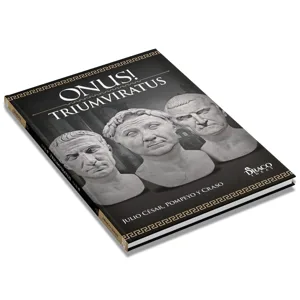
ONUS! Triumviratus
ONUS! Triumviratus
2025 · no models yet
ONUS! Greeks & Persians
2016 · no models yet
Show only expansions with models
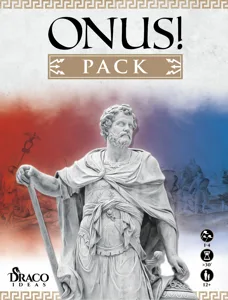
Reimplemented by: ONUS!: Pack 2023 0

You might also like

Similar games by designer or mechanics that also have 3D models.

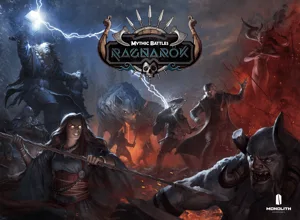
Mythic Battles: Ragnarök
3 models
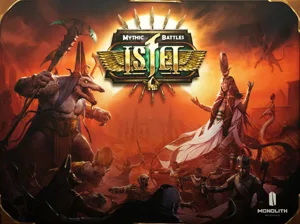
Mythic Battles: Isfet
2 models
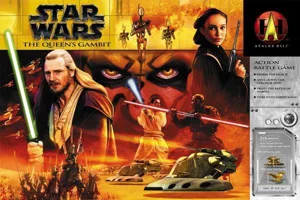
Star Wars: The Queen's Gambit
1 model
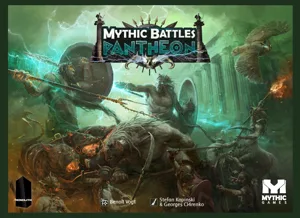
Mythic Battles: Pantheon
7 models
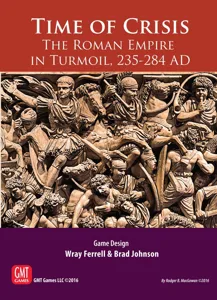
Time of Crisis: The Roman Empire in Turmoil, 235-284 AD
1 model
Guards of Atlantis II
19 models
Board Games Game Prints Accessories Designers Photos Stats Submit a 3D Model Request a 3D Model
About Privacy Contact Tabletop Glow Up VisualSpool Discord
Powered by BoardGameGeek Powered by BoardGameGeek
Made with by Kamio · © 2026 LayerUp Games · Not affiliated with any platform
↑↓ navigate ↵ open esc close

Keyboard shortcuts

General
CtrlKOpen the command palette
/Jump to the page search
EscClear search · close dialogs
?Show this help
In the command palette
↑↓Move between results
↵Open the selected result
EscClose the palette
Open the command palette →