LayerUp Games
Games ▾
All Games
My Games My Accessories
Game Shelf Sleeve Stash Sleeve Catalog
3D Models ▾
All Game 3D Models Tabletop Accessories
Kanban BG My Prints My Future Prints My Collections
Blog
Community ▾
Makers Designers
Submit a 3D Model Request a 3D Model 3D Model Bounties
3D Printing Resources
Unboxing #55
Theme
Light
Dark
⌘K
Sign in Join free
Zombicide: Black Plague – Zombie Bosses Abomination Pack

Zombicide: Black Plague – Zombie Bosses Abomination Pack

2015 Layer by Layer

Expansion of Zombicide: Black Plague 45

Flag this page

Sign in to flag this page. Nothing changes right now either way - it tells an admin to look.

Buy this game on Amazon ↗

As an Amazon Associate, LayerUp Games earns from qualifying purchases.

Game Details

Special box with three abominations: Abominotaur. It can break through walls and closed doors! At the start of the activation step of the Zombies' Phase, set the Abominotaur's target Zone before moving it, ignoring closed doors and walls (but not Vault doors and ramparts). If an Abominotaur has to go through a closed door or wall, first put a “broken wall” token to link its starting and destination Zones, and remove any closed door token that might be in the way. The broken wall is considered as an open door, and thus can generate a Zombie spawn in a previously closed building. Actors can now cross the Zones. After that, proceed with moving all the other Zombies (as the Zombies’ route can be redefined by the wall’s destruction). Abominatroll. Is big, very big, but also incredibly stupid. It will roam around aimlessly until it spots a Survivor. But when it does see you, it will go mental and rush to tear you apart! The Abominatroll normally has only 1 Action per activation. However, if it activates with Line of Sight to any Survivors, it will then get 3 Actions for that activation! Hide away from this freak, and you may evade it. Get caught in the open and you will be well and truly trolled! Ablobination. Is massive and very tough to kill, but what really sets it apart is its freakishly huge and powerful arm, and the surprising ferocity with which it flails it about, creating a swath of destruction around it! Whenever the Ablobination activates with Line Of Sight to any Survivors at Range 0-1. It will perform an Attack against ALL Zones at Range 0-1 to which it has Line of Sight. That means its own Zone, and any open Zones connected to it! Obstacles preventing Movement between Zones (such as tower ramparts) do manage to block the Ablobination's attack.

Expansion for Base-game, Horror, Miniatures, Zombies · Cooperative Game, Dice Rolling, Modular Board, Variable Player Powers

More ▾

View on BGG ↗

BoardM Factory , publisher

8.1
Rating
2.1
Weight
1–6
Players

0 3D models for Zombicide: Black Plague – Zombie Bosses Abomination Pack

Submit a 3D Model

No 3D model files yet.

Know of one? Submit a 3D Model, or request one to let the community know.
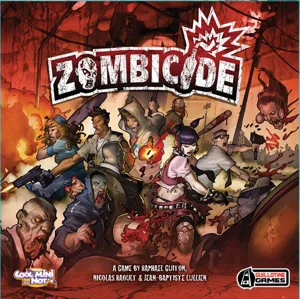
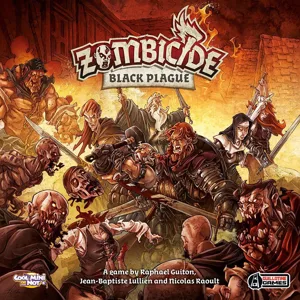
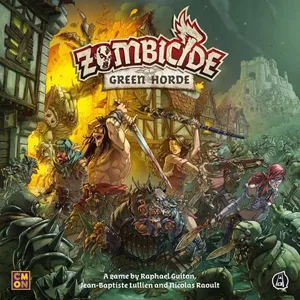
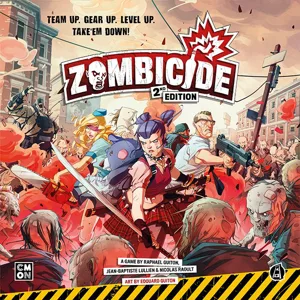
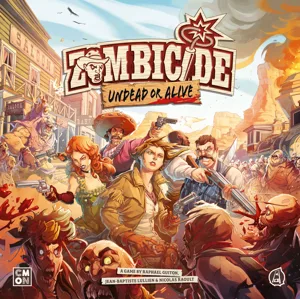
Same series: Zombicide 2012 142 Zombicide: Black Plague 2015 45 Zombicide: Green Horde 2018 16 Zombicide: Invader 2019 15 Zombicide: 2nd Edition 2021 94 Zombicide: Undead or Alive 2022 30 +1 more

You might also like

Similar games by designer or mechanics that also have 3D models.

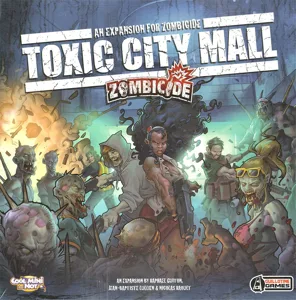
Zombicide: Toxic City Mall
3 models
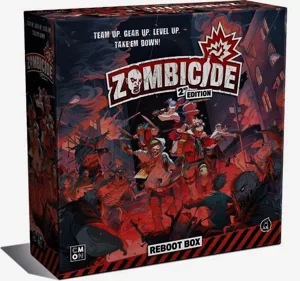
Zombicide (2nd Edition): Reboot Box
1 model
Zombicide
Zombicide
142 models
Zombicide: 2nd Edition
94 models
Zombicide: Undead or Alive
30 models
Zombicide: Green Horde
16 models
Board Games Game Prints Accessories Designers Photos Stats Submit a 3D Model Request a 3D Model
Blog Guides About Privacy Contact VisualSpool Discord
Powered by BoardGameGeek Powered by BoardGameGeek
The newsletter

Join the LayerUp Newsletter and be notified of new blog posts and 3D model reviews/articles.

Made with by Kamio · © 2026 LayerUp Games · Not affiliated with any platform
↑↓ navigate ↵ open esc close

Keyboard shortcuts

General
CtrlKOpen the command palette
/Jump to the page search
EscClear search · close dialogs
?Show this help
In the command palette
↑↓Move between results
↵Open the selected result
EscClose the palette
Open the command palette →