LayerUp Games
Games ▾
All Games
My Games My Game Wishlist
3D Models ▾
All Game 3D Models Tabletop Accessories
Kanban BG My Prints My Future Prints
Makers ▾
Makers Designers
Contribute ▾
Submit a 3D Model Request a 3D Model 3D Model Bounties
Print Resources
Unboxing ▾
Today's Puzzle
Leaderboard Archive
Theme
Light
Dark
⌘K
Sign In Register
Zombicide: Compendium 1

Zombicide: Compendium 1

2014
Submit a 3D Model

Expansion of Zombicide

Buy on Amazon ↗

As an Amazon Associate, LayerUp Games earns from qualifying purchases.

Game Details

Published by asmodee

7.9
Rating
2.0
Weight
1–6
Players

Zombicide’s Compendium #1 is a 92-page book entirely devoted to your favorite game! Inside, you’ll find updated versions of all the official Campaigns and Missions published for Season 1, as well as brand new Missions, a precious Designer’s Note, and an exclusive Campaign!

Expansion for Base-game, Horror, Miniatures, Zombies · Action Points, Cooperative Game, Dice Rolling, Hand Management, Modular Board, Variable Player Powers

More ▾

View on BGG ↗

0 3D models for Zombicide: Compendium 1

No 3D model files yet.

Know of one? Submit a 3D Model, or request one to let the community know.
You might also like

Similar games by designer or mechanics that also have prints.

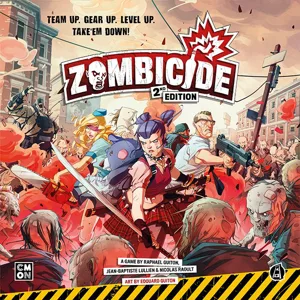
Zombicide: 2nd Edition
85 prints
Marvel Zombies: A Zombicide Game
14 prints
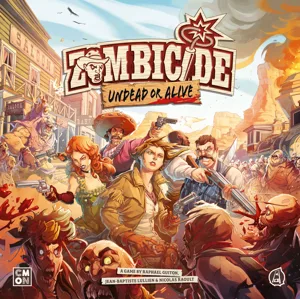
Zombicide: Undead or Alive
2 prints
Marvel Zombies: Heroes' Resistance
1 print
Night of the Living Dead: A Zombicide Game
1 print
Dead of Winter: Warring Colonies
3 prints
Board Games Game Prints Accessories Designers Photos Stats Submit a 3D Model Request a 3D Model
About Privacy Contact Tabletop Glow Up VisualSpool Discord
Powered by BoardGameGeek Powered by BoardGameGeek
Made with by Kamio · © 2026 LayerUp Games · Not affiliated with any platform
↑↓ navigate ↵ open esc close

Keyboard shortcuts

General
CtrlKOpen the command palette
/Jump to the page search
EscClear search · close dialogs
?Show this help
In the command palette
↑↓Move between results
↵Open the selected result
EscClose the palette
Open the command palette →