Table Talk
Nothing here yet. Love this design? Say so - the designer might see it.

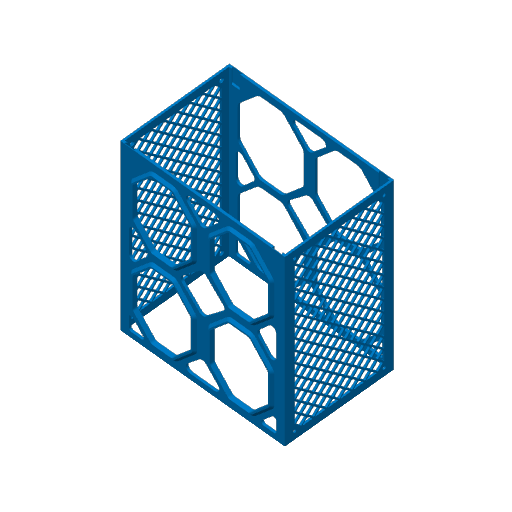
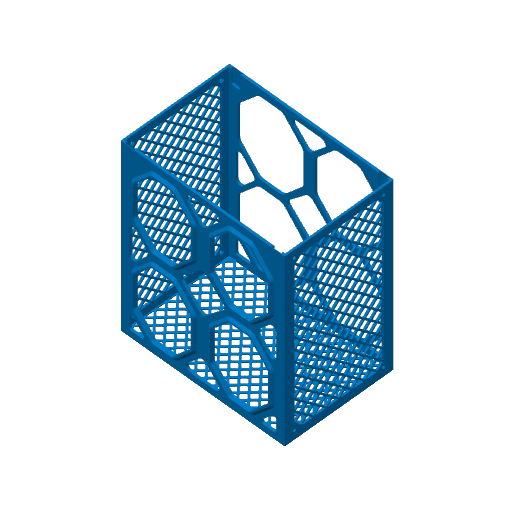
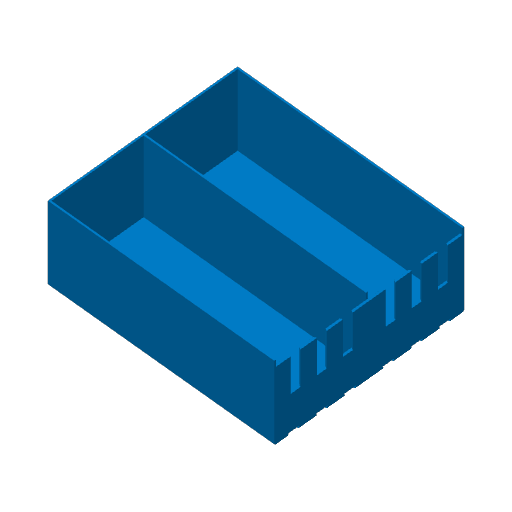
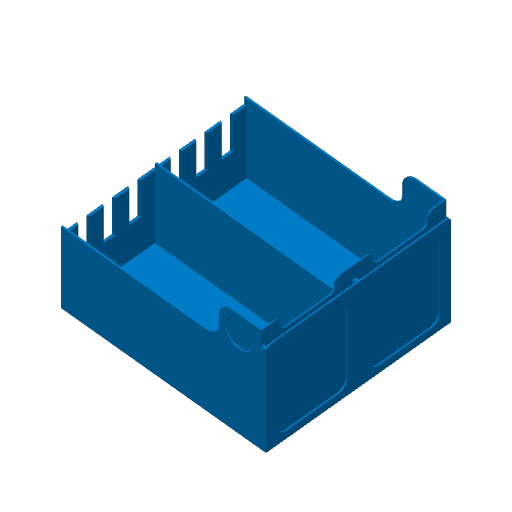
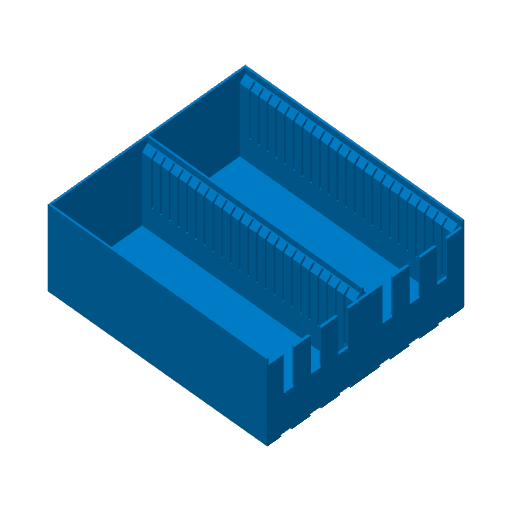
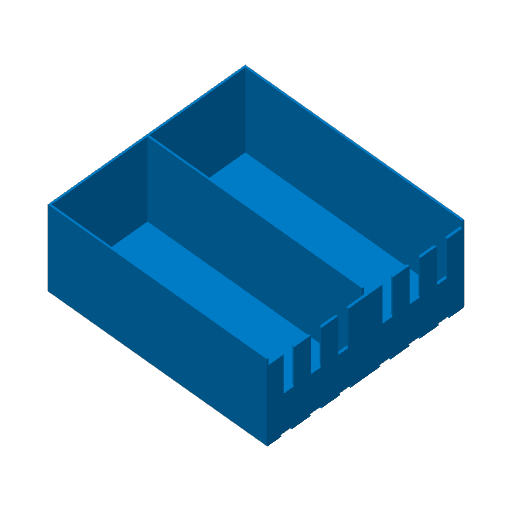
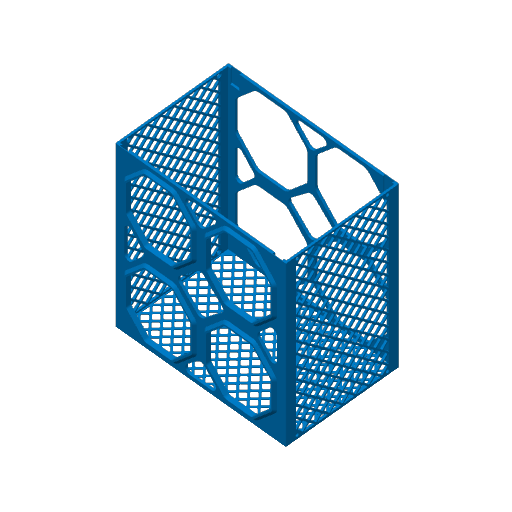
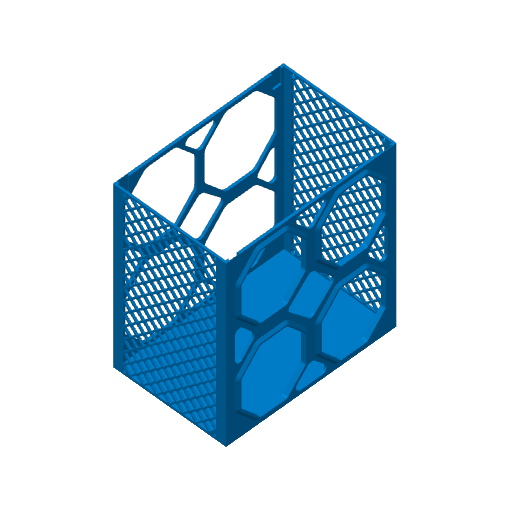
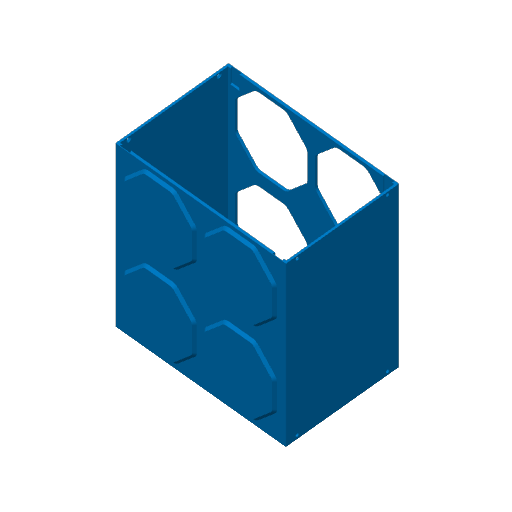
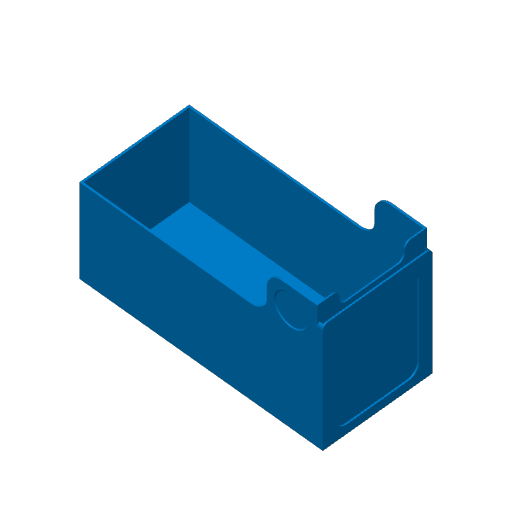
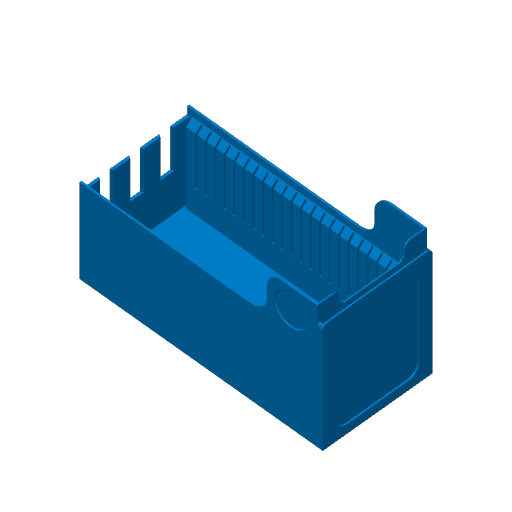
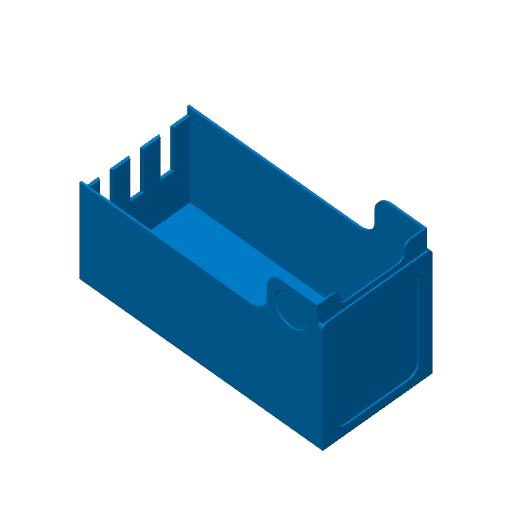
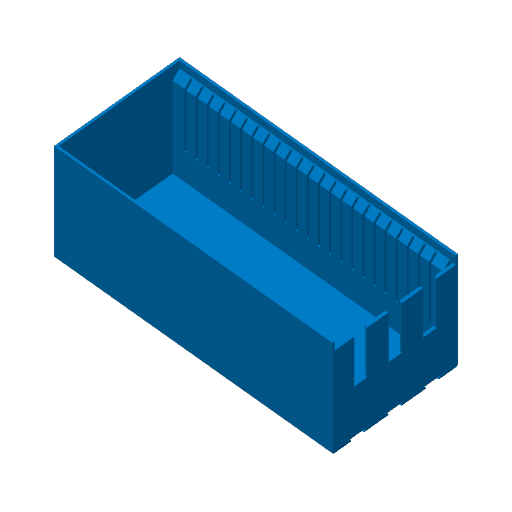
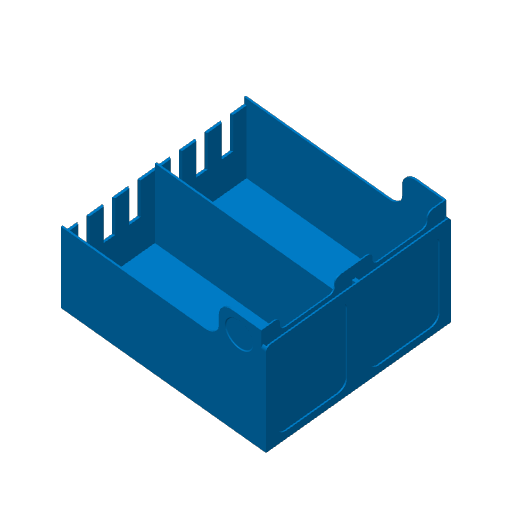
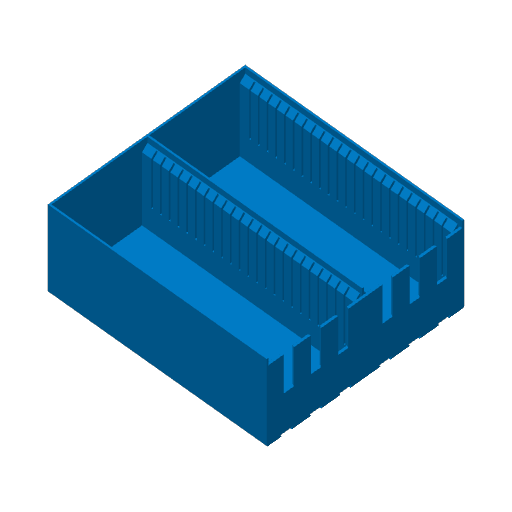
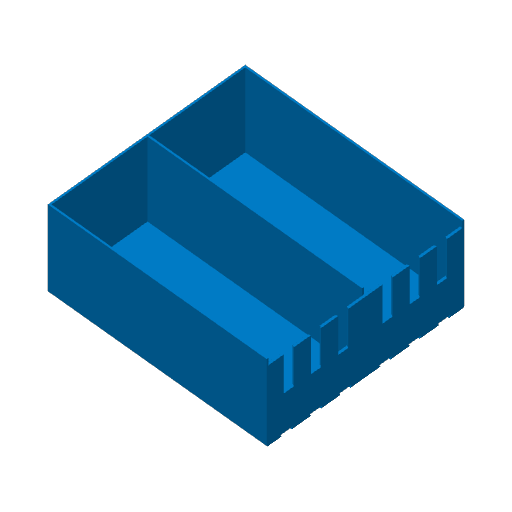
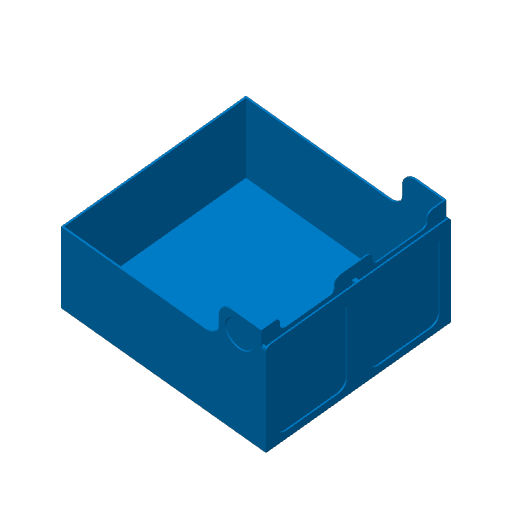
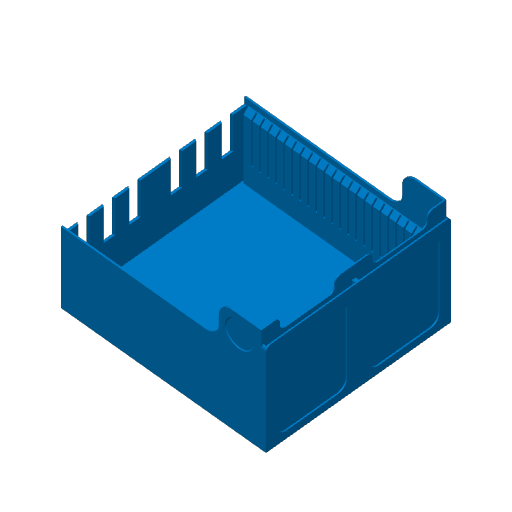
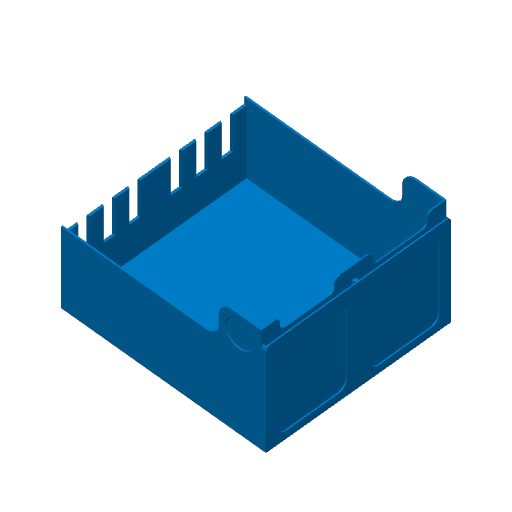
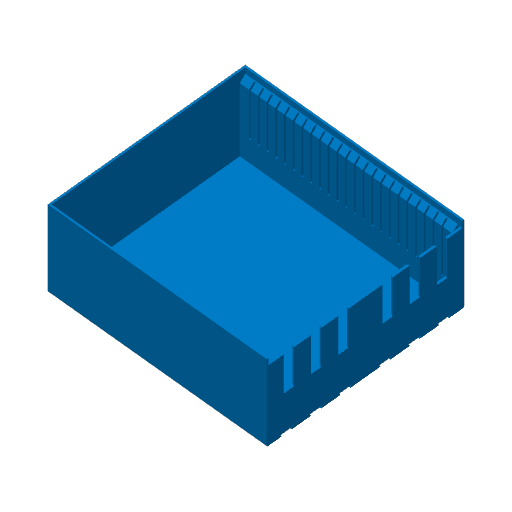
TCG Card Storage 2.0 for IKEA Kallax Cubes & More

Plan Your Print
Fits sleeved cards
About 5,916 g of filament From the designer's print profile
Print Profile (13) All The Parts (Most Printers) 181h 15m 5,916 g PLA
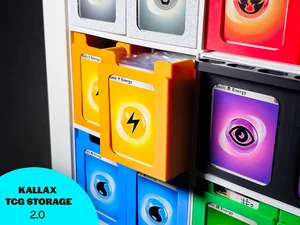
All The Parts (Most Printers)
36 plates 181h 15m 5,916 g PLA
A1, H2C, X2D, A2L, P1S, P2S, X1E, H2D, H2S, X1, P1P, H2D Pro, X1 Carbon
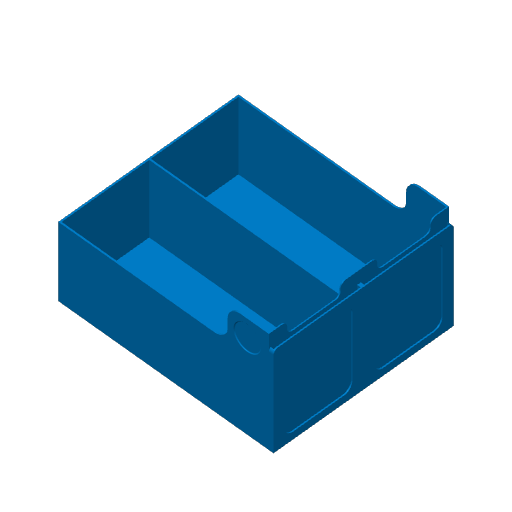
This print profile includes everything you need, with alternative options separated onto different plates. I use a typical .4 nozzle and use standard .2 layer height quality.
Plate Details (36)
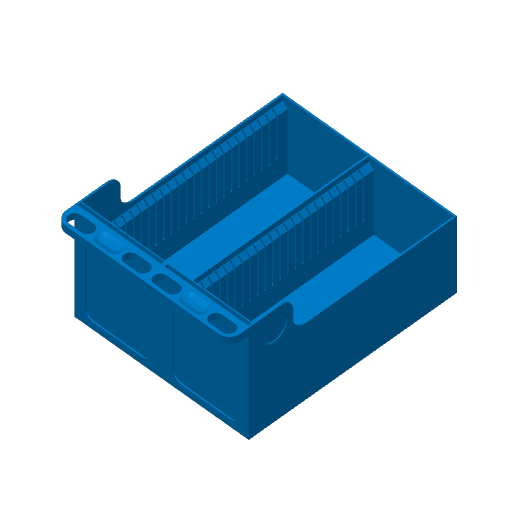
0.4 mm nozzle, all plates
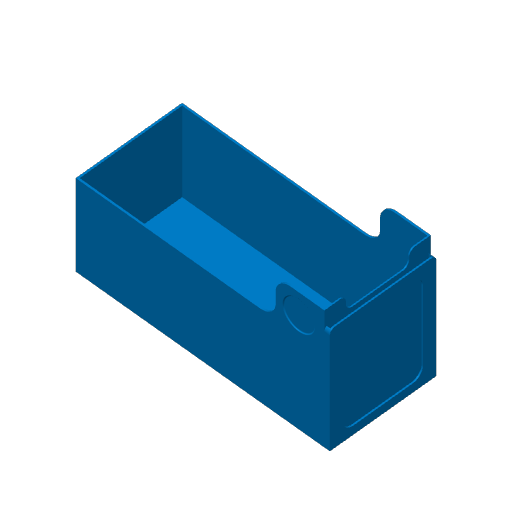
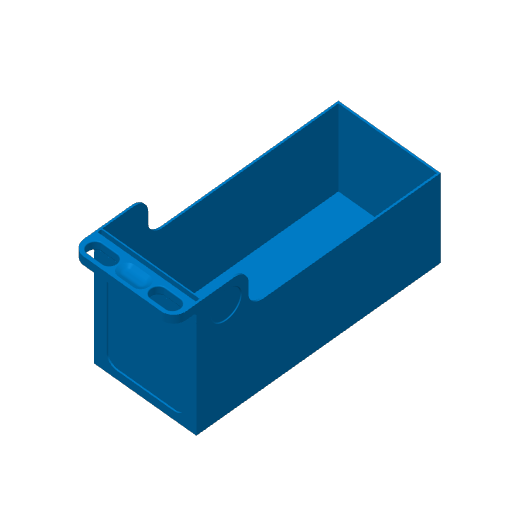
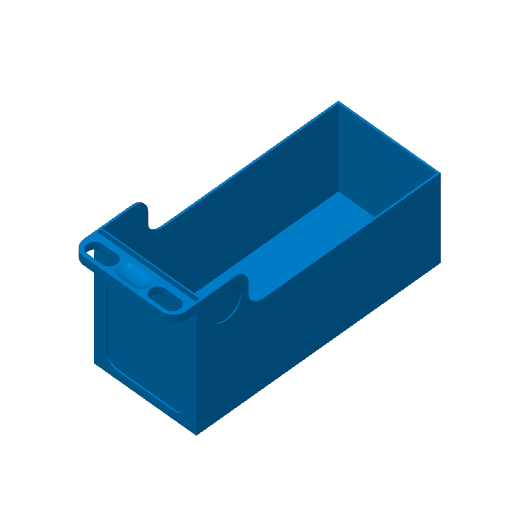
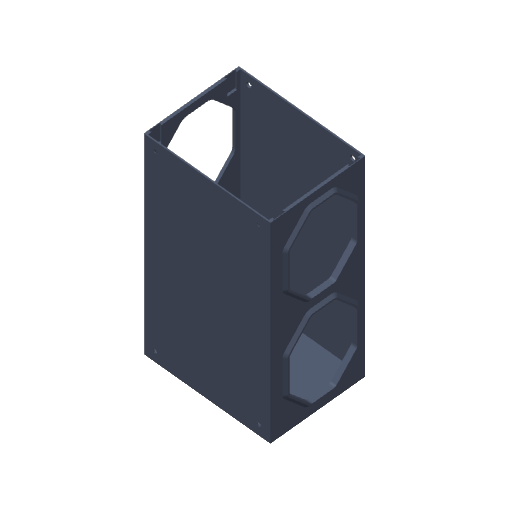
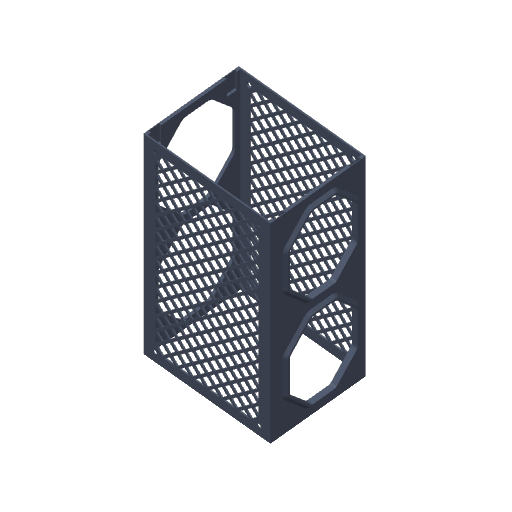
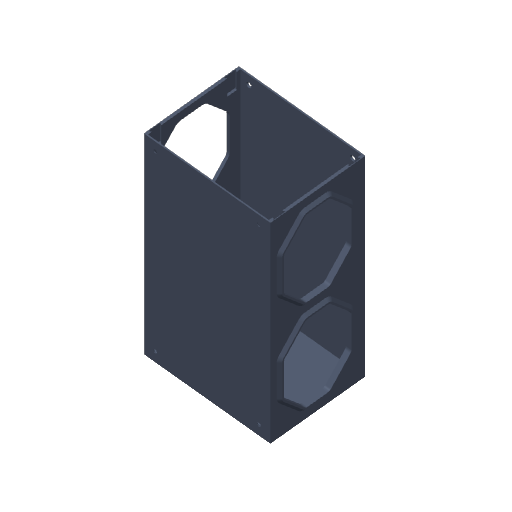
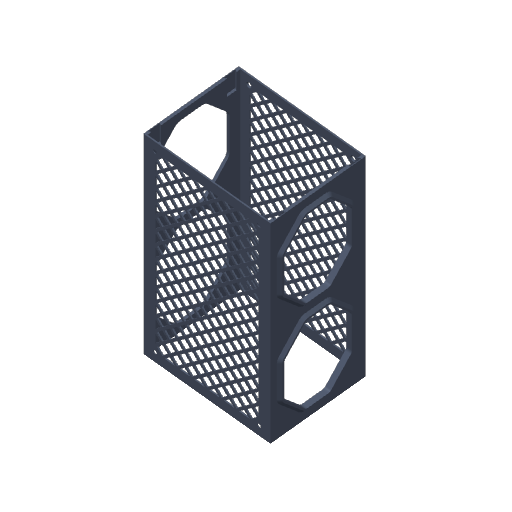
Plate 1 · Container - Single - Front - Lattice
6h 48m 111 g PLA · 111 g
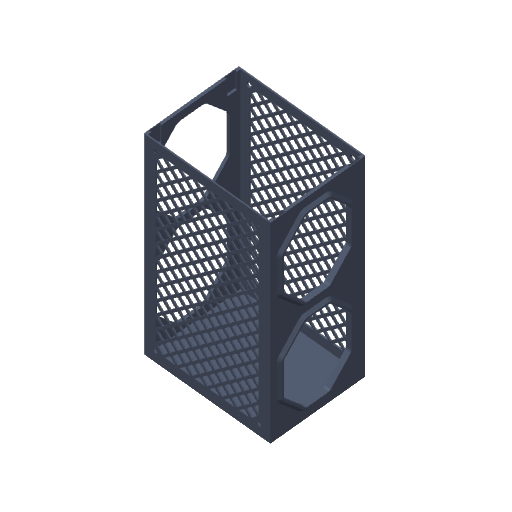
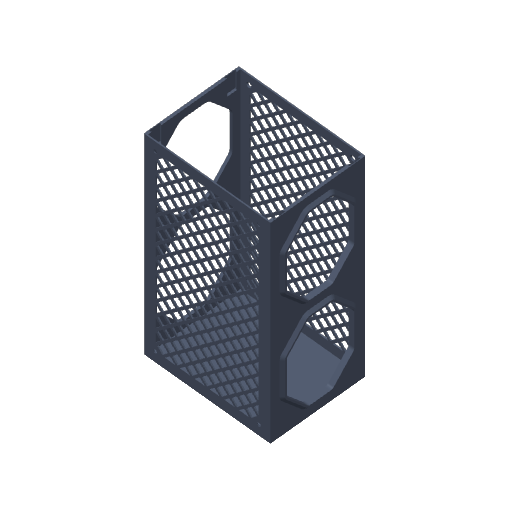
Plate 2 · Container - Single - Back - Lattice
7h 33m 122 g PLA · 122 g
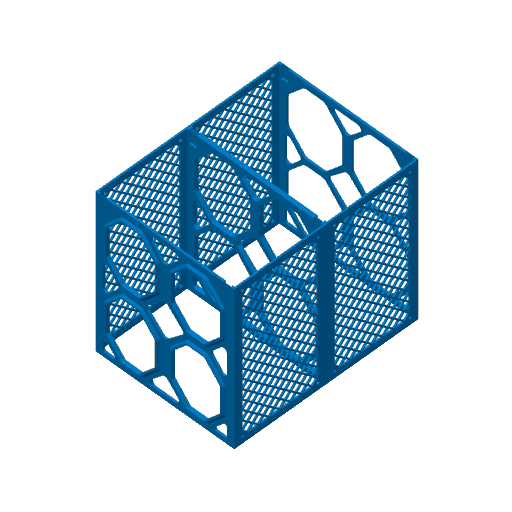
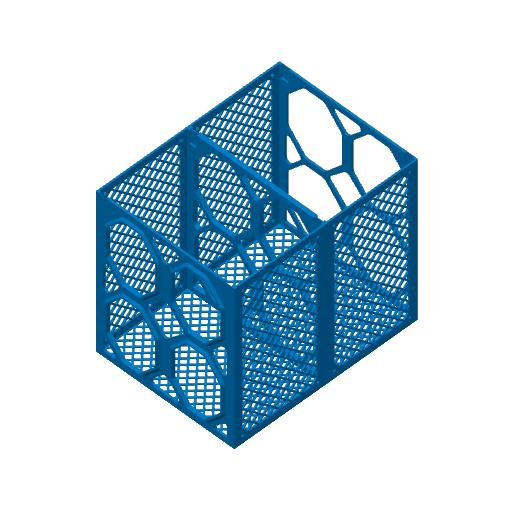
Plate 3 · Container - Double - Front - Lattice
11h 33m 189 g PLA · 189 g
Plate 4 · Container - Double - Back - Lattice
12h 58m 210 g PLA · 210 g
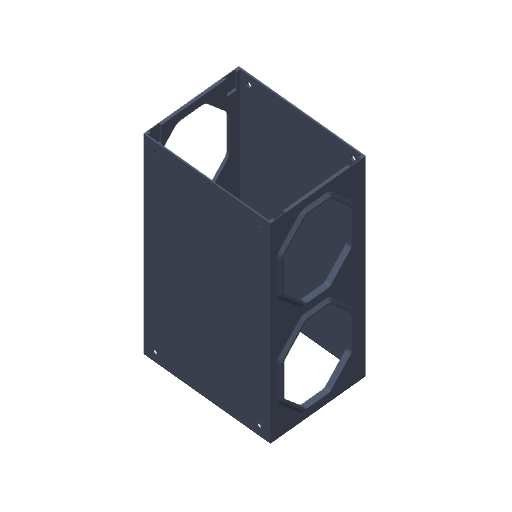
Plate 5 · Container - Single - Front - Solid
5h 26m 222 g PLA · 222 g
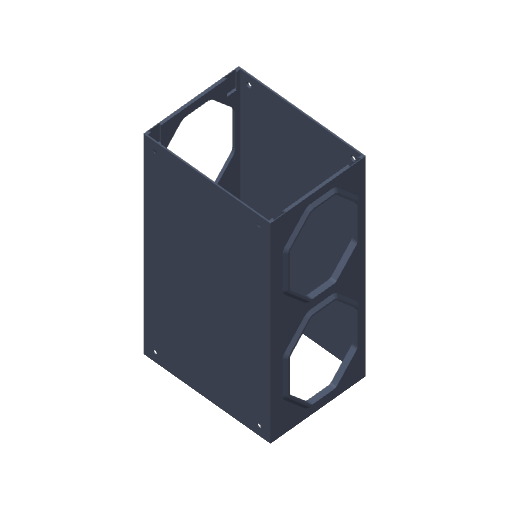
Plate 6 · Container - Single - Back - Solid
5h 48m 245 g PLA · 245 g
Plate 7 · Container - Double - Front - Solid
8h 28m 404 g PLA · 404 g
Plate 8 · Container - Double - Back - Solid
9h 14m 449 g PLA · 449 g
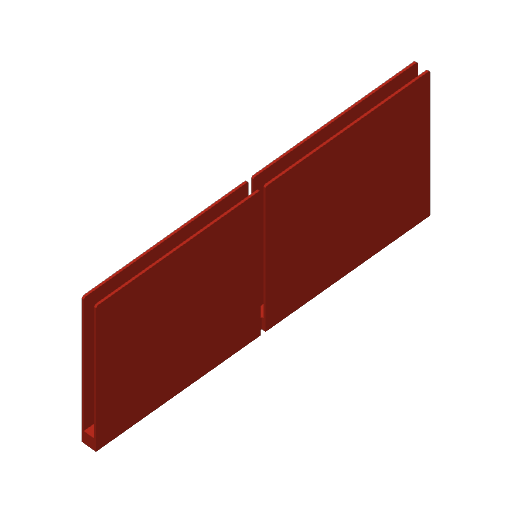
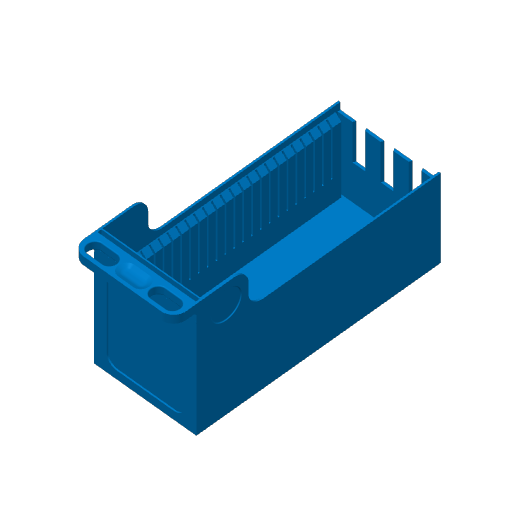
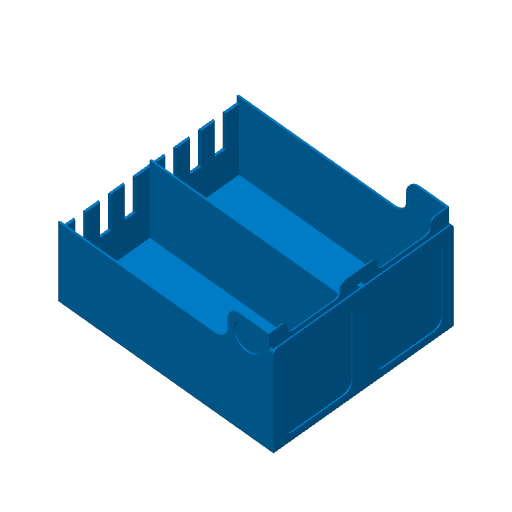
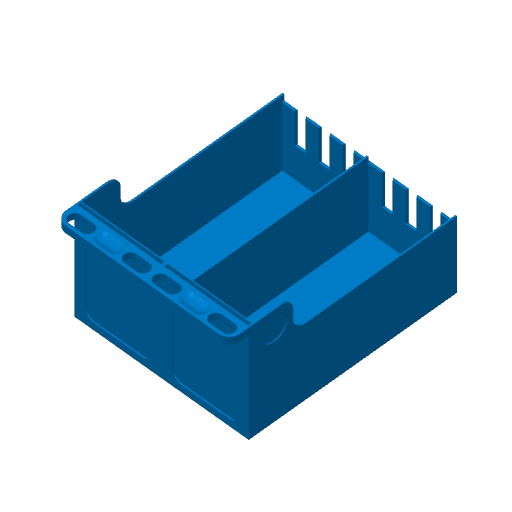
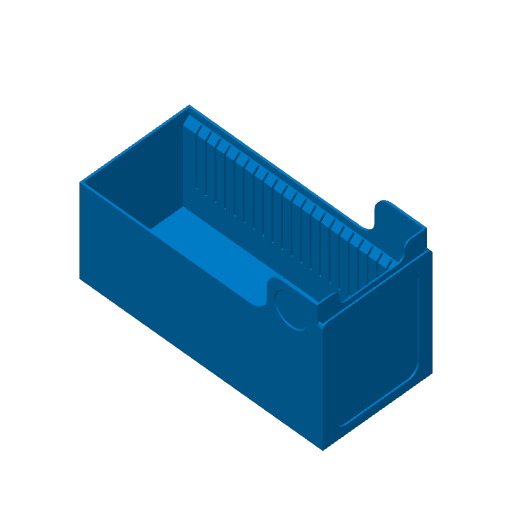
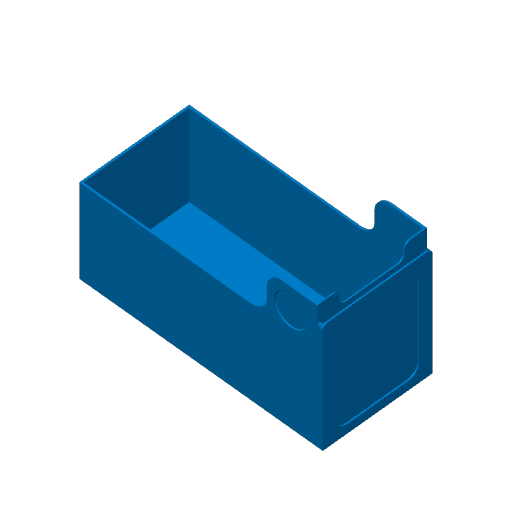
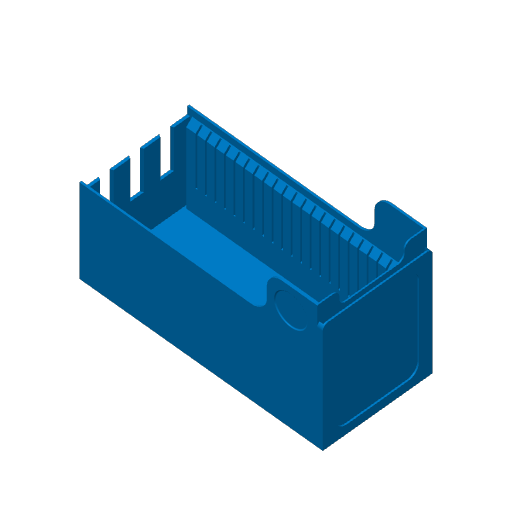
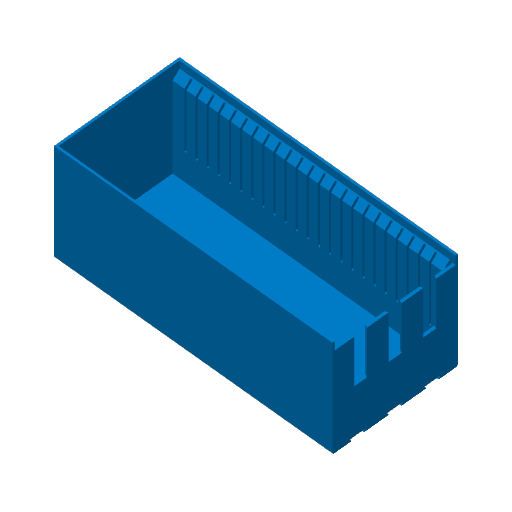
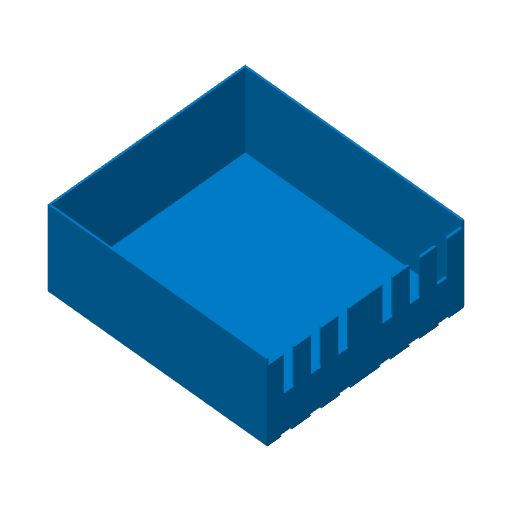
Plate 9 · Drawer - Single - Front - BackWall - Slots
4h 52m 155 g PLA · 155 g
Plate 10 · Drawer - Single - Front - BackWall - Handle - Slots
5h 15m 163 g PLA · 163 g
Plate 11 · Drawer - Single - Front - BackWall
2h 34m 114 g PLA · 114 g
Plate 12 · Drawer - Single - Front - BackWall - Handle
3h 7m 127 g PLA · 127 g
Plate 13 · Drawer - Single - Front - Connecting - Slots
5h 3m 154 g PLA · 154 g
Plate 14 · Drawer - Single - Front - Connecting - Handle - Slots
5h 26m 162 g PLA · 162 g
Plate 15 · Drawer - Single - Front - Connecting
2h 47m 113 g PLA · 113 g
Plate 16 · Drawer - Single - Front - Connecting - Handle
3h 20m 125 g PLA · 125 g
Plate 17 · Drawer - Single - Back Extender - Slots
4h 32m 149 g PLA · 149 g
Plate 18 · Drawer - Single - Back Extender
2h 15m 107 g PLA · 107 g
Plate 19 · Drawer - Double - Front - BackWall - Slots
8h 23m 271 g PLA · 271 g
Plate 20 · Drawer - Double - Front - BackWall - Handle - Slots
9h 32m 300 g PLA · 300 g
Plate 21 · Drawer - Double - Front - BackWall
4h 8m 198 g PLA · 198 g
Plate 22 · Drawer - Double - Front - BackWall - Handle
5h 24m 225 g PLA · 225 g
Plate 23 · Drawer - Double - Front - Connecting - Slots
8h 40m 270 g PLA · 270 g
Plate 24 · Drawer - Double - Front - Connecting - Handle - Slots
9h 48m 298 g PLA · 298 g
Plate 25 · Drawer - Double - Front - Connecting
4h 25m 196 g PLA · 196 g
Plate 26 · Drawer - Double - Front - Connecting - Handle
5h 41m 221 g PLA · 221 g
Plate 27 · Drawer - Double - Back Extender - Slots
7h 58m 262 g PLA · 262 g
Plate 28 · Drawer - Single - Back Extender
3h 43m 188 g PLA · 188 g
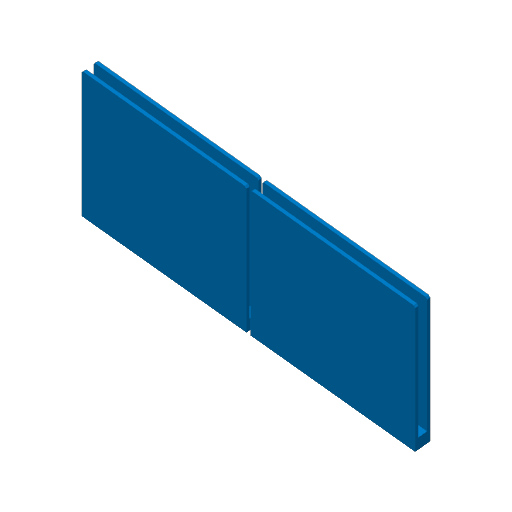
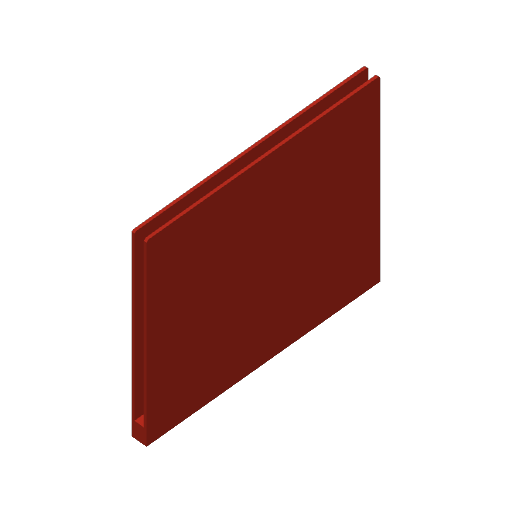
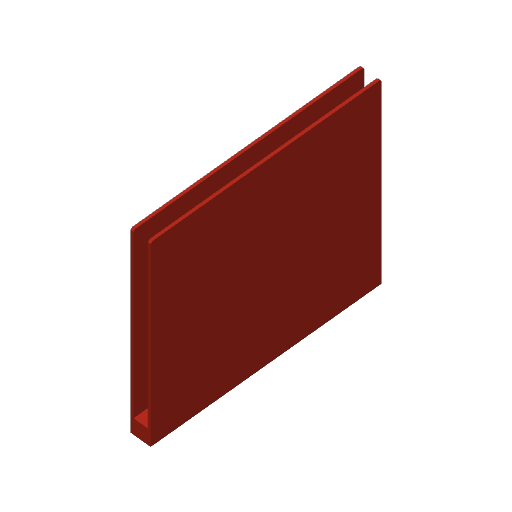
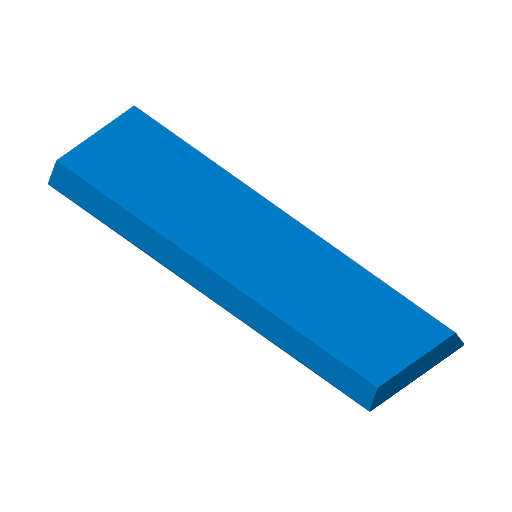
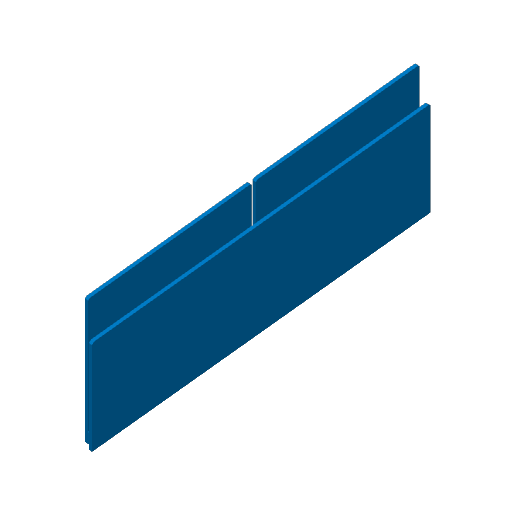
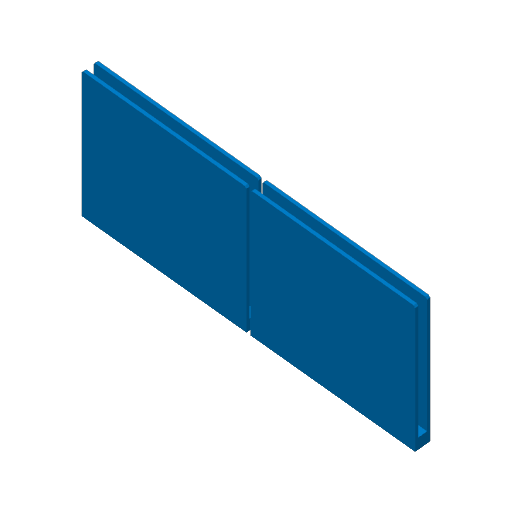
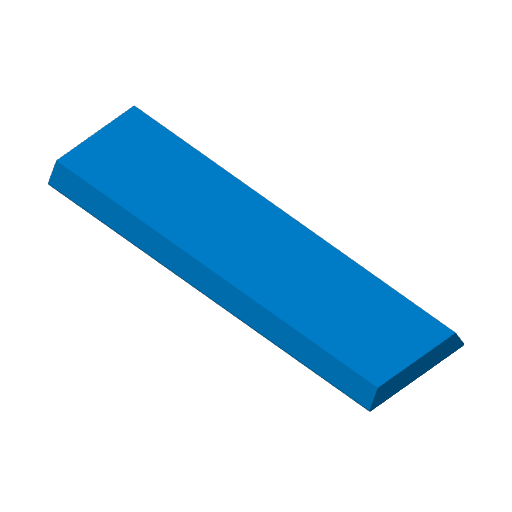
Plate 29 · Dividers
24m 14 g PLA · 14 g
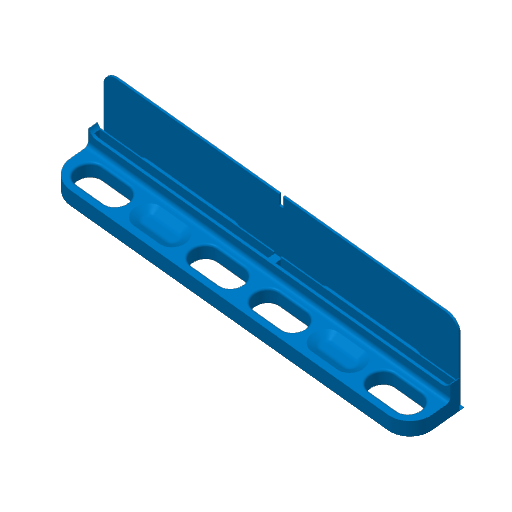
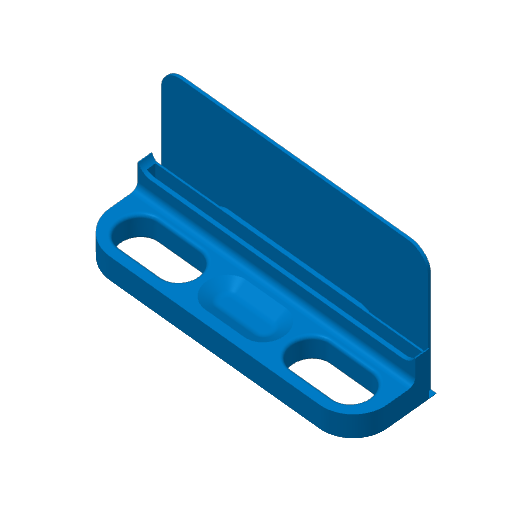
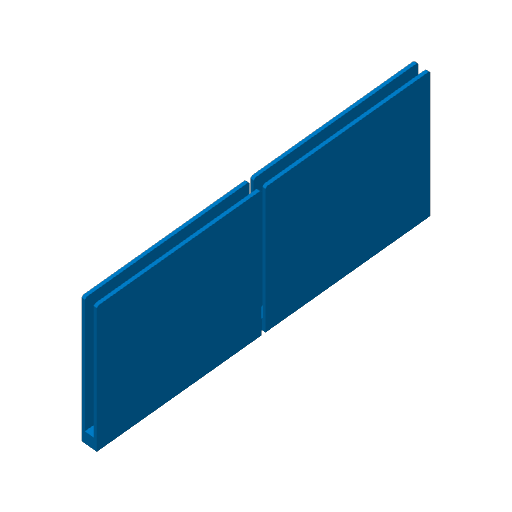
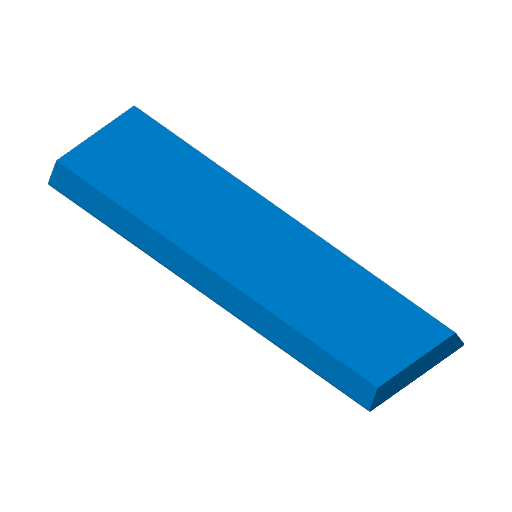
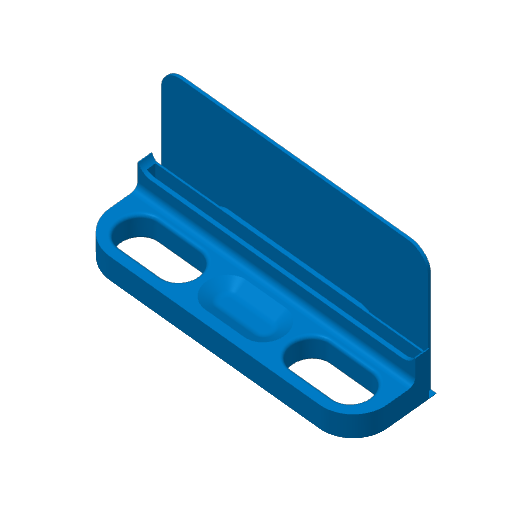
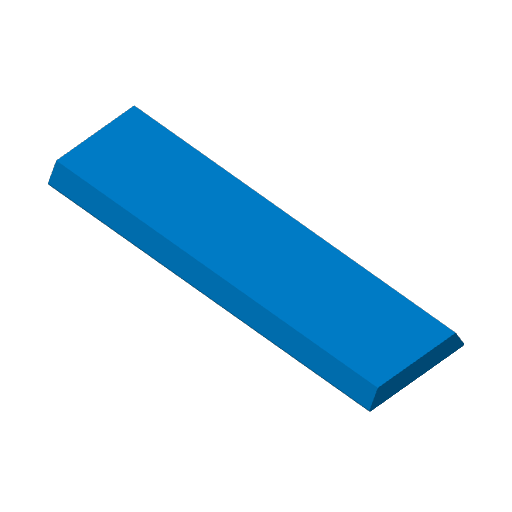
Plate 30 · Dovetail Joint
8m 1 g PLA · 1 g
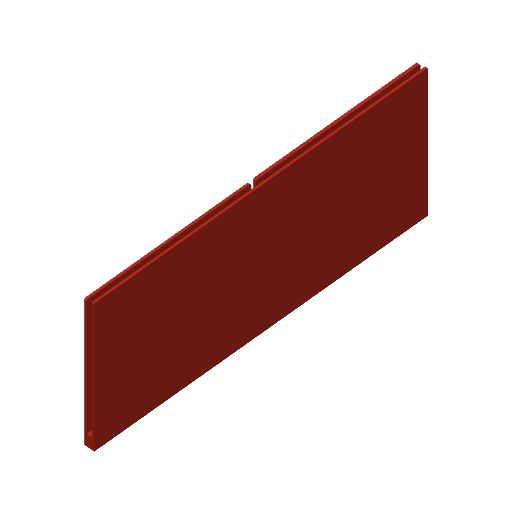
Plate 31 · Addon - Front Drawer - Single - Back Wall
53m 19 g PLA · 19 g
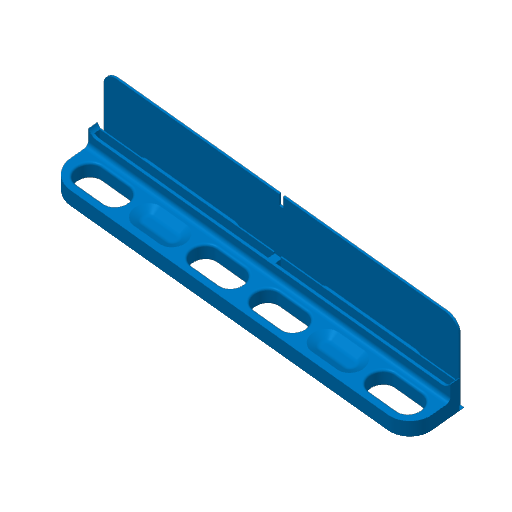
Plate 32 · Addon - Front and Back Connector - Single
57m 22 g PLA · 22 g
Plate 33 · Addon - Handle - Single
40m 10 g PLA · 10 g
Plate 34 · Addon - Front Drawer - Double - Back Wall
1h 13m 37 g PLA · 37 g
Plate 35 · Addon - Front and Back Connector - Double
1h 21m 43 g PLA · 43 g
Plate 36 · Addon - Handle - Double
55m 20 g PLA · 20 g
Add-ons Only (All Printers)
15 plates 14h 2m 345 g PLA
A1, A1 mini, H2S, H2C, P2S, A2L, P1P, X1E, X2D, X1, H2D, P1S, X1 Carbon, H2D Pro
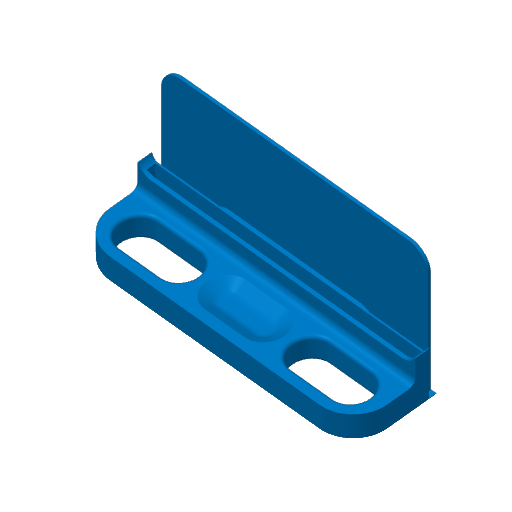
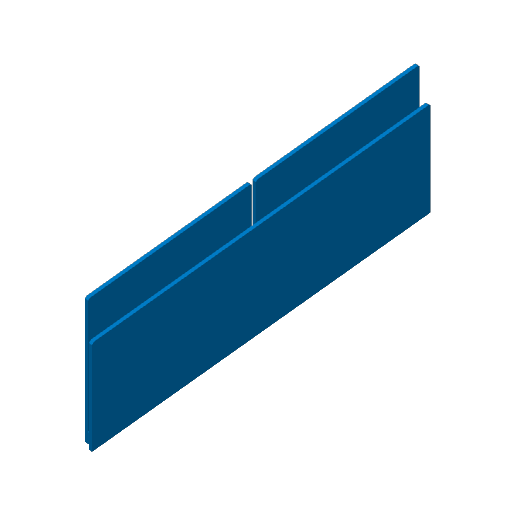
This profile contains all the essential add-ons and modular parts to complete your TCG storage system. These components are fully compatible with both the standard and A1 Mini drawer profiles. ## What is Included: • Removable Handle Add-ons: Easily add handles to your drawers for better grip and customization. Since they are separate parts, you can swap colors or remove them whenever you like. This file includes versions for both single and double drawers. • Card Dividers: Designed specifically for slotted drawers. Choose the standard divider for a clean look, or the cutout version for an easier grip and lower filament usage. Keep an eye out for future TCG-specific themed dividers! • Drawer Connection Inserts: Use these specialized inserts to bridge your front and back drawers, locking them together into one sturdy, high-capacity unit. • Modular Back-Wall Inserts: Perfect for collections that are still growing. If you only need the front drawer for now, use these inserts to add a secure back wall without needing the full extender. Available for both single and double drawers. • Universal Dovetail Joints: These multi-purpose joints work for both drawers and containers to connect front and back pieces. For the best stability, I recommend sliding these into your drawers before adding the connecting insert pieces. • NEW! If you have been having trouble with the tolerances using the dovetail joints or the connectors for the front and back of the drawers, there are now new versions added in the print profile to give you a looser fit. They are labeled Looser Fit in the 3MF file. Hope this helps! ## Compatibility Note: These add-ons are universal. Whether you are printing for the standard system or the A1 Mini, these are the correct parts to use for your build. Print Notes: I typically use a .4mm nozzle and print at a .2mm layer height. I recommend a brim for the drawer connection insert and a tree support for the handle in order to have them come out in good quality.
Plate Details (15)
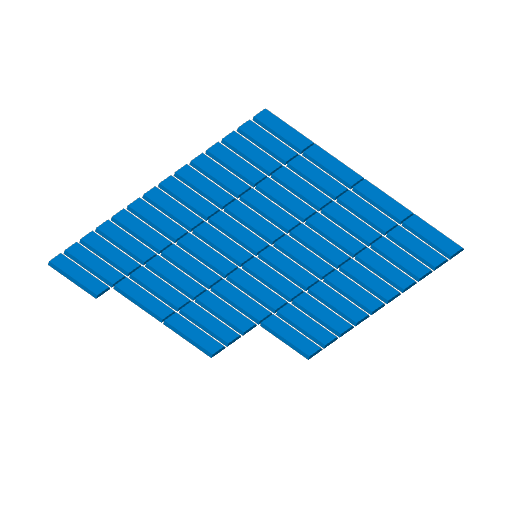
0.4 mm nozzle, all plates
Plate 1 · Dovetail Joint - x50
1h 13m 30 g PLA · 30 g
Plate 2 · (Looser Tolerance) Dovetail Join x50
1h 6m 28 g PLA · 28 g
Plate 3 · Addon - Front Drawer - Single - Back Wall
53m 19 g PLA · 19 g
Plate 4 · (Looser Tolerance) Front Drawer - Single - Back Wall
54m 13 g PLA · 13 g
Plate 5 · Addon - Front and Back Connector - Single
56m 22 g PLA · 22 g
Plate 6 · (Looser Tolerance) Front and Back Connector - Single
57m 16 g PLA · 16 g
Plate 7 · Addon - Handle - Single
41m 10 g PLA · 10 g
Plate 8 · Addon - Front Drawer - Double - Back Wall
1h 13m 37 g PLA · 37 g
Plate 9 · (Looser Tolerance) Front Drawer - Single - Back Wall
1h 16m 32 g PLA · 32 g
Plate 10 · Addon - Front and Back Connector - Double
1h 23m 44 g PLA · 44 g
Plate 11 · Addon - (Looser Tolerance) Front Drawer - Double - Back Wall
1h 23m 31 g PLA · 31 g
Plate 12 · Addon - Handle - Double
56m 20 g PLA · 20 g
Plate 13 · Short Dividers
24m 14 g PLA · 14 g
Plate 14 · Tall Dividers
28m 18 g PLA · 18 g
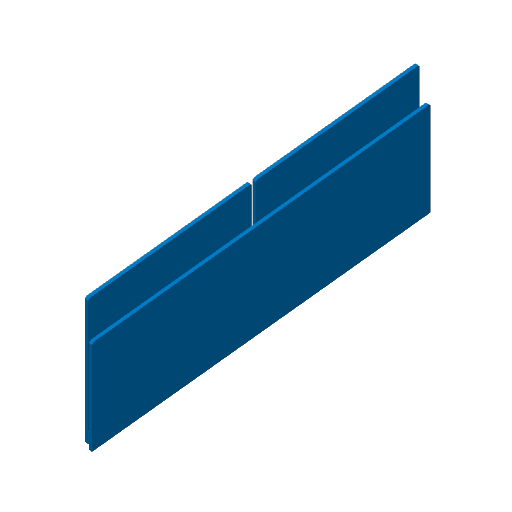
Plate 15 · Giant Open Drawer Divider
19m 11 g PLA · 11 g
Drawers Only (Most Printers)
21 plates 107h 2m 3,799 g PLA
A1, P2S, X1, H2D Pro, X1 Carbon, A2L, H2C, P1S, X1E, H2S, H2D, X2D, P1P
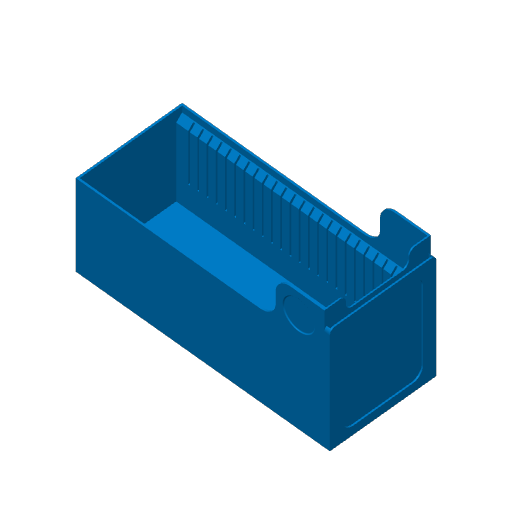
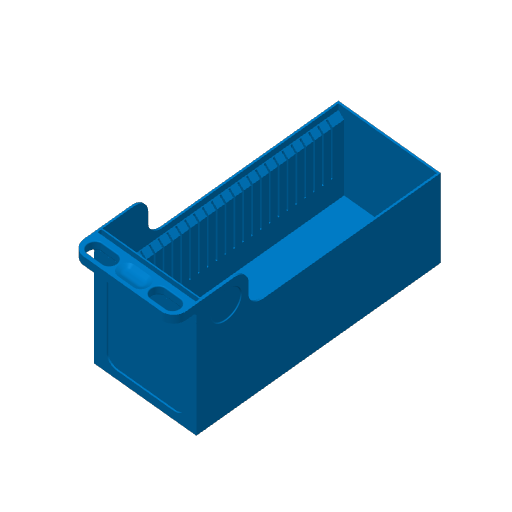
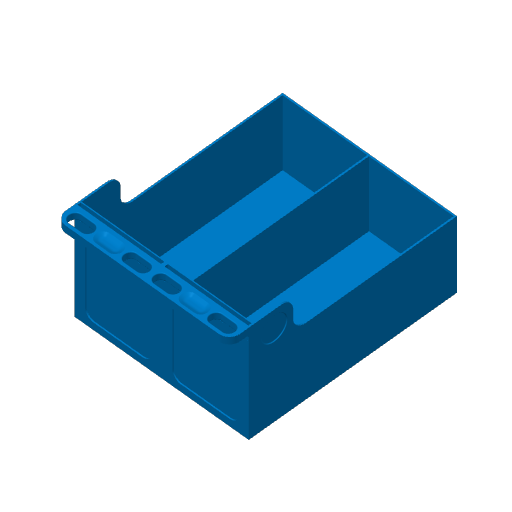
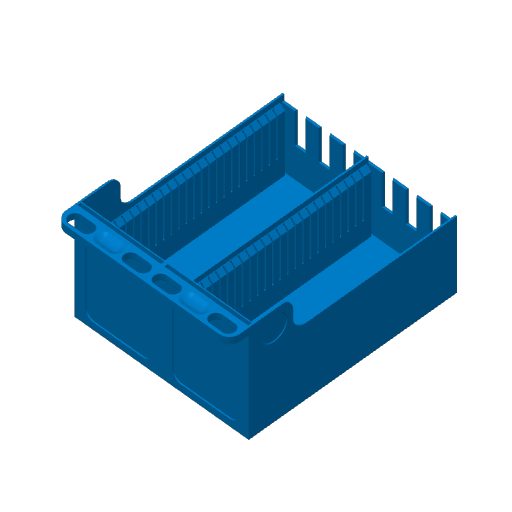
This profile contains every drawer variation available for the 2.0 system. Mix and match these files to build the perfect setup for your specific collection. ## What is Included: • Single vs. Double Drawers: Choose a single drawer to fill half a container or a double drawer to occupy the full container space. • Full-Depth Extendable Drawers: Use these matching front and back pieces to take advantage of the entire depth of your Kallax cube. • Slotted or Smooth Walls: Choose slotted versions to use dividers for easy organization. Please note that slotted drawers fit most sleeves but are not compatible with top loaders. • Integrated or Customizable Handles: Select drawers with a built-in handle for a quick one-piece print, or choose the handle-less version if you prefer to add a custom attachment later. • Standalone Drawers: These feature a solid back wall and are designed for users who do not need to extend to the full depth of the cube. • Dovetail Joints: Includes the necessary joints to connect front and back drawer segments. I recommend sliding these into the base first to ensure a sturdy build as you add more cards. ## Recommended Print Settings: • Nozzle: 0.4mm • Layer Height: 0.2mm • Infill: 12% (the "sweet spot" for strength and filament savings) • Adhesion Tips: If you experience any warping on the bottom, try adding a brim or turning off the part cooling fan for the first few layers.
Plate Details (21)
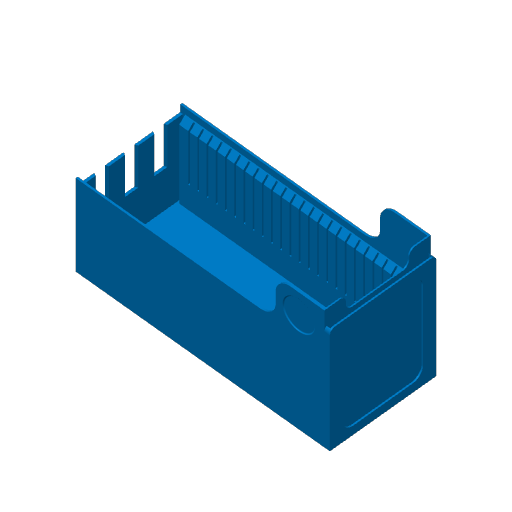
0.4 mm nozzle, all plates
Plate 1 · Single - Front - BackWall - Slots
4h 52m 155 g PLA · 155 g
Plate 2 · Single - Front - BackWall - Handle - Slots
5h 15m 163 g PLA · 163 g
Plate 3 · Single - Front - BackWall
2h 34m 114 g PLA · 114 g
Plate 4 · Single - Front - BackWall - Handle
3h 7m 127 g PLA · 127 g
Plate 5 · Single - Front - Connecting - Slots
5h 3m 154 g PLA · 154 g
Plate 6 · Single - Front - Connecting - Handle - Slots
5h 26m 162 g PLA · 162 g
Plate 7 · Single - Front - Connecting
2h 47m 113 g PLA · 113 g
Plate 8 · Single - Front - Connecting - Handle
3h 20m 125 g PLA · 125 g
Plate 9 · Single - Back Extender - Slots
4h 32m 149 g PLA · 149 g
Plate 10 · Single - Back Extender
2h 15m 107 g PLA · 107 g
Plate 11 · Double - Front - BackWall - Slots
8h 23m 271 g PLA · 271 g
Plate 12 · Double - Front - BackWall - Handle - Slots
9h 32m 300 g PLA · 300 g
Plate 13 · Double - Front - BackWall
4h 8m 198 g PLA · 198 g
Plate 14 · Double - Front - BackWall - Handle
5h 24m 225 g PLA · 225 g
Plate 15 · Double - Front - Connecting - Slots
8h 40m 270 g PLA · 270 g
Plate 16 · Double - Front - Connecting - Handle - Slots
9h 48m 298 g PLA · 298 g
Plate 17 · Double - Front - Connecting
4h 25m 196 g PLA · 196 g
Plate 18 · Double - Front - Connecting - Handle
5h 41m 221 g PLA · 221 g
Plate 19 · Double - Back Extender - Slots
7h 58m 262 g PLA · 262 g
Plate 20 · Single - Back Extender
3h 43m 188 g PLA · 188 g
Plate 21 · Dovetail Joint
8m 1 g PLA · 1 g
Containers Only (Most Printers)
11 plates 87h 25m 2,321 g PLA
A1, X1E, X1, H2S, H2D, X2D, P1S, P1P, H2D Pro, P2S, A2L, X1 Carbon, H2C
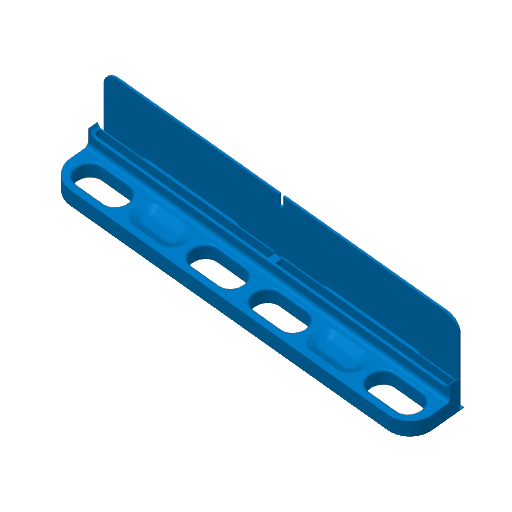
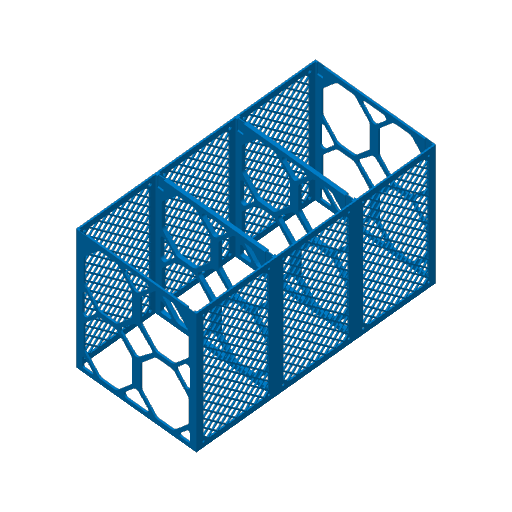
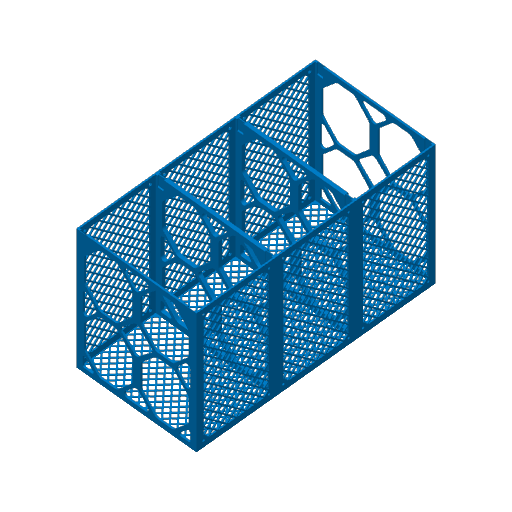
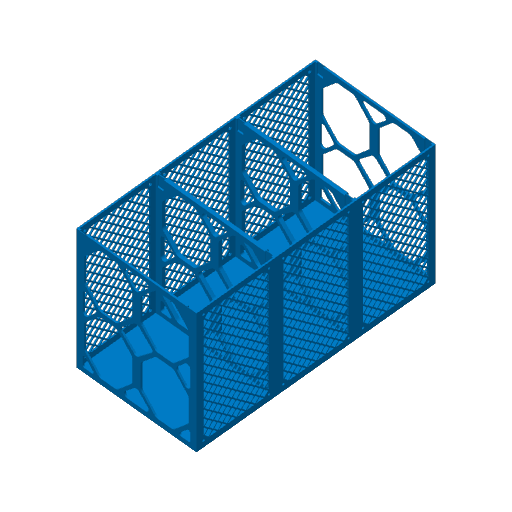
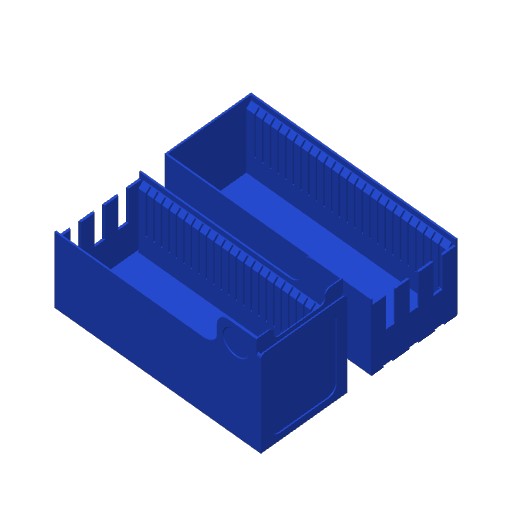
This print profile is designed for the various container options needed to hold the card drawers. This file includes: • Single versions of the containers, with both front and back parts. • Double containers that print two units as a single model, saving print time, filament, and assembly effort. • Versions of each that feature solid filled walls to enhance strength and prevent dust from reaching your cards. These are ideal if you want to build without a Kallax cube. • A dovetail joint design for connecting the front and back of the containers. I recommend using PETG to ensure long-term durability. I usually print with a .4mm nozzle at a .2mm layer height.
Plate Details (11)
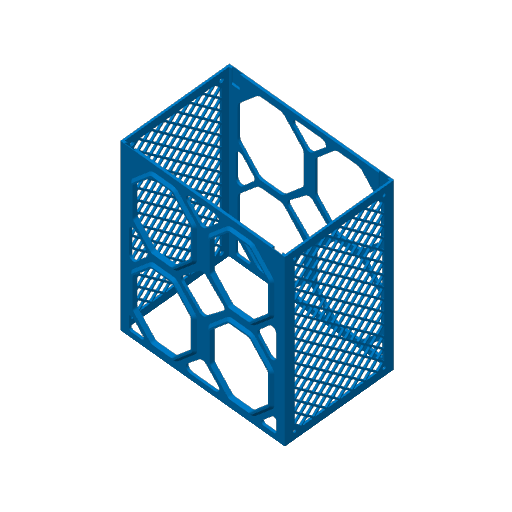
0.4 mm nozzle, all plates
Plate 1 · Container - Single - Front - Lattice
6h 48m 111 g PLA · 111 g
Plate 2 · Container - Single - Back - Lattice
7h 33m 122 g PLA · 122 g
Plate 3 · Container - Single- Back - Mixed
7h 13m 134 g PLA · 134 g
Plate 4 · Container - Double - Front - Lattice
11h 33m 189 g PLA · 189 g
Plate 5 · Container - Double - Back - Lattice
12h 58m 210 g PLA · 210 g
Plate 6 · Container - Double - Back - Mixed
12h 18m 234 g PLA · 234 g
Plate 7 · Container - Single - Front - Solid
5h 26m 222 g PLA · 222 g
Plate 8 · Container - Single - Back - Solid
5h 48m 245 g PLA · 245 g
Plate 9 · Container - Double - Front - Solid
8h 28m 404 g PLA · 404 g
Plate 10 · Container - Double - Back - Solid
9h 14m 449 g PLA · 449 g
Plate 11 · Dovetail Joint
8m 1 g PLA · 1 g
All The Parts (A1 Mini)
25 plates 89h 41m 2,948 g PLA
A1 mini, H2C, X2D, A2L, P2S, X1E, H2D, H2S, X1, A1, H2D Pro, P1P, P1S, X1 Carbon
This print profile includes all necessary components for A1 Mini users, with alternative options organized on separate plates. Note that these models are slightly scaled down to fit the A1 Mini build plate, allowing most of the Kallax cube to be used but resulting in a small gap when assembling the complete system. Since I do not own an A1 Mini, please inform me of any issues, and I will do my best to make adjustments. 0.2mm layer, 2 walls, 12% infill
Plate Details (25)
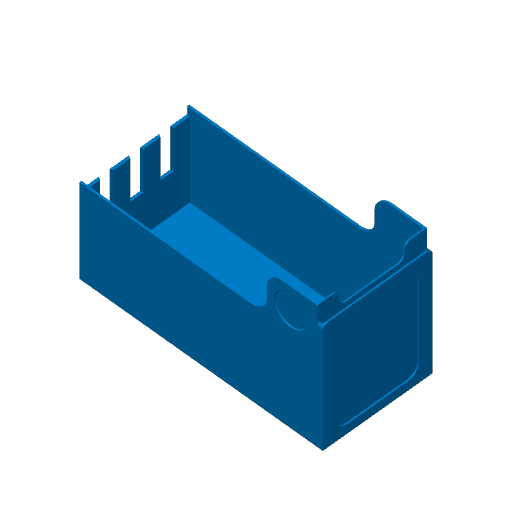
0.4 mm nozzle, all plates
Plate 1 · Container - Lattice - Front
6h 1m 95 g PLA · 95 g
Plate 2 · Container - Lattice - Back
6h 45m 104 g PLA · 104 g
Plate 3 · Container - Mixed - Back
6h 25m 114 g PLA · 114 g
Plate 4 · Container - Solid - Front
4h 24m 198 g PLA · 198 g
Plate 5 · Container - Solid - Back
5h 6m 222 g PLA · 222 g
Plate 6 · Drawer - Single - Front - BackWall - Slots
4h 30m 146 g PLA · 146 g
Plate 7 · Drawer - Single - Front - BackWall
2h 26m 108 g PLA · 108 g
Plate 8 · Drawer - Single - Front - Connecting - Slots
4h 38m 145 g PLA · 145 g
Plate 9 · Drawer - Single - Front - Connecting
2h 33m 106 g PLA · 106 g
Plate 10 · Drawer - Single - Back Extender - Slots
4h 11m 139 g PLA · 139 g
Plate 11 · Drawer - Single - Back Extender
2h 4m 101 g PLA · 101 g
Plate 12 · Drawer - Double - Front - BackWall - Slots
7h 45m 255 g PLA · 255 g
Plate 13 · Drawer - Double - Front - BackWall
3h 50m 187 g PLA · 187 g
Plate 14 · Drawer - Double - Front - Connecting - Slots
8h 1m 254 g PLA · 254 g
Plate 15 · Drawer - Double - Front - Connecting
4h 5m 185 g PLA · 185 g
Plate 16 · Drawer - Double - Back Extender - Slots
7h 20m 246 g PLA · 246 g
Plate 17 · Drawer - Single - Back Extender
3h 22m 177 g PLA · 177 g
Plate 18 · Dividers
24m 14 g PLA · 14 g
Plate 19 · Dovetail Joint
8m 1 g PLA · 1 g
Plate 20 · Addon - Front Drawer - Single - Back Wall
52m 19 g PLA · 19 g
Plate 21 · Addon - Front and Back Connector - Single
55m 22 g PLA · 22 g
Plate 22 · Addon - Handle - Single
39m 10 g PLA · 10 g
Plate 23 · Addon - Front Drawer - Double - Back Wall
1h 8m 37 g PLA · 37 g
Plate 24 · Addon - Front and Back Connector - Double
1h 15m 43 g PLA · 43 g
Plate 25 · Addon - Handle - Double
54m 20 g PLA · 20 g
Drawer (For H2S Printers)
2 plates 10h 35m 474 g PLA
H2S
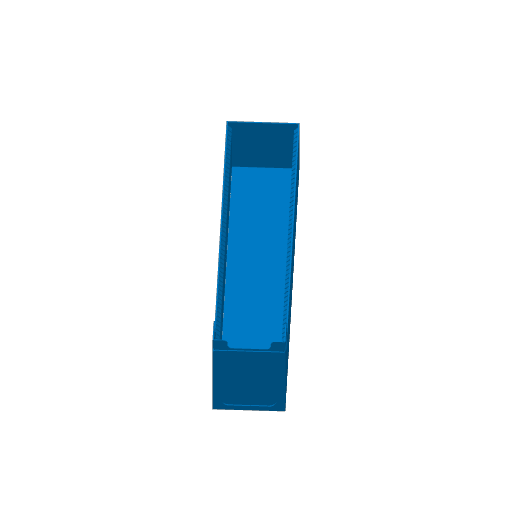
This profile is an optional version of the TCG drawer designed specifically for the H2S printer and other large-format machines. It allows you to print a full-depth drawer in one single piece, which eliminates the need for assembly or connecting joints. ## Why Choose the Single-Print Version? • Zero Assembly: Since the drawer is printed as one solid unit, there are no dovetail joints or inserts required to reach the full depth of the Kallax cube. • Optimized for H2S: The model has been slightly resized to fit the H2S build plate diagonally. This maximizes the available space and ensures a perfect fit. • Material Efficiency: By removing the need for connecting hardware and overlapping joints, you save on both filament and total print time. • Improved Strength: A single-print body offers excellent structural integrity for heavy card collections. ## What is Included: • Slotted Full-Depth Drawer: This version includes the integrated divider slots to help you organize and support your cards. • Non-Slotted Full-Depth Drawer: A smooth-wall version for those who prefer an open drawer or do not need to use dividers. ## Recommended Print Settings: • Nozzle: 0.4mm • Layer Height: 0.2mm • Infill: 12% (provides plenty of strength for a solid-body print). • Orientation: These models are designed to be printed diagonally to fit the H2S build plate. Ensure your build plate is clean and well-leveled, as these prints take up a significant portion of the surface area.
Plate Details (2)
0.4 mm nozzle, all plates
Plate 1 · Drawer - Single - Slots
7h 15m 276 g PLA · 276 g
Plate 2 · Drawer - Single
3h 19m 198 g PLA · 198 g
Containers Only (A1 Mini)
6 plates 28h 54m 733 g PLA
A1 mini, H2S, A1, P1P, H2C, X1, P1S, X1E, P2S, H2D Pro, X2D, A2L, X1 Carbon, H2D
This print profile is designed for the various container options needed to hold the card drawers. These models are meant for A1 printers so that they fit in the build plate. The end result will fill up 90% of the depth of the Kallax cube due to the size of the A1 Mini build plate, but you will still have plenty of cards you can store. This file includes: • Single versions of the containers, with both front and back parts. • Versions of each that feature solid filled walls to enhance strength and prevent dust from reaching your cards. These are ideal if you want to build without a Kallax cube. • A dovetail joint design for connecting the front and back of the containers. I recommend using PETG to ensure long-term durability. I usually print with a .4mm nozzle at a .2mm layer height.
Plate Details (6)
0.4 mm nozzle, all plates
Plate 1 · Container - Lattice - Front
6h 9m 95 g PLA · 95 g
Plate 2 · Container - Lattice - Back
6h 45m 104 g PLA · 104 g
Plate 3 · Container - Mixed - Back Wall
6h 21m 113 g PLA · 113 g
Plate 4 · Container - Solid - Front
4h 30m 198 g PLA · 198 g
Plate 5 · Container - Solid - Back
5h 2m 222 g PLA · 222 g
Plate 6 · Dovetail Joint
8m 1 g PLA · 1 g
Triple Containers (H2S and Bigger Printers)
5 plates 70h 54m 2,205 g PLA
H2S
This profile is specifically designed for users with large-format printers, such as the H2S and similar build plate models. These containers are engineered to span three units in a single print, allowing you to fill your Kallax cube much faster than before. ## Why Use the 3-Unit Span? • Save on Print Time: By printing three containers at once, you drastically reduce the total number of print cycles needed. • Reduced Filament Waste: This unified design uses less material for structural walls and connections compared to printing individual units. • Simplified Assembly: A full Kallax cube normally requires 12 single container prints. With this model, you only need 4 prints to complete the entire cube. ## What is Included: • Front containers and back containers. • Both solid containers and containers with a lattice pattern. • Dovetail joints to connect the front and back containers. ## Recommended Print Settings: • Nozzle: 0.4mm • Layer Height: 0.2mm • Infill: 12% (provides the best balance of strength and speed) • Adhesion Tips: Because these are large prints, a clean build plate is essential. I recommend a brim if your printer is prone to corner lifting on long models.
Plate Details (5)
0.4 mm nozzle, all plates
Plate 1 · Container - Triple - Front - Lattice
15h 10m 256 g PLA · 256 g
Plate 2 · Container - Triple - Back - Lattice
17h 22m 287 g PLA · 287 g
Plate 3 · Container - Triple - Back - Mixed
16h 14m 324 g PLA · 324 g
Plate 4 · Container - Triple - Front - Solid
10h 31m 635 g PLA · 635 g
Plate 5 · Container - Triple - Back - Solid
11h 38m 703 g PLA · 703 g
Drawers Only (A1 Mini Printers)
13 plates 54h 54m 2,050 g PLA
A1 mini, P1S, H2D Pro, A2L, H2C, X1, P2S, H2D, X1 Carbon, A1, X1E, X2D, P1P, H2S
This version is specifically optimized for the A1 Mini , allowing you to maximize your storage while fitting perfectly on a smaller build plate. To ensure you get the most card storage possible (up to 90% of the Kallax depth) without hitting build plate limits, this profile does not include integrated handles. If you'd like handles, you can easily print and attach them as separate add-ons! ## What is Included: • A1 Mini Optimized Sizing: Every drawer in this profile is scaled to maximize your storage space while fitting the A1 Mini build plate. • Single vs. Double Drawers: Pick a single drawer for half-container storage or a double drawer to fill the entire container width. • Max-Depth Extendable Drawers: These matching front and back pieces are designed to reach 90% of the Kallax depth when connected. • Slotted or Smooth Walls: Use the slotted versions for easy organization with dividers. Note that slotted drawers are compatible with most sleeves but will not fit top loaders. • Standalone Drawers: Perfect for smaller collections, these feature a solid back wall and are not intended for extension pieces. • Universal Joints: Includes the necessary joints to securely connect your front and back drawer segments. ## Recommended Print Settings: • Nozzle: 0.4mm • Layer Height: 0.2mm • Infill: 12% • Adhesion Tips: To prevent warping on the smaller plate, I recommend using a brim or turning off your part cooling fan for the first few layers.
Plate Details (13)
0.4 mm nozzle, all plates
Plate 1 · Single - Front - BackWall - Slots
4h 30m 146 g PLA · 146 g
Plate 2 · Single - Front - BackWall
2h 26m 108 g PLA · 108 g
Plate 3 · Single - Front - Connecting - Slots
4h 38m 145 g PLA · 145 g
Plate 4 · Single - Front - Connecting
2h 33m 106 g PLA · 106 g
Plate 5 · Single - Back Extender - Slots
4h 11m 139 g PLA · 139 g
Plate 6 · Single - Back Extender
2h 4m 101 g PLA · 101 g
Plate 7 · Double - Front - BackWall - Slots
7h 45m 255 g PLA · 255 g
Plate 8 · Double - Front - BackWall
3h 50m 187 g PLA · 187 g
Plate 9 · Double - Front - Connecting - Slots
8h 1m 254 g PLA · 254 g
Plate 10 · Double - Front - Connecting
4h 5m 185 g PLA · 185 g
Plate 11 · Double - Back Extender - Slots
7h 20m 246 g PLA · 246 g
Plate 12 · Single - Back Extender
3h 22m 177 g PLA · 177 g
Plate 13 · Dovetail Joint
8m 1 g PLA · 1 g
Giant Open Drawer (Most Printers)
12 plates 54h 58m 2,013 g PLA
A1, P1P, X1, X2D, X1E, X1 Carbon, H2D, P1S, A2L, P2S, H2D Pro, H2S, H2C
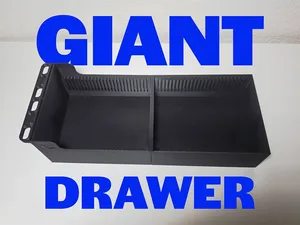
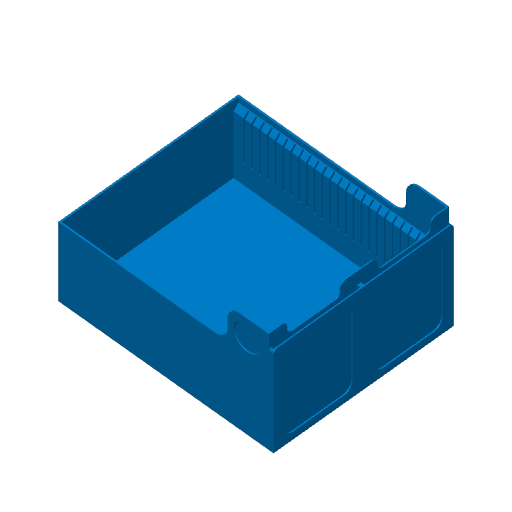
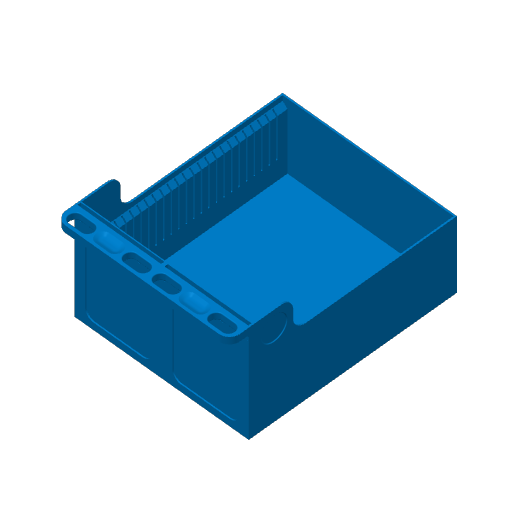
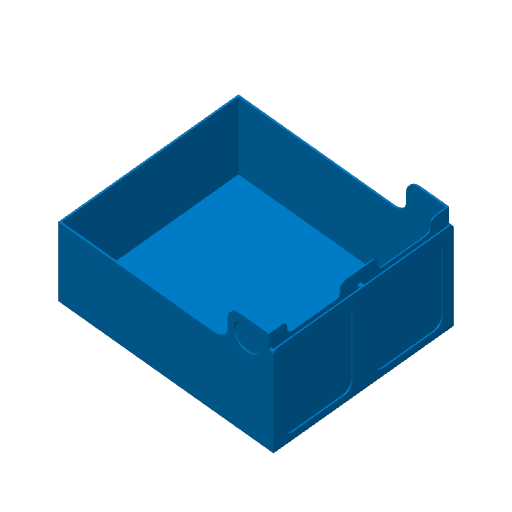
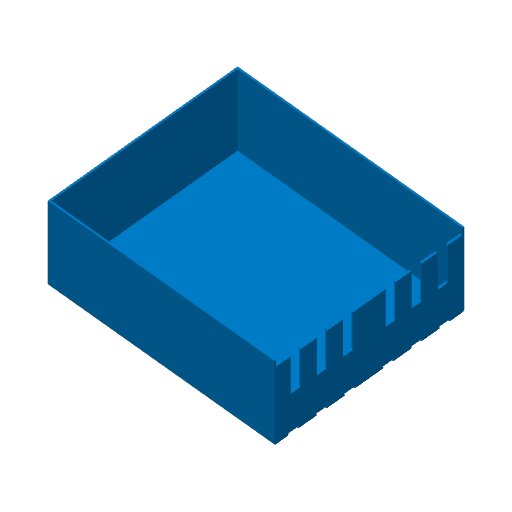
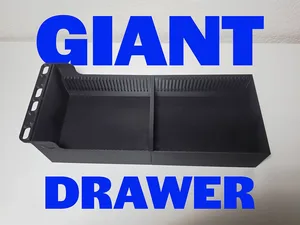
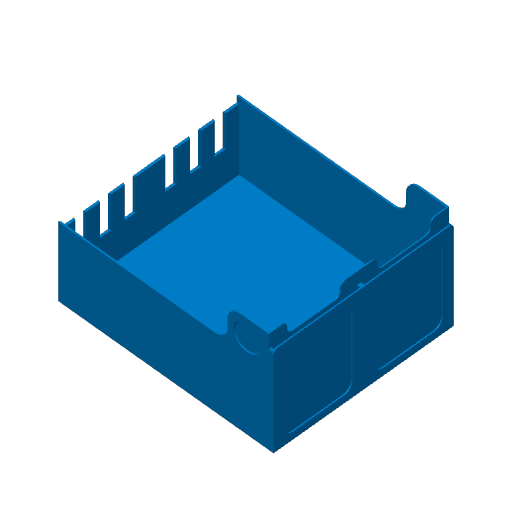
This print profile features the open bin variation of the double drawers. This was a fantastic suggestion from @ The_BeardedJack , and I am happy to include it for anyone who wants a more versatile storage option within the TCG 2.0 system. By removing the center wall, I have turned the double drawer into a large, open space that you can utilize however you choose. ## What is Included: • Center Wall-Free Design: These drawers provide one large, open bin for maximum flexibility. They are perfect for oversized accessories or unique storage needs. • Slotted or Smooth Walls: You can choose versions with no slots or slotted walls. While the standard card dividers won't fit across the full width, I have created a new custom divider specifically for this model to help you section off the bin. • Integrated or Optional Handles: Like the standard double drawers, you can pick a version with the handle built into the model or a handle-less version for a cleaner look or a custom attachment. • Full-Depth Support: These files include matching front and back pieces so you can still take advantage of the full depth of your Kallax cube, and you can also mix and match them with the other double drawers. ## Recommended Print Settings: • Nozzle: 0.4mm • Layer Height: 0.2mm • Infill: 12% is usually the sweet spot for these larger drawer volumes. • Adhesion Tips: Because of the larger footprint of the open bin, a clean build plate is important. I recommend a brim if you are worried about the corners lifting during the print.
Plate Details (12)
0.4 mm nozzle, all plates
Plate 1 · Double - Front - BackWall - Slots
6h 4m 211 g PLA · 211 g
Plate 2 · Double - Front - BackWall - Handle - Slots
7h 25m 241 g PLA · 241 g
Plate 3 · Double - Front - BackWall
3h 52m 173 g PLA · 173 g
Plate 4 · Double - Front - BackWall - Handle
5h 7m 200 g PLA · 200 g
Plate 5 · Double - Front - Connecting - Slots
6h 17m 209 g PLA · 209 g
Plate 6 · Double - Front - Connecting - Handle - Slots
7h 36m 237 g PLA · 237 g
Plate 7 · Double - Front - Connecting
4h 8m 171 g PLA · 171 g
Plate 8 · Double - Front - Connecting - Handle
5h 17m 196 g PLA · 196 g
Plate 9 · Double - Back Extender - Slots
5h 27m 201 g PLA · 201 g
Plate 10 · Single - Back Extender
3h 19m 162 g PLA · 162 g
Plate 11 · Dovetail Joint
8m 1 g PLA · 1 g
Plate 12 · Long Divider For Slots
19m 11 g PLA · 11 g
Giant Open Drawer (A1 Mini)
8 plates 27h 18m 1,077 g PLA
A1 mini, H2C, H2S, X1, P2S, X1 Carbon, A1, H2D, X2D, A2L, P1S, P1P, X1E, H2D Pro
This print profile features the open bin variation of the double drawers. This was a fantastic suggestion from @ The_BeardedJack , and I am happy to include it for anyone who wants a more versatile storage option within the TCG 2.0 system. This version is for the A1 Mini. By removing the center wall, I have turned the double drawer into a large, open space that you can utilize however you choose. ## What is Included: • Center Wall-Free Design: These drawers provide one large, open bin for maximum flexibility. They are perfect for oversized accessories or unique storage needs. • Slotted or Smooth Walls: You can choose versions with no slots or slotted walls. While the standard card dividers won't fit across the full width, I have created a new custom divider specifically for this model to help you section off the bin. • Integrated or Optional Handles: Like the standard double drawers, you can pick a version with the handle built into the model or a handle-less version for a cleaner look or a custom attachment. • Full-Depth Support: These files include matching front and back pieces so you can still take advantage of the full depth of your Kallax cube, and you can also mix and match them with the other double drawers. ## Recommended Print Settings: • Nozzle: 0.4mm • Layer Height: 0.2mm • Infill: 12% is usually the sweet spot for these larger drawer volumes. • Adhesion Tips: Because of the larger footprint of the open bin, a clean build plate is important. I recommend a brim if you are worried about the corners lifting during the print.
Plate Details (8)
0.4 mm nozzle, all plates
Plate 1 · Double - Front - BackWall - Slots
5h 36m 199 g PLA · 199 g
Plate 2 · Double - Front - BackWall
3h 35m 164 g PLA · 164 g
Plate 3 · Double - Front - Connecting - Slots
5h 49m 197 g PLA · 197 g
Plate 4 · Double - Front - Connecting
3h 48m 162 g PLA · 162 g
Plate 5 · Double - Back Extender - Slots
5h 3m 189 g PLA · 189 g
Plate 6 · Single - Back Extender
3h 154 g PLA · 154 g
Plate 7 · Dovetail Joint
8m 1 g PLA · 1 g
Plate 8 · Long Divider
18m 11 g PLA · 11 g
Half Containers (Most Printers)
12 plates 58h 40m 1,026 g PETG
A1, P1S, H2D Pro, A2L, H2C, X1, P2S, H2D, X1 Carbon, X1E, X2D, P1P, H2S
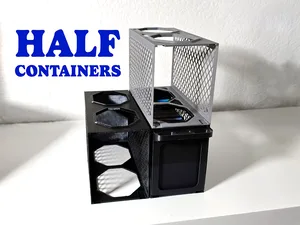
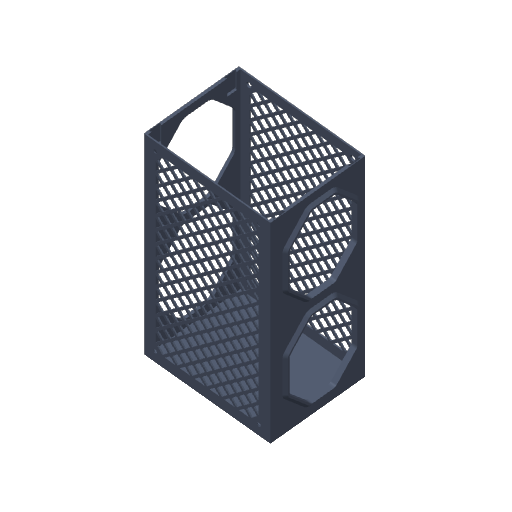
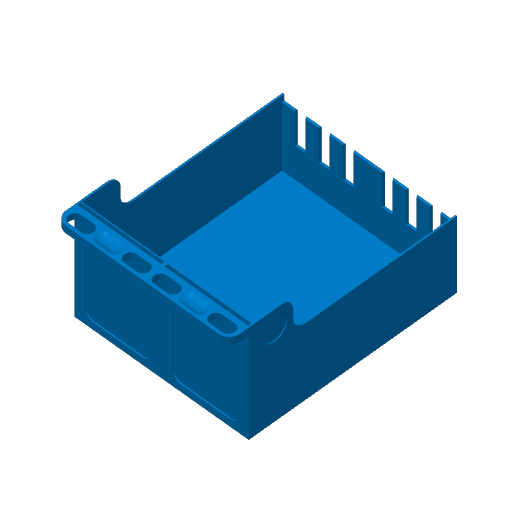
With this model, you can build your storage system exactly how you need it. The half-size container accommodates one TCG drawer, allowing for highly customized layouts. IMPORTANT: Please review the file variations below to ensure you print the piece that matches your setup. Stacking compatibility depends entirely on your choice. ## Understanding the 3 Versions: Because the original containers was optimized for full-size beds, the vertical alignment cutouts are off-center when split in half. This make stacking a little tricky. You must choose the specific side that matches where you want to place the container on top of your full-size unit. • Left-Aligned: Made to fit the left side of a standard full-size container. • Right-Aligned: Made to fit the right side of a standard full-size container. • Centered: Made for pure half-container builds. If you want maximum modularity and don't want to think about left or right positioning as you reorganize, use this version. Just keep in mind that it is completely incompatible with the standard full-size containers. They only lock into other Centered half-size units. ## Print Styles: Every version listed above is available with either a Lattice pattern (to reduce filament consumption) or a Filled-in option (for solid walls). ## Recommended Print Settings: • Nozzle: 0.4mm • Layer Height: 0.2mm • Infill: 15% (Gyroid works well for the solid walls). • Adhesion: No supports are required, but a well-calibrated first layer ensures the interlocking pins fit smoothly.
Plate Details (12)
0.4 mm nozzle, all plates
Plate 1 · Left - Back
5h 27m 79 g PETG · 79 g
Plate 2 · Left - Back - Filled
4h 36m 102 g PETG · 102 g
Plate 3 · Left - Front
5h 12m 68 g PETG · 68 g
Plate 4 · Left - Front - Filled
4h 21m 92 g PETG · 92 g
Plate 5 · Right - Back
5h 27m 79 g PETG · 79 g
Plate 6 · Right - Back - Filled
4h 31m 102 g PETG · 102 g
Plate 7 · Right - Front
5h 12m 68 g PETG · 68 g
Plate 8 · Right - Front - Filled
4h 21m 92 g PETG · 92 g
Plate 9 · Centered - Back
5h 28m 80 g PETG · 80 g
Plate 10 · Centered - Back - Filled
4h 33m 103 g PETG · 103 g
Plate 11 · Centered - Front
5h 12m 69 g PETG · 69 g
Plate 12 · Centered - Front - Filled
4h 21m 92 g PETG · 92 g
Drawer modified with slots on bottom
1 plate 10h 19m 288 g PETG
P1S, A2L, X1E, P2S, P1P, A1, H2S, H2C, H2D, X2D, X1, X1 Carbon, H2D Pro
This is a modification I made of the original drawer to address warping issues I encountered on the bottom. If you aren't having that issue don't use as they require extra filament.
Plate Details (1)
0.4 mm nozzle, all plates
Plate 1
10h 19m 288 g PETG · 288 g
As sliced by the designer. Your printer, filament, and settings may change these numbers.
Designer's Description

Hi everyone! I am so happy to finally share my latest updates to the TCG storage system for the IKEA Kallax.

This project has been a labor of love over the last couple of months, involving endless tinkering and test printing to get everything just right. For those of you who are new here, I originally created a TCG drawer system designed to fit perfectly into the IKEA Kallax. The response was overwhelming, and since then, many of you have reached out with amazing suggestions and requests.

I am incredibly appreciative of everyone who gave me feedback, some of you even helped me by running test prints to fine-tune the fit! After plenty of sizing, resizing, and the occasional nozzle clog, I’m finally ready to show the latest improvements.

What’s New in 2.0?

This update is all about efficiency, customization, and protecting your most valuable cards. Here is a breakdown of the major improvements:

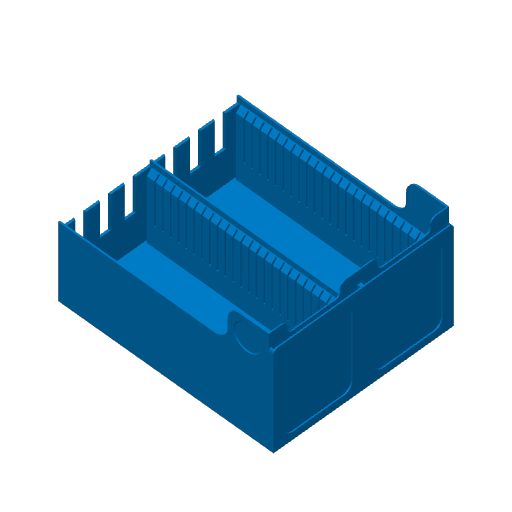
  • New Divider Slots:

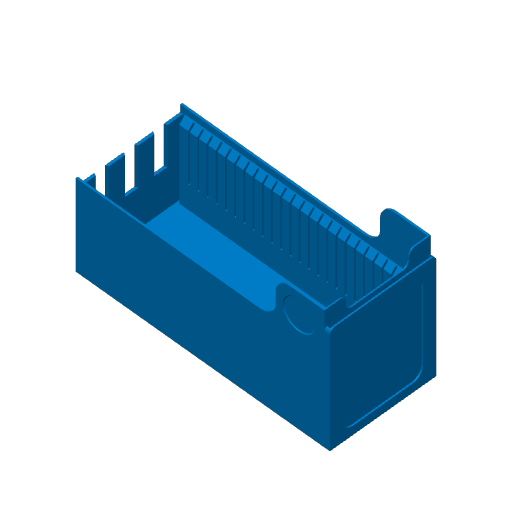
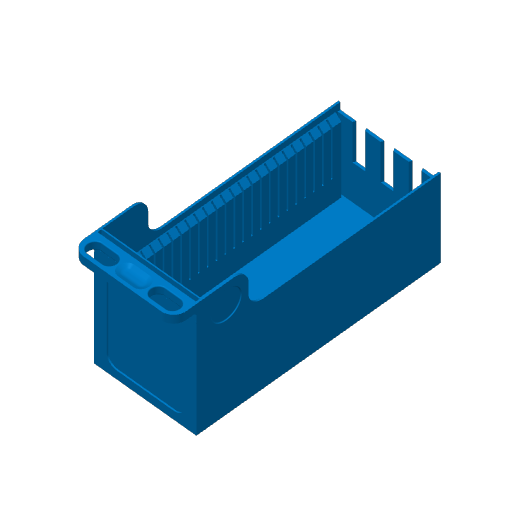
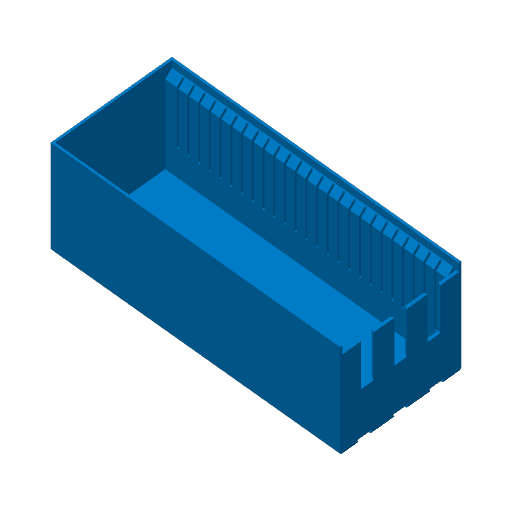
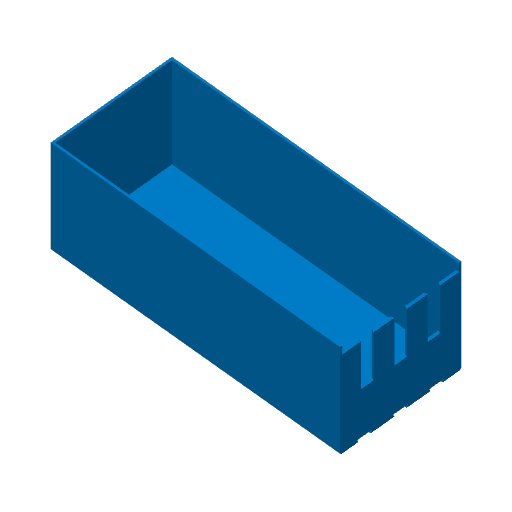
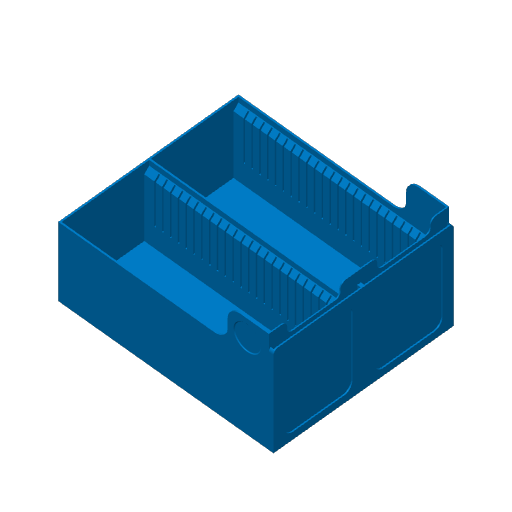
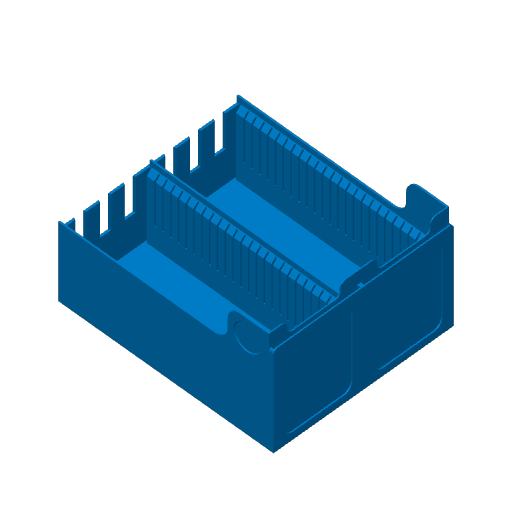
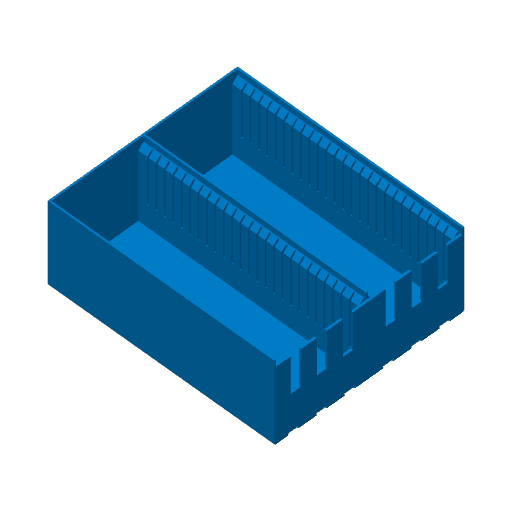
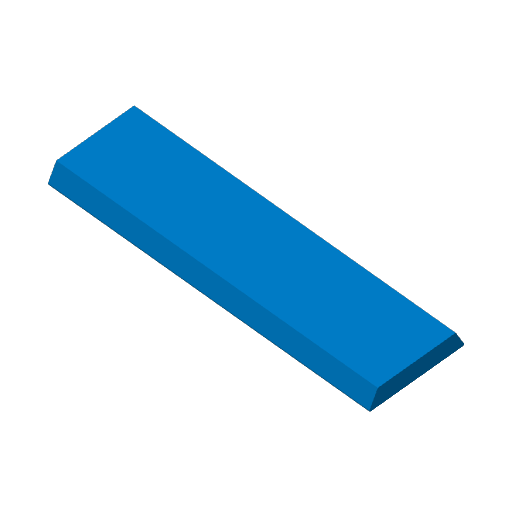
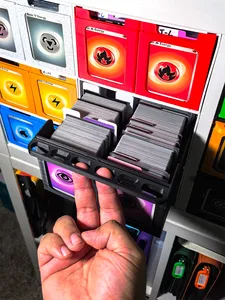
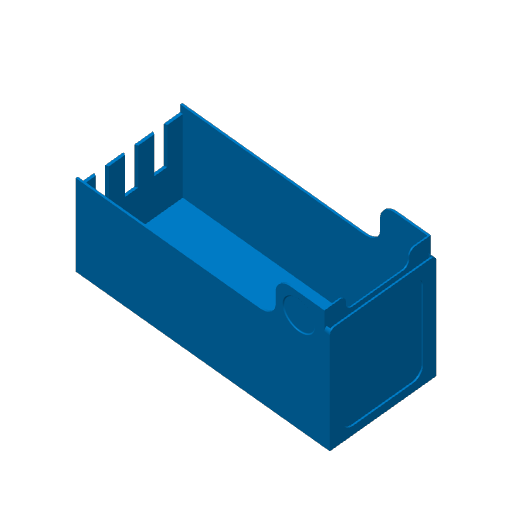
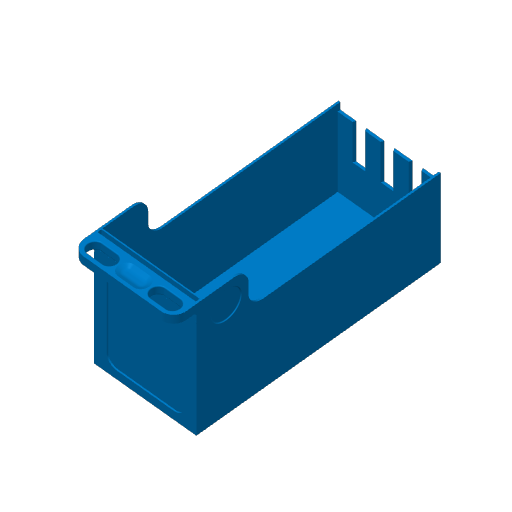
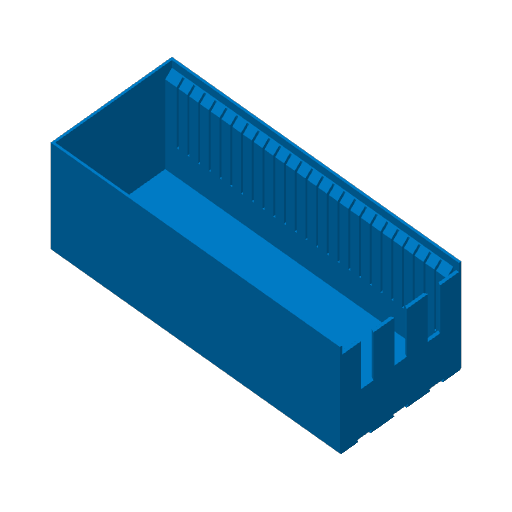
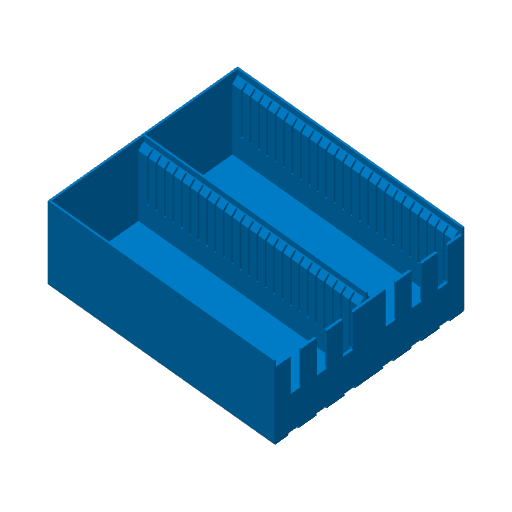
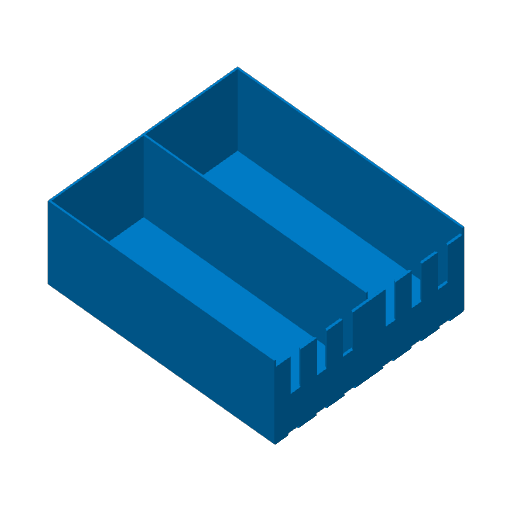
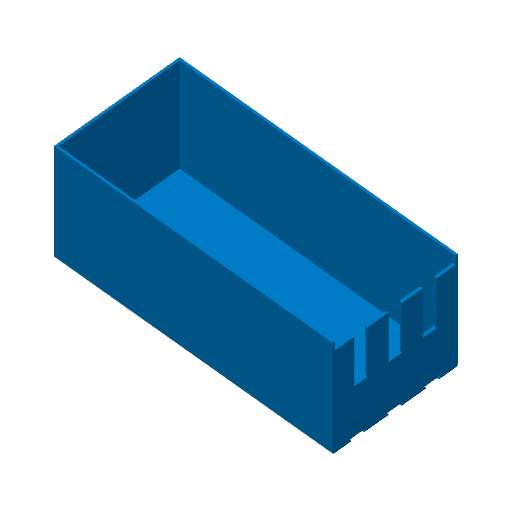
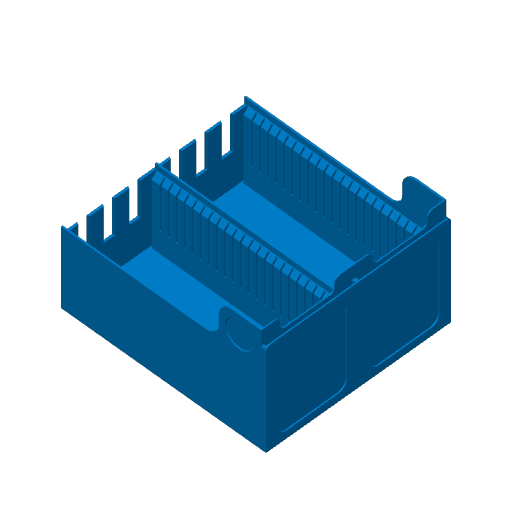
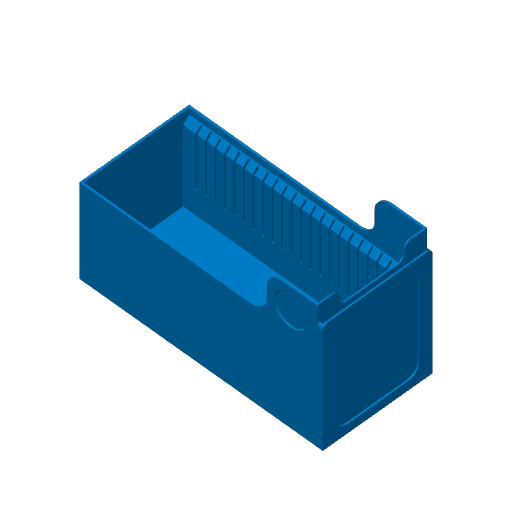
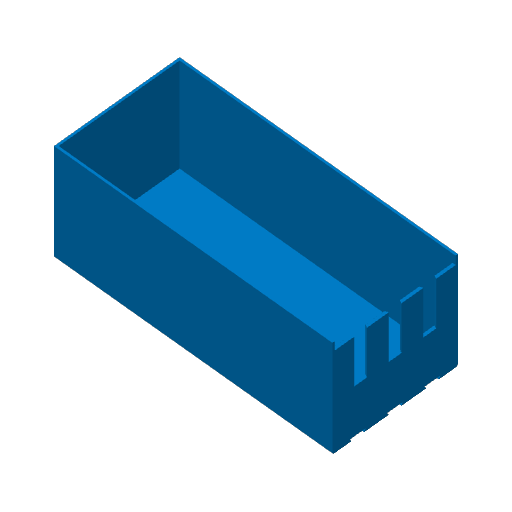
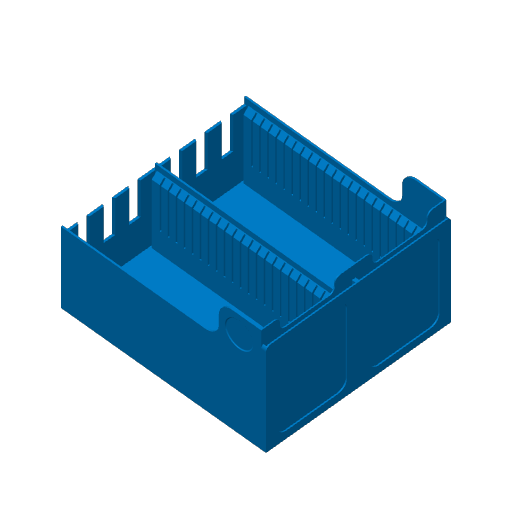
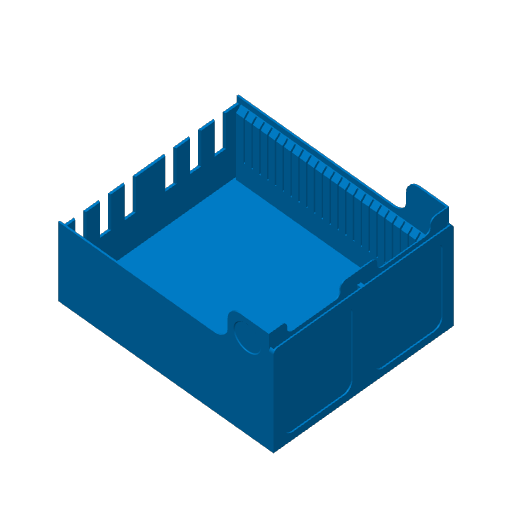
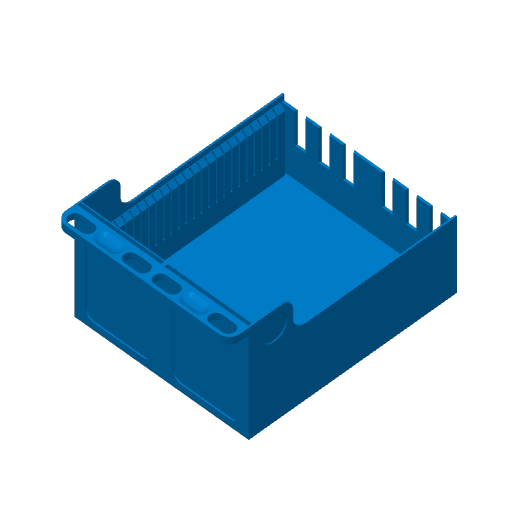
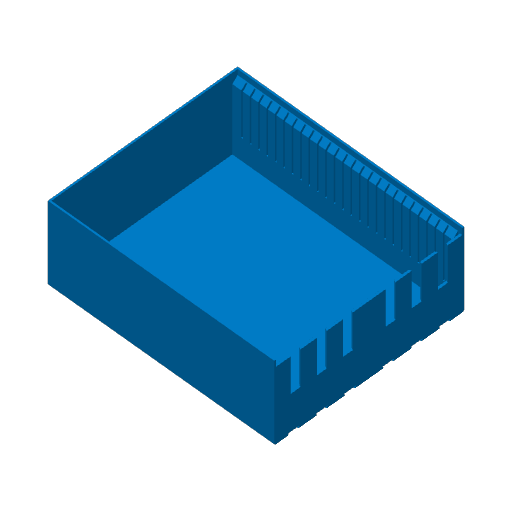
You can now print drawers with integrated divider slots! Unlike most designs, these slots stop halfway down so your cards never get stuck in the gaps. This protects your card edges and saves filament on the dividers. (Note: The slotted version is not compatible with top loaders but it will fit sleeved cards).

  • Filament Efficiency:

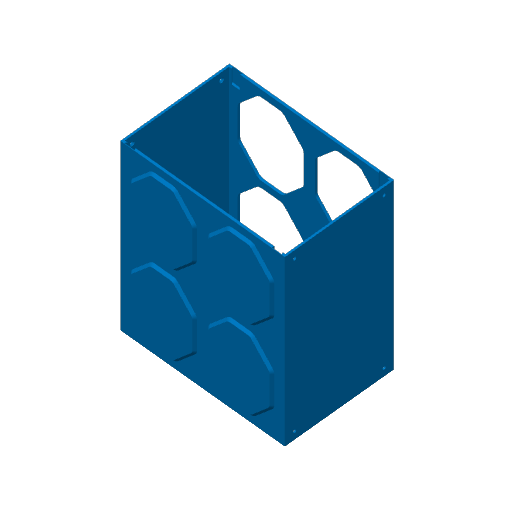
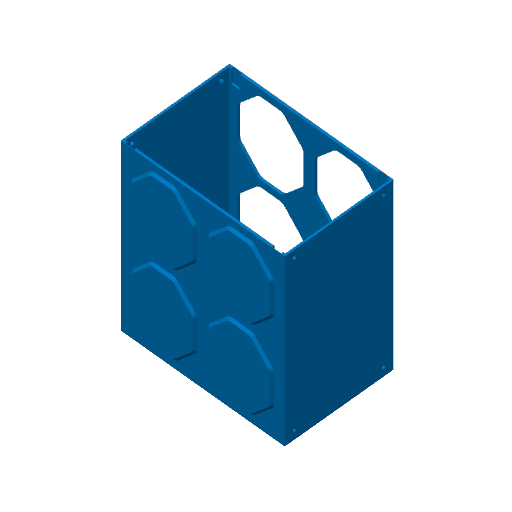
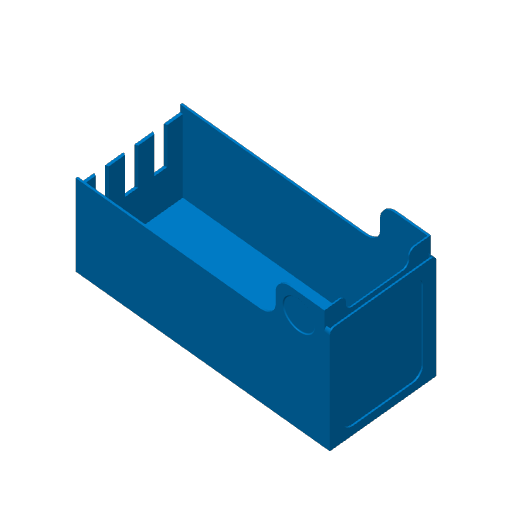
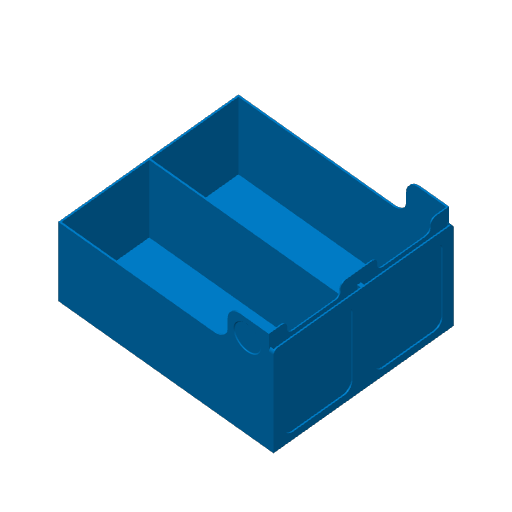
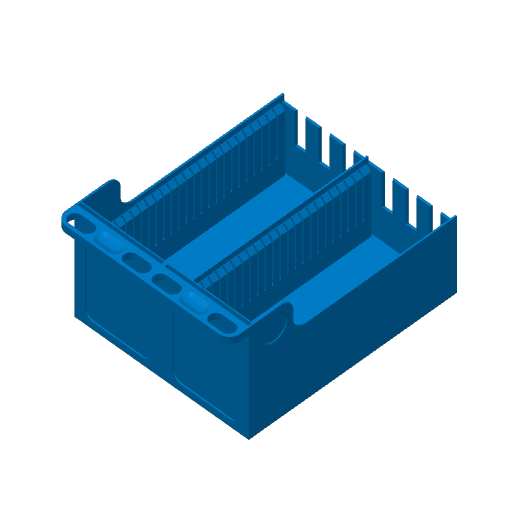
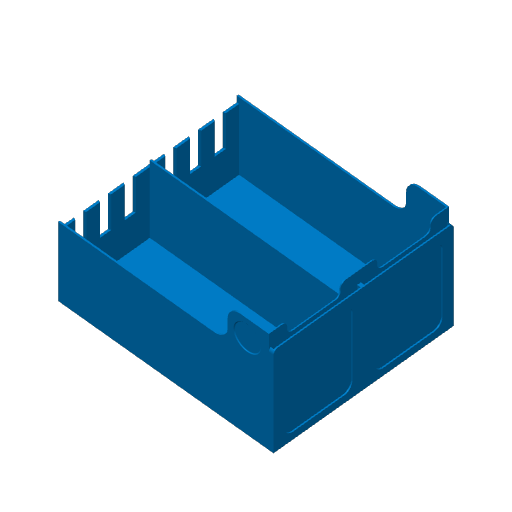
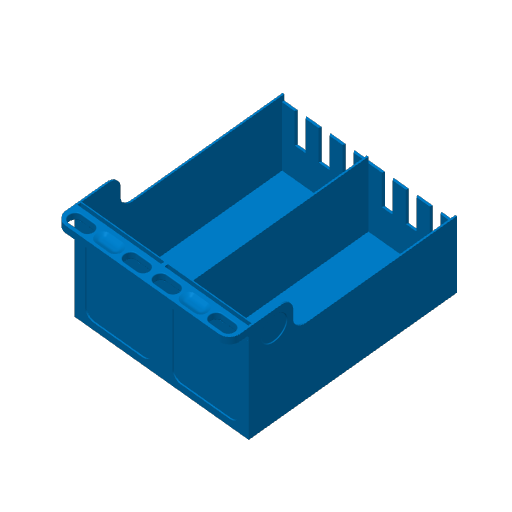
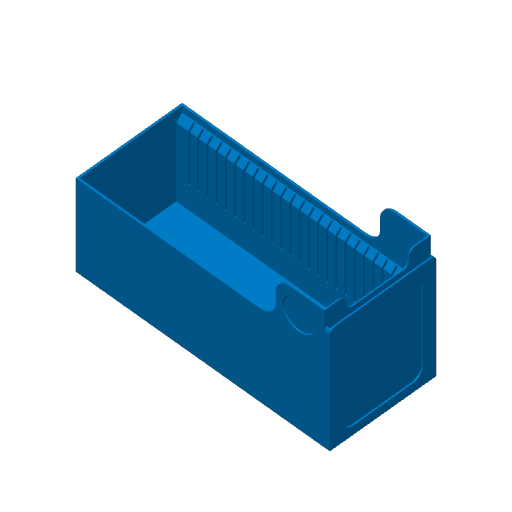
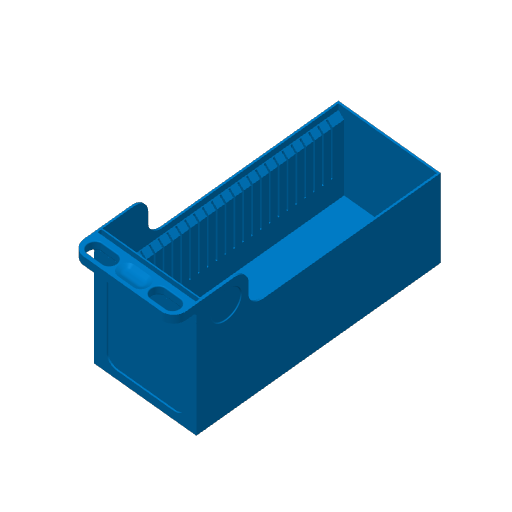
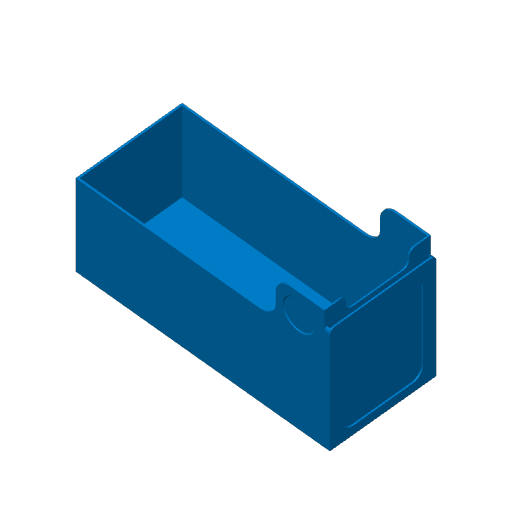
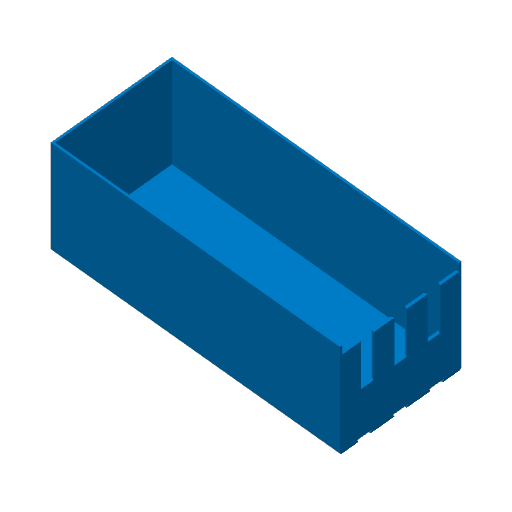
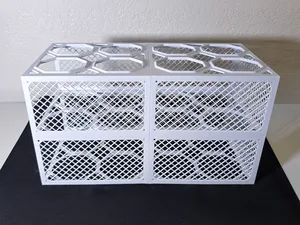
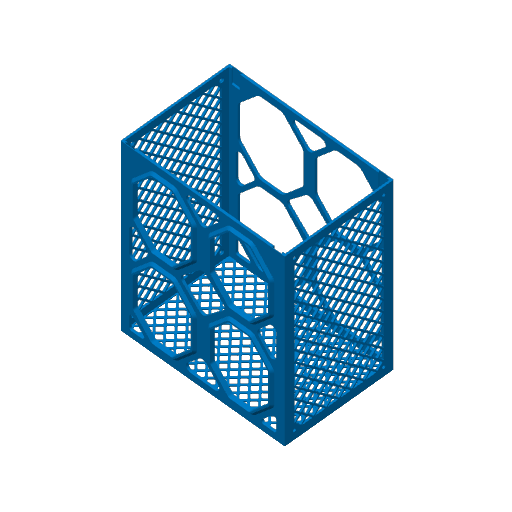
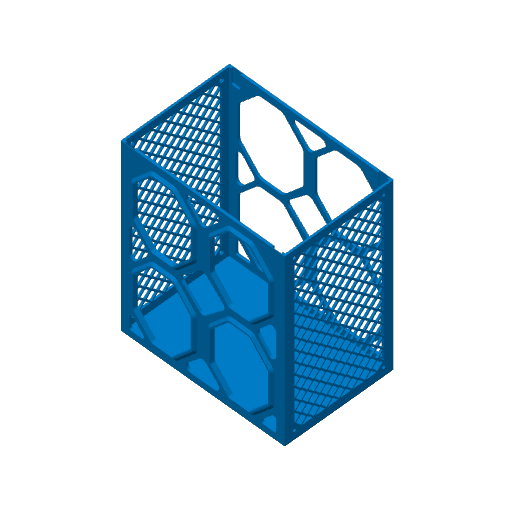
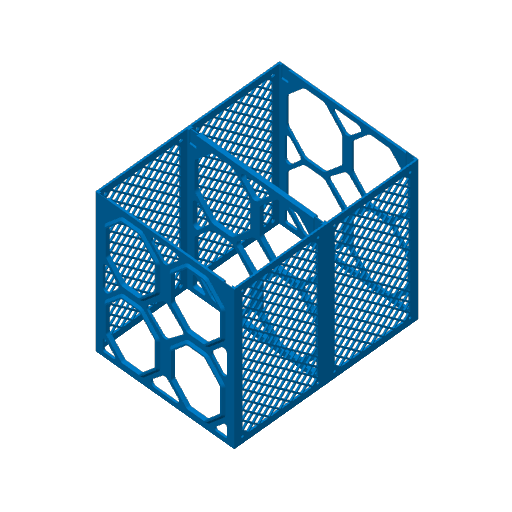
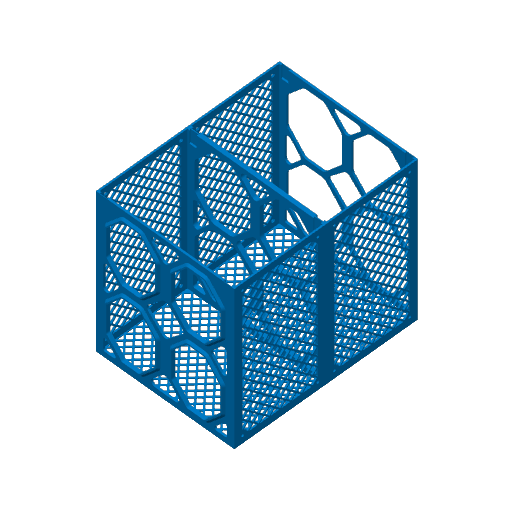
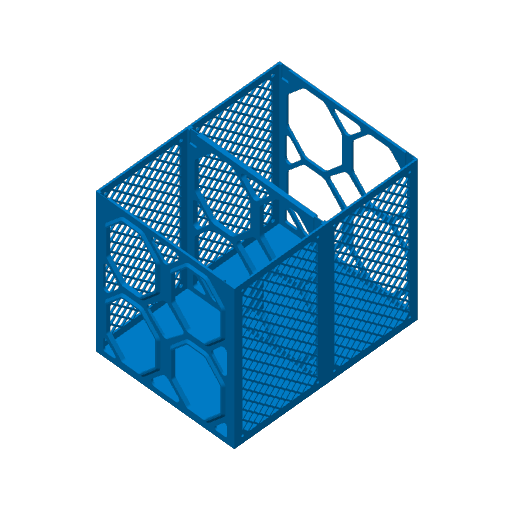
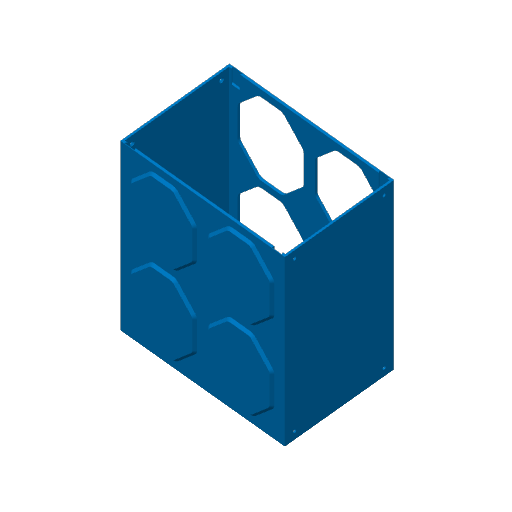
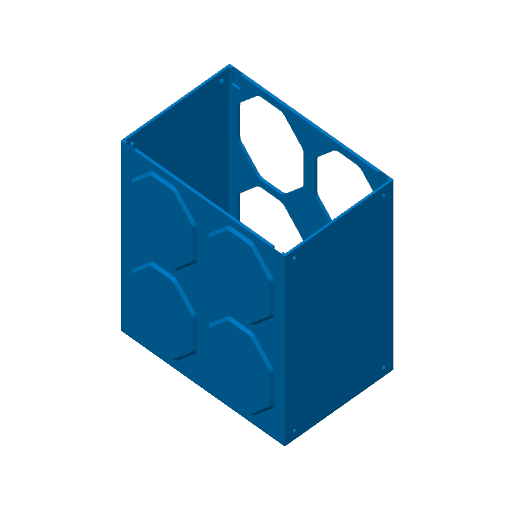
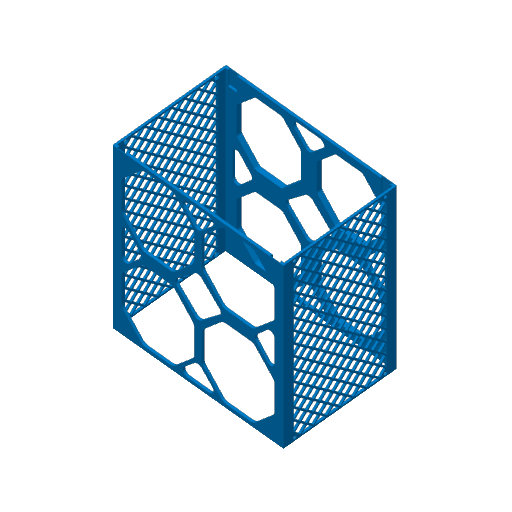
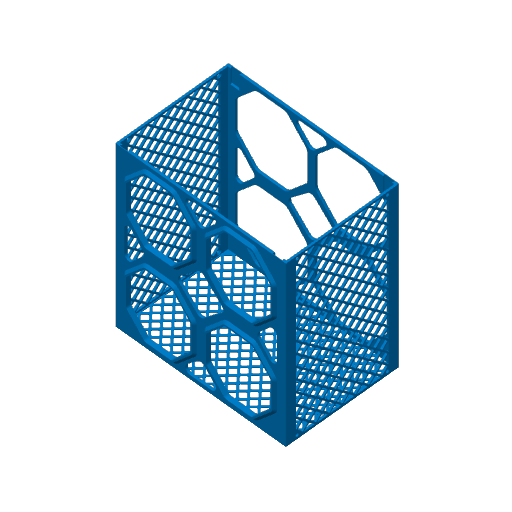
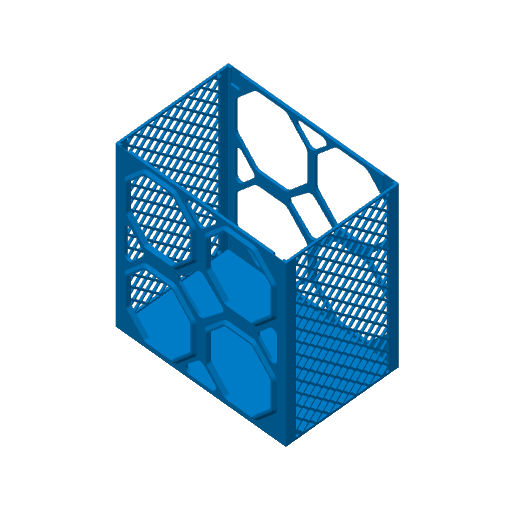
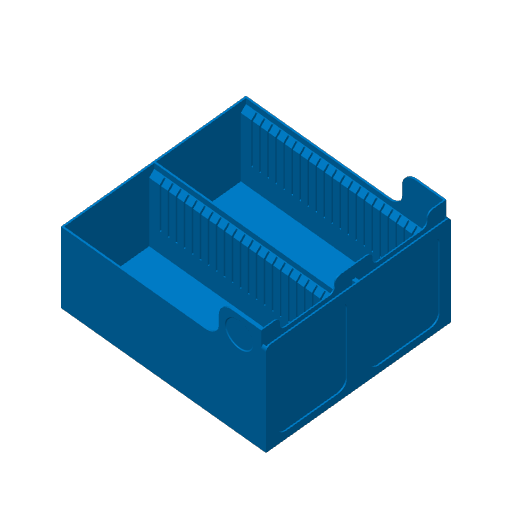
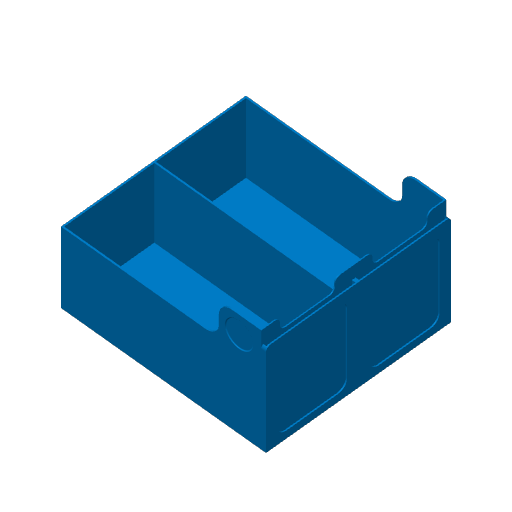
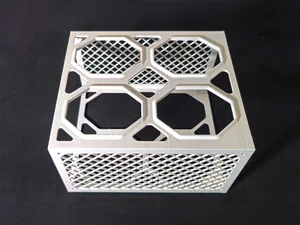
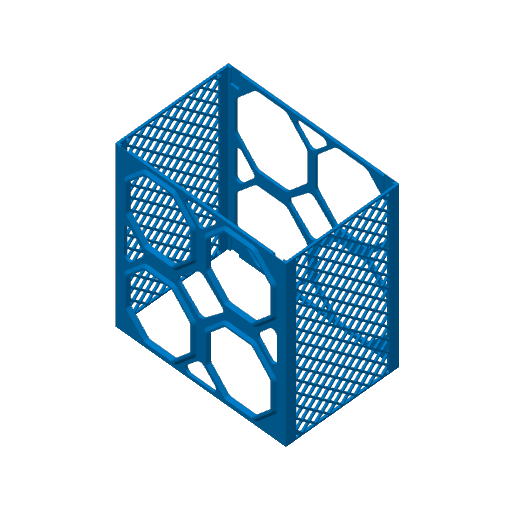
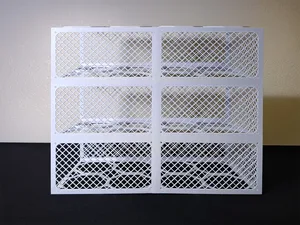
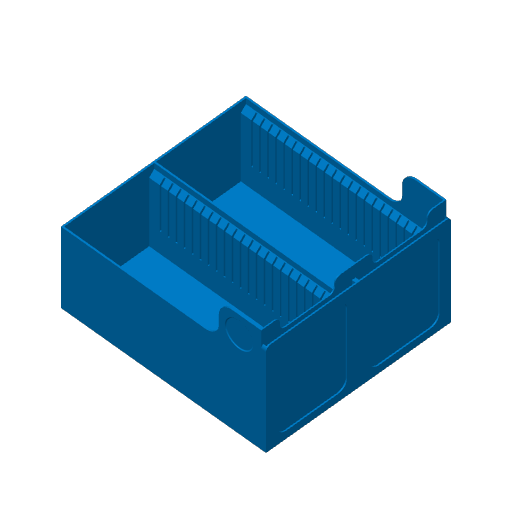
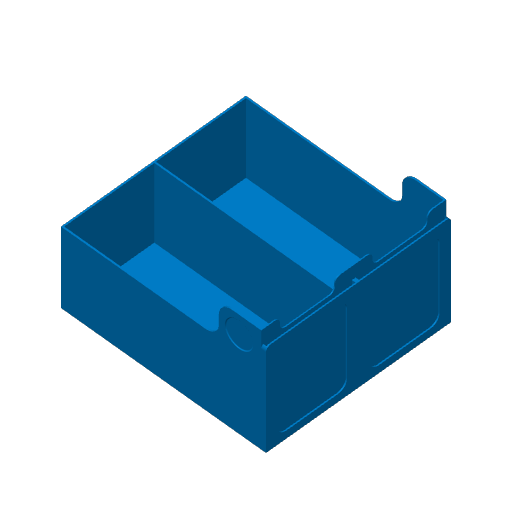
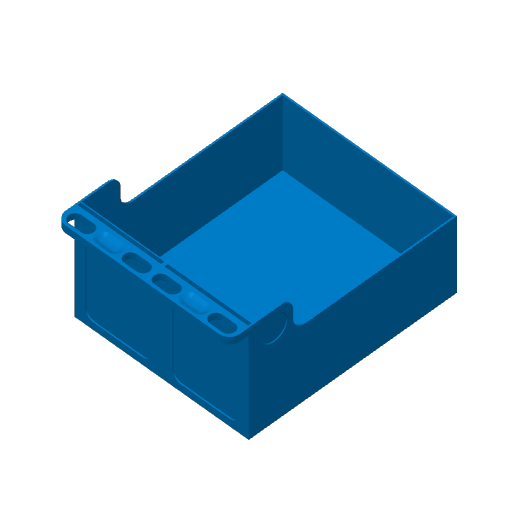
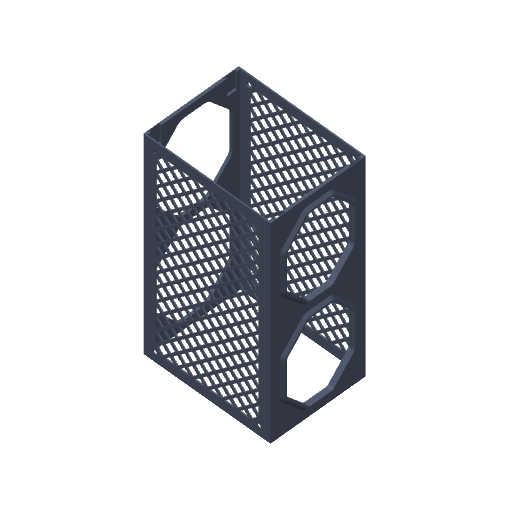
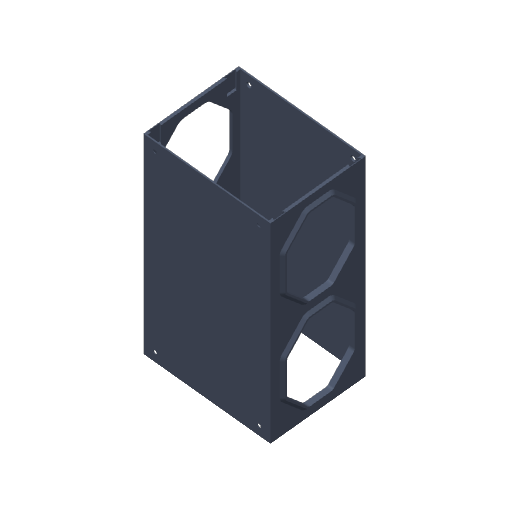
I’ve redesigned the containers with a new lattice cutout. This maintains perfect structural integrity while cutting your filament usage by almost half! I also included versions of the containers that do not have cutouts in case you prefer a fully enclosed look.

  • A1 Mini Compatibility:

Bulk card storage isn't just for large printers anymore. A1 Mini users now have dedicated sizes that utilize 90% of the Kallax depth while fitting perfectly on your smaller build plate. Please use the dedicated A1 Mini print profiles to get started.

  • Easier Container Stacking:

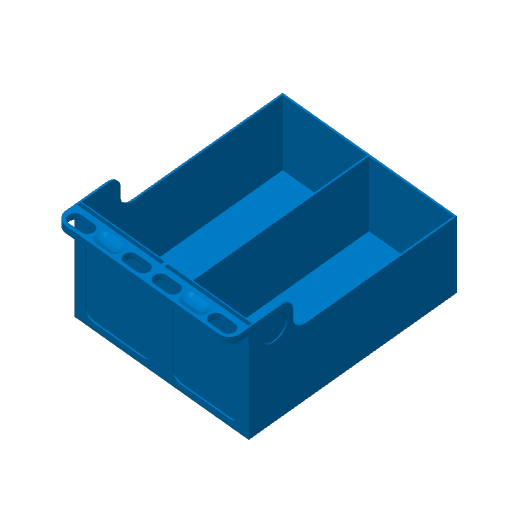
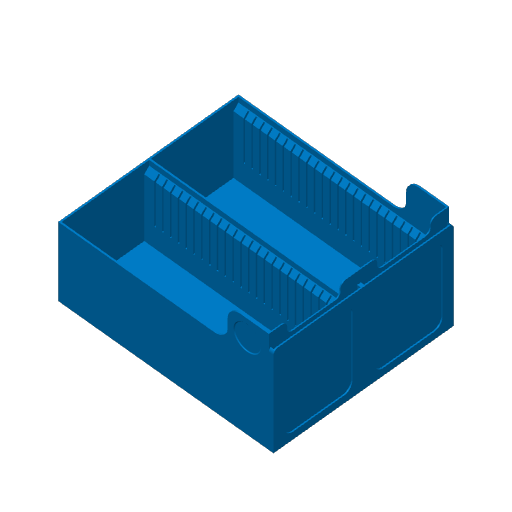
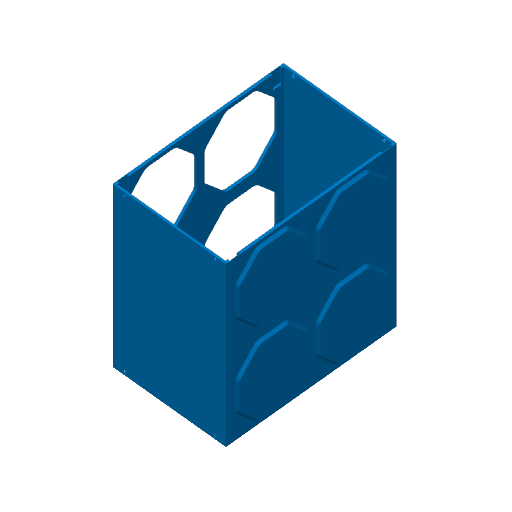
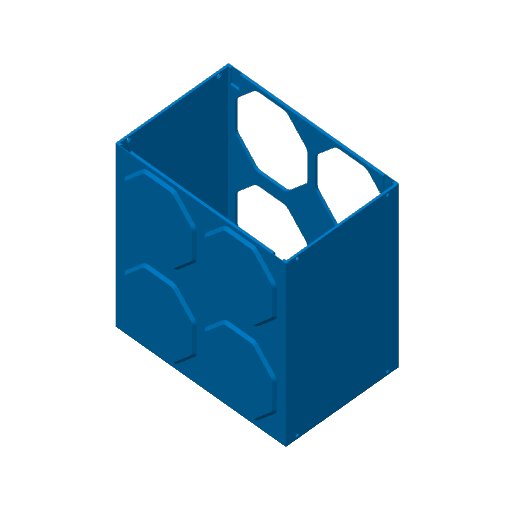
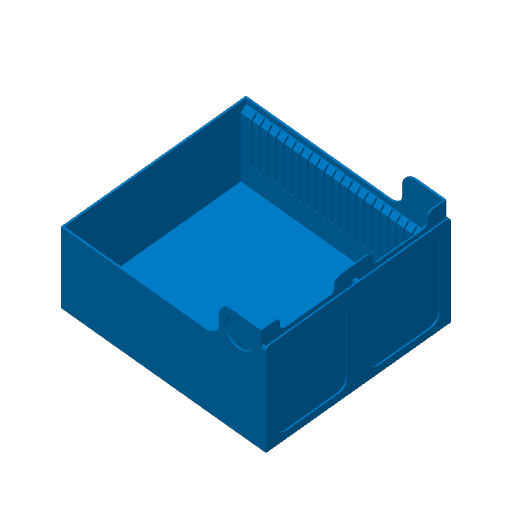
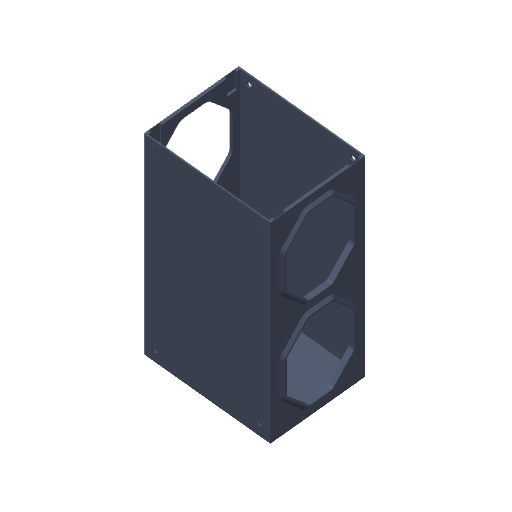
The new drawer containers feature hexagonal shapes that allow them to stack together vertically. They stack securely without needing extra hardware. This is also great if you don't have a Kallax unit to store your collection in, they can stand on their own. (Note: I recommend using PETG for the containers for extra strength.)

  • Universal Dovetail Joints:

I’ve simplified the assembly process down to a single, universal joint. These joints are used for the front and back parts of the containers as well as the drawers. One piece does it all! (Pro-tip: If you want a permanent, rock-solid build, a little glue goes a long way.)

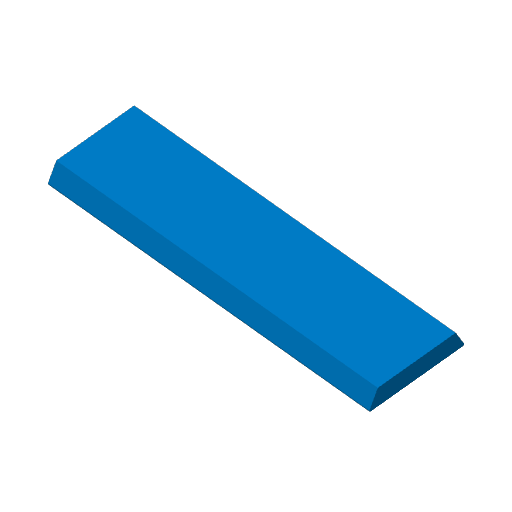
  • Top Loader Support:

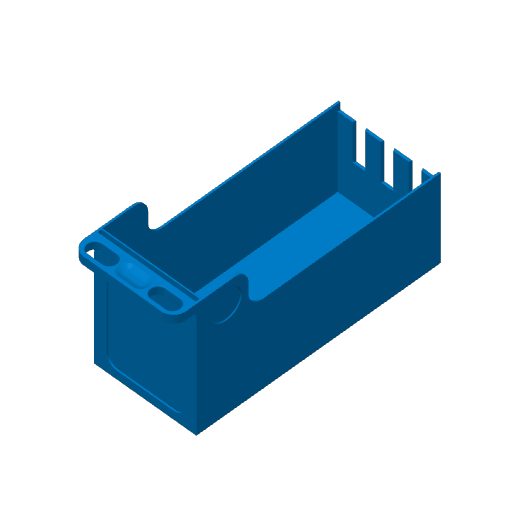
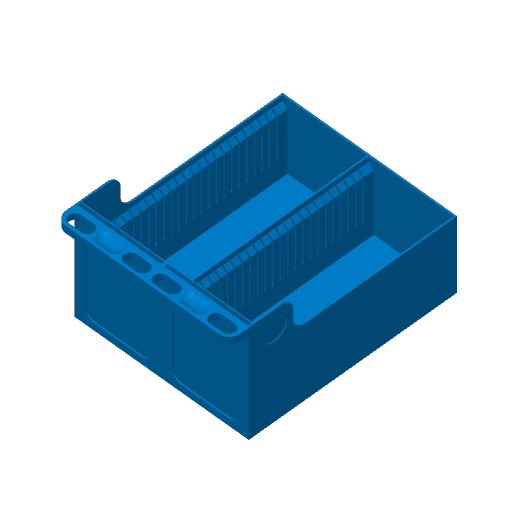
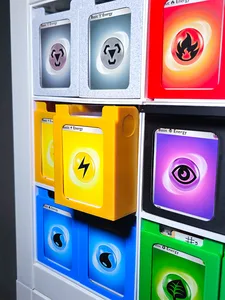
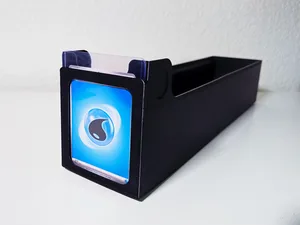
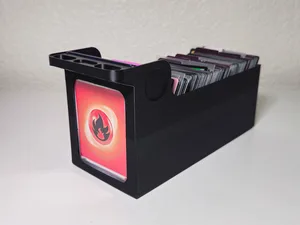
You can now showcase your favorite cards right on the front cover! The new handle design features an opening specifically for top loaders, making them easy to swap in and out.

  • Modular Growth:

You don't have to fill a whole Kallax cube on day one. New add-on backing walls allow you to build out your drawers at your own pace as your collection grows.

  • Screw-In Stability:

For those who want zero movement, the containers now feature screw-hole options. I recommend using flat M3 or M4 screws to keep the drawers sliding smoothly.

  • Full-Depth Double Drawers:

Maximize every inch of your Kallax with double drawers that now extend to the full depth of the cube.

  • Optional built-in handle:

Now you can choose drawer versions with handles already integrated, eliminating the need for removable handles if you want a permanent solution. You can still add top loaders to the front cover if desired.

  • Returning Favorites and Customization:

Just like the original system, you have total control over how you build your setup. You can still choose from various optional add-ons—like my popular double containers and removable handles—to tailor your storage exactly to your collection's needs.

  • Looser tolerance options are now available for the dovetail joints and the front and back connectors. I received feedback that some users found these parts too tight, making fitting difficult. I hope this update will make assembly easier. You can find these options in the Addons Only print profile, labeled 'Looser Tolerance' for convenience.
  • NEW! Half-Size Containers:

You can now print half-containers that hold a single drawer instead of two, giving you complete flexibility for custom modular layouts. They are perfect if you want to build your storage system at your own pace. ( Important note: Stacking alignment changes depending on your current setup. Please read the description inside the Half Container print profile before printing to ensure you choose the right version for your collection.)

Examples of how to build:
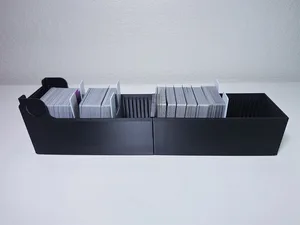
Build as your collection grows! This back wall add-on lets you use the front drawer as an independant piece as you add cards.
Connect drawers together with a middle insert and joints on the bottom of the drawer. You do not need the joints but I highly recommend it to make the drawer stronger.
Add a back wall to the double drawers while you add more cards.
Now you can extend double drawers to maximize the amount of space available.
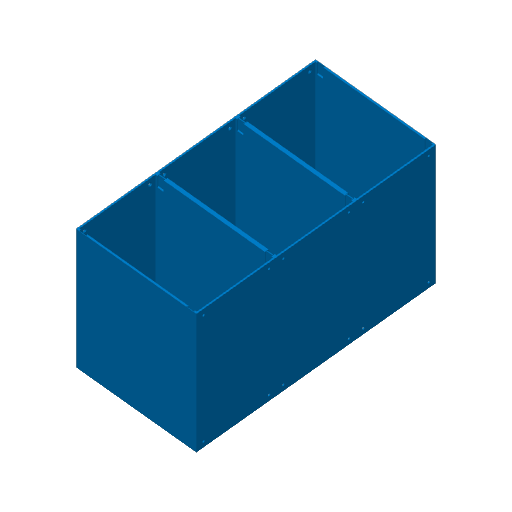
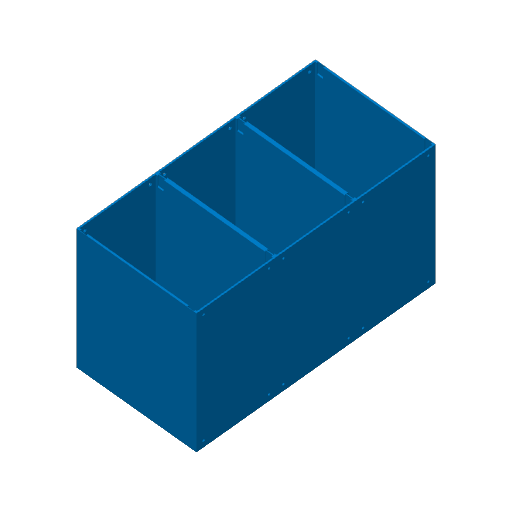
Containers stack vertically without extra pieces or joints. Make sure the protruded hexagons are stacking on top of a flat side of a container. Use the universal joints in order to connect the front and back of the containers.
Boost Me If you find this system helpful, please consider giving me a Boost! I don't do this as a full-time job. I’m just a hobbyist who loves tinkering and sharing with the community. Every boost helps cover the cost of filament and materials for testing, which allows me to keep experimenting and bringing new features to life.

Compatibility: 1.0 vs. 2.0

To help you plan your upgrade, here is a quick look at how the new system interacts with the original:

  • Drawers: Same width as 1.0! The new containers are slightly slimmer, providing a smoother "wiggle room" fit for both old and new drawers.
  • Joints: V2.0 uses a brand-new universal joint. These are not compatible with V1.0 parts.
  • Handles: Due to the new top loader support, V2.0 handles are not backward compatible.
  • Containers: Because of the new stacking features and size adjustments, V2.0 containers do not connect to V1.0 containers. You will not be able to mix and match new and old containers in the same cube if you are filling it up fully.
  • 1.0 have you already printed the original extender containers and drawers? Great! These new drawers fit perfectly into those models, so there's no need to reprint. I will also upload an add-on for the original models that didn't have an extension option before, allowing you to extend them without additional pieces.
  • TCG Front Covers: My custom covers for various TCGs are fully compatible with these drawers. Use them to label and personalize your collection!

Thank you all so much for your continued interest and enthusiasm for this system. It makes me so happy to see your builds and hear how this helps organize your hobbies. Your support makes all the "tinkering" worth it.

Happy printing!

Having trouble connecting pieces?

Some people have been having trouble assembling the drawers or sometimes the containers. After discussing this with a couple of people, it seems their printers were a bit off for the tolerances. Before printing, I highly recommend running calibration tests on your printer to make sure it is tuned for the tolerances. There are a couple of models on MakerWorld that can help you calibrate. Another potential fix is to set the wall generator to Classic, not Arachne. This can apparently cause issues as well. If you still run into trouble, please do not hesitate to message me with your printer settings, filament type, and printer so that I can better help you troubleshoot.

Looking to organize your TCG?

Here are cover cards for the drawers to help you sort your collection.

Pokemon

Magic the Gathering

Star Wars Unlimited

Lorcana
Complete your setup with these additions:
tcg pokemon pokemon tcg poke star wars unlimited swu magic tcg accessories mtg trading card