Log in to join the conversation.
Tray Generator
Print Profile (6) Rectangle - 160mm x 100mm x 20mm 1h 6m 54 g PLA
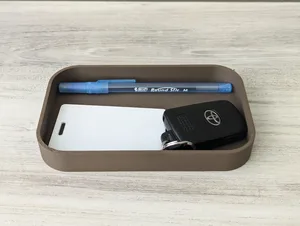
Plate Details (1)
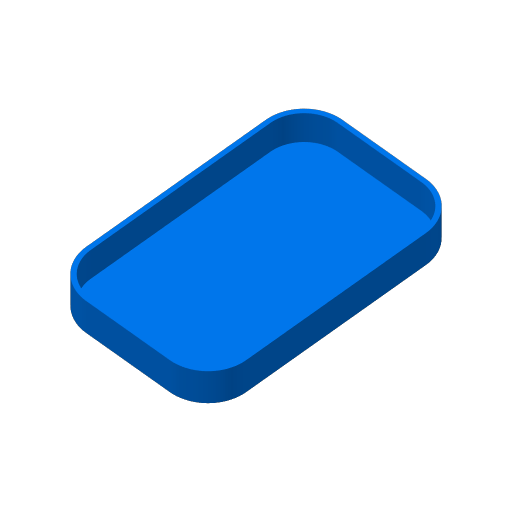
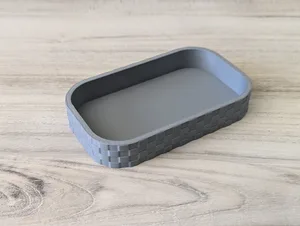
Plate Details (1)
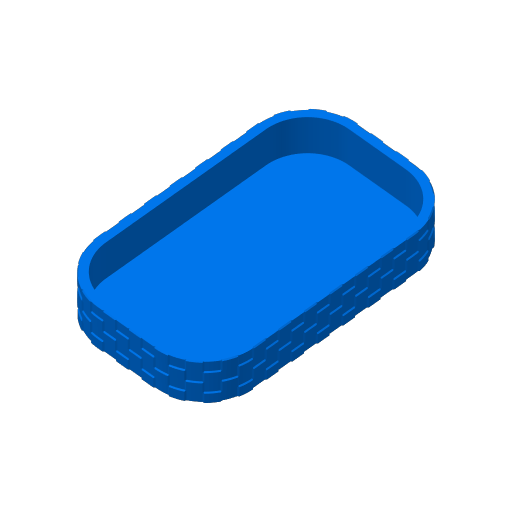
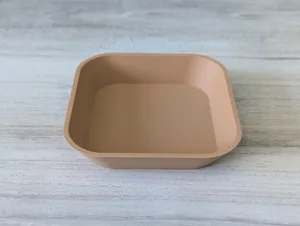
Plate Details (1)
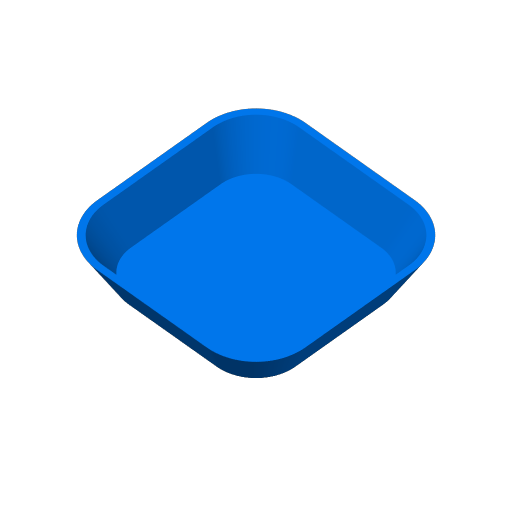
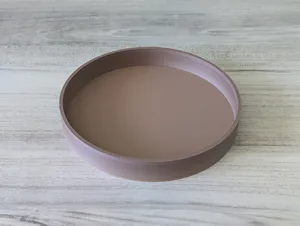
Plate Details (1)
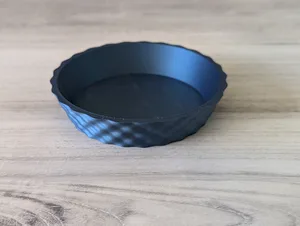
Plate Details (1)
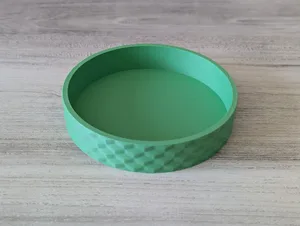
Plate Details (1)
Boost Me If you enjoy this model, your support is much appreciated!
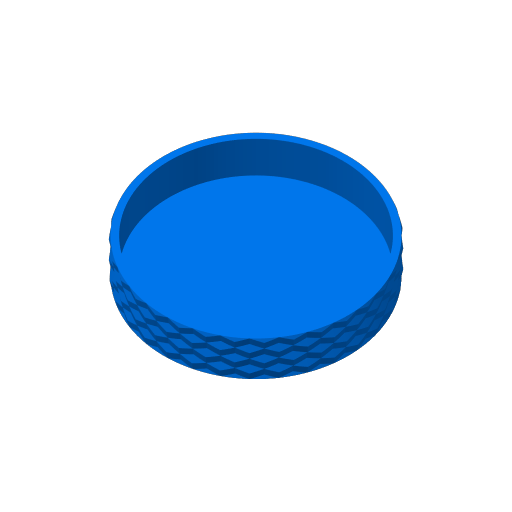
Create your own tray to help organize your life! Tons of uses for these trays, use it to remember where you put your wallet and keys, organize screws, or a place to put your tv remote. Use the parametric model maker with the provided code to make the exact tray you want. Choose the shape, adjust the size, add a pattern and more!
There are 15 settings that you can adjust and an advanced setting for those that want to create their own patterns by defining a custom heightmap.
Click the customize button above or Click Here to get started!
Need some containers? Check out these parametric container creators.
- Cylinder Containers
- Cube Containers
Depending on the printer, you can set the width, length, diameter and height to the size of the print bed. You probably want to leave a little bit of margin. I have put a size on those settings of 240mm.
- A1 Mini (Recommended max) - 170mm Diameter x 170mm Height.
- All others (Recommended max) - 240mm Diameter x 240mm Height.
The tool includes descriptions for each of the settings. If you are unsure of what a setting does, the best way to tell is to make a change to a setting and generate to see how the model changes.
- Shape - Choose from Round or Rectangle
- Tray_Width - The width of the tray for Rectangles
- Tray_Length - The length of the tray for Rectangles
- Tray_Height - The overall height of the tray
- Tray_Radius - The radius of Round trays or the radius to use for rounded corners of Rectangle trays. Set to 0 for no rounding.
- Tray_Scale - The scale of the tray top compared to the bottom.
- Wall_Thickness - The thickness of the tray walls.
- Bottom_Thickness - The thickness of the bottom of the tray
- Color_Picker - Preview the tray in various colors (no effect on the model or printing).
- Pattern - The pattern to apply to the container and/or lid. There are 18 patterns to choose from and can be further customized. Select none for no pattern
- Pattern Depth - How much depth to apply to the pattern.
- Pattern Size X - Target size for the texture on the x-axis.
- Pattern Size Y - Target size for the texture on the y-axis.
- Add Pattern Border - Add a border region to some of the textures. Only applies to checkers, cones, hex_grid, and trunc_diamonds.
- Pattern Border - The amount of border to add to the pattern.
Create a heightmap that can be used to apply a custom pattern to the tray. I wasn't able to use the vector UI customizer since that is limited to 4 elements. The heightmap is defined by 10 rows and n columns. I recommend using 10 columns, but that is not required. Each row must have the same amount of columns.
- Custom Pattern - Set to true or false if you want to apply the defined heightmap to the tray.
- Row1-10 - Use comma separated numbers to define the pattern.
- The value provided will be multiplied by the Pattern Depth setting to determine the extent of each individual height.
- Decimals are valid.
- Negative values will inset or can make holes in the model.
- Positive values will extrude out from the model.
Basic Example