Log in to join the conversation.
Abalone Board Game
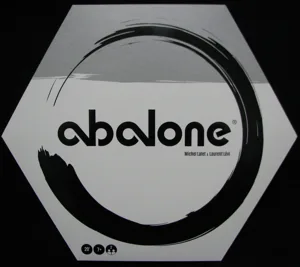
Abalone is a fascinating 2-player board game - learn to play by watching Triple S Games' video linked below. This model allows you to print your own Abalone board. You use marbles as the pieces - you will need two sets of fourteen marbles, contrasting in appearance (eg 14 white marbles and 14 black marbles). There are STL files for the standard 14mm, 16mm and 25mm marble diameters, but the supplied OpenSCAD file makes it easy to generate a set sized for any marble diameter (full instructions in the OpenSCAD file).
You will need to print:
- 1 x abalone_board_xx.stl (where xx is your marble diameter). This is the main playing surface.
- 1 x abalone_surround_xx.stl (where xx is your marble diameter). This is the surround which lifts the board slightly and prevents capture marbles from rolling away.
- If the surround is too large for your printer, you can print 6 x abalone_edge_xx.stl (where xx is your marble diameter). These snap together to form the hexagonal surround.
- 1 x abalone_lid_xx.stl (where xx is your marble diameter). This is the lid to keep your set together when it isn't in use. Not strictly required, but quite handy.
The board can just rest in the groove in the surround, held by gravity - but for a permanent fixing a thin bead of superglue in the groove makes for a good finish.
Print the parts in the orientations supplied; no supports should be required. I recommend lots of walls and don't really bother about infill. I printed my set and one for the local high school library in cheap, generic PLA+.
/pic35722.jpg)