Log in to join the conversation.
Revive - Tribe Board Double-sided Overlay
Print Profile 4h 15m 24 g PLA
Plate Details (2)
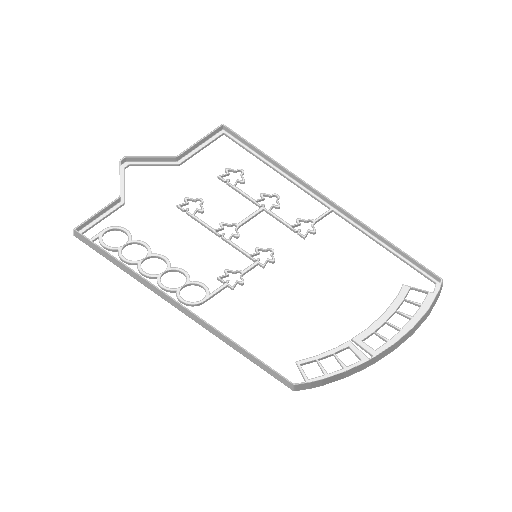
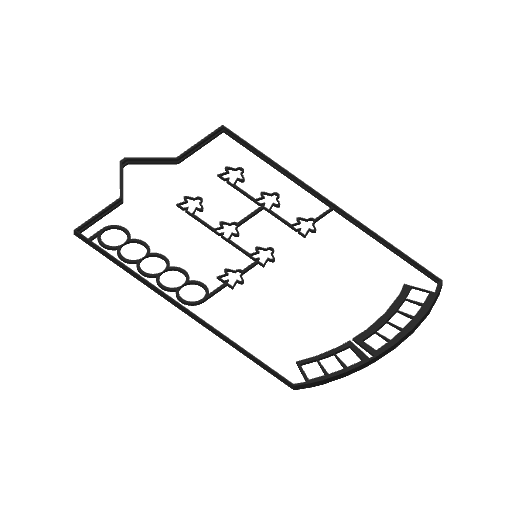
A print-ready, double-sided tribe board overlay for Revive , optimized for Bambu Lab printers with AMS.
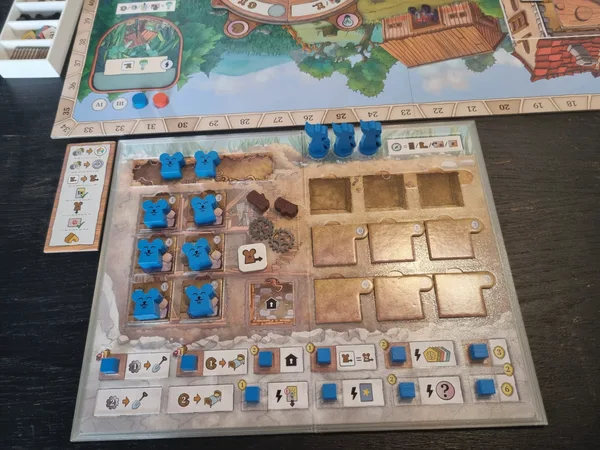
This version keeps buildings and population meeples in place during gameplay while allowing you to flip the tribe board over to use either side.
I've combined both components into one Bambu Studio project, optimized the print settings, and configured an automatic filament change for a clean black-and-white finish.
- Double-sided design – Easily switch between the Sun and Moon sides.
- AMS-ready – Automatic filament change already configured.
- 50/50 color split – The cover is divided equally between black and white across its height.
- Fine layer height – 0.10 mm for a detailed finish.
- Reliable first layer – 0.20 mm initial layer for improved bed adhesion.
- Ready-to-print project – Both components included with optimized print settings.
Two PLA colors are required: black and white .
Overlay: Entirely black.
Cover:
- First 2.90 mm: White
- Remaining 2.90 mm: Black
The filament change is already included in the print profile. Simply assign the correct filaments when starting the print.
Important: Keep the configured layer heights and filament change settings to maintain the intended color distribution.
Depending on printer calibration, some openings may require minor adjustments to achieve the desired fit.
Based on the original Revive Tribe Board Overlay . Original geometry remains unchanged.
Licensed under CC BY-NC-SA 4.0 .
Boost Me Help me revive my boost count!