Table Talk
Nothing here yet. Love this design? Say so - the designer might see it.
Log in to join the conversation.
Custom Name Cribbage Pegs — Personalized Crib Pegs
Boards & Maps
Free
Plan Your Print
Sign in
to track this print from Want to Printed.
✓ Requires supports
About 19 g of filament
Print Profile 1h 20m 19 g PLA
What it takes
4 plates
1h 20m
19 g PLA
P1S, H2S, H2C, H2D Pro, X1 Carbon, A1, X1E, X1, H2D, A1 mini, P2S, P1P, X2D, A2L
Plate Details (4)
0.4 mm nozzle, all plates
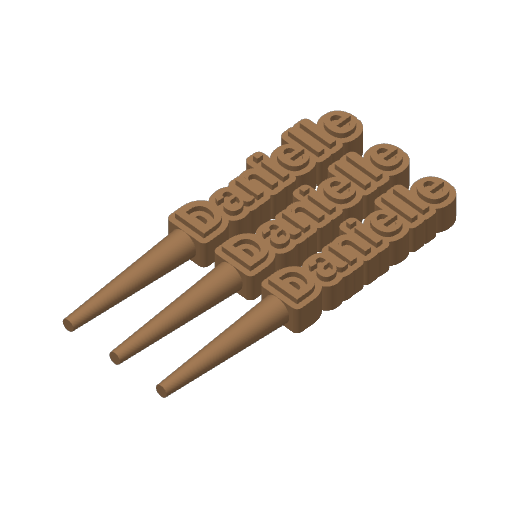
Plate 1
21m
5 g
PLA · 4 g
PLA · 1 g
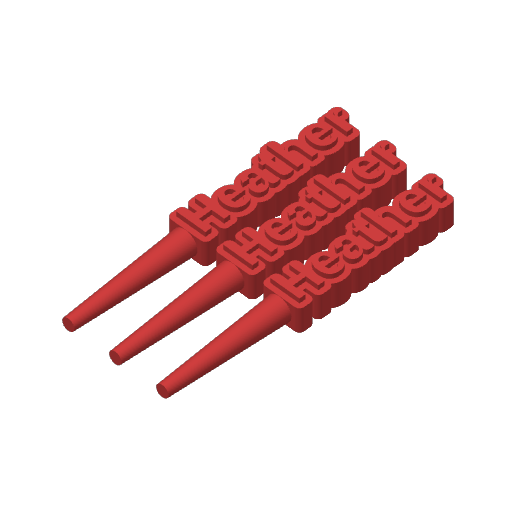
Plate 2
20m
5 g
PLA · 1 g
PLA · 4 g
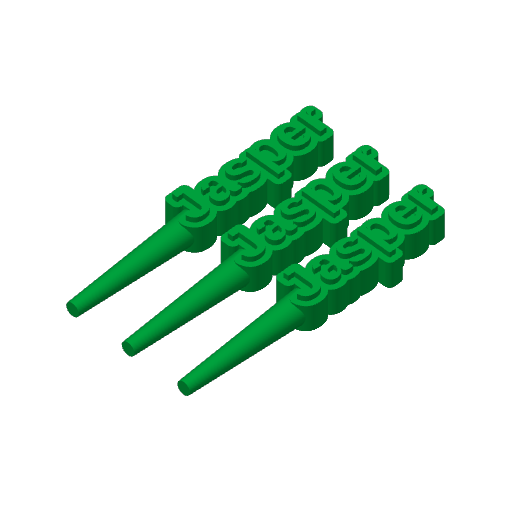
Plate 3
19m
4 g
PLA · 1 g
PLA · 3 g
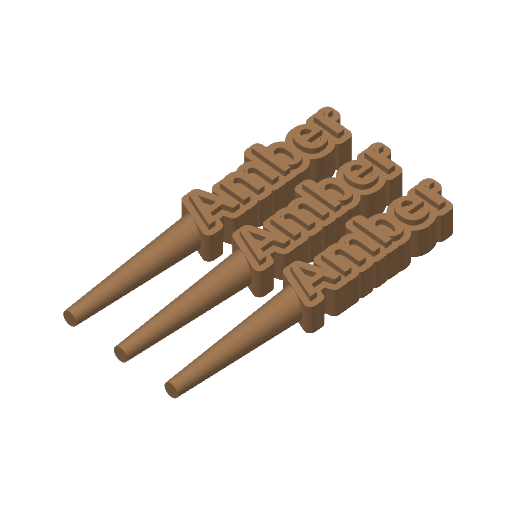
Plate 4
20m
5 g
PLA · 4 g
PLA · 1 g
Designer's Description
Customizable Name Cribbage Pegs
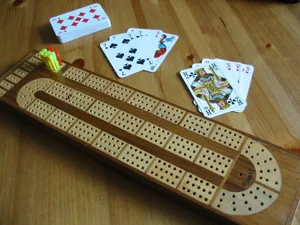
Add a personal touch to your cribbage board with these custom name cribbage pegs! Perfect for gifts, game nights, or making your board truly one-of-a-kind.
These pegs let you enter any name or word, choose from multiple universal fonts, and fine-tune X/Y alignment for perfect text-to-peg positioning. Designed for strong printing, smooth fit, and crisp lettering.
How to Use
- Open print profile in Bambu Studio to import the layer-height colour-change presets
- Click “Customize” on the MakerWorld page.
- Enter your desired name in “peg name.”
- Fix alignment if needed:
- If the peg shaft isn’t fully touching the first letter, increase “shaft x offset.”
- If the peg doesn’t look visually centered (tall letters or letters with tails like g, j, y ), adjust “shaft y offset.”
- When happy with the preview, press “Download," choose your printer, and hit “Confirm.”
- Press “Download” again and select STL .
- Import the STL into Bambu Studio and slice the model.
- For dual-color printing: after slicing, go to Layer 21 , right-click, choose “Change Filament Color,” and pick your accent filament.
- Print as usual. (Supports are required.)
Features
- Personalized text — Enter any name, initials, or word.
- Multiple fonts selectable from a drop down menu
- Thick, sturdy text outline for durability on the board.
- Horizontal peg shaft perfectly aligned and adjustable.
- Fine-tuning controls:
- X-axis peg position (touch the first letter perfectly)
- Y-axis peg centering (visual alignment)
- Requires supports
Recommended Print Settings
- Layer Height: 0.12–0.20 mm
- Walls: 2–3
- Infill: 20%
- Material: PLA or PETG
- Supports: Required
- Text Size: Works well even on small crib pegs
- Orientation: Print laying on the back
- Change filament color on Layer 21 for name accent
Customization Options (Parametric Model Maker)
- Peg name — Your name or word
- Font — Pick from a huge list of fonts
- Shaft x offset — Moves shaft to touch the first letter along the X-axis
- Shaft y offset — Fine vertical alignment along the Y-axis (usually not needed)
Tips
- The horizontal peg shaft triggers a “floating regions” warning in the slicer. Please enable supports for a perfect print.
- For names with descenders (g, y, p, j) , use the Y-offset for perfect visual balance.
- Try bold fonts for maximum readability on small pegs.
- Customize colors when printing pairs for team play (e.g., red/blue or metallics).
- Change the layer color on Layer 21 for the name accent color.
/pic746417.jpg)
/pic9095862.jpg)