Log in to join the conversation.
Mists Over Carcassonne Insert
Print Profile (2) Base Insert 8h 18m 261 g PLA
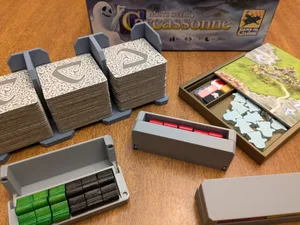
Plate Details (4)
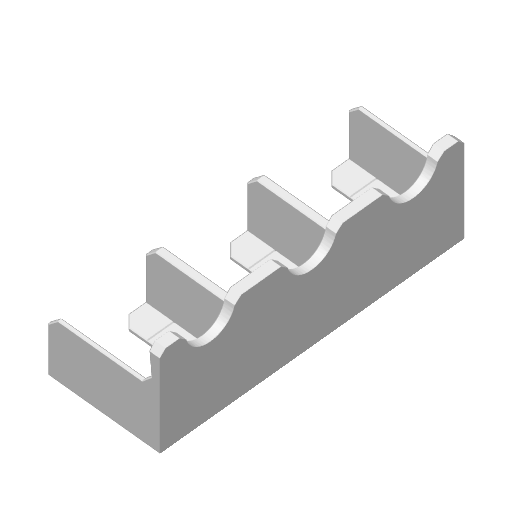
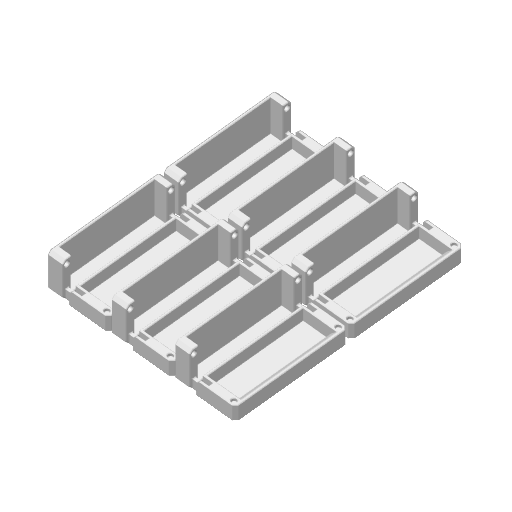
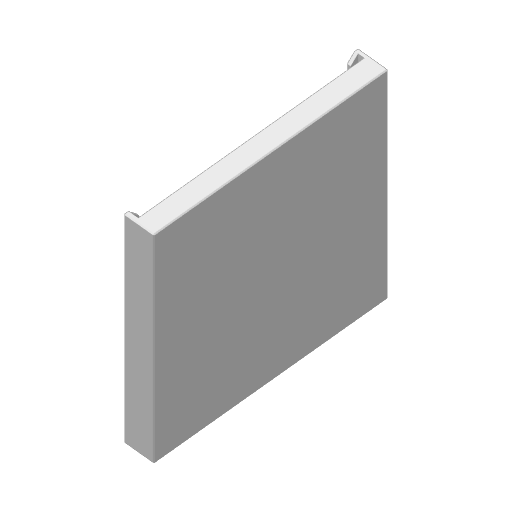
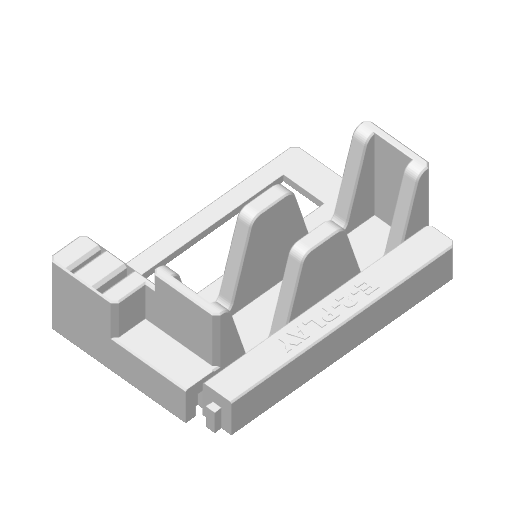
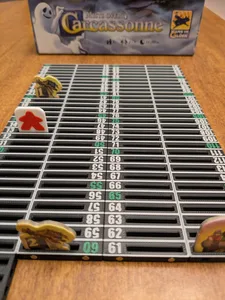
Plate Details (4)
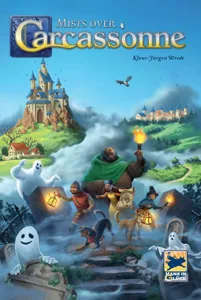
This is my take on an insert for the board game Mists Over Carcassonne. When I designed this, I focused on the standalone cooperative mode. I tend to focus on facilitating quick setup and effective storage.
I printed everything with .2 Layer height, 8% infill, no supports needed. I used various PLA.
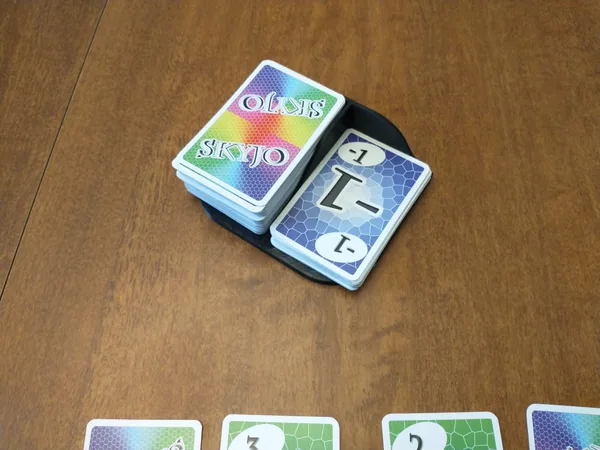
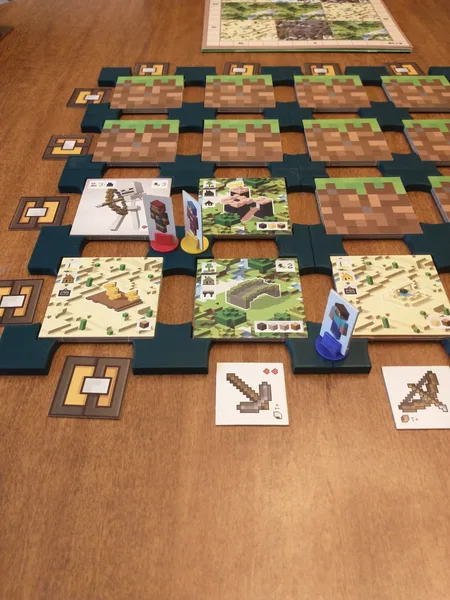
The tile grid seen in the pictures is NOT part of this listing. See this listing for those Carcassonne Tile Grid by evets17 - MakerWorld . This insert is designed to support holding what is called the smaller 2x2 grid on that listing (the grid is completely optional)
There are two profiles, the Base Insert profile contains the core components of the insert. The second is for an optional scoring track (more on that below)
BoxInsert = This sits in the box and holds all other components. Split into two parts.
Tile Holder = This is designed to hold the tiles in 3 stacks (as is needed for play at the higher difficulty levels). The idea is this holder gets taken from the box and used during play. There is a line on each compartment that denotes the 20 tile mark.
MeepleHolders x6 = 6 Meeple holders one for each color. I print these in a single color, as there is slit in front that let's one see the contents. There are 5 meeples per color, however, I designed these holders to hold up to 6. This is because at a one and two player count, each player actually uses 3 meeples of two colors (or 3 meeples of 4 colors for solo), so can store these sets in single holder to be ready for next play.
These can take 3x2 magnets so lid ensures to stay closed (I only added magnets to one of mine, as really not needed).
Ghost Holder = This holds the ghost tokens, and has a second 'space' for scoring markers and/or the hound and goal tiles (also can put unused ghosts here during play). This is designed to have the game's starting tile serve as cover. This prints vertically.
I typically don't create game component replacements, but I did here, with a scoring track that substitutes for the provided one. The above insert accounts for this if you do print it. (this not only takes up less table space than game's scoring track, it has all 120 spaces)
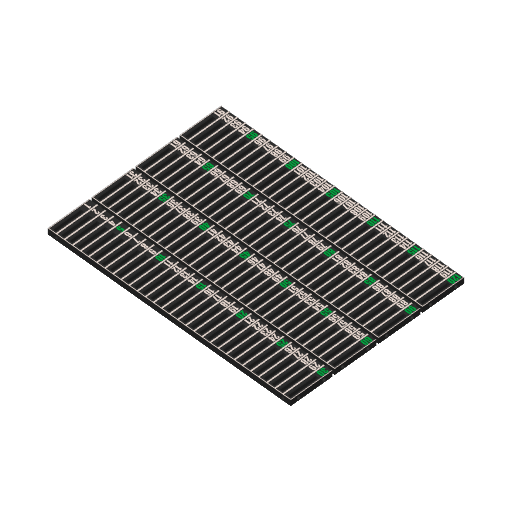
Scoring Track Segments = This scoring track is made up of 4 main segments (each with 30 scoring spots) so it accounts for the max 120 score that this game needs. This profile is setup for 3 color print, a base, a border/number color, and then a third number color to denote each 5th number. One could also print this two colors using color change at layer height (switch at layer 26 assuming .2 layer height), this approach would not create the every 5th number visual aid.
This track is designed that the Hound and Goal tiles sit in slot vertically (per difficulty level).
The 4 segments can be arranged either in a longer track or can be grouped more of a rectangle, depending on table space convenience.
They are designed to take 3x2 magnets so the tracks easily can 'hook' to each other. (See Pictures on this listing for clear idea of what this looks like)
NOTE: Inserting Magnets - When inserting magnets, alternate polarity around the track, and do the exact same polarities for each segment. The key is the top (end) of one segment should connect to bottom (start) of another segment. Also, by alternating polarities around the track segment, they can attach to each other in either orientation. Can create a snaking track.
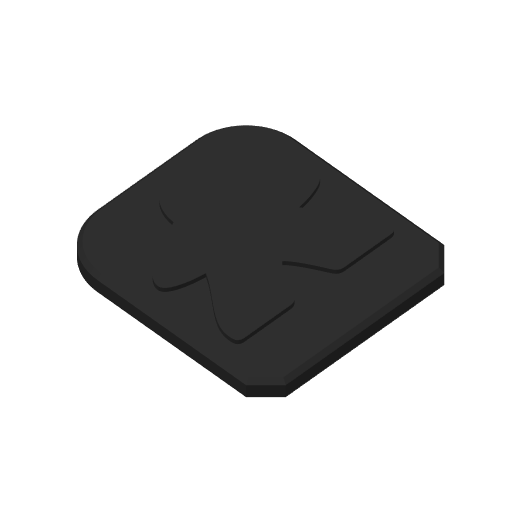
Score Marker Wide =This profile also includes score markers that work with these same slotted tracks (as the game meeples are bit thick). The wide score marker is good if you typically play 1-5 difficulty levels, as only need one score marker, and this can be in whatever color(s) you want.
Score Marker Skinny = This is just a skinnier score marker, and can be printed in different player colors for when needed to mark score by color. The skinnier marker is to allow for up to 3 of the markers to share a number spot.
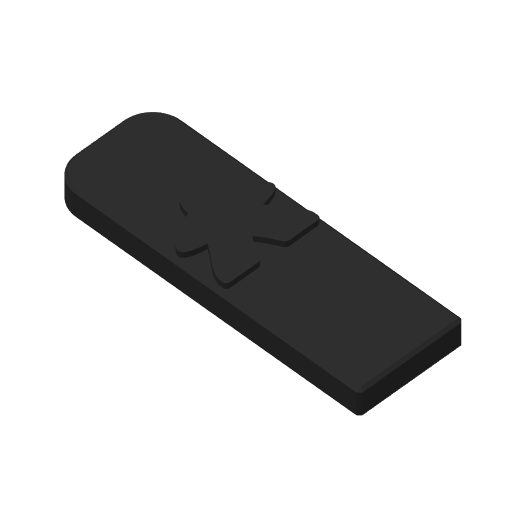
Each score marker has a meeple image on it, so can two color print this. The top two layers can be printed in different color.
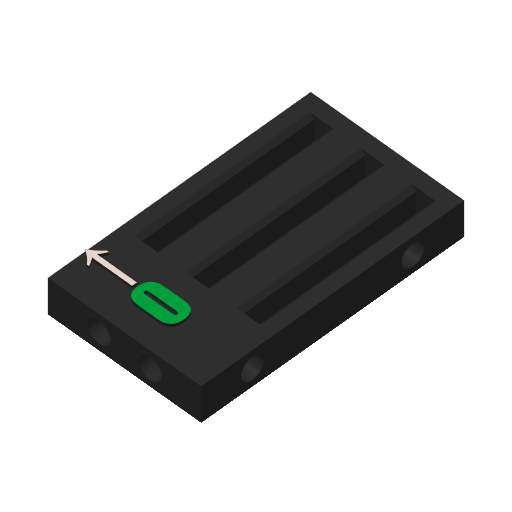
Score Track - Start 0 = This is a small section that represents spot 0 on the score track, in practice not sure this is really needed, but my main reason to include it was, can print this first with your chosen colors and can see if you like how it looks before printing the full set of track segments.
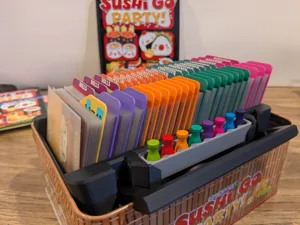
You can check out my other board game models in my E -2-Play collection : E-2-Play Board Game/Inserts | Collection - MakerWorld
Thanks for reading. If anyone does print this, I would love to hear experience and see pictures of your print. Happy Printing.