Table Talk
Nothing here yet. Love this design? Say so - the designer might see it.

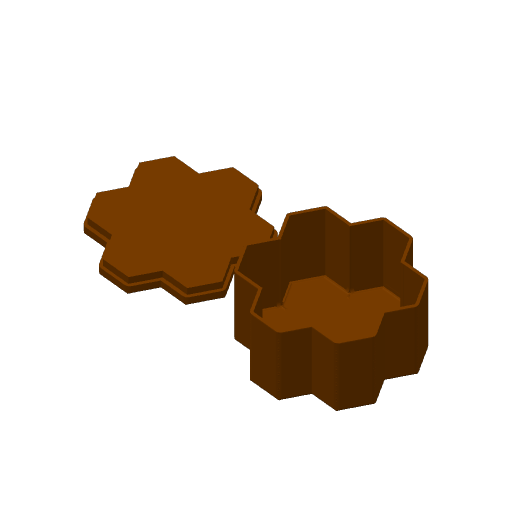
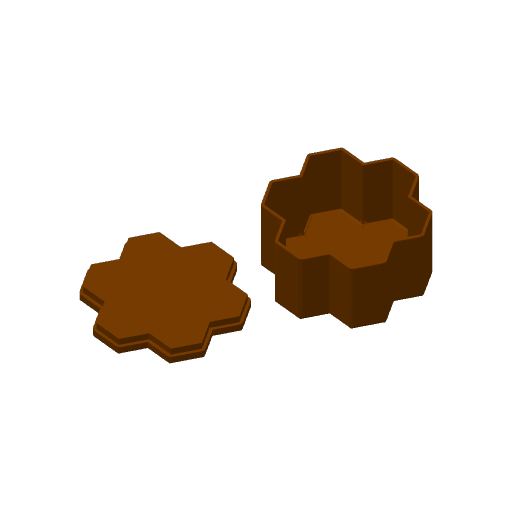
HIVE board game box included

Plan Your Print
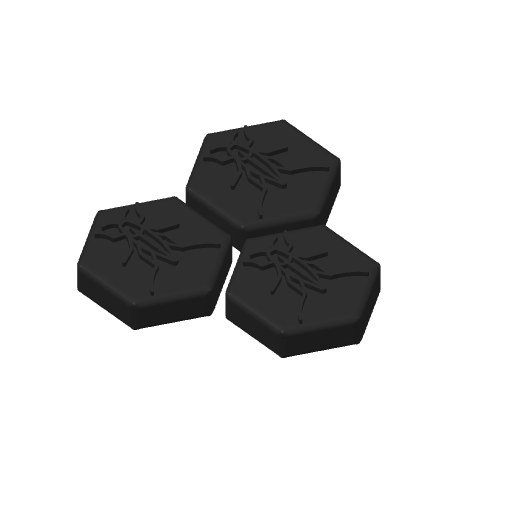
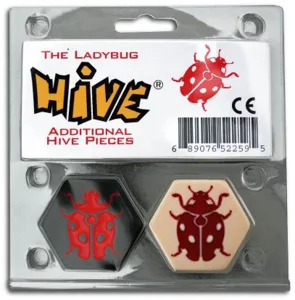
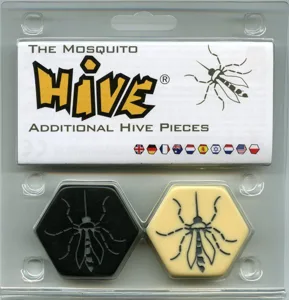
Covers Hive: The Ladybug, Hive: The Mosquito Expansions this print stores alongside the base game
Optional multicolor profile The designer also offers a multicolor way to print this (an MMU/AMS profile or per-color parts)
About 3 g of filament From the designer's print profile
Print Profile (30) HIVE storage box 1h 49m 45 g PLA
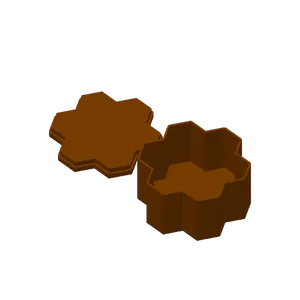
HIVE storage box
1 plate 1h 49m 45 g PLA
P1P, A2L, H2S, A1, X1E, X1, H2D Pro, X2D, H2D, H2C, P1S, P2S, X1 Carbon
Plate Details (1)
0.4 mm nozzle, all plates
Plate 1
1h 49m 45 g PLA · 2 g PLA · 43 g
A1 Mini Dual color: White base black insects
1 plate 1h 14m 21 g PLA
A1 mini, X1 Carbon, A2L, H2D, H2D Pro, H2S, X2D, H2C, P1P, X1, P1S, A1, X1E, P2S
Plate Details (1)
0.4 mm nozzle, all plates
Plate 1
1h 14m 21 g PLA · 2 g PLA · 19 g
A1 Mini Hive storage box
1 plate 2h 1m 45 g PLA
A1 mini, H2S, X2D, A2L, P1S, X1 Carbon, A1, P1P, H2D Pro, H2D, H2C, X1, X1E, P2S
Plate Details (1)
0.4 mm nozzle, all plates
Plate 1
2h 1m 45 g PLA · 2 g PLA · 43 g
A1 Mini Ant Yin
1 plate 47m 12 g PLA
A1 mini, A2L, P1P, H2S, A1, X1E, X1, H2D Pro, X2D, H2D, H2C, P1S, P2S, X1 Carbon
Plate Details (1)
0.4 mm nozzle, all plates
Plate 1
47m 12 g PLA · 2 g PLA · 10 g
A1 Mini Queen Bee Yin
1 plate 30m 7 g PLA
A1 mini, X2D, X1, H2D Pro, H2D, P1S, X1E, P2S, X1 Carbon, H2C, P1P, A2L, A1, H2S
Plate Details (1)
0.4 mm nozzle, all plates
Plate 1
30m 7 g PLA · 5 g PLA · 2 g
Grasshopper-Yin
1 plate 44m 11 g PLA
P1P, X1 Carbon, A1 mini, A2L, H2D, H2D Pro, H2S, X2D, H2C, X1, P1S, A1, X1E, P2S
Plate Details (1)
0.4 mm nozzle, all plates
Plate 1
44m 11 g PLA · 9 g PLA · 2 g
A1 Mini Spider Yin
1 plate 38m 9 g PLA
A1 mini, X1E, P1P, H2S, H2C, X2D, H2D Pro, A2L, X1, X1 Carbon, A1, H2D, P2S, P1S
Plate Details (1)
0.4 mm nozzle, all plates
Plate 1
38m 9 g PLA · 7 g PLA · 2 g
A1 Mini Dual color: Black base white insects
1 plate 1h 15m 21 g PLA
A1 mini, A2L, X1 Carbon, H2C, P1P, A1, X1E, X2D, H2S, X1, P1S, H2D Pro, H2D, P2S
Plate Details (1)
0.4 mm nozzle, all plates
Plate 1
1h 15m 21 g PLA · 19 g PLA · 2 g
A1 Mini Queen Bee Yang
1 plate 18m 3 g PLA
A1 mini, H2S, X2D, A2L, P1S, X1 Carbon, A1, P1P, H2D Pro, H2D, H2C, X1, X1E, P2S
Plate Details (1)
0.4 mm nozzle, all plates
Plate 1
18m 3 g PLA · 2 g PLA · 1 g
A1 Mini Beetle Yin
1 plate 39m 9 g PLA
A1 mini, P1P, P1S, P2S, X1 Carbon, H2S, X1, H2D, X2D, A2L, A1, X1E, H2D Pro, H2C
Plate Details (1)
0.4 mm nozzle, all plates
Plate 1
39m 9 g PLA · 7 g PLA · 2 g
A1 Mini Spider Yang
1 plate 22m 5 g PLA
A1 mini, H2S, X2D, A2L, P1S, X1 Carbon, A1, P1P, H2D Pro, H2D, H2C, X1, X1E, P2S
Plate Details (1)
0.4 mm nozzle, all plates
Plate 1
22m 5 g PLA · 4 g PLA · 1 g
A1 Mini Ant Yang
1 plate 28m 7 g PLA
A1 mini, X1E, P1P, H2S, H2C, X2D, H2D Pro, A2L, X1, X1 Carbon, A1, H2D, P2S, P1S
Plate Details (1)
0.4 mm nozzle, all plates
Plate 1
28m 7 g PLA · 1 g PLA · 6 g
Ant-Yin
1 plate 45m 12 g PLA
P1P, X1E, H2S, X2D, H2C, H2D Pro, A2L, X1, A1, X1 Carbon, H2D, P2S, A1 mini, P1S
Plate Details (1)
0.4 mm nozzle, all plates
Plate 1
45m 12 g PLA · 2 g PLA · 10 g
A1 Mini Grasshopper Yang
1 plate 29m 7 g PLA
A1 mini, A2L, P1P, H2S, A1, X1E, X1, H2D Pro, X2D, H2D, H2C, P1S, P2S, X1 Carbon
Plate Details (1)
0.4 mm nozzle, all plates
Plate 1
29m 7 g PLA · 6 g PLA · 1 g
Dual color: Black base white insects
1 plate 1h 11m 21 g PLA
P1P, H2D Pro, H2C, H2S, X1 Carbon, X1E, X1, P2S, P1S, A2L, A1, X2D, H2D, A1 mini
Plate Details (1)
0.4 mm nozzle, all plates
Plate 1
1h 11m 21 g PLA · 19 g PLA · 2 g
A1 Mini Beetle Yang
1 plate 23m 5 g PLA
A1 mini, H2D Pro, P1P, H2C, H2S, X1 Carbon, X1E, X1, P2S, P1S, A2L, A1, X2D, H2D
Plate Details (1)
0.4 mm nozzle, all plates
Plate 1
23m 5 g PLA · 4 g PLA · 1 g
Spider-Yin
1 plate 36m 9 g PLA
P1P, X2D, X1, H2D Pro, H2D, P1S, X1E, A1 mini, P2S, X1 Carbon, H2C, A2L, A1, H2S
Plate Details (1)
0.4 mm nozzle, all plates
Plate 1
36m 9 g PLA · 7 g PLA · 2 g
A1 Mini Grasshopper Yin
1 plate 46m 11 g PLA
A1 mini, X1 Carbon, P2S, H2S, H2D, H2C, X1, P1P, P1S, X1E, A1, H2D Pro, A2L, X2D
Plate Details (1)
0.4 mm nozzle, all plates
Plate 1
46m 11 g PLA · 9 g PLA · 2 g
Beetle-Yin
1 plate 37m 9 g PLA
P1P, P1S, P2S, X1 Carbon, H2S, X1, H2D, X2D, A2L, A1, X1E, A1 mini, H2D Pro, H2C
Plate Details (1)
0.4 mm nozzle, all plates
Plate 1
37m 9 g PLA · 7 g PLA · 2 g
Dual color: White base black insects
1 plate 1h 10m 21 g PLA
P1P, X2D, X1, H2D Pro, H2D, P1S, X1E, A1 mini, P2S, X1 Carbon, H2C, A2L, A1, H2S
Plate Details (1)
0.4 mm nozzle, all plates
Plate 1
1h 10m 21 g PLA · 2 g PLA · 19 g
Grasshopper-Yang
1 plate 27m 7 g PLA
P1P, X1 Carbon, A1 mini, A2L, H2D, H2D Pro, H2S, X2D, H2C, X1, P1S, A1, X1E, P2S
Plate Details (1)
0.4 mm nozzle, all plates
Plate 1
27m 7 g PLA · 6 g PLA · 1 g
Spider-Yang
1 plate 21m 5 g PLA
P1P, X1 Carbon, P2S, H2S, H2D, H2C, X1, P1S, A1 mini, X1E, A1, H2D Pro, A2L, X2D
Plate Details (1)
0.4 mm nozzle, all plates
Plate 1
21m 5 g PLA · 4 g PLA · 1 g
Beetle-Yang
1 plate 22m 5 g PLA
P1P, H2S, X2D, A2L, P1S, X1 Carbon, A1, H2D Pro, H2D, A1 mini, H2C, X1, X1E, P2S
Plate Details (1)
0.4 mm nozzle, all plates
Plate 1
22m 5 g PLA · 4 g PLA · 1 g
Queen Bee-Yang
1 plate 17m 3 g PLA
P1P, H2D Pro, H2C, H2S, X1 Carbon, X1E, X1, P2S, P1S, A2L, A1, X2D, H2D, A1 mini
Plate Details (1)
0.4 mm nozzle, all plates
Plate 1
17m 3 g PLA · 2 g PLA · 1 g
Queen Bee-Yin
1 plate 29m 7 g PLA
P1P, H2D Pro, H2C, H2S, X1 Carbon, X1E, X1, P2S, P1S, A2L, A1, X2D, H2D, A1 mini
Plate Details (1)
0.4 mm nozzle, all plates
Plate 1
29m 7 g PLA · 5 g PLA · 2 g
A1 Mini No AMS Pause for filament change
1 plate 1h 13m 20 g PLA
A1 mini, P1S, H2D Pro, X2D, X1, A1, X1 Carbon, P1P, X1E, H2D, H2S, P2S, H2C, A2L
Simply start the printing process, it will halt at the color changing point. Your nozzle will cool down automatically, just reheat it to 250°C in Bambu Studio and click "unload" for filament removal. Load your desired color, extrude a few times to clear the previous color, and then press the 'resume' button in Bambu Studio.
Plate Details (1)
0.4 mm nozzle, all plates
Plate 1
1h 13m 20 g PLA · 20 g
Ant-Yang
1 plate 26m 7 g PLA
P1P, X1 Carbon, P2S, H2S, H2D, H2C, X1, P1S, A1 mini, X1E, A1, H2D Pro, A2L, X2D
Plate Details (1)
0.4 mm nozzle, all plates
Plate 1
26m 7 g PLA · 1 g PLA · 6 g
No AMS Pause for filament change
1 plate 1h 9m 20 g PLA
P1P, X1E, H2S, X2D, H2C, H2D Pro, A2L, X1, A1, X1 Carbon, H2D, P2S, A1 mini, P1S
Simply start the printing process, it will halt at the color changing point. Your nozzle will cool down automatically, just reheat it to 250°C in Bambu Studio and click "unload" for filament removal. Load your desired color, extrude a few times to clear the previous color, and then press the 'resume' button in Bambu Studio.
Plate Details (1)
0.4 mm nozzle, all plates
Plate 1
1h 9m 20 g PLA · 20 g
Complete Yin AMS Set w/ notch in case
3 plates 7h 5m 120 g PLA
P1P, P1S, X1, X1 Carbon, X1E, A1, H2D, H2D Pro, H2S, P2S, H2C, X2D, A2L
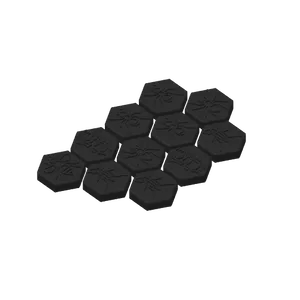
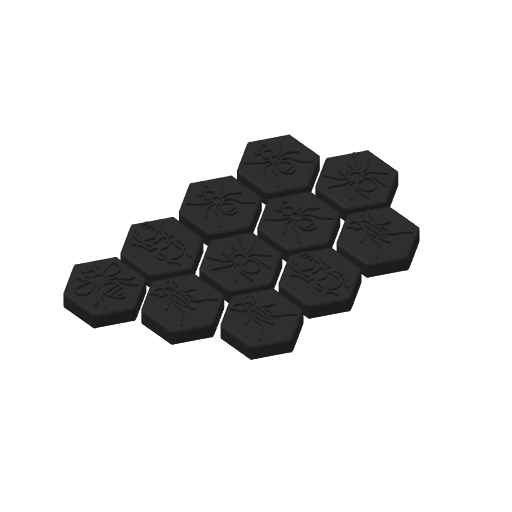
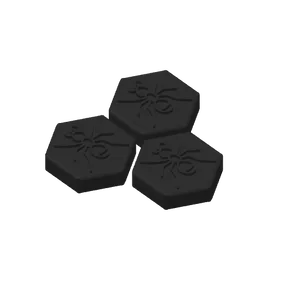
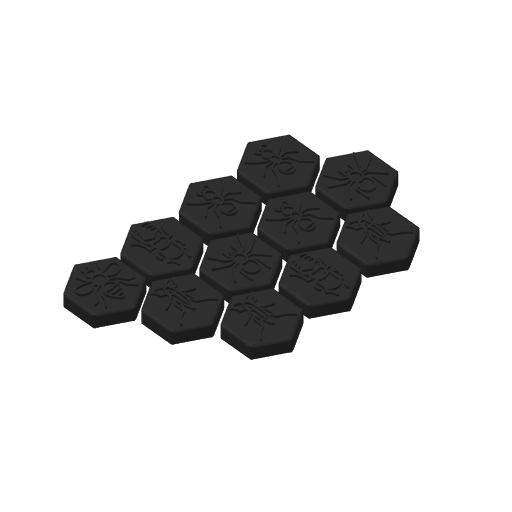
I gathered all the tiles and placed them on a total of 3 plates, each grouped together to print by object. The tile plates have a total of 6 colors but I only had 1 AMS so I colored the ants brown and grasshoppers purple. When the beetles and spiders finished, I swapped their colors for the ant and grasshoppers colors. I also added a finger notch in the box for easier opening. No supports needed for it either otherwise you'll have difficulty removing them as described by others.
Plate Details (3)
0.4 mm nozzle, all plates
Plate 1 · White Yin
2h 31m 40 g PLA · 2 g PLA · 30 g PLA · 2 g PLA · 2 g PLA · 2 g PLA · 2 g
Plate 2 · Black Yin
2h 27m 35 g PLA · 2 g PLA · 23 g PLA · 3 g PLA · 2 g PLA · 3 g PLA · 2 g
Plate 3 · Box with Finger Holes
2h 7m 45 g PLA · 43 g PLA · 2 g
A1mini单色打印二人份,带扩展棋子,Single Color,Two copies,expansion kit
1 plate 3h 21m 55 g PLA
A1 mini, P1S, P1P, X1, X1 Carbon, X1E, A1, H2D, H2D Pro, H2S, P2S, H2C, X2D, A2L
A1mini 单色打印二人份,带扩展棋子 Single Color,Two copies,expansion kit 0.16mm layer, 2 walls, 15% infill
Plate Details (1)
0.4 mm nozzle, all plates
Plate 1
3h 21m 55 g PLA · 55 g
As sliced by the designer. Your printer, filament, and settings may change these numbers.
Designer's Description

Please consider casting your Boost token if this model/design helps you, and don't forget to press the like button. Many thanks!

Makerworld has significantly reduced the download/print points awarded to designers. Instead, they have introduced the "Boost" token, which you can apply to models that may not be the most popular (already gaining points from downloads and prints), but are useful or meaningful to you in general. This supports and encourages us, the "losers" (those not focusing on popular themes like Star Wars, car keychains, countless airless balls, etc.), to create more useful or niche designs.

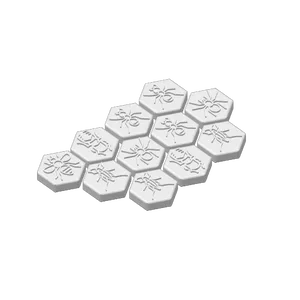
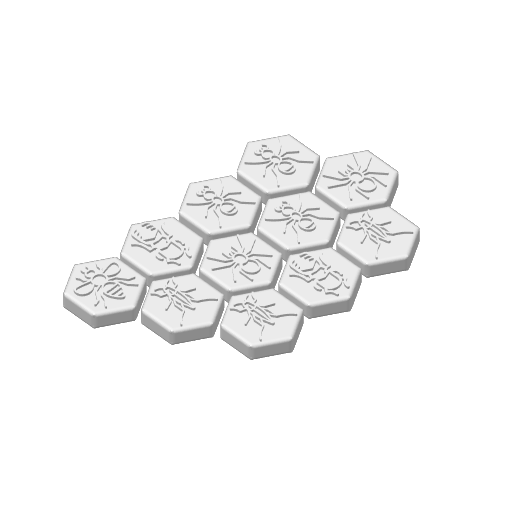
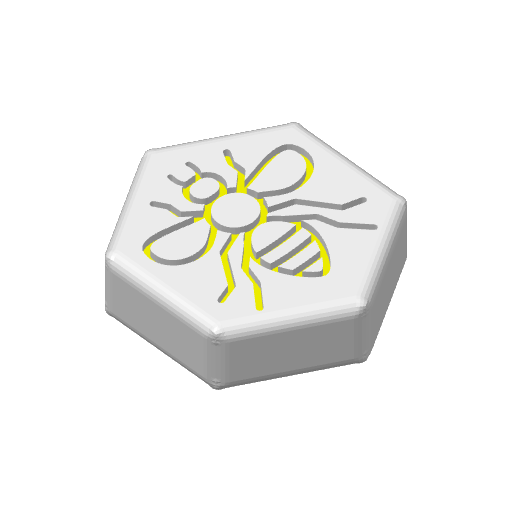
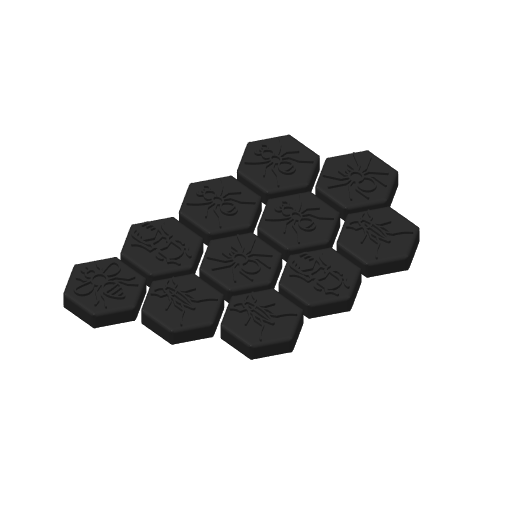
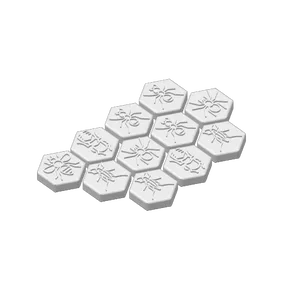
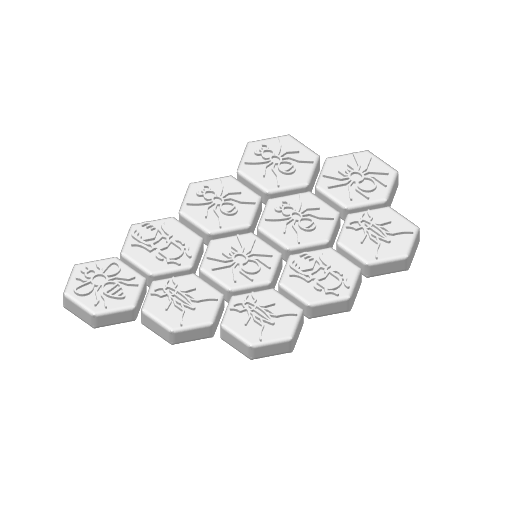
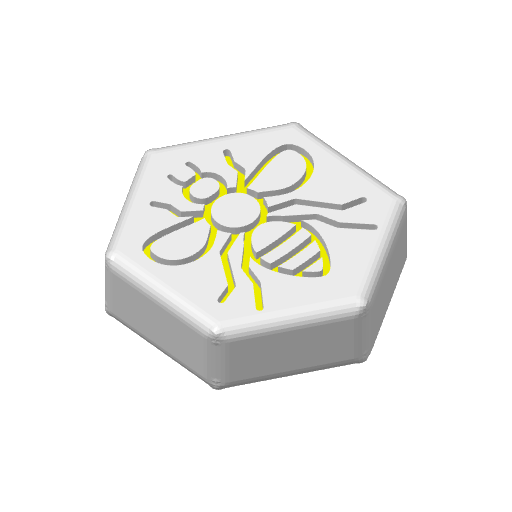
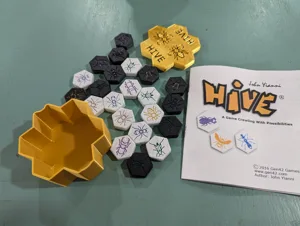
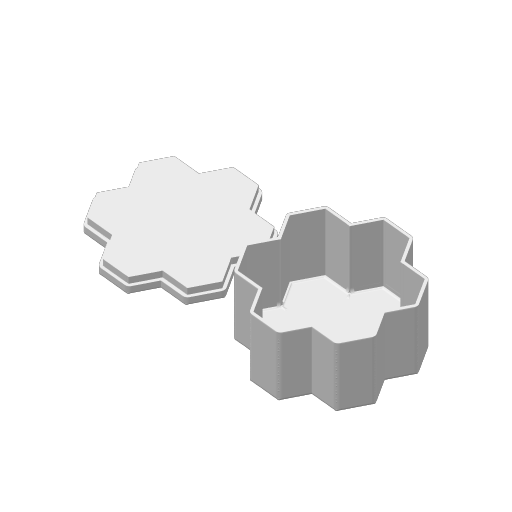
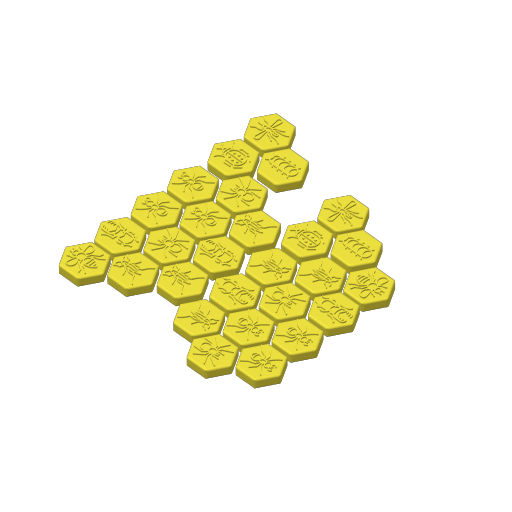
This is my take on the strategic board game - HIVE. I have also included a small storage box, perfect for bringing it along on a trip. Play the game on the train, on the plane, on a yacht, or on the Boeing Starliner. No matter where you are, it's a fun game to enjoy with your loved ones.

Check out my HIVE inspired boardgame --山海 ShanHai Realm: an ancient Chinese auspicious beast themed boardgame https://makerworld.com/en/models/149554#profileId-180537

Multicolored:

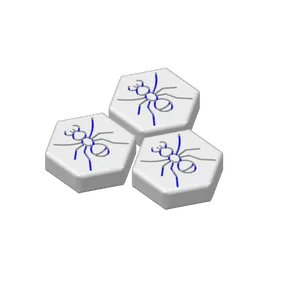
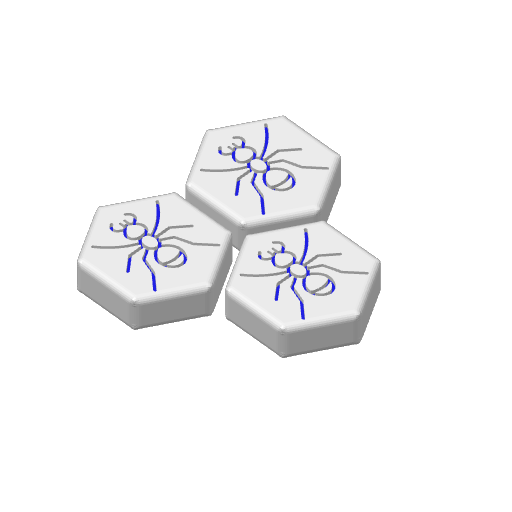
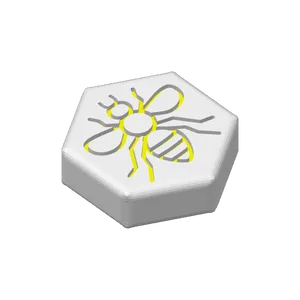
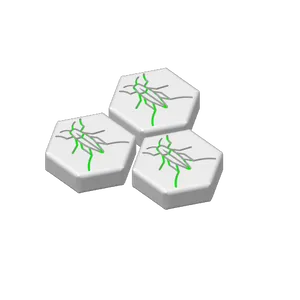
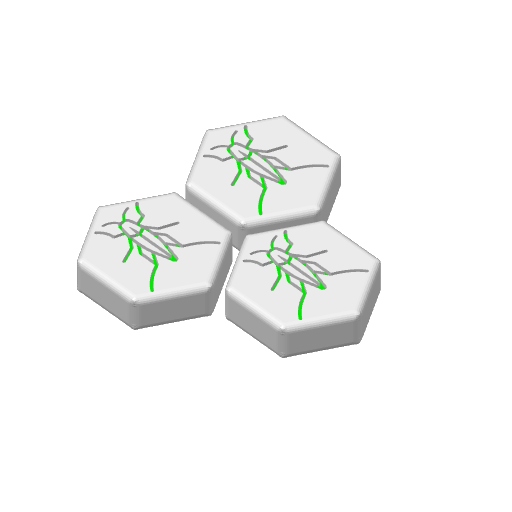
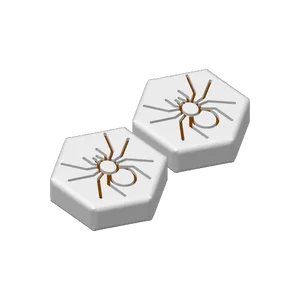
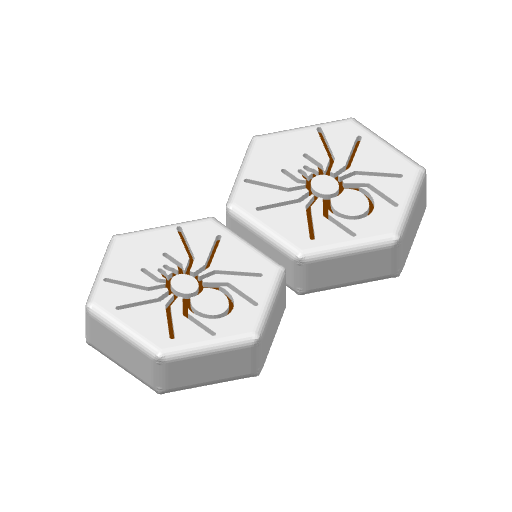
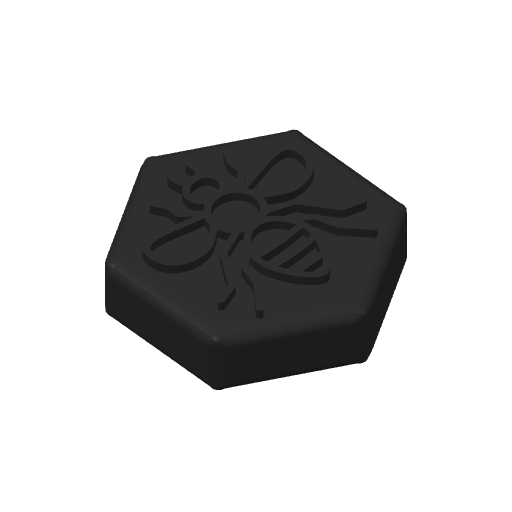
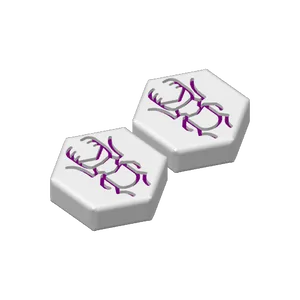
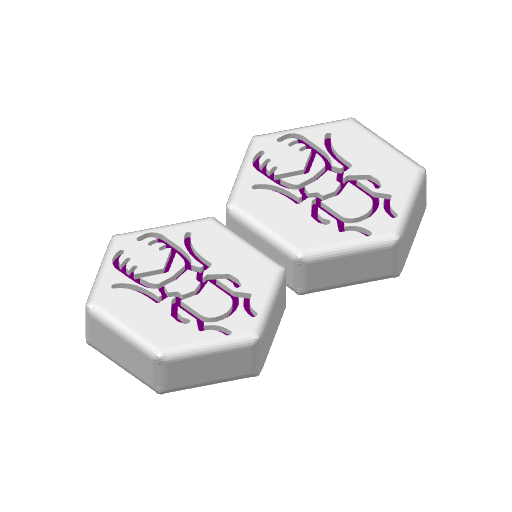
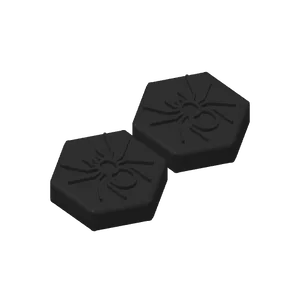
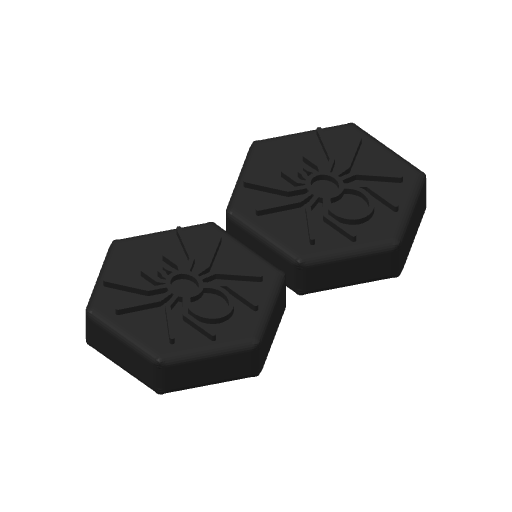
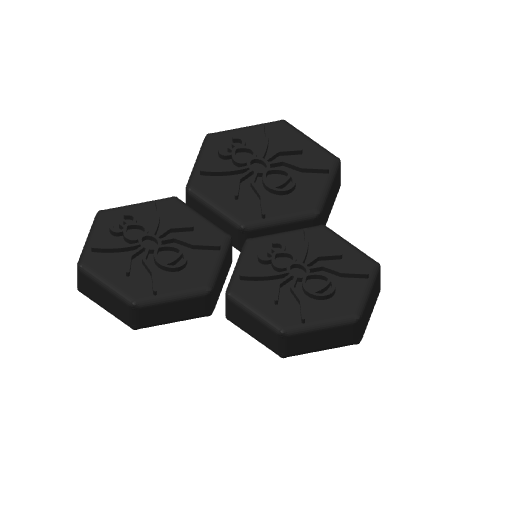
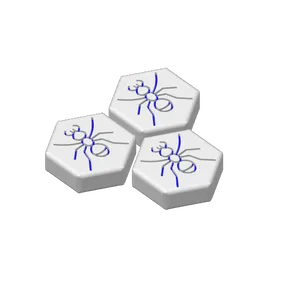
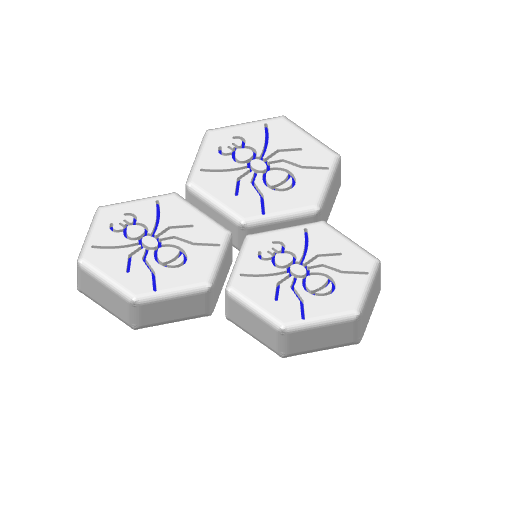
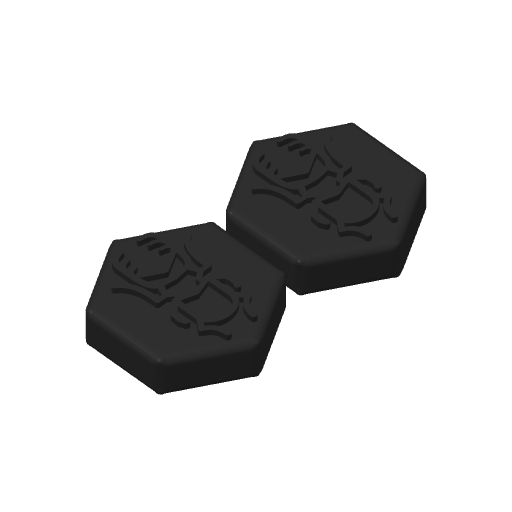
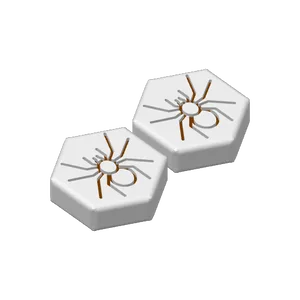
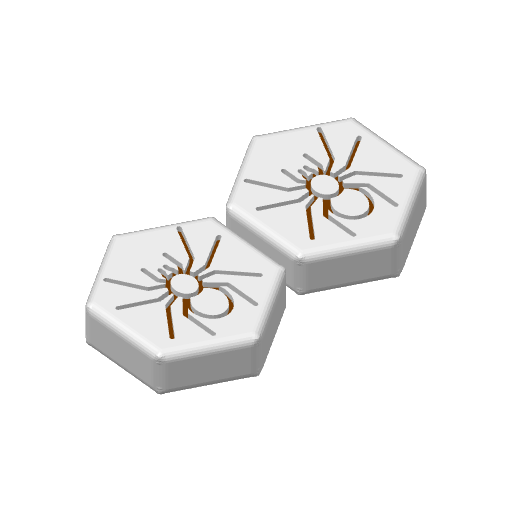
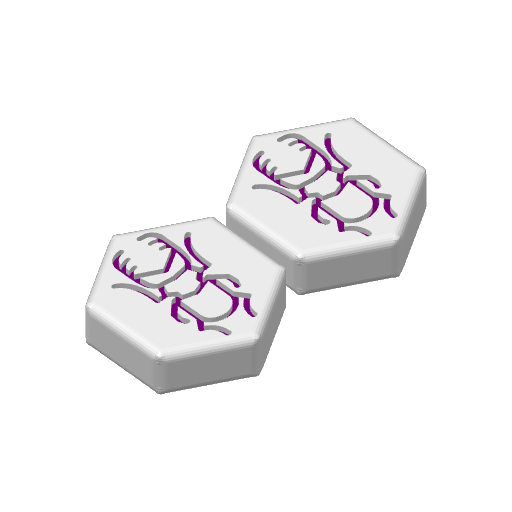
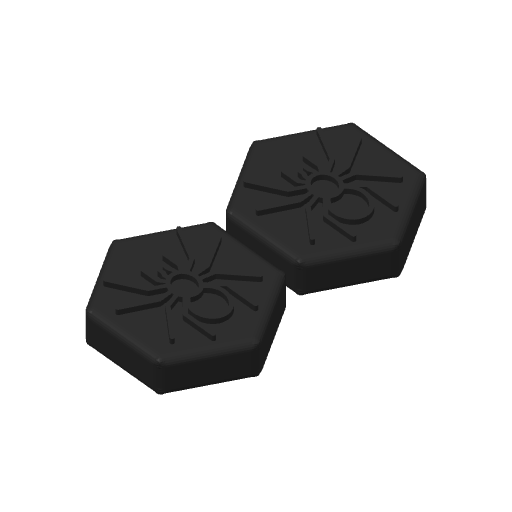
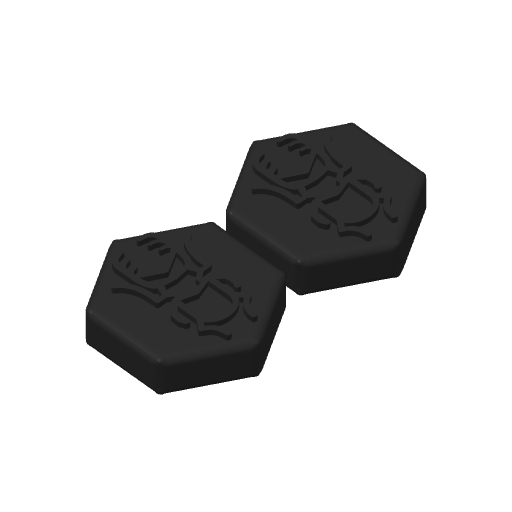
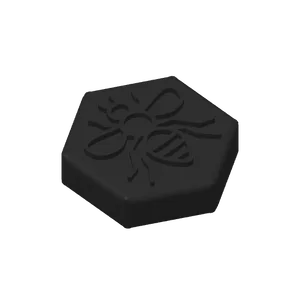
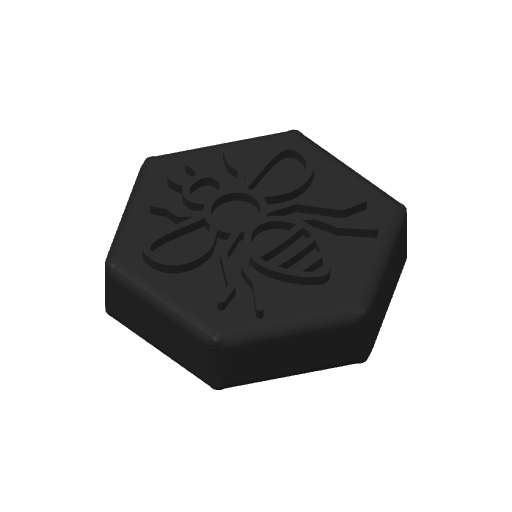
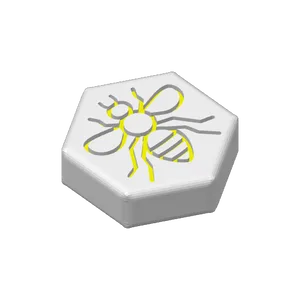
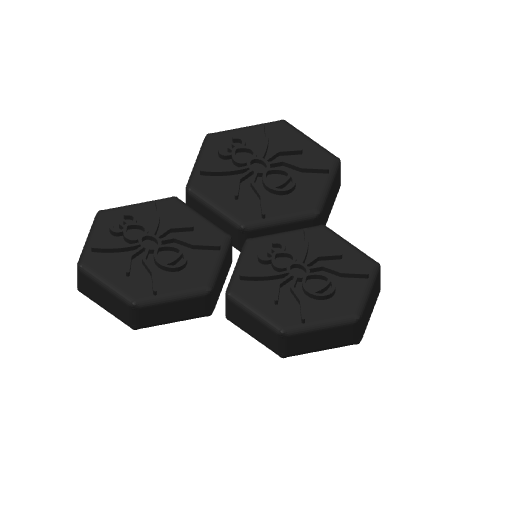
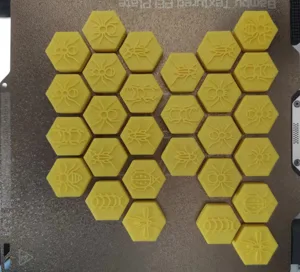
There are two types of tiles: one with the insect symbol protruding (Yang) and the other with the symbol engraved (Yin). The colors on the Yang's tiles are determined by layer height, so don't be confused if you intend to change the color by painting.

Dual color:

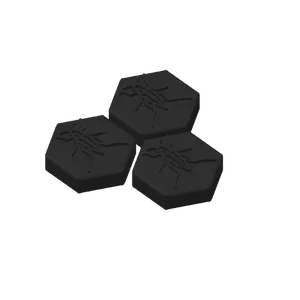
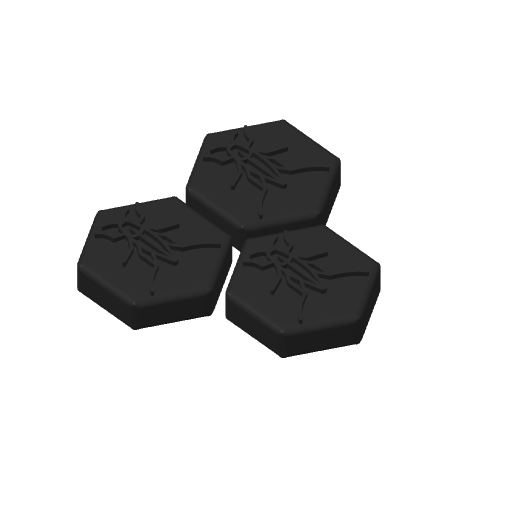
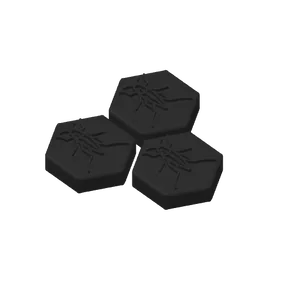
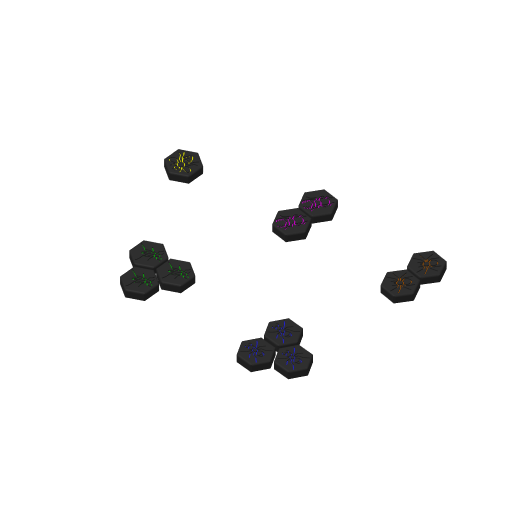
If you prefer dual colors and not multicolored tiles, I have included two profiles with Yang's tiles—one set with black tiles and white insects, and another with the colors reversed.

No AMS manual color changing:

I have also included a profile that pauses for manual color/filament changing for those who do not have AMS.

Simply start the printing process, it will halt at the color changing point. Your nozzle will cool down automatically, just reheat it to 250°C in Bambu Studio and click "unload" for filament removal. Load your desired color, extrude a few times to clear the previous color, and then press the 'resume' button in Bambu Studio.

The game:

Hive, designed by John Yianni and published in 2001 by Gen42 Games, is an abstract strategy game with a bug theme. The objective in Hive is to encircle the opponent's queen bee, capturing it, while safeguarding one's own queen from capture. The game combines elements of tile-based games and traditional board games.

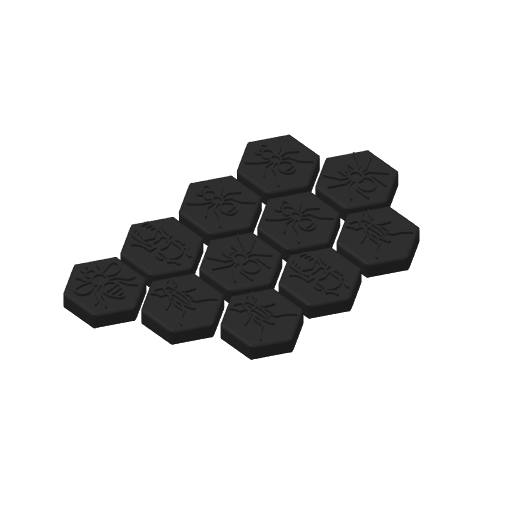
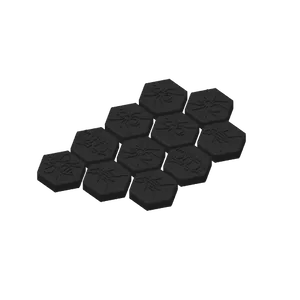
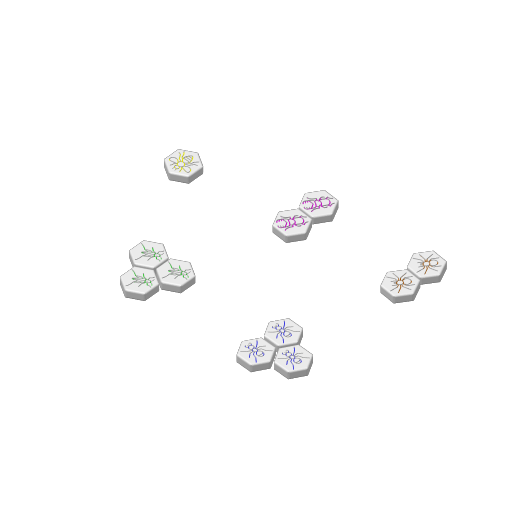
A complete Hive set comprises a total of 22 pieces, evenly distributed with 11 pieces allocated to each player. These pieces, symbolizing various creatures and possessing distinct movement capabilities, are color-coded (feel free to change the colors):

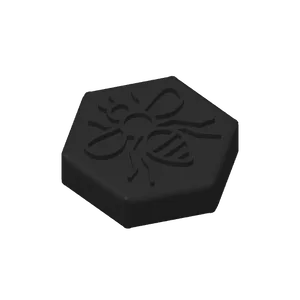
1 Queen Bee (Yellow-Gold)
2 Spiders (Brown)
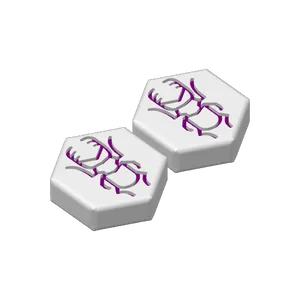
2 Beetles (Purple)
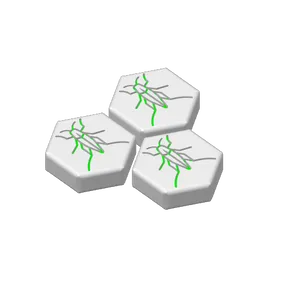
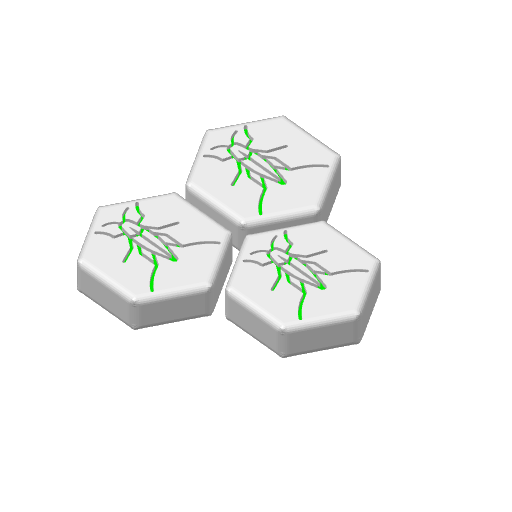
3 Grasshoppers (Green)
3 Soldier Ants (Blue)

Official expansion kit is here https://makerworld.com/en/models/155593 and community expansion kit will be available soon.

1 Mosquito (Gray)

1 Ladybug (Red)

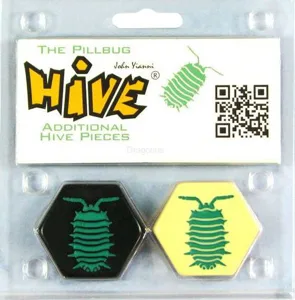
1 Pill bug (Cyan)

For detailed rules, please visit this page from Gen42 Games: https://www.gen42.com/download/rules/hive/Hive_English_Rules.pdf

Most icons are from the lovely work of Georgiana Ionescu, shared under CC-BY.
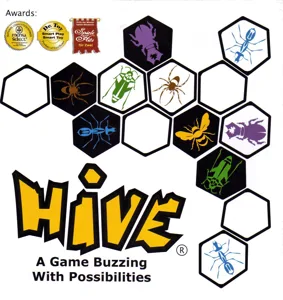
board game box hive bee bee hive grasshopper spider ant beetle hexa hexabox
Hive box art Hive 2001 Layer by Layer
Cover Colors

Main colors from the cover art. Find matching filament, or tap swatches to narrow.

Matching filament