Log in to join the conversation.
D&D Initiative Tracker - AMS - 6x2 magnets - flat
Print Profile 4h 47m 127 g PLA
Plate Details (3)
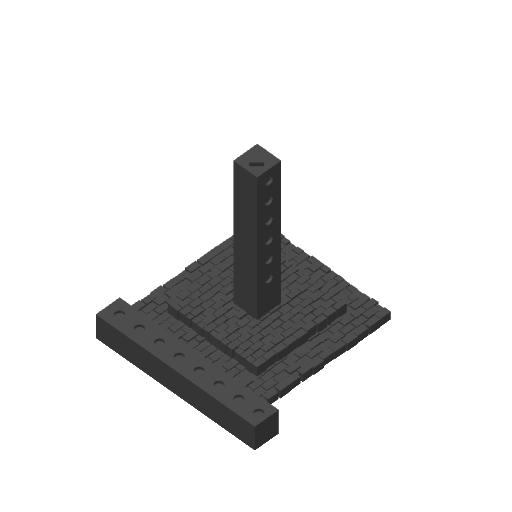
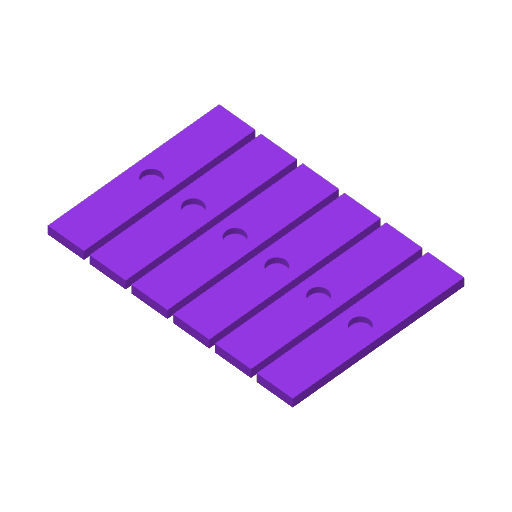
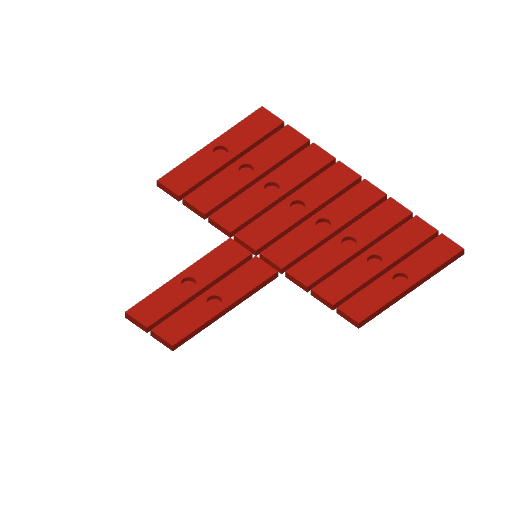
I liked Pangea3D's initiative tracker, but I prefer to have flat-faced multicolor prints (printed face down, so the visible surface is nice and smooth). This uses the same editable text, but I changed a few settings - uses Arachne, flipped the labels face-down so they will print flat on the plate, and the magnet hole will be smoother (no overhang). I also laid the second part of the tower on its side so that it will be less likely to get knocked over when printing. Finally, I used separate colors for the PC and enemy labels so they are more easily differentiated at the table.
You can print this on a smooth PEI plate or a textured PEI plate depending on your preference. Edit the text on each label by double-clicking on it; you can change the font/size. If the text ends up mis-centered on the label, click on each component of the assembly and Center it, then use the Arrange option once you're done.