Table Talk
Nothing here yet. Love this design? Say so - the designer might see it.
Log in to join the conversation.
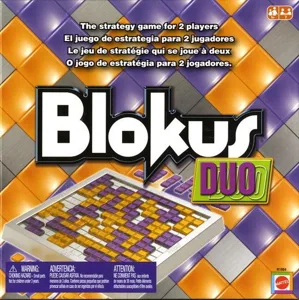
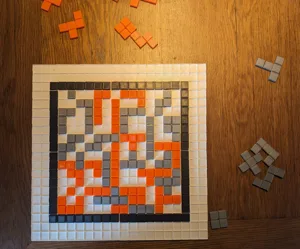
Blokus Duo Travel
Designer's Description
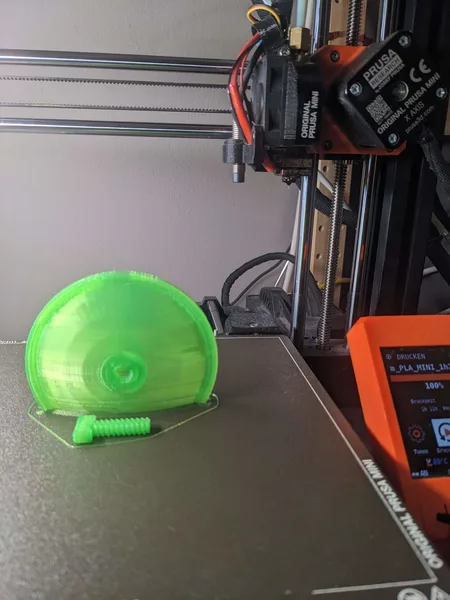
Print the case with the game field on top. The printer can bridge the undersides; just make sure that the bridge orientation is set correctly.
For better adhesion, I added a file with "mice ears" on the edges.
When printing the pieces, I suggest setting the bridge orientation to 45° for better results on both sides of the pieces.
I haven't yet designed a closing latch, so you can use a rubber band to secure the closed box.
I added both a smaller and a slightly larger version.
The model is fully customizable. You can change the height, the width, the number of fields etc. Just download and edit the OpenSCAD file.