Log in to join the conversation.
Parametric Box Design Breakdown + MakerWorld Setup
Print Profile 1h 2m 38 g PLA
Plate Details (2)

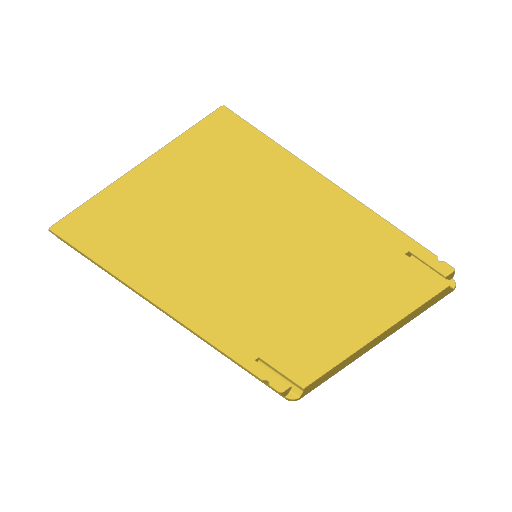
This is a parametric box with a snap-fit lid. You can customize height, width, and length to whatever you need.
The lid uses a cantilever beam snap-fit system. It has small flexible pieces built into it that bend slightly as you push the lid and snap back into place once it clears the edge, holding the lid shut. This ensures your lids will hold up a lot longer after repeated use (and it's quick to print!).
None of these parts require supports to print, regardless of how you print the lid (face up or face down).
Boost Me If you print any of these and they work well for you, a boost on MakerWorld is a great way to show it. Boosts earn me points I can put toward filament, materials, and parts, which matters more than it sounds. Every design here went through multiple prints before I was happy with it. Either way, happy printing.
This video shows how to do it in Fusion 360, but you can apply the principle to any modeling software. The voice track is a bit rough as english is not my first language but it does the job ;)
##
On MakerWorld, it's possible to create models that can be customized by users. This is how you can make that happen using Fusion 360.
https://makerworld.com/en/@user_2443559174/upload
If you like what you see, there are trhee ways you can help me make more designs.
An easy way is to boost me through Makerworld.
I also sell most of my models on Etsy .
Or maybe help (aka Design Juice).