Log in to join the conversation.
Gloomhaven JOTL Player Dashboard (Jaws of the Lion, Pranken des Löwen, Split)
Print Profile 2h 38m 65 g PLA
Plate Details (3)
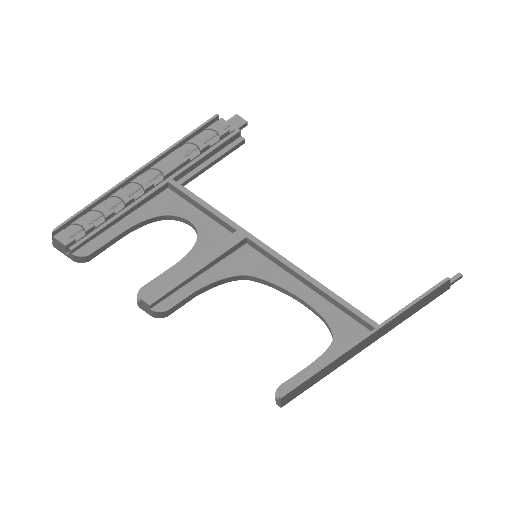
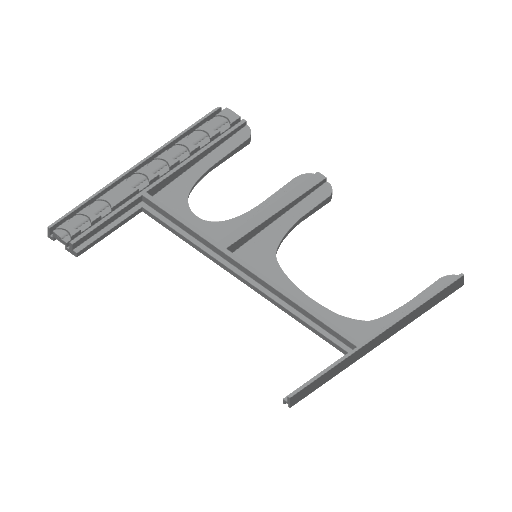
I am fairly new to JOTL, but I liked UnclePats player dashboard so much (lightweight, easily fits into the games box (even two of them like in my case), easily to understand but still versatile layout, ...) so much that I tried to improve - or should I say adapt it to my needs - a little more.
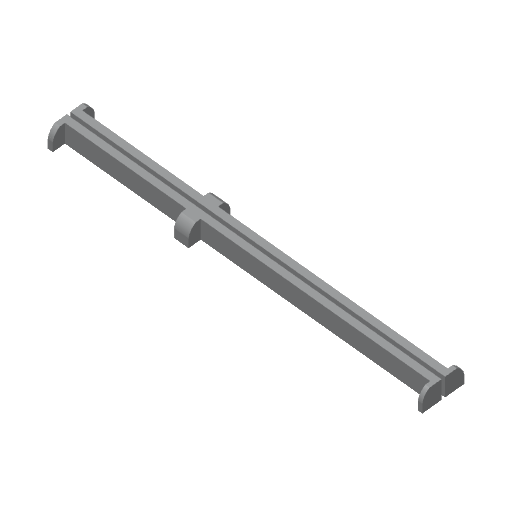
- higher capacity for the card trays (even more with optional spacers)
- slopes for the card trays so it's easier to get a finger underneath them for picking the cards up
- removed the health and xp meters at the bottom
- made a split in the middle so it fits my printbed
- slopes for the small round tokens at the top
- removed even more material
Please note: You'll need glue to join the two parts of the dashboard.
You may combine the left or right part of the dashboard with the card spacer STL in Microsoft 3D Builder or any other model editing software before printing or just glue them in place after.
And just like after every print there are things to improve but not game-breaking neither. e.g. I didn't realize the lowest point of the card slopes is so thin.
glue parts together ;)