Table Talk
Nothing here yet. Love this design? Say so - the designer might see it.

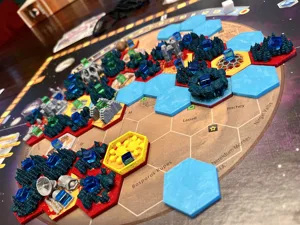
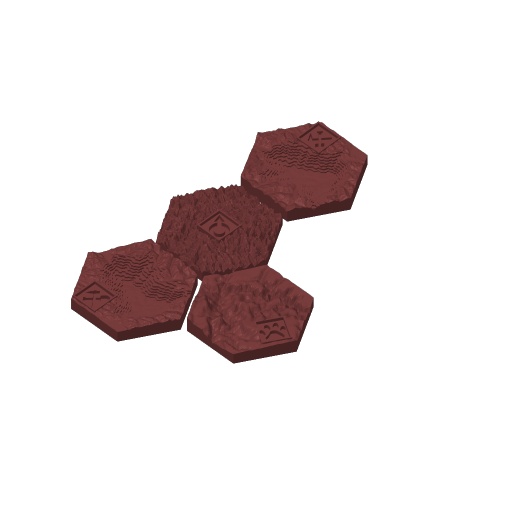
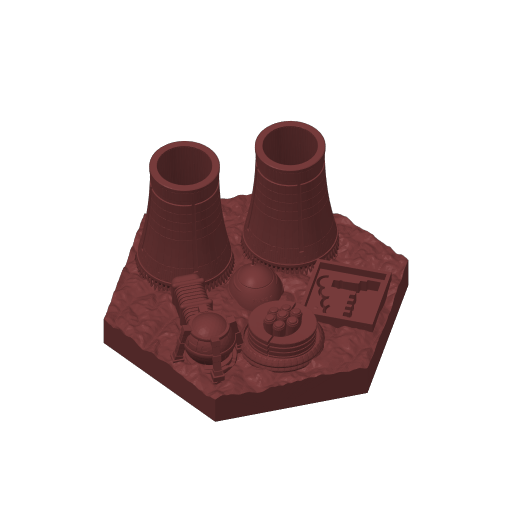
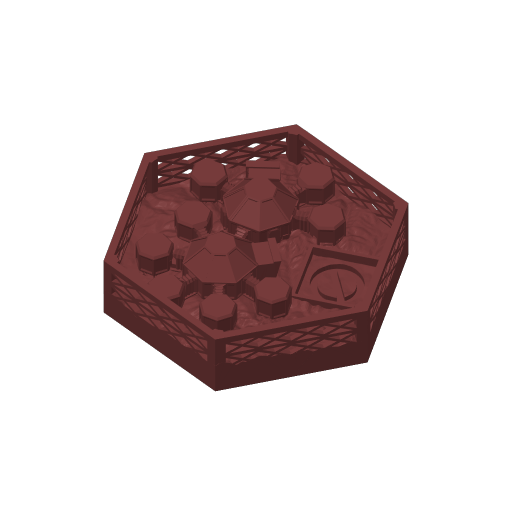
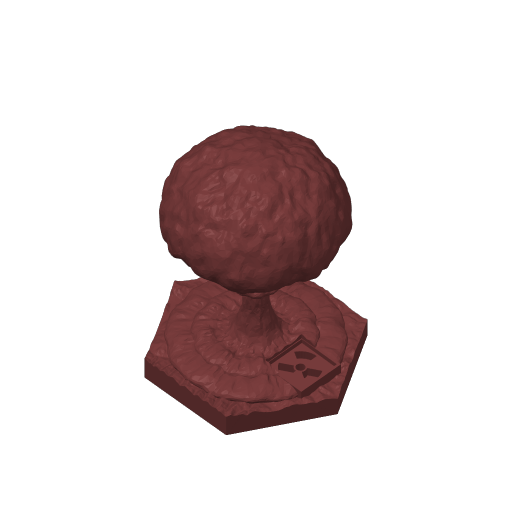
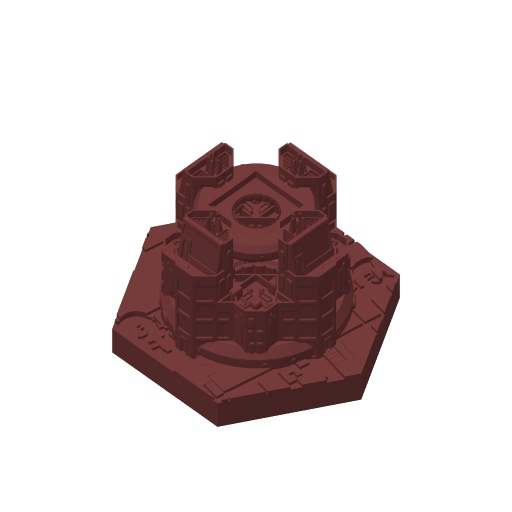
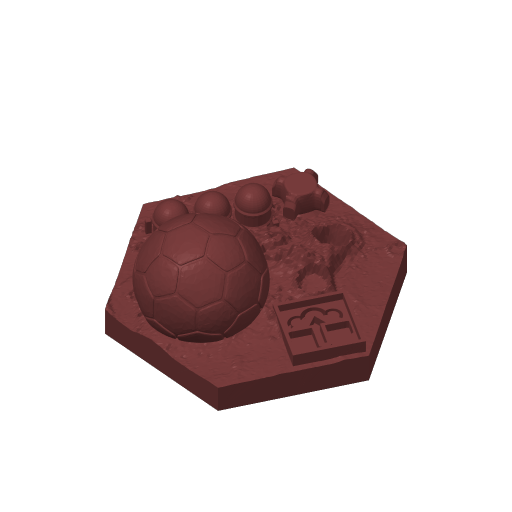
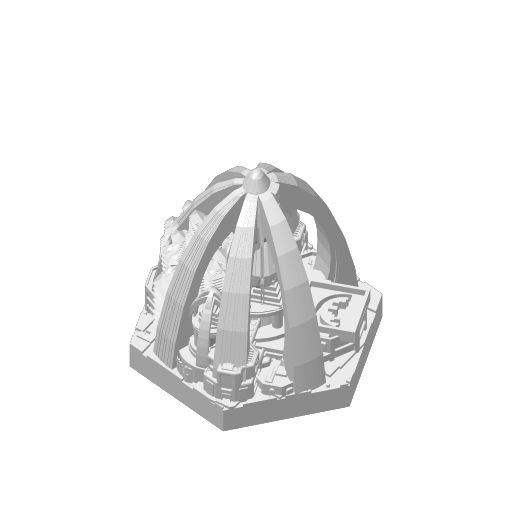
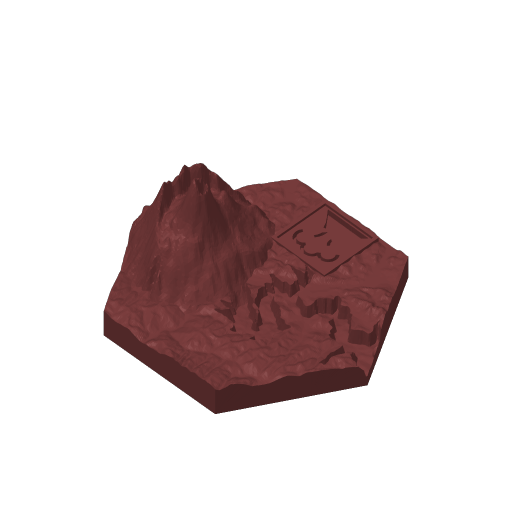
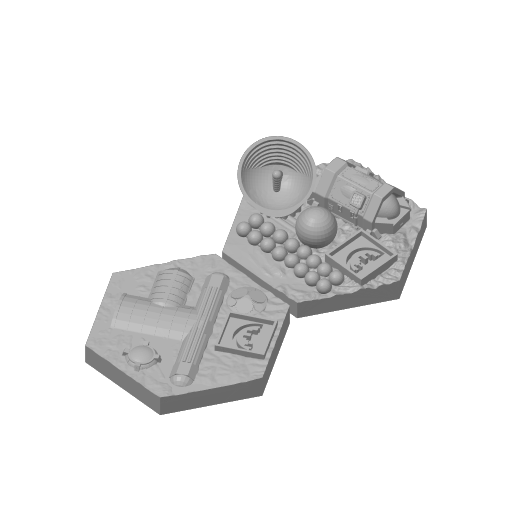
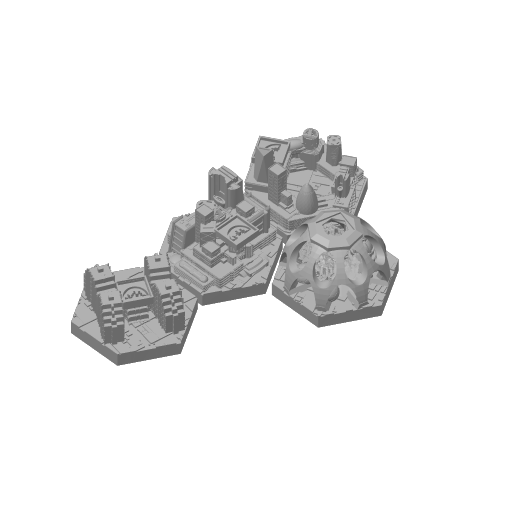
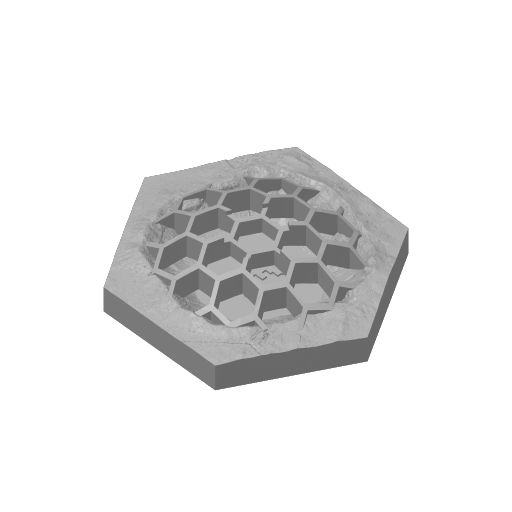
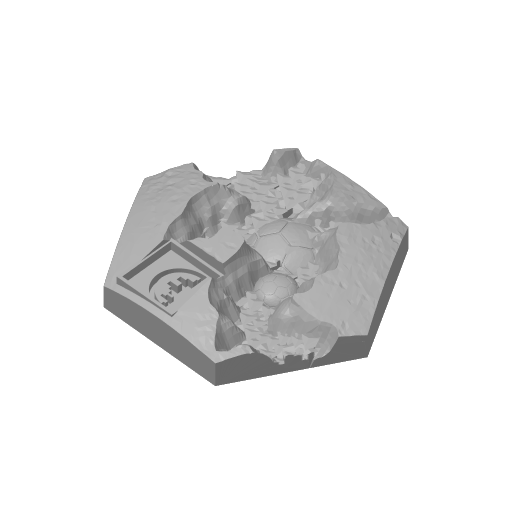
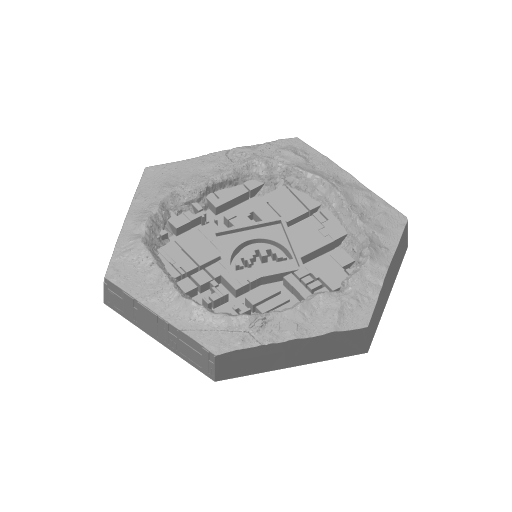
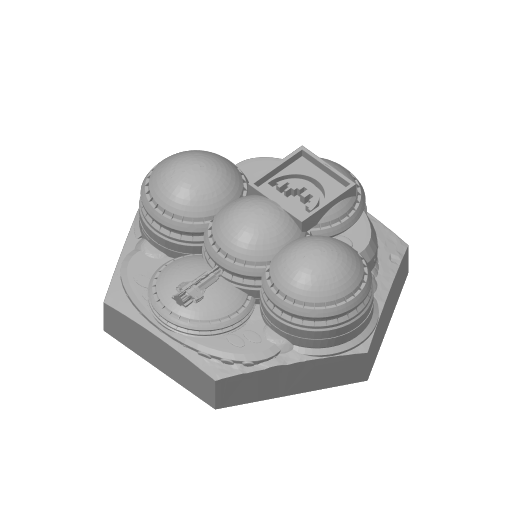
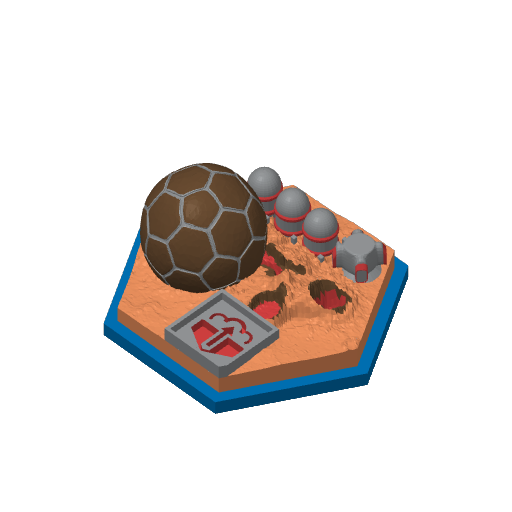
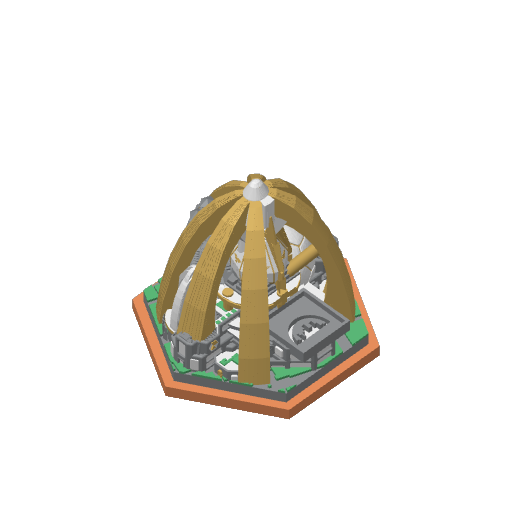
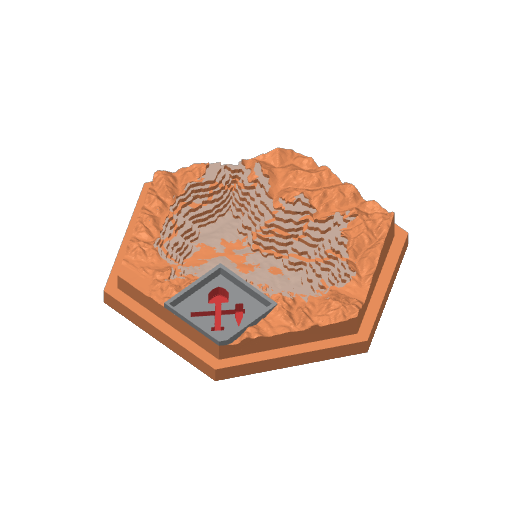
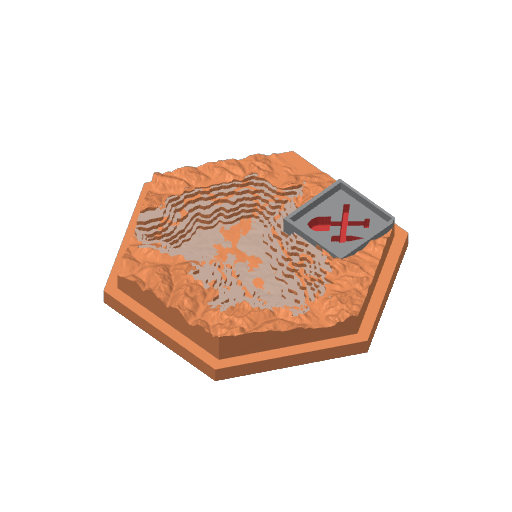
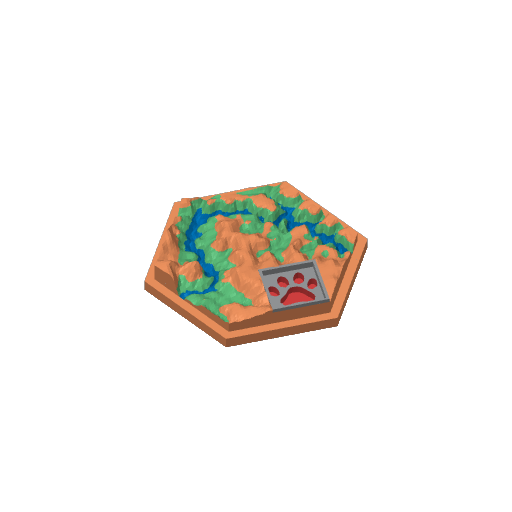
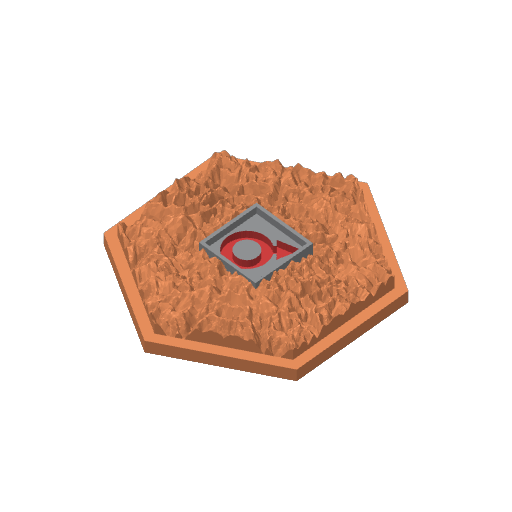
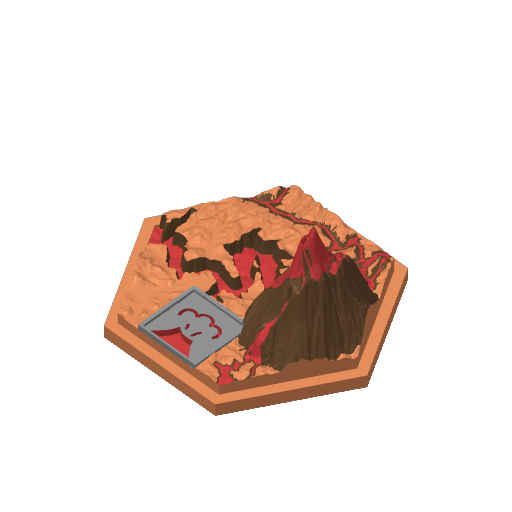
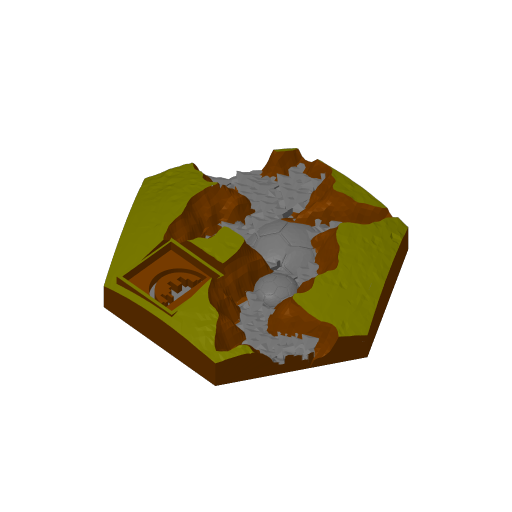
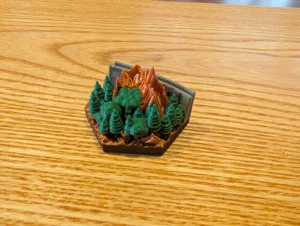
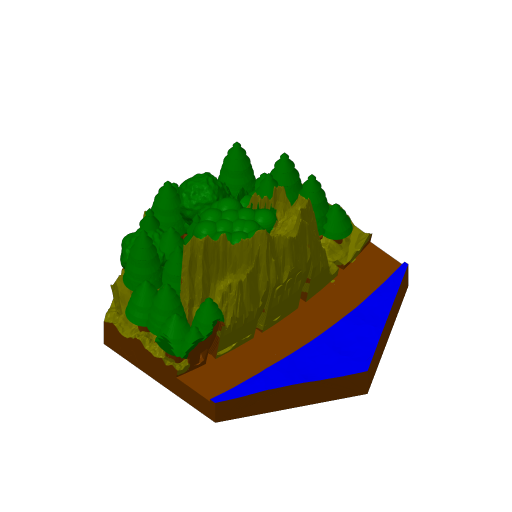
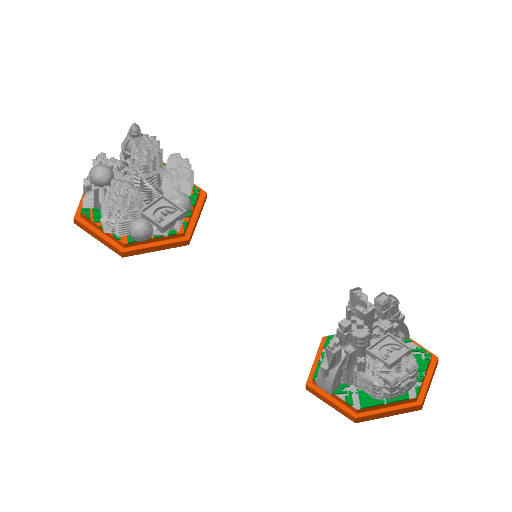
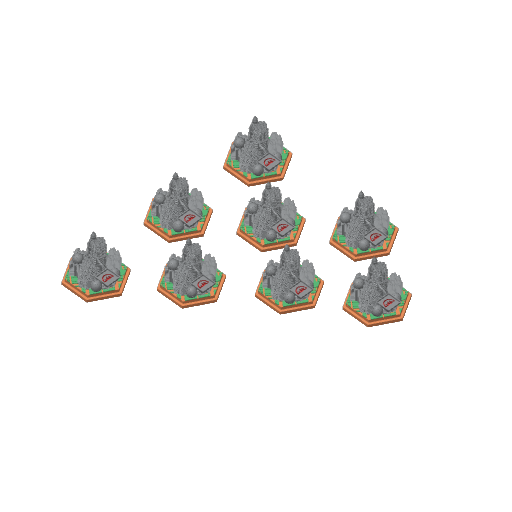
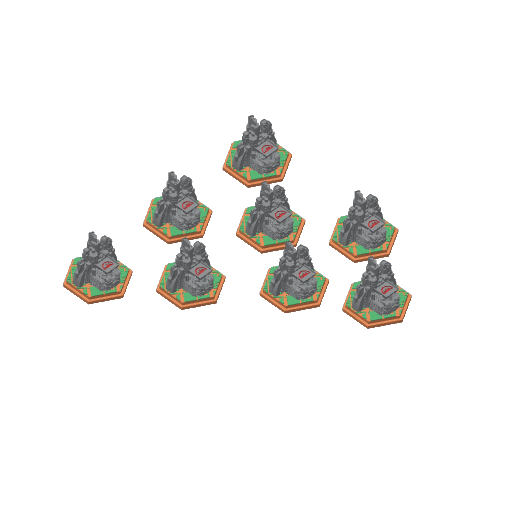
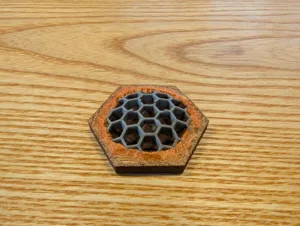
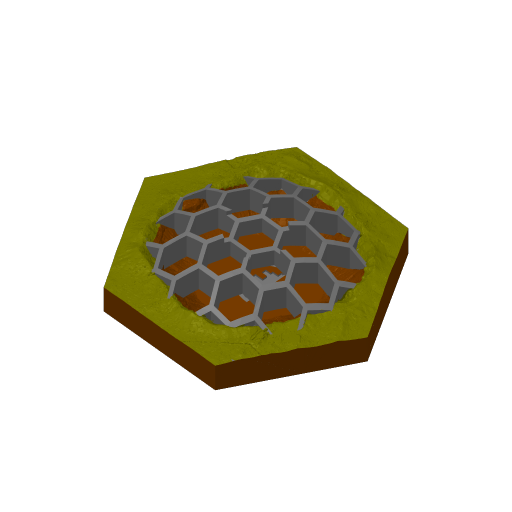
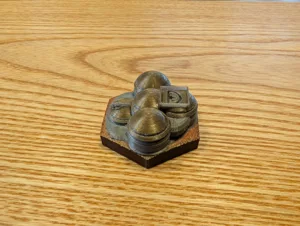
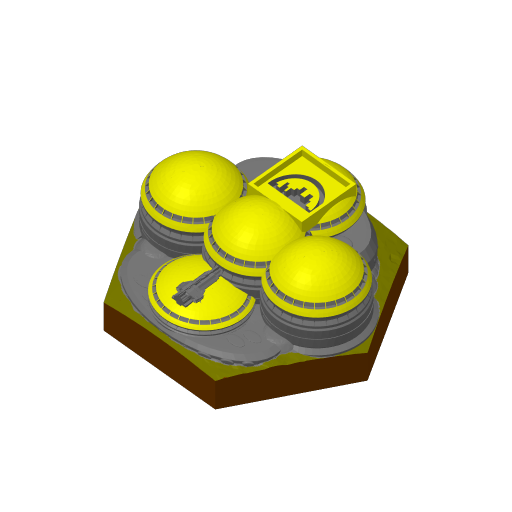
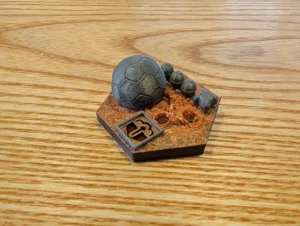
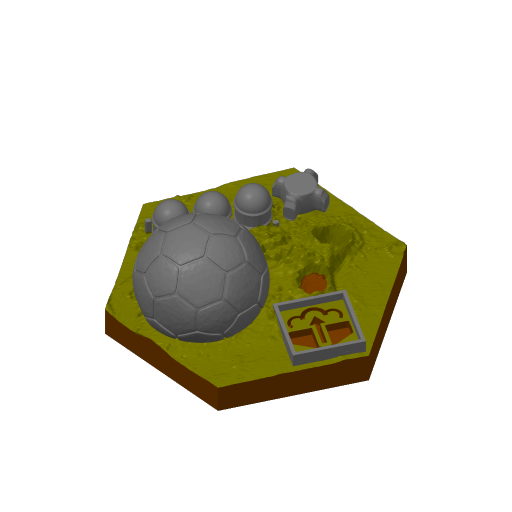
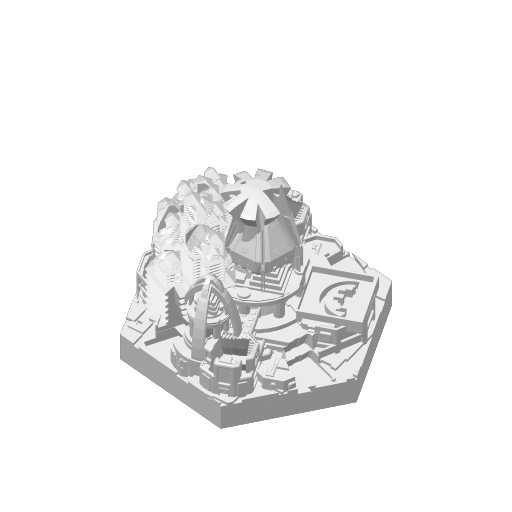
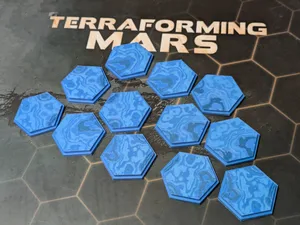
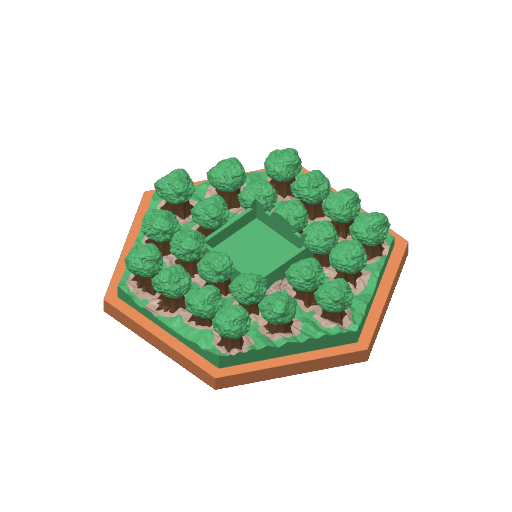
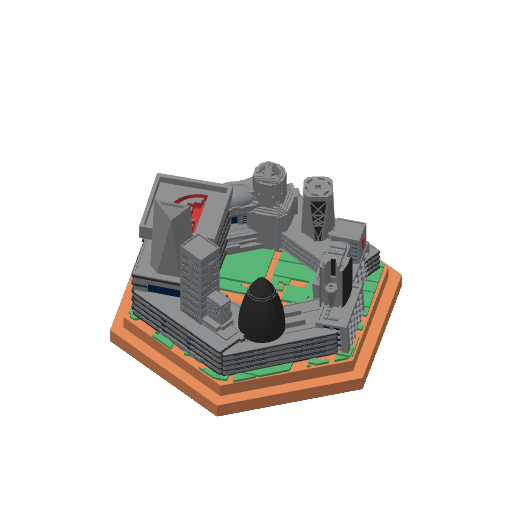
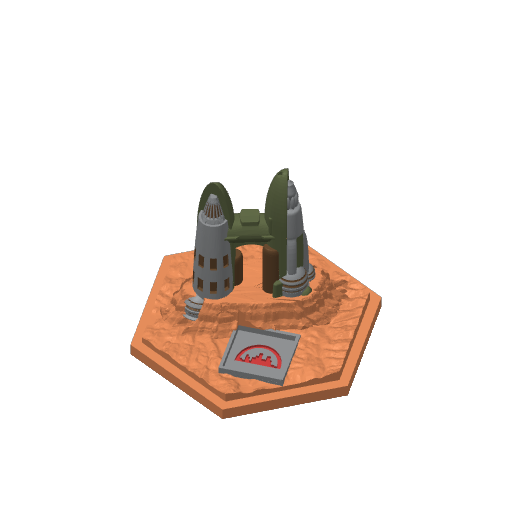
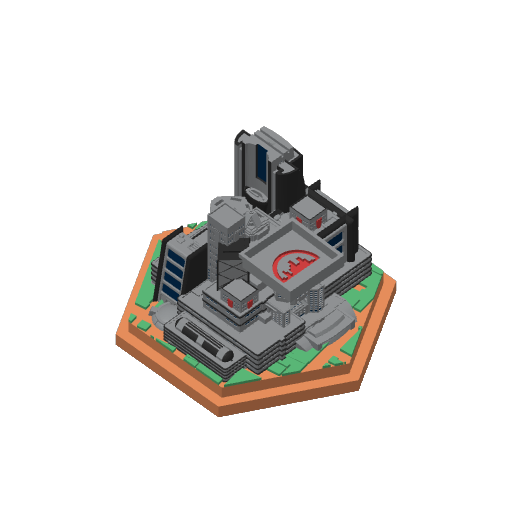
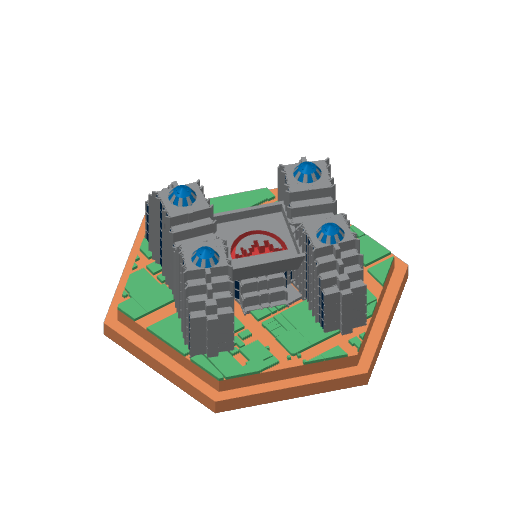
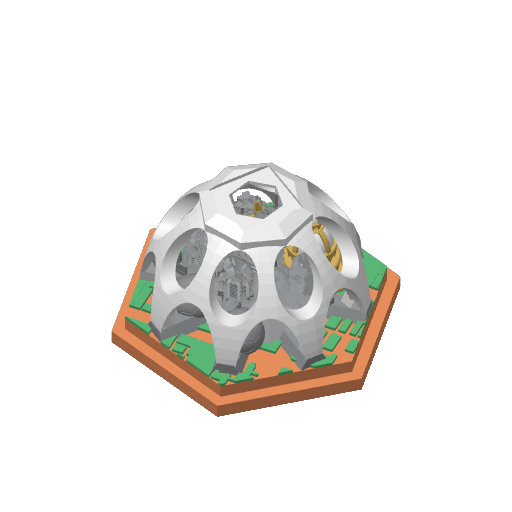
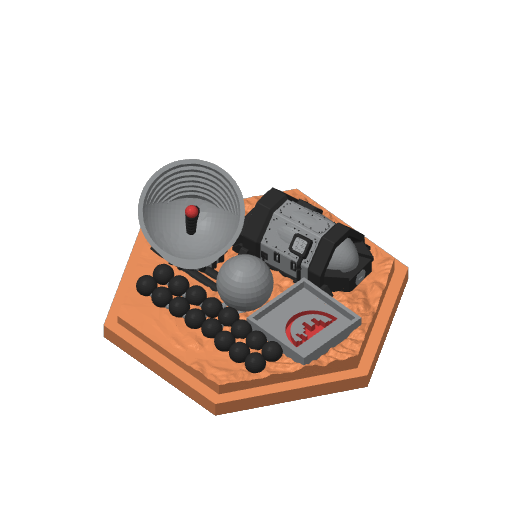
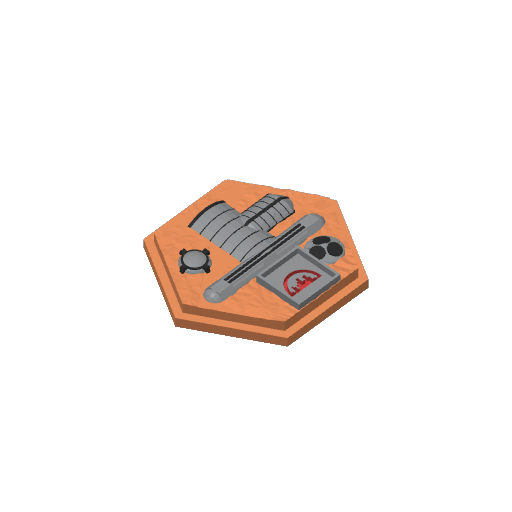
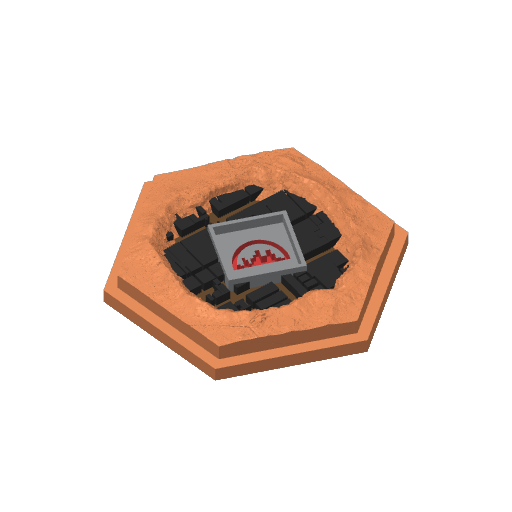
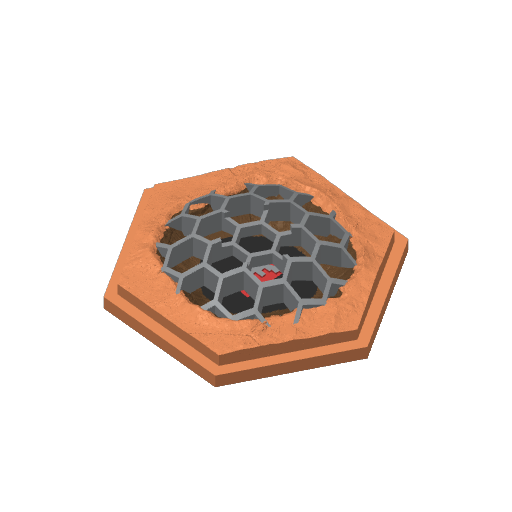
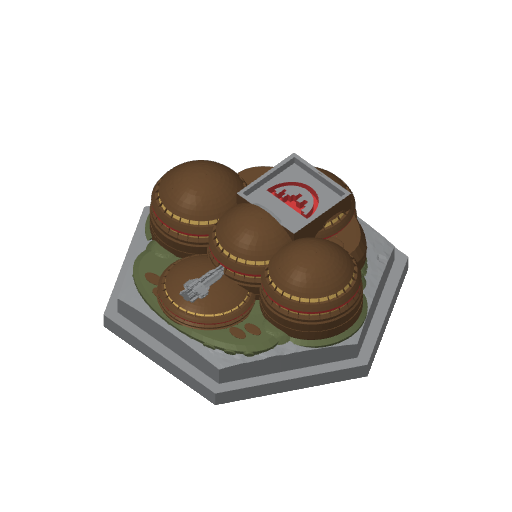
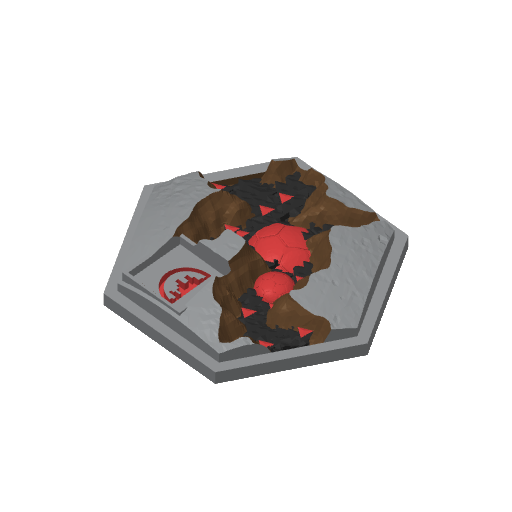
RifRaf Terraforming Mars 3D Tiles BASE GAME.

Plan Your Print
About 503 g of filament From the designer's print profile
Print Profile (21) 0.15mm layer - Full Tileset with layer-based color changes 44h 8m 503 g PLA
0.15mm layer - Full Tileset with layer-based color changes
18 plates 44h 8m 503 g PLA
P1S, P1P, X1, X1 Carbon, X1E, A1, H2D, H2D Pro, H2S, P2S, H2C, X2D, A2L
Tiles are grouped onto as few plates as possible. I tried to configure the colors to the creator's intent as much as possible, so expect to swap colors when you print to the best filament option you have available. This profile assumes you have AMS for all of the color swaps, but it should be pretty straightforward to change them to pauses if you don't.
Plate Details (18)
0.4 mm nozzle, all plates
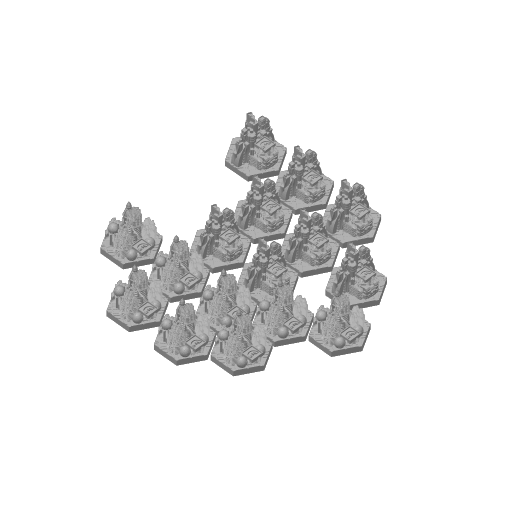
Plate 1 · Generic Cities
11h 48m 127 g PLA · 38 g PLA · 82 g PLA · 7 g
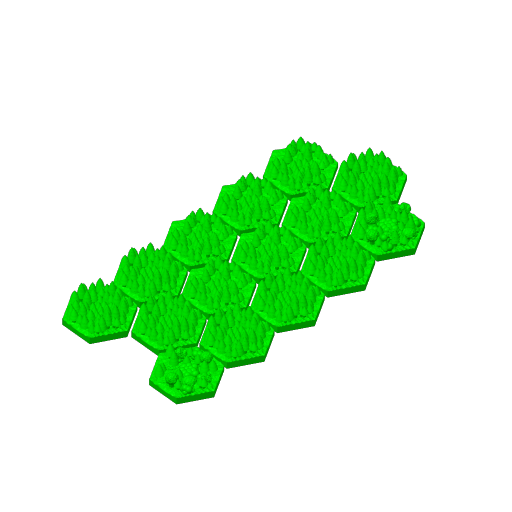
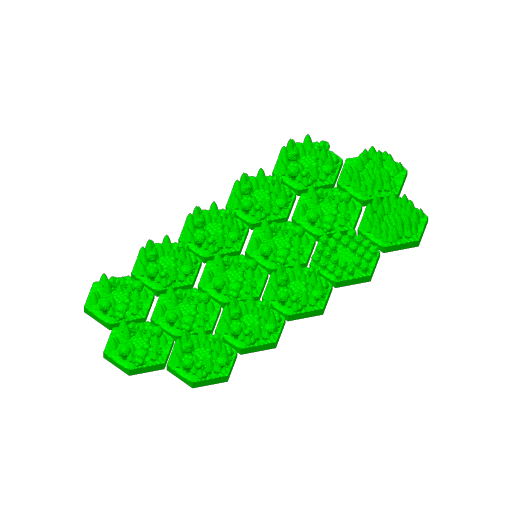
Plate 2 · Generic Trees 1
9h 31m 93 g PLA · 38 g PLA · 11 g PLA · 44 g
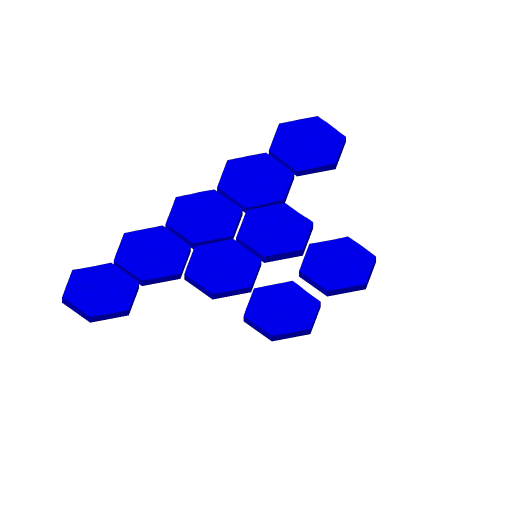
Plate 3 · Oceans
1h 17m 29 g PLA · 3 g PLA · 26 g
Plate 4 · Special Tiles - 1
1h 24m 17 g PLA · 11 g PLA · 4 g PLA · 2 g
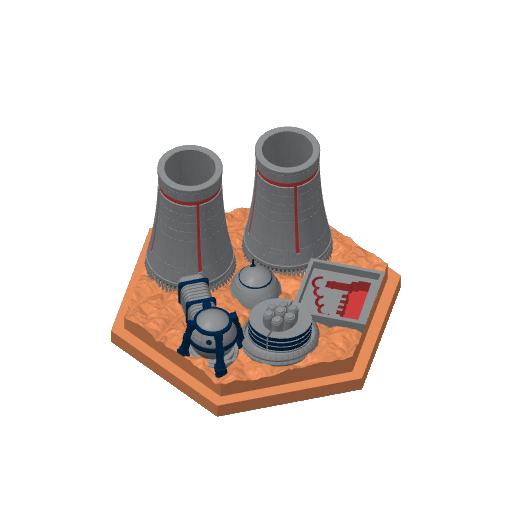
Plate 5 · Industrial Center
42m 10 g PLA · 4 g PLA · 2 g PLA · 1 g PLA · 3 g
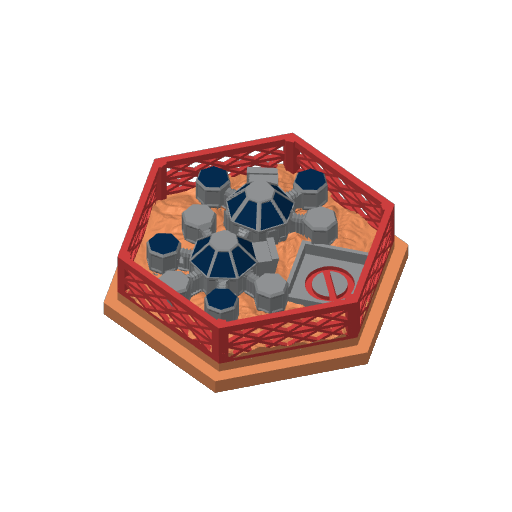
Plate 6 · Restricted Area
43m 9 g PLA · 3 g PLA · 3 g PLA · 1 g PLA · 2 g
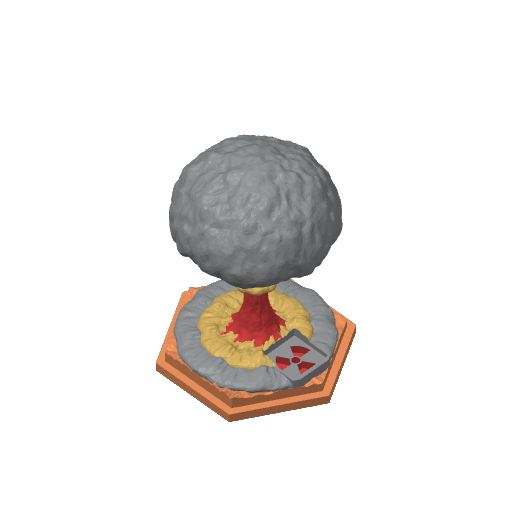
Plate 7 · Nuclear Zone
57m 12 g PLA · 3 g PLA · 2 g PLA · 1 g PLA · 6 g
Plate 8 · Commercial District
46m 11 g PLA · 4 g PLA · 2 g PLA · 1 g PLA · 4 g
Plate 9 · Mohole Area
38m 9 g PLA · 4 g PLA · 2 g PLA · 3 g
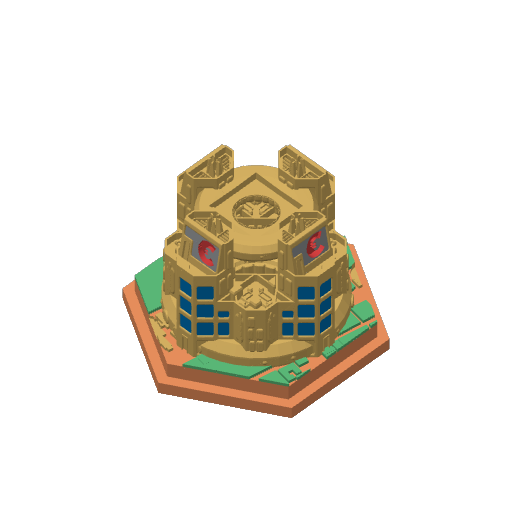
Plate 10 · Capital
1h 5m 13 g PLA · 3 g PLA · 2 g PLA · 8 g
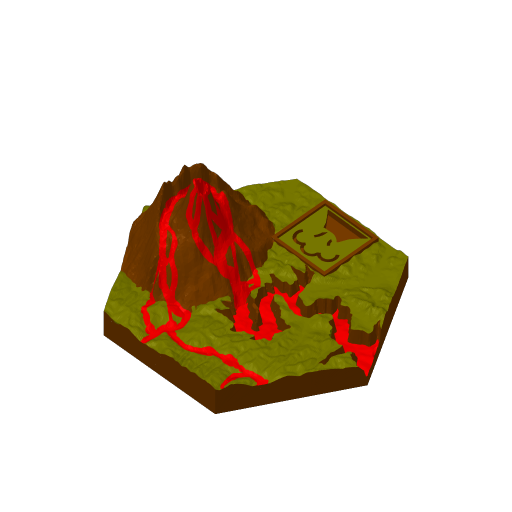
Plate 11 · Lava Flows
34m 8 g PLA · 5 g PLA · 2 g PLA · 1 g
Plate 12 · Special Cities - 1
51m 11 g PLA · 5 g PLA · 3 g PLA · 3 g
Plate 13 · Special Cities - 2
2h 27m 29 g PLA · 10 g PLA · 17 g PLA · 2 g
Plate 14 · Domed Crater
33m 8 g PLA · 3 g PLA · 2 g PLA · 3 g
Plate 15 · Ganymede Colony
36m 8 g PLA · 3 g PLA · 3 g PLA · 2 g
Plate 16 · Noctis City
32m 7 g PLA · 3 g PLA · 3 g PLA · 1 g
Plate 17 · Phobos Space Haven
40m 11 g PLA · 4 g PLA · 4 g PLA · 3 g
Plate 18 · Trees 2 + Plantation
9h 2m 91 g PLA · 91 g
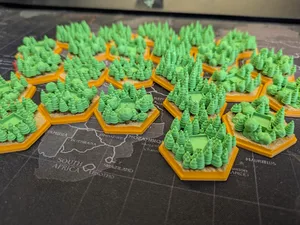
Generic forests multicolored - 0.20mm nozzle
4 plates 64h 34m 226 g PLA
A1 mini, X1E, P1S, P1P, X2D, A2L, X1 Carbon, H2S, X1, H2D, H2D Pro, P2S, H2C, A1
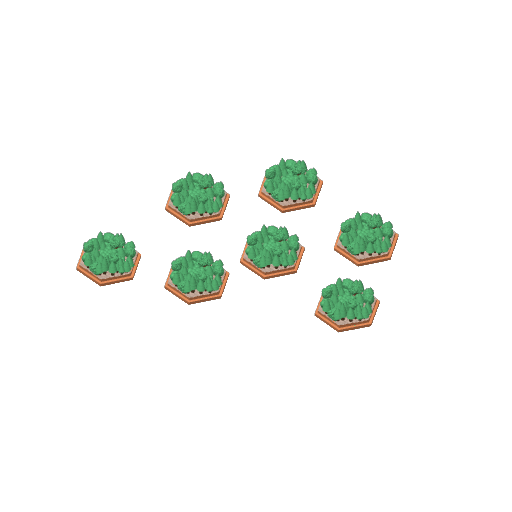
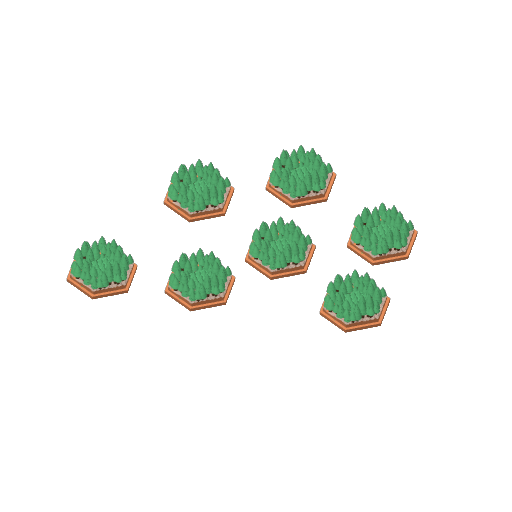
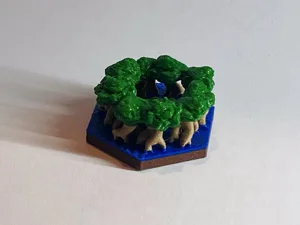
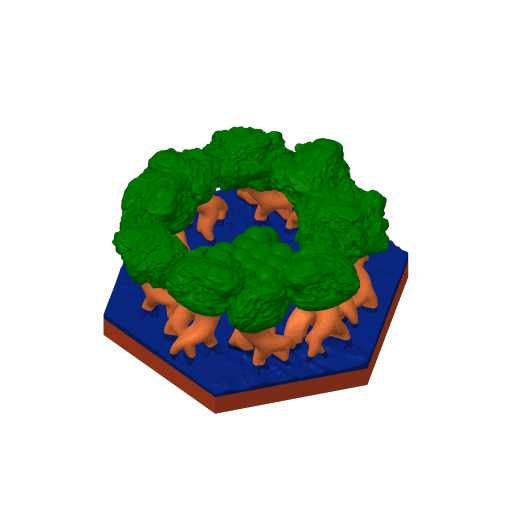
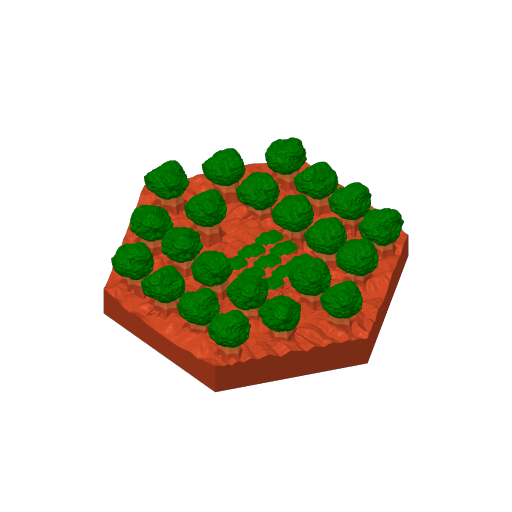
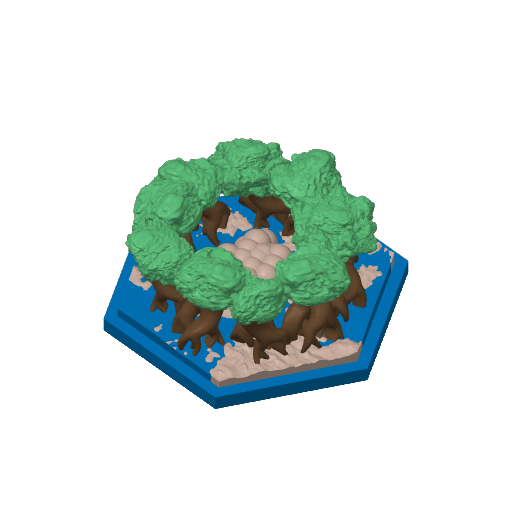
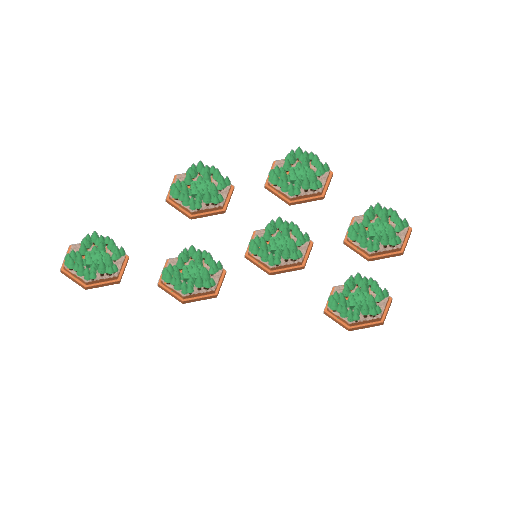
This is just the forest tiles, hand-colored with four colors (orange for Mars base, latte brown for soil, dark brown for tree hunks, green for foliage. Manually hunting down all the tree hunks was a pain :) I have performed the following changes in the models: • Rescaled slightly in X/Y axis. • Added a small notch at the edges. • Added a negative part in the middle so that the player cubes fit better in the tiles. The original tiles have lowered tree levels for the cubes to sit, but after testing I didn't find them stable enough for my liking, so I edited it out. • If you don't like this, delete the “Add holder for cube” and “Hollow-out the cube holder” parts from the object assemblies. • Update: Fixed the icon from the bottom because it would not print very well for me. Note: The slicer shows a warning about floating regions in one of the tiles, this can be ignored - it is from the original model where some trees have rather large overhangs, but prints fine for me. I printed those for myself, sharing in case anyone else wants them or gets inspired to do their own tweaks. I printed the tree hunks using BambuLabs PLA Wood, so I had to use 0.4mm nozzle, but if you don't care for it you can you more basic filaments and use 0.2mm nozzle instead. Edit: I am using these storage boxes that I have made for the notched tiles: https://makerworld.com/en/models/3123736-terraforming-mars-notched-3d-tiles-storage
Plate Details (4)
0.2 mm nozzle, all plates
Plate 1 · Greenery - Generic 1
18h 59m 67 g PLA · 32 g PLA · 18 g PLA · 10 g PLA · 7 g
Plate 2 · Greenery - Generic 2
17h 34m 59 g PLA · 28 g PLA · 18 g PLA · 7 g PLA · 6 g
Plate 3 · Greenery - Generic 3
13h 47m 48 g PLA · 19 g PLA · 18 g PLA · 5 g PLA · 6 g
Plate 4 · Greenery - Generic 4
14h 15m 52 g PLA · 20 g PLA · 19 g PLA · 6 g PLA · 7 g
Very detailed tricolor Oceantiles, 0.2mm nozzle, 0.1mm layer
1 plate 4h 5m 26 g PLA
P1S, P1P, X1, X1 Carbon, X1E, A1, A1 mini, H2D, H2D Pro, H2S, P2S, H2C, X2D, A2L
Very detailed print of the Ocean tiles using AMS with three different tones of blue: • Bambu PLA Basic Blue • Tinmorry PLA Sky Blue • PLA transparent Blue There are seven layer-based filament changes in this print, that yould be done manually if you don't have an AMS.
Plate Details (1)
0.2 mm nozzle, all plates
Plate 1 · 2020_Ocean Tri Color
4h 5m 26 g PLA · 20 g PLA · 3 g PLA · 3 g
Special tiles multicolor - 0.20mm nozzle
11 plates 145h 12m 583 g PLA
A1 mini, H2D, H2D Pro, A1, H2C, X2D, A2L, H2S, X1, X1 Carbon, P2S, P1S, X1E, P1P
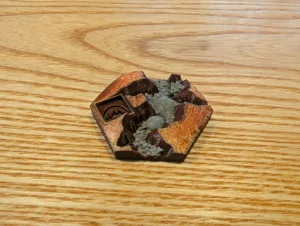
Updated 2026/05/12. This is the special tiles (including the Capital) of the base game in one place, hand colored with 4+ colors. Unfortunately I could not upload everything in a single printing profile due to size limitations in Makerworld. I have made the following adjustments: • Resized slightly in order to fit inside the game's hexagons. • Added a notch on the outside, as I feel it looks better and also makes it easier to store in a box. Most of the items are regular 4-color prints that can be used with the AMS without special issues. Some of them are 5-6 color prints to make it look nicer. This depends on replacing one filament in the AMS with another color mid-print, after the first color is finished and before the next color starts. You need to either be mindful of the timing and keep track of the current layer, or set a pause in the slicer so that the printer waits for you to change the filament before continuing. If you want to print with 4 colors instead, you can right click on the project filaments to replace one color with another before printing. Probably easiest to do this per model and go back to the original 3mf afterwards. To reduce waste with swapping filaments, I could recommend the following: • Next to the Project Filaments, open the Purging Volumes dialog and re-calculate the purging volume for each color combination. On the bottom I use a Multiplier of 0.6 (60% of the flushed amount of filament) which seems good enough. • Next to each filament, on the three-dots button, edit the Filament Settings and change the Filament prime volume from the default of 45mm3 to something like 15mm3. This reduces the volume of the prime tower as I think the default is excessive. Hard to print models: • Capital was hard for me to print successfully due to the arcs. I recommend to use 50% printing speed. I have set the layer to 0.10 for this one instead, and I have added some additional supporting bars otherwise the original model would keep breaking for me eventually. • Also, after two Nuclear Zones have broken for me I have also broadened the pillar on the top a little bit because it was breaking on the same spot all the time - the last one I have printed after strengthening holds nicely so far. I am posting some instructions on the color changes or alternatives below. • Commercial District: • 0,08mm layer: replace orange with gray between layers 57 and 252, and replace green with red between layers 63 and 250. • 4 color alternative: replace gray with blue and red with orange. • Mohole Area: • 0,08mm layer: replace blue with brown between layers 26 and 55. • 4 color alternative: replace blue with orange. • Thematically I have set the base notch to blue, because this tile is supposed to be placed over ocean locations in the game. • Capital: • 0,10mm layer: replace orange with green between layers 21 and 39. • 4 color alternative: replace green with gold. • Ecological Zone: • 0,08mm layer: replace blue with gray between layers 30 and 45. • 4 color alternative: replace blue with green. I printed those for myself, sharing in case anyone else wants them or gets inspired to do their own tweaks. Good luck and enjoy! Edit: I am using these storage boxes that I have made for the notched tiles: https://makerworld.com/en/models/3123736-terraforming-mars-notched-3d-tiles-storage
Plate Details (11)
0.2 mm nozzle, all plates
Plate 1 · Special Tile - Restricted Area
11h 4m 44 g PLA · 13 g PLA · 15 g PLA · 11 g PLA · 5 g
Plate 2 · Special Tile - Nuclear Zone
11h 51m 49 g PLA · 14 g PLA · 13 g PLA · 12 g PLA · 10 g
Plate 3 · Special Tile - Industrial Center
13h 32m 56 g PLA · 11 g PLA · 25 g PLA · 11 g PLA · 9 g
Plate 4 · Special Tile - Commercial District
17h 1m 72 g PLA · 8 g PLA · 38 g PLA · 2 g PLA · 12 g PLA · 7 g PLA · 5 g
Plate 5 · Special Tile - Mohole Area
19h 48m 78 g PLA · 16 g PLA · 4 g PLA · 22 g PLA · 19 g PLA · 17 g
Plate 6 · Special Tile - Capital
29h 56m 120 g PLA · 30 g PLA · 2 g PLA · 45 g PLA · 40 g PLA · 3 g
Plate 7 · Special Tile - Mining Rights
6h 45m 26 g PLA · 5 g PLA · 3 g PLA · 12 g PLA · 6 g
Plate 8 · Special Tile - Mining Area
6h 45m 26 g PLA · 5 g PLA · 3 g PLA · 12 g PLA · 6 g
Plate 9 · Special Tile - Ecological Zone
6h 59m 30 g PLA · 4 g PLA · 5 g PLA · 4 g PLA · 3 g PLA · 14 g
Plate 10 · Special Tile - Natural Preserve
4h 20m 17 g PLA · 3 g PLA · 4 g PLA · 10 g
Plate 11 · Special Tile - Lava Flows
17h 12m 65 g PLA · 28 g PLA · 3 g PLA · 15 g PLA · 19 g
Very detailed Lava Flows, 0.2mm nozzle, 0.1mm layer
1 plate 16h 80 g PLA
P1S, P1P, X1, X1 Carbon, X1E, A1, A1 mini, H2D, H2D Pro, H2S, P2S, H2C, X2D, A2L
Very detailed, hand-colored print of the Lava Flows using AMS with three colors: • ERYONE Dual Two-Tone PLA Silk Gold & Red Copper (my choice for the “Mars” color) • Bambu PLA Basic Red • Bambu PLA Basic Cocoa Brown Beware that there are 199 filament changes in this print and there is a lot of wasted filament wasted as poop!
Plate Details (1)
0.2 mm nozzle, all plates
Plate 1 · 2020_LavaFlows_Detailed
16h 80 g PLA · 39 g PLA · 7 g PLA · 34 g
Mangrove 0.16mm layer, 15% infill AMS
1 plate 2h 17m 17 g PLA
A1, X1E, X1 Carbon, A1 mini, H2D, X1, P1S, P1P, H2D Pro, H2S, P2S, H2C, X2D, A2L
Very detailed, hand-colored print of the Special Greenery Mangrove using AMS with four colors.
Plate Details (1)
0.4 mm nozzle, all plates
Plate 1
2h 17m 17 g PLA · 4 g PLA · 3 g PLA · 3 g PLA · 7 g
Very detailed Ganymede Colony, 0.2mm nozzle, 0.1mm layer
1 plate 7h 51m 40 g PLA
P1S, P1P, X1, X1 Carbon, X1E, A1, A1 mini, H2D, H2D Pro, H2S, P2S, H2C, X2D, A2L
Very detailed, hand-colored print of the Ganymede Colony using AMS with three colors: • ERYONE Dual Two-Tone PLA Silk Gold & Red Copper (my choice for the “Mars” color) • Tinmorry PLA Silver • Bambu PLA Basic Cocoa Brown Beware that there are 86 filament changes in this print and there is a lot of wasted filament wasted as poop!
Plate Details (1)
0.2 mm nozzle, all plates
Plate 1 · 2020_Ganymede_Detailed
7h 51m 40 g PLA · 16 g PLA · 11 g PLA · 13 g
Corporate Stronghold 0.16mm layer, 2 walls, 15% infill
1 plate 1h 11m 11 g PLA
A1, P1S, P1P, X1 Carbon, X1E, X1, A1 mini, H2D, H2D Pro, H2S, P2S, H2C, X2D, A2L
Streamlined, hand-colored print of the Corporate Stronghold using AMS with two colors for efficiency and cost-effectiveness.
Plate Details (1)
0.4 mm nozzle, all plates
Plate 1
1h 11m 11 g PLA · 7 g PLA · 4 g
Very detailed Protected Valley, 0.2mm nozzle, 0.1mm layer
2 plates 21h 2m 106 g PLA
P1S, X1 Carbon, X1E, A1, P1P, H2D, X1, A1 mini, H2D Pro, H2S, P2S, H2C, X2D, A2L
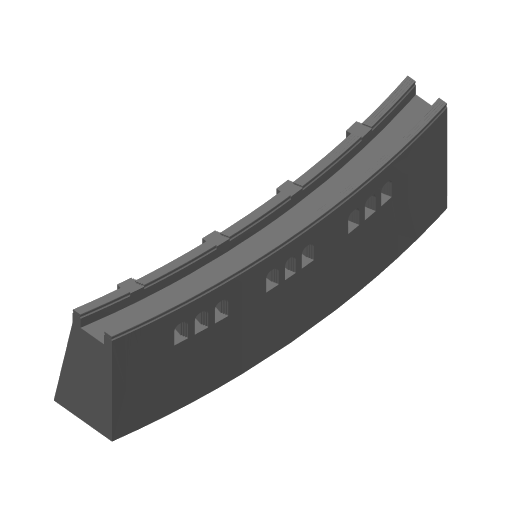
Very detailed, hand-colored print of the Protected Valley using AMS with five colors: • ERYONE Dual Two-Tone PLA Silk Gold & Red Copper (my choice for the “Mars” color) • Bambu PLA Basic Mistletoe Green • Bambu PLA Basic Blue • Bambu PLA Basic Cocoa Brown • Tinmorry PLA Silver (for the extra model of the dam) The dam is glued to the base plate after the print. Beware that there are 243 filament changes in this print and there is a lot of wasted filament wasted as poop!
Plate Details (2)
0.2 mm nozzle, all plates
Plate 1 · 2020_ProtectedValley_Base_Detailed
20h 35m 104 g PLA · 35 g PLA · 39 g PLA · 3 g PLA · 27 g
Plate 2 · Dam_Grey
28m 2 g PLA · 2 g
Cities, colored - 0.15mm layer, 2 walls, 15% infill
3 plates 9h 2m 87 g PLA
A1 mini, P1S, X1 Carbon, X1, H2D Pro, P1P, H2S, H2D, X1E, A1, P2S, H2C, X2D, A2L
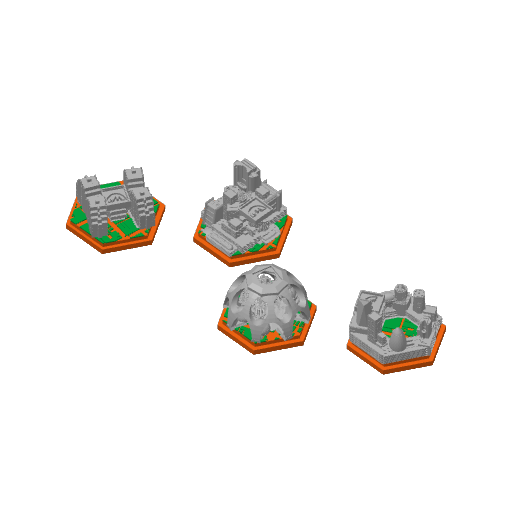
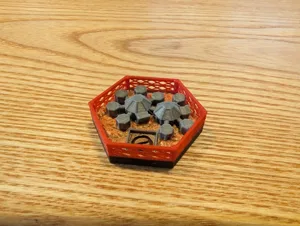
City models are adjusted to fit up with print profile proposed by user Trail. They are rescaled in X/Y, they have a small notch at the bottom. By default they are printed with 0.4mm nozzle, you can try 0.2mm but in my opinion effect is tiny. On 3 print plates: • 2 generic city models • Immigrant city, Urbanized area, Cupola city, Open city • Phobos Space Haven, Noctis City, Ganymede Colony I've used Orange color for the base, Gray for building, Green for trees (let's say they are trees), Pink for small details for 3rd plate (you can use whatever color you like).
Plate Details (3)
0.4 mm nozzle, all plates
Plate 1 · Generic Cities
2h 27m 22 g PLA · 8 g PLA · 12 g PLA · 2 g
Plate 2 · Special Cities - 1
3h 31m 33 g PLA · 11 g PLA · 19 g PLA · 3 g
Plate 3 · Special Cities - 2
3h 4m 32 g PLA · 11 g PLA · 17 g PLA · 4 g
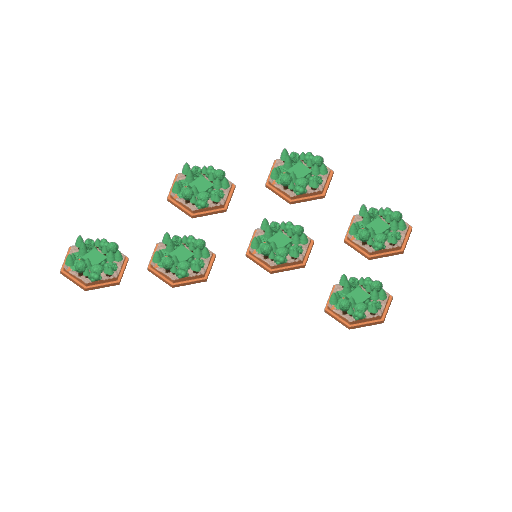
Oceans - 0.2mm nozzle, 0.08mm layer, dual-color fade
4 plates 2h 28m 16 g PLA
A1 mini, P1S, P1P, X1, X1 Carbon, X1E, A1, H2D, H2D Pro, H2S, P2S, H2C, X2D, A2L
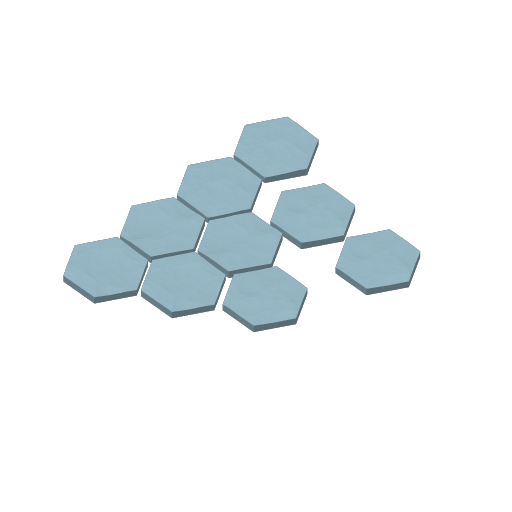
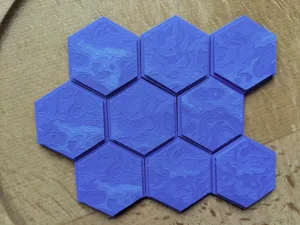
This is just the ocean tiles, printed with normal blue for most layers (1-52) and filament switch to cyan for the top layers (53-56). The idea is to allow fading from the darker blue to the lighter blue within the print, so that the color change between layers looks smoother. The following should be used: • Prime Tower has been disabled. • Flushing volume has been set to 0. • Do not perform dynamic flow calibration - otherwise the transient-color filament will be flushed away instead of printed in the model. I have performed the following minor changes in the models: • Rescaled slightly in X/Y axis • Added a small notch at the edges. I printed those for myself, sharing in case anyone else wants them or gets inspired to do their own tweaks. If you want to change the filament change layer (e.g. move one layer down to have more cyan), you need to slice the plate, go to the Preview tab, select the vertical bar on the left and right-click on the desired layer and select filament change.
Plate Details (4)
0.2 mm nozzle, all plates
Plate 1 · Tile 1
36m 4 g PLA · 3 g PLA · 1 g
Plate 2 · Tile 2
37m 4 g PLA · 3 g PLA · 1 g
Plate 3 · Tile 3
37m 4 g PLA · 3 g PLA · 1 g
Plate 4 · Tile 4
37m 4 g PLA · 3 g PLA · 1 g
Very detailed Phobos Space Haven, 0.2mm nozzle, 0.1mm layer
1 plate 8h 1m 45 g PLA
P1S, P1P, X1, X1 Carbon, X1E, A1, A1 mini, H2D, H2D Pro, H2S, P2S, H2C, X2D, A2L
Very detailed, hand-colored print of the Phobos Space Haven using AMS with three colors: • ERYONE Dual Two-Tone PLA Silk Gold & Red Copper (my choice for the “Mars” color) • Tinmorry PLA Silver • Tinbmorry PLA Gold • Bambu PLA Basic Cocoa Brown Beware that there are 71 filament changes in this print and there is a lot of wasted filament wasted as poop!
Plate Details (1)
0.2 mm nozzle, all plates
Plate 1 · 2020_PhobosSpaceHaven_Detailed
8h 1m 45 g PLA · 7 g PLA · 5 g PLA · 15 g PLA · 18 g
Very detailed Mohole, 0.2mm nozzle, 0.1mm layer
1 plate 7h 48m 38 g PLA
P1S, P1P, X1, X1 Carbon, X1E, A1, A1 mini, H2D, H2D Pro, H2S, P2S, H2C, X2D, A2L
Very detailed, hand-colored print of the Mohole using AMS with three colors: • ERYONE Dual Two-Tone PLA Silk Gold & Red Copper (my choice for the “Mars” color) • Tinmorry PLA Silver • Bambu PLA Basic Cocoa Brown Beware that there are 87 filament changes in this print and there is a lot of wasted filament wasted as poop!
Plate Details (1)
0.2 mm nozzle, all plates
Plate 1 · 2020_Mohole_Detailed
7h 48m 38 g PLA · 8 g PLA · 18 g PLA · 12 g
Very detailed Restricted Area, 0.2mm nozzle, 0.1mm layer
1 plate 11h 19m 59 g PLA
P1S, X1, H2D, A1 mini, A1, P1P, X1E, X1 Carbon, H2D Pro, H2S, P2S, H2C, X2D, A2L
Very detailed, hand-colored print of the Restricted Area using AMS with four colors: • ERYONE Dual Two-Tone PLA Silk Gold & Red Copper (my choice for the “Mars” color) • Tinmorry PLA Silver • Bambu PLA Basic Red • Bambu PLA Basic Cocoa Brown Beware that there are 119 filament changes in this print and there is a lot of wasted filament wasted as poop!
Plate Details (1)
0.2 mm nozzle, all plates
Plate 1 · 2020_RestrictedArea_Detailed
11h 19m 59 g PLA · 11 g PLA · 13 g PLA · 21 g PLA · 14 g
Corporate Stronghold
1 plate 1h 36m 9 g PLA
A1, X1E, A1 mini, H2S, X1, X1 Carbon, P1S, H2D, P1P, P2S, H2D Pro, H2C, X2D, A2L
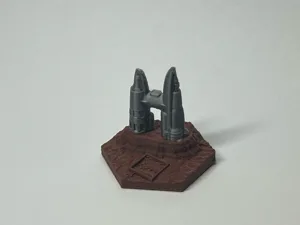
I noticed Corporate Stronghold was missing in the uploaded profiles. I have painted it as close to the original creators instructions as I could for 0.2 mm nozzle. Only 4 color changes
Plate Details (1)
0.2 mm nozzle, all plates
Plate 1 · Corporate Stronghold
1h 36m 9 g PLA · 4 g PLA · 3 g PLA · 2 g
Very detailed Domed Crater, 0.2mm nozzle, 0.1mm layer
1 plate 6h 19m 32 g PLA
P1S, P1P, X1, X1 Carbon, X1E, A1, A1 mini, H2D, H2D Pro, H2S, P2S, H2C, X2D, A2L
Very detailed, hand-colored print of the Domed Crater using AMS with three colors: • ERYONE Dual Two-Tone PLA Silk Gold & Red Copper (my choice for the “Mars” color) • Tinmorry PLA Silver • Bambu PLA Basic Cocoa Brown Beware that there are 69 filament changes in this print and there is a lot of wasted filament wasted as poop!
Plate Details (1)
0.2 mm nozzle, all plates
Plate 1 · 2020_DomedCrater_Detailed
6h 19m 32 g PLA · 9 g PLA · 11 g PLA · 12 g
Plantation 0.16mm layer, 15% infill AMS
1 plate 1h 4m 11 g PLA
A1, X1E, X1 Carbon, A1 mini, H2D, X1, P1S, P1P, H2D Pro, H2S, P2S, H2C, X2D, A2L
Efficient, hand-colored print of the Special Greenery Plantation using AMS with three colors for fast printing and material savings.
Plate Details (1)
0.4 mm nozzle, all plates
Plate 1
1h 4m 11 g PLA · 6 g PLA · 2 g PLA · 3 g
Detailed Capital, two parts, 0.2mm nozzle, 0.1mm layer
2 plates 5h 2m 17 g PLA
P1S, P1P, X1, X1 Carbon, X1E, A1, A1 mini, H2D, H2D Pro, H2S, P2S, H2C, X2D, A2L
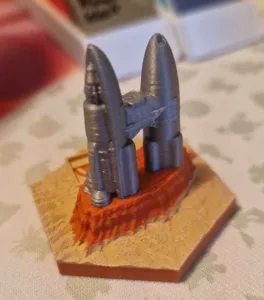
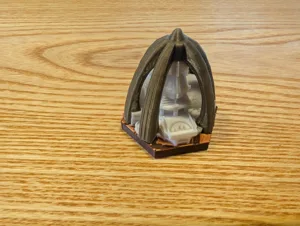
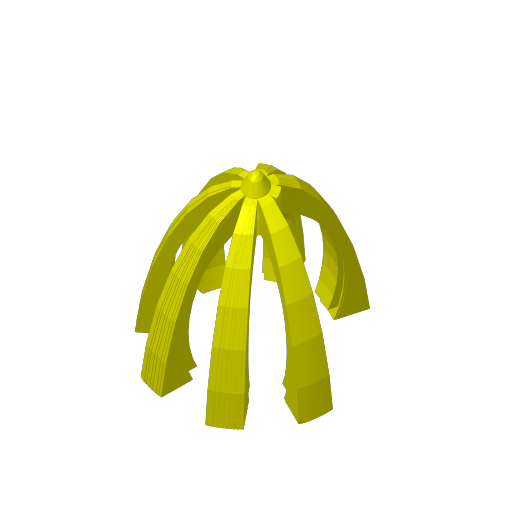
Detailed print of the Capital using AMS with four colors: • ERYONE Dual Two-Tone PLA Silk Gold & Red Copper (my choice for the “Mars” color) • Tinmorry PLA Basic Cool White • Bambu PLA Basic Cocoa Brown • Tinmorry PLA Gold (for the cupola) The cupola is glued to the base plate after the print. Beware that there are 243 filament changes in this print and there is a lot of wasted filament wasted as poop!
Plate Details (2)
0.2 mm nozzle, all plates
Plate 1 · Capital_Dome_Gold
2h 8m 6 g PLA · 6 g
Plate 2 · Capital_Base
2h 54m 11 g PLA · 4 g PLA · 1 g PLA · 6 g
Generic oceans multicolor - 0.20mm nozzle
4 plates 2h 29m 16 g PLA
A1 mini, X1E, P1S, P1P, X2D, A2L, X1 Carbon, H2S, X1, H2D, H2D Pro, P2S, H2C, A1
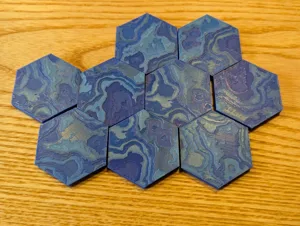
This is the generic of the base game in one place, hand colored with 4 colors. For this one I have used some mixed filaments to not have great contrast between layers. You can search here on makerlab for various filament merging projects. I used: • Mixed filament of 50% Bambu Lab Matte Dark Blue and 50% Bambu Lab Matte Marine Blue • Marine Blue • Mixed filament of 50% Marine Blue and 50% Sky Blue • Sky Blue (this can be skipped) I have made the following adjustments: • Resized slightly in order to fit inside the game's hexagons • Added a notch on the outside, as I feel it looks better and also makes it easier to store in a box. To reduce waste with swapping filaments, I could recommend the following: • Next to the Project Filaments, open the Purging Volumes dialog and re-calculate the purging volume for each color combination. On the bottom I use a Multiplier of 0.6 (60% of the flushed amount of filament) which seems good enough. • Next to each filament, on the three-dots button, edit the Filament Settings and change the Filament prime volume from the default of 45mm3 to something like 15mm3. This reduces the volume of the prime tower as I think the default is excessive. I printed those for myself, sharing in case anyone else wants them or gets inspired to do their own tweaks. Good luck and enjoy! Edit: I am using these storage boxes that I have made for the notched tiles: https://makerworld.com/en/models/3123736-terraforming-mars-notched-3d-tiles-storage
Plate Details (4)
0.2 mm nozzle, all plates
Plate 1 · Tile 1
37m 4 g PLA · 3 g PLA · 1 g
Plate 2 · Tile 2
37m 4 g PLA · 3 g PLA · 1 g
Plate 3 · Tile 3
37m 4 g PLA · 3 g PLA · 1 g
Plate 4 · Tile 4
38m 4 g PLA · 3 g PLA · 1 g
Named tiles multicolor - 0.20mm nozzle
14 plates 203h 44m 826 g PLA
A1 mini, P2S, A2L, P1P, X1 Carbon, X1E, A1, X2D, H2C, P1S, H2D, H2D Pro, H2S, X1
This is the named tiles (cities and forests placed by specific cards) of the base game in one place, hand colored with 4+ colors. Unfortunately I could not upload everything in a single printing profile due to size limitations in Makerworld. I have made the following adjustments: • Resized slightly in order to fit inside the game's hexagons • Added a notch on the outside, as I feel it looks better and also makes it easier to store in a box. • Some small adjustments in the models, such as fixing the mesh holes in Ganymede Colony. Hard to print models: • Cupola city was hard for me to print successfully due to the arcs. I recommend to use 50% printing speed. I have set the layer to 0.10 for this one instead. Most of the items are regular 4-color prints that can be used with the AMS without special issues. Some of them are 5-6 color prints to make it look nicer. This depends on replacing one filament in the AMS with another color mid-print, after the first color is finished and before the next color starts. You need to either be mindful of the timing and keep track of the current layer, or set a pause in the slicer so that the printer waits for you to change the filament before continuing. If you want to print with 4 colors instead, you can right click on the project filaments to replace one color with another before printing. Probably easiest to do this per model and go back to the original 3mf afterwards. To reduce waste with swapping filaments, I could recommend the following: • Next to the Project Filaments, open the Purging Volumes dialog and re-calculate the purging volume for each color combination. On the bottom I use a Multiplier of 0.6 (60% of the flushed amount of filament) which seems good enough. • Next to each filament, on the three-dots button, edit the Filament Settings and change the Filament prime volume from the default of 45mm3 to something like 15mm3. This reduces the volume of the prime tower as I think the default is excessive. I am posting some instructions on the color changes or alternatives below. • Protected Valley: • 0,08mm layer: replace blue with brown during layer 45 (pause at layer 46!) • 4 color alternative: replace brown with green. • Commercial District: • 0,08mm layer: replace orange with gray between layers 57 and 252, and replace green with red between layers 63 and 250. • 4 color alternative: replace gray with blue and red with orange. • Open City: • 0,08mm layer: replace orange with blue between layers 51 and 52, and replace green with red between layers 53 and 124. • 4 color alternative: replace blue with black and green with gray. • Corporate Stronghold: • 0,08mm layer: replace red with green between layers 38 and 100. • 4 color alternative: replace green with gray. • Urbanized Area: • 0,08mm layer: replace orange with blue between layers 49 and 57, and replace green with red between layers 53 and 124. • 4 color alternative: replace blue with black and green with gray. • Immigrant City: • 0,08mm layer: replace orange with red between layers 49 and 111, and replace green with light blue between layers 54 and 191. • 4 color alternative: replace green with gray and light blue with dark blue. • Cupola City: • 0,10mm layer: replace orange with white between layers 40 and 45. • 4 color alternative: replace green with gray. • Noctis City: • 0,08mm layer: replace brown with black during layer 34 (pause at layer 35!) • 4 color alternative: replace brown with black. • Domed Crater: • 0,08mm layer: replace black with brown during layer 10 (pause at layer 11!) • 4 color alternative: replace black with brown. • Phobos Space Heaver: • 0,08mm layer: replace green with gold between layers 77 and 90. • 4 color alternative: replace green with brown. I printed those for myself, sharing in case anyone else wants them or gets inspired to do their own tweaks. Good luck and enjoy! Edit: I am using these storage boxes that I have made for the notched tiles: https://makerworld.com/en/models/3123736-t
Plate Details (14)
0.2 mm nozzle, all plates
Plate 1 · Greenery - Protected Valley
21h 39m 83 g PLA · 17 g PLA · 5 g PLA · 28 g PLA · 24 g PLA · 9 g
Plate 2 · Greenery - Mangrove
10h 25m 42 g PLA · 11 g PLA · 6 g PLA · 12 g PLA · 13 g
Plate 3 · Greenery - Plantation
6h 5m 23 g PLA · 10 g PLA · 3 g PLA · 6 g PLA · 4 g
Plate 4 · Silver City - Open City
19h 5m 83 g PLA · 8 g PLA · 2 g PLA · 34 g PLA · 5 g PLA · 15 g PLA · 19 g
Plate 5 · Silver City - Corporate Stronghold
30h 34m 114 g PLA · 2 g PLA · 38 g PLA · 14 g PLA · 42 g PLA · 18 g
Plate 6 · Silver City - Urbanized Area
34h 45m 143 g PLA · 12 g PLA · 1 g PLA · 49 g PLA · 5 g PLA · 46 g PLA · 30 g
Plate 7 · Silver City - Immigrant City
13h 47m 57 g PLA · 3 g PLA · 2 g PLA · 2 g PLA · 31 g PLA · 5 g PLA · 14 g
Plate 8 · Silver City - Cupola City
18h 46m 77 g PLA · 15 g PLA · 2 g PLA · 33 g PLA · 22 g PLA · 5 g
Plate 9 · Silver City - Research Outpost
13h 49m 59 g PLA · 5 g PLA · 31 g PLA · 7 g PLA · 16 g
Plate 10 · Silver City - Underground City
4h 1m 18 g PLA · 3 g PLA · 5 g PLA · 7 g PLA · 3 g
Plate 11 · Silver City - Noctis City
5h 34m 23 g PLA · 4 g PLA · 6 g PLA · 9 g PLA · 1 g PLA · 3 g
Plate 12 · Silver City - Domed Crater
7h 21m 31 g PLA · 2 g PLA · 7 g PLA · 13 g PLA · 8 g PLA · 1 g
Plate 13 · Silver City - Phobos Space Haven
7h 48m 33 g PLA · 5 g PLA · 3 g PLA · 11 g PLA · 3 g PLA · 11 g
Plate 14 · Silver City - Ganymede Conoly
10h 4m 40 g PLA · 6 g PLA · 15 g PLA · 13 g PLA · 6 g
Generic cities multicolor - 0.20mm nozzle
2 plates 40h 9m 129 g PLA
A1 mini, P2S, A2L, P1P, X1 Carbon, X1E, A1, X2D, H2C, P1S, H2D, H2D Pro, H2S, X1
This is the named tiles (cities and forests placed by specific cards) of the base game in one place, hand colored with 4+ colors. Unfortunately I could not upload everything in a single printing profile due to size limitations in Makerworld. I will edit this post and upload specific pictures later on. I have made the following adjustments: • Resized slightly in order to fit inside the game's hexagons • Added a notch on the outside, as I feel it looks better and also makes it easier to store in a box. To reduce waste with swapping filaments, I could recommend the following: • Next to the Project Filaments, open the Purging Volumes dialog and re-calculate the purging volume for each color combination. On the bottom I use a Multiplier of 0.6 (60% of the flushed amount of filament) which seems good enough. • Next to each filament, on the three-dots button, edit the Filament Settings and change the Filament prime volume from the default of 45mm3 to something like 15mm3. This reduces the volume of the prime tower as I think the default is excessive. I printed those for myself, sharing in case anyone else wants them or gets inspired to do their own tweaks. Good luck and enjoy! Edit: I am using these storage boxes that I have made for the notched tiles: https://makerworld.com/en/models/3123736-terraforming-mars-notched-3d-tiles-storage
Plate Details (2)
0.2 mm nozzle, all plates
Plate 1 · Generic City - 1
19h 21m 62 g PLA · 3 g PLA · 2 g PLA · 39 g PLA · 18 g
Plate 2 · Generic City -2
20h 48m 67 g PLA · 2 g PLA · 3 g PLA · 42 g PLA · 20 g
As sliced by the designer. Your printer, filament, and settings may change these numbers.
Designer's Description

All the tiles for the expansions Including NEW Srtorage trays are also posted now, check my other posts.

Posted now (August of 2025) are the Automa, Prelude2, new trays and Promo expansions, see my other posts!

Be sure and download the last picture jpeg, it is the “cheat” sheet “Master tile page” for a reference to all the tiles.

If you like these, please give me a BOOST!… Thanks!

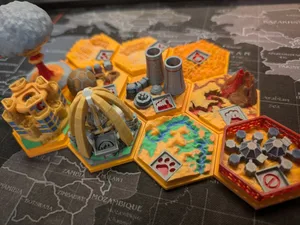
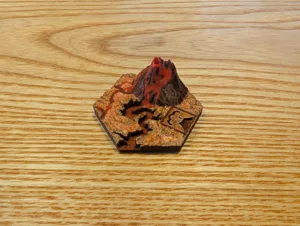
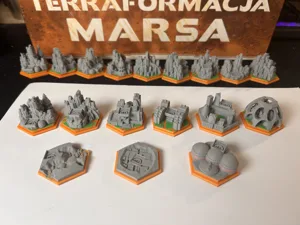
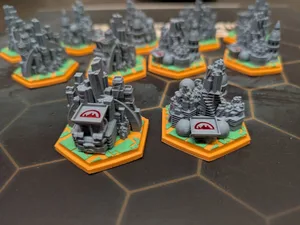
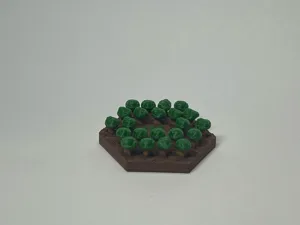
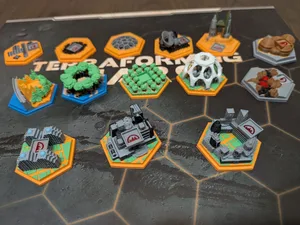
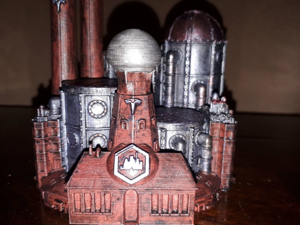
Here is my take on Terraforming Mars tiles. Printed on a single extrusion printer, done with multiple layer changes for each tile in many different colors of PLA. The only thing I had to paint was the silver on Noctis City, and Ganymede, and I highlighted the Nuclear and Lava tiles. It has the "cheater" inlay method of a quick color change after the first layer to get a nice inlay. Non Commercial means print away for your own or your friends use but don't be posting for sale on the internet, Thanks. Check out my other posts too!

Yes, all these tiles STILL printed on a single extrusion printer!

Yes, all the color is added by simple filament layer changes.

Check out my soon to be posted expansion tiles for all the expansions.

-I used over 20 different rolls of filament color,(yes, it costs me a small fortune!), all the “city” tiles are “metallic” in color (with the exception of Commercial District that is Gold), all the expansions (posted separately) have their own “metallic” color to distinguish them from each other. Note that Phobus Space Haven, Ganymede, Luna Metropolis, Dawn City, Stratopolis, and Maxwell Base are printed WITHOUT any red/brown base filament as all these tiles are not “Martian” and take place on moons and other planets.
You can make as many tiles as you want here's what I made that seems to work:
RifRaf TM tiles:
-30 Greenery Trees
-3 Bonus Greenery (Planation, Protected, Mangrove)
-16 TM Generic Cities
-11 Special Brown Card (includes Capital)
-11 Silver Cities
-9 Ocean tiles
80 Total RifRaf TM FULL BASE TILE SET

For All Tiles as they are in the pictures, .20 first layer .15mm layer heights, I used a .25mm nozzle.

-Generic City .2 Silver, .35 Red/Brown, 4.55 Golden, 5.15 Silver
-Generic Tree+Plantation .2 Green, .35 Red/Brown, 3.65 Golden, 4.7 Light Green
-Ocean .2 Light Blue .35 Trans Blue. Or variations of Blue on the upper layers.

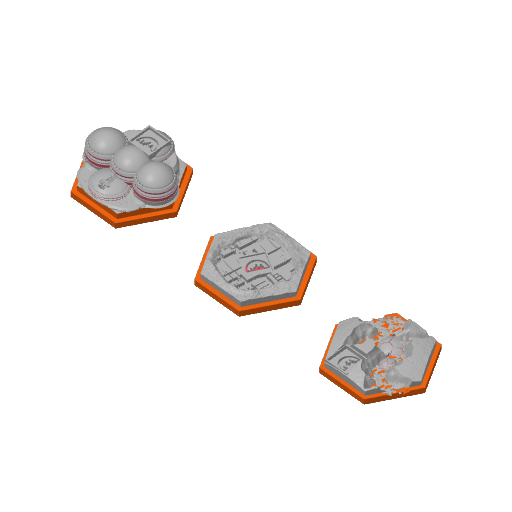
-Special Tiles: I used a Golden or Copper color for the main base tops
-Restricted Area .2 Brown, .35 Red/Brown, 3.35 Golden, 4.85 Red
-Nuclear Zone .2 Brown, .35 Red/Brown, 3.5 Golden, 4.85 Trans Orange
-Industrial Center .2 Brown, .35 Red/Brown, 3.35 Golden, 5.0 Grey
-Commercial District .2 Brown, .35 Red/Brown, 4.55 Golden, 5.15 Gold
-Mohole Area .2 Brown, .35 Red/Brown, 4.4 Golden, 5.6 Brown/Coffee
-Capital .2 Brown, .35 Red/Brown, 4.55 Golden, 5.15 Silk White
-Mining Rights .2 Brown, .35 Red/Brown, 3.5 Golden
-Mining Area .2 Brown, .35 Red/Brown, 3.5 Golden
-Ecological Zone .2 Brown, .35 Red/Brown, 3.5 Golden
-Natural Preserve .2 Brown, .35 Red/Brown, 3.5 Golden
-Lava Flows .2 Brown, .35 Red/Brown, 3.8 Gloden, 4.4 Red/Brown

Special City Tiles from Cards:
-Open City .2 Silver, .35 Red/Brown, 4.55 Golden, 5.15 Silver
-Corporate Stronghold .2 Silver, .35 Red/Brown, 3.35 Golden, 4.85 Red/Brown, 9.9 Silver
-Urbanized Area .2 Silver, .35 Red/Brown, 4.55 Golden, 5.15 Silver
-Immigrant City .2 Silver, .35 Red/Brown, 4.55 Golden, 5.15 Silver
-Cupola City .2 Silver, .35 Red/Brown, 4.55 Golden, 5.15 Silver
-Research Outpost .2 Silver, .35 Red/Brown, 3.65 Golden, 5.0 Silver
-Underground City .2 Silver, .35 Red/Brown, 3.65 Golden, 5.0 Silver
-Phobos Space Haven .2 Silver, .35 Red/Brown, 6.05 Silver, 10.4 Antique Gold, 13.25 Silver, 13.55 Antique Gold
-Noctis City .2 Silver, .35 Red/Brown, 3.2 Silver, 4.7 Golden
-Domed Crater .2 Silver, .35 Red/Brown, 3.8 Golden, 6.05 Silver
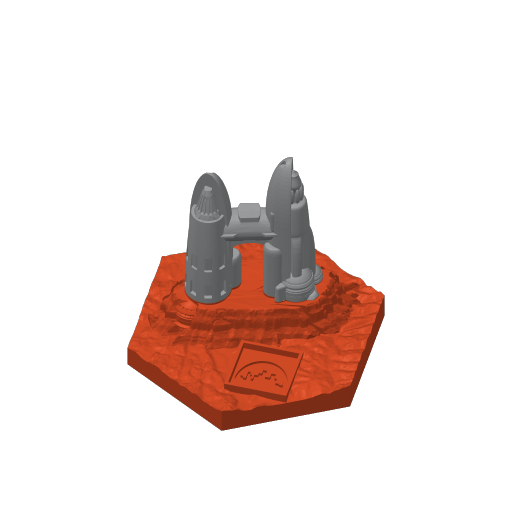
-Ganymede Colony .2 Silver, .35 Golden, .65 Silver, 2.6 Antique Gold, 4.1 Golden
terraforming mars