Table Talk
Nothing here yet. Love this design? Say so - the designer might see it.

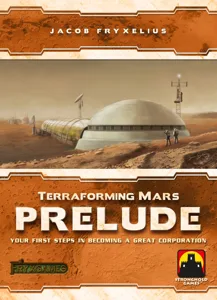
RifRaf Terraforming Mars Prelude 1 Expansion

Free
Plan Your Print
✓ Covers Terraforming Mars: Prelude
About 8 g of filament
Print Profile (5) Experimental Forest, 0.2mm nozzle, 0.1mm layer, 4 walls 2h 25m 11 g PLA
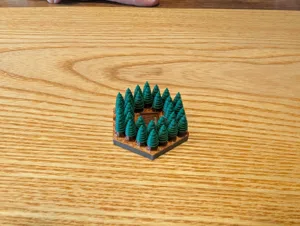
Experimental Forest, 0.2mm nozzle, 0.1mm layer, 4 walls
1 plate 2h 25m 11 g PLA
P1S, X1 Carbon, X1E, A1, P1P, H2D, X1, A1 mini, H2D Pro, H2S, P2S, H2C, X2D, A2L
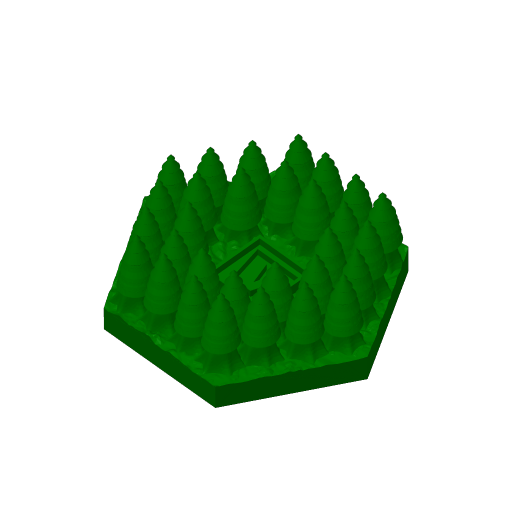
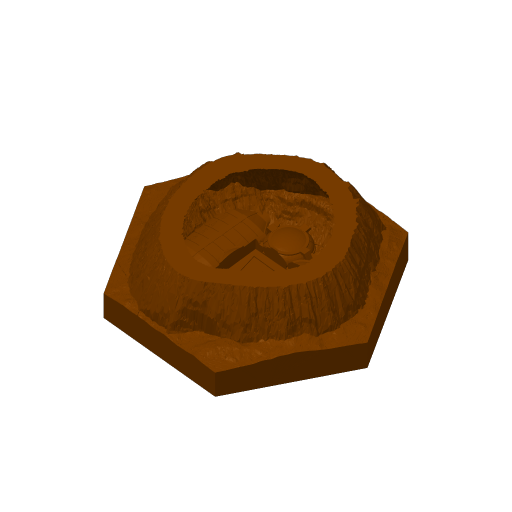
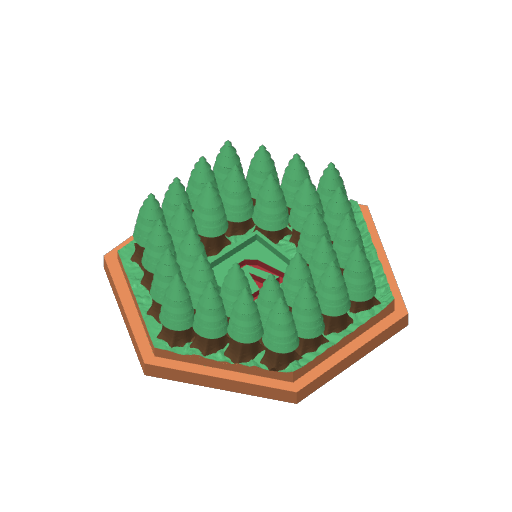
Detailed print of the Experimental Forest using AMS with four Colors: • ERYONE Dual Two-Tone PLA Silk Gold & Red Copper • Tinmorry PLA Silver • Bambu PLA Basic Cocoa Brown • Bambu PLA Basic Mistletoe Green There are four layer-based filament changes in this model that could be done manually, if you don't have an AMS.
Plate Details (1)
0.2 mm nozzle, all plates
Plate 1
2h 25m 11 g PLA · 2 g PLA · 1 g PLA · 4 g PLA · 4 g
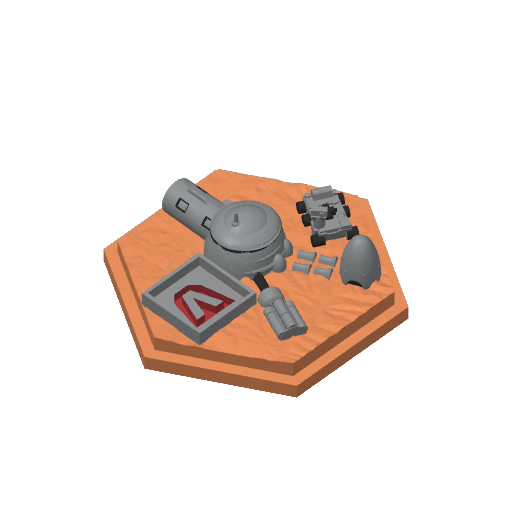
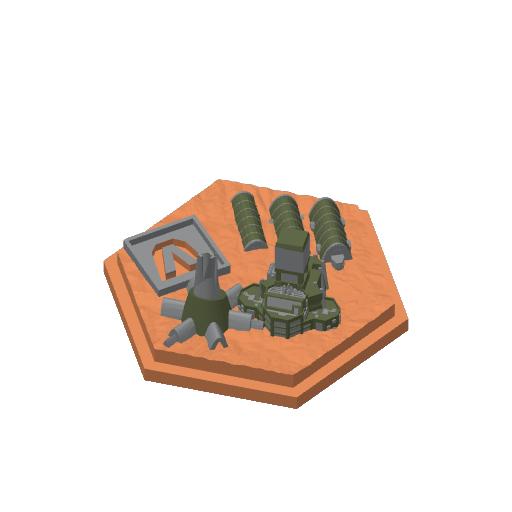
Early Settlement, 0.2mm nozzle, 0.1mm layer, 4 walls
1 plate 1h 21m 8 g PLA
P1S, P1P, A1, H2D, X1E, A1 mini, X1 Carbon, X1, H2D Pro, H2S, P2S, H2C, X2D, A2L
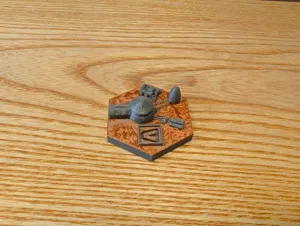
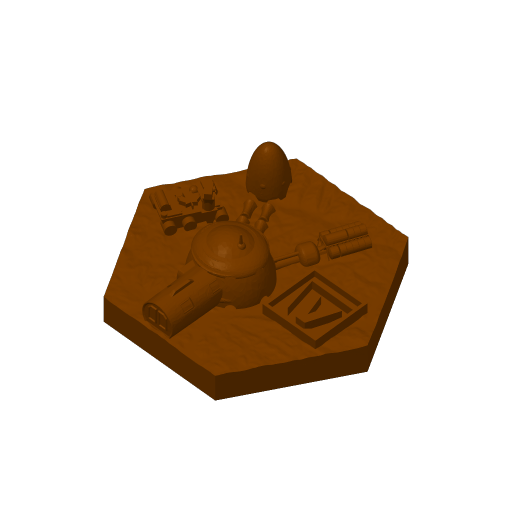
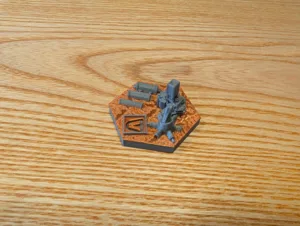
Detailed print of the Early Settlement using AMS with three colors: • ERYONE Dual Two-Tone PLA Silk Gold & Red Copper • Tinmorry PLA Silver • Bambu PLA Basic Cocoa Brown There are three layer-based filament changes in this model that could be done manually, if you don't have an AMS.
Plate Details (1)
0.2 mm nozzle, all plates
Plate 1
1h 21m 8 g PLA · 1 g PLA · 2 g PLA · 5 g
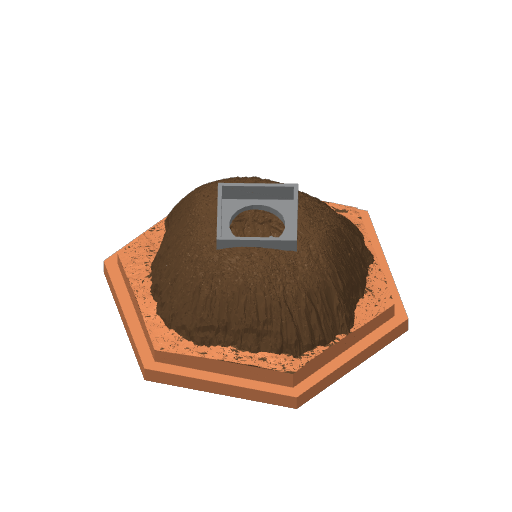
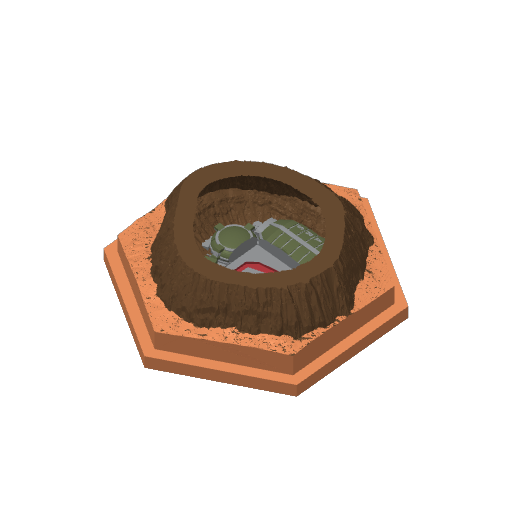
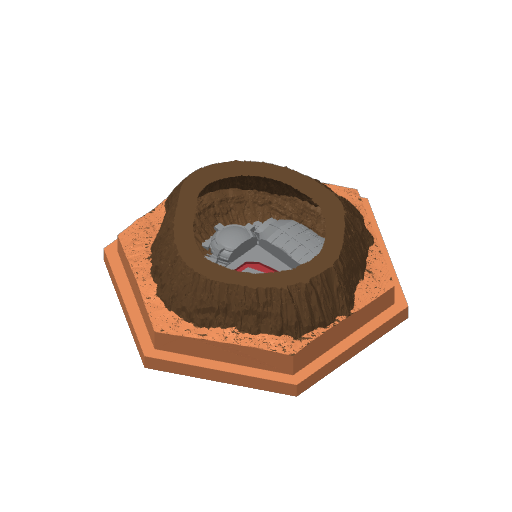
Lava Tube in 2 versions, 0.2 mm nozzle, 0.1mm layer, 4 walls
2 plates 4h 14m 19 g PLA
P1S, P1P, X1E, A1 mini, H2D, X1 Carbon, X1, A1, H2D Pro, H2S, P2S, H2C, X2D, A2L
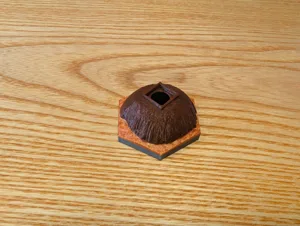
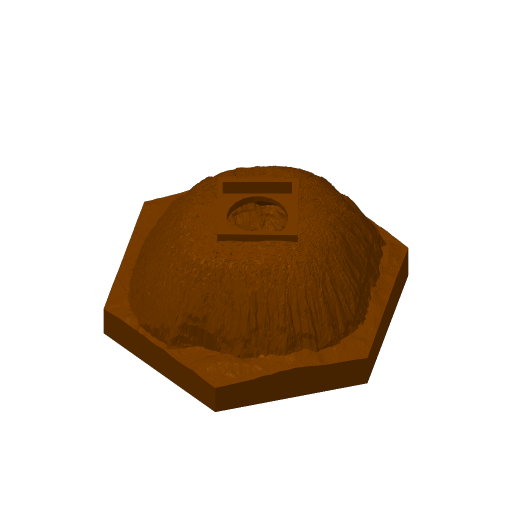
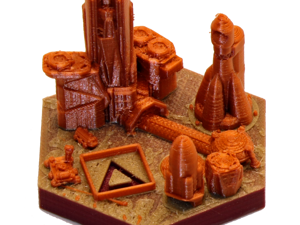
Detailed print of the Lava Tube using AMS with three colors: • ERYONE Dual Two-Tone PLA Silk Gold & Red Copper • Tinmorry PLA Silver • Bambu PLA Basic Cocoa Brown There are two versions of the Lava Tube, one open version so you can see inside better and one closed version. There are three layer-based filament changes in this model that could be done manually, if you don't have an AMS.
Plate Details (2)
0.2 mm nozzle, all plates
Plate 1 · Open Version
1h 55m 9 g PLA · 3 g PLA · 2 g PLA · 4 g
Plate 2 · Closed Version
2h 20m 10 g PLA · 4 g PLA · 2 g PLA · 4 g
Self Sufficient City, 0.2mm nozzle, 0.1mm layer, 4 walls
1 plate 1h 29m 7 g PLA
P1S, H2D, A1, P1P, X1 Carbon, X1, A1 mini, X1E, H2D Pro, H2S, P2S, H2C, X2D, A2L
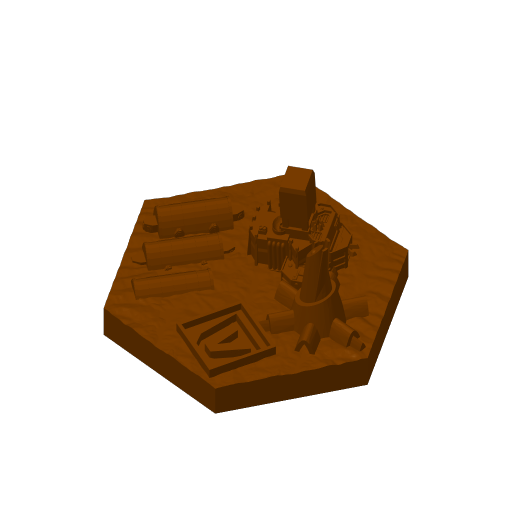
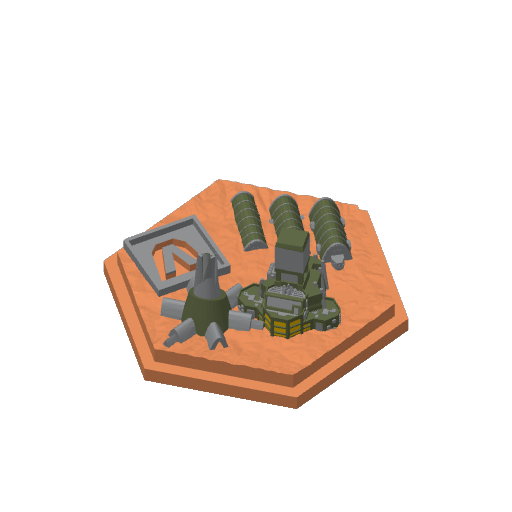
Detailed print of the Lava Tube using AMS with three colors: • ERYONE Dual Two-Tone PLA Silk Gold & Red Copper • Tinmorry PLA Silver • Bambu PLA Basic Cocoa Brown There are three layer-based filament changes in this model that could be done manually, if you don't have an AMS.
Plate Details (1)
0.2 mm nozzle, all plates
Plate 1
1h 29m 7 g PLA · 1 g PLA · 1 g PLA · 5 g
Prelude1 tiles multicolor - 0.20mm nozzle
8 plates 75h 33m 317 g PLA
A1 mini, P2S, X2D, P1P, P1S, H2D Pro, H2C, H2D, A2L, X1, A1, X1E, H2S, X1 Carbon
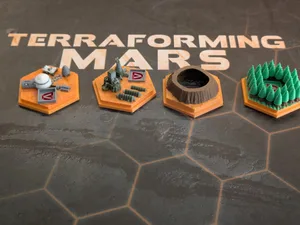
I have made the following adjustments: • Resized slightly in order to fit inside the game's hexagons. • Added a notch on the outside, as I feel it looks better and also makes it easier to store in a box. • Small adjustments to parts: • Self-Sufficient City: painstalkingly cleaned up the “tents” so that the vertical strips can be printed successfully, small adjustments because the building tower is not streight. • Lava Tube Settlement v2: increased height slightly so that the prelude icon will not bleed to the bottom of the tile, and made it the icon a little thicker. None of the prints require supports. Some of the items are regular 4-color prints that can be used with the AMS without special issues. Some of them are 5 color prints to make it look nicer. This depends on replacing one filament in the AMS with another color mid-print, after the first color is finished and before the next color starts. You need to either be mindful of the timing and keep track of the current layer, or set a pause in the slicer so that the printer waits for you to change the filament before continuing. If you want to print with 4 colors instead, I have provided alternatives in the different build plates. To reduce waste with swapping filaments, I could recommend the following: • Next to the Project Filaments, open the Purging Volumes dialog and re-calculate the purging volume for each color combination. On the bottom I use a Multiplier of 0.6-0.7 (60%-70% of the flushed amount of filament) which seems good enough. • Next to each filament, on the three-dots button, edit the Filament Settings and change the Filament prime volume from the default of 45mm3 to something like 15mm3. This reduces the volume of the prime tower as I think the default is excessive. I am posting some instructions on the color changes or alternatives below. • Early Settlement: • 0,08mm layer: replace red with white between layers 54and 61. • Self-Sufficient City: • 0,08mm layer: replace red with yellow at layer 52 • Lava Tube Settlement: • 0,08mm layer: replace red with dark green at layer 23. I printed those for myself, sharing in case anyone else wants them or gets inspired to do their own tweaks. Good luck and enjoy! Edit: I am using these storage boxes that I have made for the notched tiles: https://makerworld.com/en/models/3123736-terraforming-mars-notched-3d-tiles-storage
Plate Details (8)
0.2 mm nozzle, all plates
Plate 1 · Early Settlement - 5 colors
10h 59m 50 g PLA · 4 g PLA · 20 g PLA · 12 g PLA · 8 g PLA · 6 g
Plate 2 · Early Settlement - 4 colors
7h 31 g PLA · 4 g PLA · 13 g PLA · 8 g PLA · 6 g
Plate 3 · Experimenal Forest
7h 12m 28 g PLA · 3 g PLA · 10 g PLA · 9 g PLA · 6 g
Plate 4 · Self-Sufficient City - 5 colors
11h 52m 50 g PLA · 3 g PLA · 20 g PLA · 8 g PLA · 13 g PLA · 6 g
Plate 5 · Self-Sufficient City - 4 colors
10h 38m 43 g PLA · 3 g PLA · 18 g PLA · 8 g PLA · 14 g
Plate 6 · Lava Tube Settlement v1
9h 28m 39 g PLA · 1 g PLA · 11 g PLA · 13 g PLA · 14 g
Plate 7 · Lava Tube Settlement V2 - 5 colors
9h 47m 40 g PLA · 2 g PLA · 9 g PLA · 15 g PLA · 6 g PLA · 8 g
Plate 8 · Lava Tube Settlemenet v2 - 4 colors
8h 36m 36 g PLA · 2 g PLA · 7 g PLA · 16 g PLA · 11 g
As sliced by the designer. Your printer, filament, and settings may change these numbers.
Designer's Description

See my other posts for the base game and all the expansions.

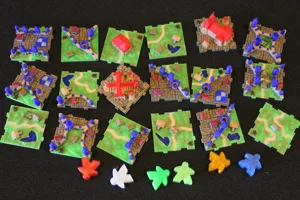
I used over 20 different rolls of filament color, all the “city” tiles are “metallic” in color (with the exception of Commercial District that is Gold), all the expansions have their own “metallic” color to distinguish them from each other. Note that Phobus Space Haven, Ganymede, Luna Metropolis, Dawn City, Stratopolis, and Maxwell Base are printed WITHOUT any red/brown base filament as all these tiles are not “Martian” and take place on moons and other planets.
Printed on a single extrusion printer, done with multiple layer changes for each tile in many different colors of PLA. It has the "cheater" inlay method of a quick color change after the first layer to get a nice inlay. If you 3D print this please post some "likes" and makes, and if you really like it although not at all required, a BOOST would be nice to help with my filament costs, I go through a ton test printing everything to get it right. Non Commercial means print away for your own or your friends use but don't be posting for sale on the internet, Thanks. Check out my other posts too!

Prelude Expansion Tiles
-Lava Tube Settlement .2 SilkRoseGold, .35 Red/Brown, .95 Silver, 3.5 Golden, 5.45 SilkRoseGold
-Self-sufficient Settlement .2 SilkRoseGold, .35 Red/Brown, 4.7 Golden, 5.0 SilkRoseGold
-Early Settlement .2 SilkRoseGold, .35 Red/Brown, 4.7 Golden, 5.0 SilkRoseGold
-Experimental Forest .2 Green, .35 Red/Brown, 3.65 Golden, 4.7 SilkRoseGold, 7.25 Tree Green
terraforming mars