Table Talk
Nothing here yet. Love this design? Say so - the designer might see it.
Log in to join the conversation.
Scoreboard 1-10, easy to print, easy to adjust
Free
Plan Your Print
Sign in
to track this print from Want to Printed.
✓ Optional multicolor profile
About 70 g of filament
Print Profile (4) 0.2mm layer, 3 walls, 15% infill, print by object-type 1h 42m 70 g PLA
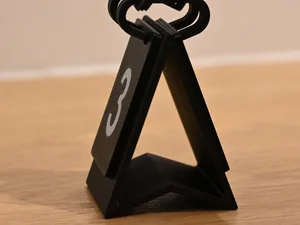
0.2mm layer, 3 walls, 15% infill, print by object-type
1 plate
1h 42m
70 g PLA
P1S, P1P, X1, X1 Carbon, X1E
All parts on one plate.
Print starts with the color for the numbers.
Plate Details (1)
0.4 mm nozzle, all plates
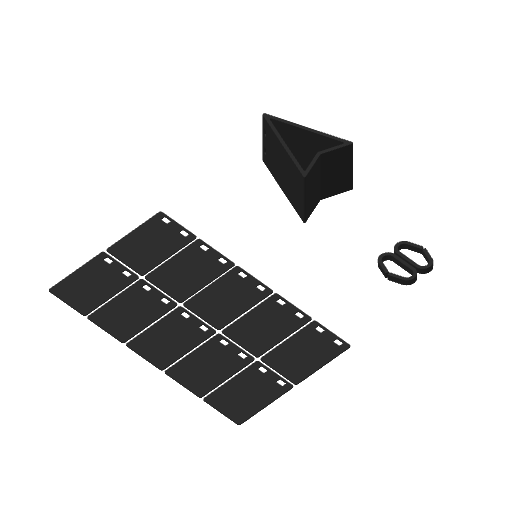
Plate 1
1h 42m
70 g
PLA · 67 g
PLA · 3 g
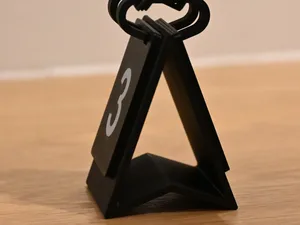
Same profile but for A1
1 plate
1h 47m
70 g PLA
A1
Plate Details (1)
0.4 mm nozzle, all plates
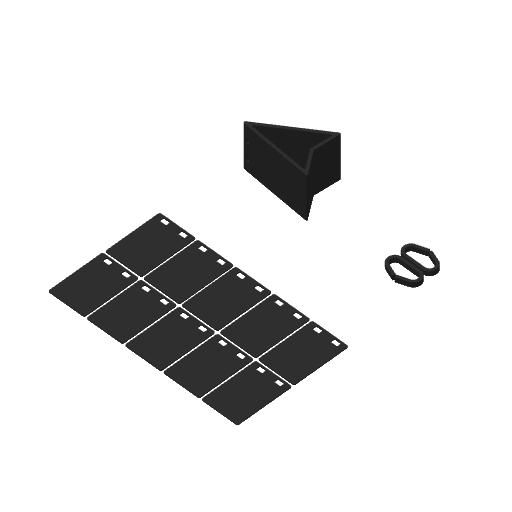
Plate 1
1h 47m
70 g
PLA · 67 g
PLA · 3 g
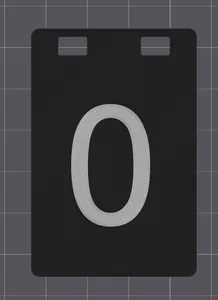
Only Number 0
1 plate
53m
6 g PLA
P1S, P1P, X1, X1 Carbon, X1E
The numbers on the plates are simple text items in the 3mf. Simply use the text editor in BambuStudio to change to any other number you wish.
Plate Details (1)
0.2 mm nozzle, all plates
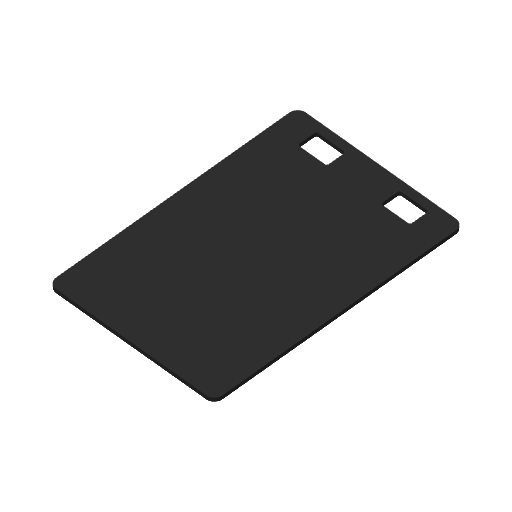
Plate 1
53m
6 g
PLA · 4 g
PLA · 2 g
Same profile but for A1mini
2 plates
3h 3m
85 g PLA
A1 mini
Here, 2 plates are needed.
Plate Details (2)
0.4 mm nozzle, all plates
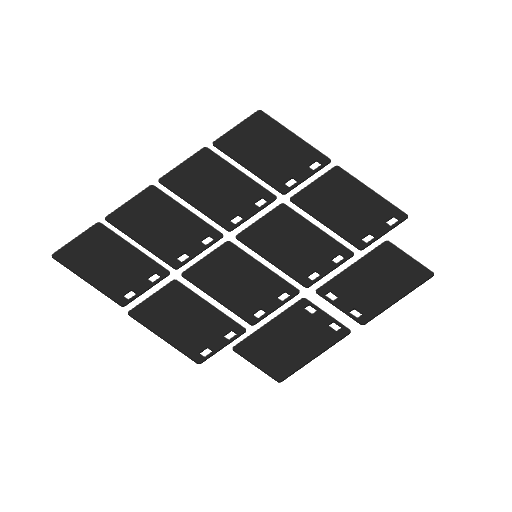
Plate 1
2h 13m
46 g
PLA · 30 g
PLA · 16 g
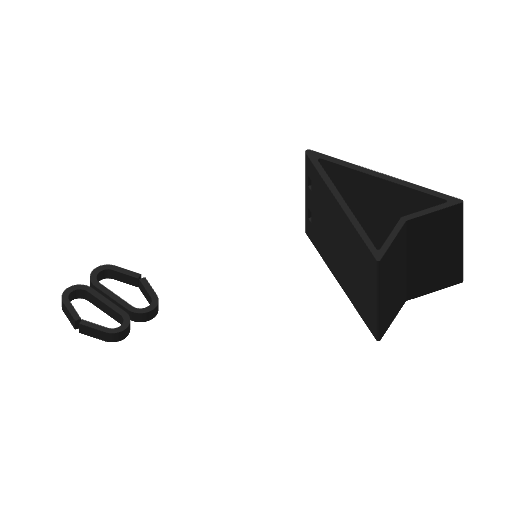
Plate 2
51m
39 g
PLA · 39 g
As sliced by the designer. Your printer, filament, and settings may change these numbers.
Designer's Description
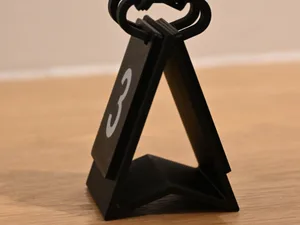
Assembly instruction:
First thread the number plates onto the two rails.
Then press the rails with the plates on the stand until the rails snap into the respective indentations.
It is easy to adjust the numbers on the plates in BambuStudio. Just click on the text in the object list and edit as desired. Default are the numbers 1, 2, … 9, 10.
Dual-color printing is possible even without an AMS.