LayerUp Games
Games ▾
All Games
My Games
My Wishlist My Accessories
My Pledges
Crowdfunding
Game Shelf
Sleeve Stash
Sleeve Catalog
3D Models ▾
All Game Models Tabletop Accessories
Kanban BG
My Prints My Future Prints
My Collections
Submit a 3D Model Request a 3D Model 3D Model Bounties 3D Printing Resources
Blog New post
Community ▾
Players Designers
Feature Voting
Unboxing #101 ▾
Leaderboard
Support LayerUp ▾
Founders Wall
Theme
Light
Medium
Dark
⌘K
Sign in Join free
JB
On the box

Jody Boginski-Barbessi

15 games 4 3D models Designed 10 games Art for 14 games

This page does not exist. You can edit this page to create it.

Biography and credits from BoardGameGeek.

Designed and illustrated 9 games
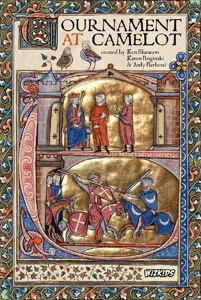
Tournament at Camelot box cover Tournament at Camelot · 2017
1
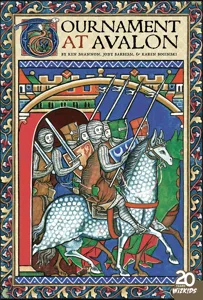
Tournament at Avalon box cover Tournament at Avalon · 2020
3
7 more without a cover yet
Renaissance Wars 2015 0
Banana Split 2007 0
Renaissance Wars: Masterpiece Edition Expansion 2015 0
Renaissance Wars: Seed of the Enlightenment Luminary Set 2015 0
Renaissance Wars: Kickstarter Exclusive Stretch Goal Cards 2015 0
Renaissance Wars: Radiant Luminaries Set 2015 0
Rain Forest Card Games 2001 0

Designed 1 game

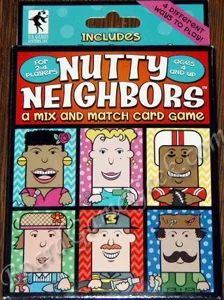
Nutty Neighbors box cover Nutty Neighbors · 2004
0

Art for 5 games

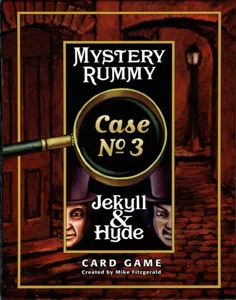
Mystery Rummy: Jekyll & Hyde box cover Mystery Rummy: Jekyll & Hyde · 2001
0
HeartSwitch box cover HeartSwitch · 2013
0
Hooyah: Navy Seals Card Game box cover Hooyah: Navy Seals Card Game · 2012
0
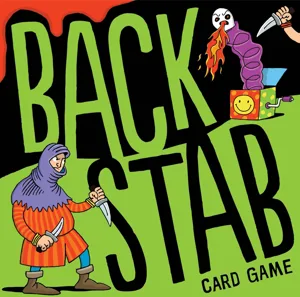
Backstab Card Game box cover Backstab Card Game · 2015
0
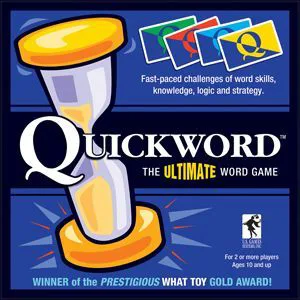
Quickword: The Ultimate Word Game box cover Quickword: The Ultimate Word Game · 1991
0
Board Games Game Models Accessories Designers Photos Stats Submit a 3D Model Request a 3D Model
Blog Guides Support LayerUp About Privacy Terms Contact VisualSpool Discord
Powered by BoardGameGeek Powered by BoardGameGeek
The newsletter

Join the LayerUp Newsletter and be notified of new blog posts and 3D model reviews/articles.

Made with by Kamio · © 2026 LayerUp Games · Not affiliated with any platform
↑↓ navigate ↵ open esc close

Keyboard shortcuts

General
CtrlKOpen the command palette
/Jump to the page search
EscClear search · close dialogs
?Show this help
In the command palette
↑↓Move between results
↵Open the selected result
EscClose the palette
Open the command palette →