LayerUp
Games
Games ▾
All Games
My Games
My Wishlist
My Accessories
My Pledges
Crowdfunding
Game Shelf
Sleeve Stash
Sleeve Catalog
3D Models ▾
All Game Models
Tabletop Accessories
Kanban BG
My Prints
My Future Prints
My Collections
Submit a 3D Model
Request a 3D Model
3D Model Bounties
3D Printing Resources
Blog
New post
Community ▾
Players
Designers
Feature Voting
Unboxing
#101
▾
Leaderboard
Support
LayerUp
▾
Founders Wall
Theme
Light
Light
Wingspan
Calico
Medium
Sleeping Gods
Dark
Dark
Scythe
Nemesis
⌘K
☰
Sign in
Join free
← Designers
All (8)
Inserts (4)
Scoring & Tracking (2)
Tokens & Resources (1)
Storage, Containers, & Lids (1)
Newest created
Most liked
Game A–Z
Recently updated
Search
PAID
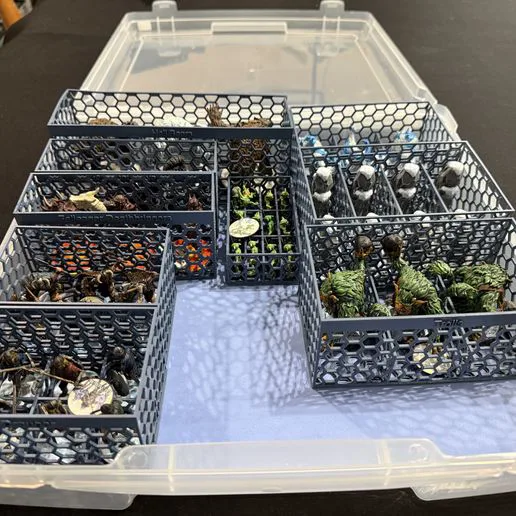
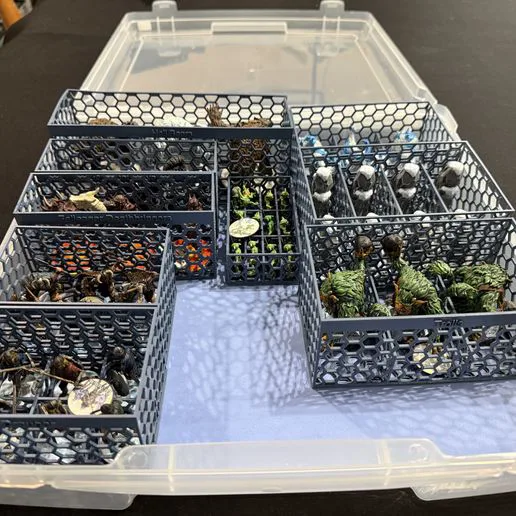
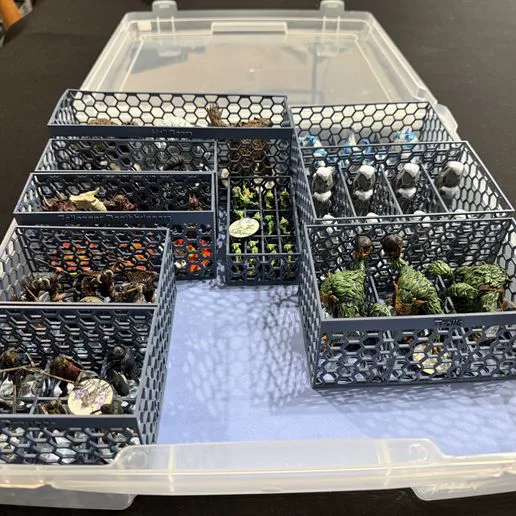
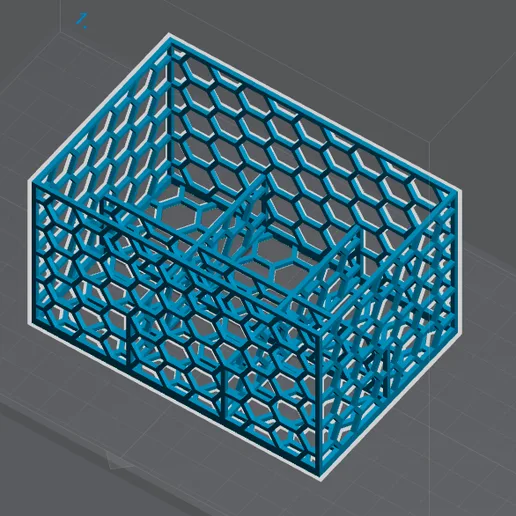
Miniature Storage Trays for Shadows of Brimstone - Western/OG
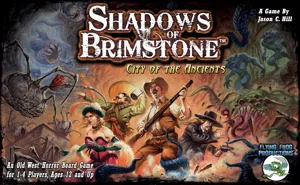
Shadows of Brimstone Game System (2014)
· Inserts
Cults3D
PAID
Miniature Storage Trays for Shadows of Brimstone - Forbidden Fortress
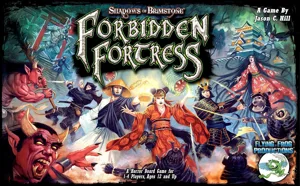
Shadows of Brimstone: Forbidden Fortress (2018)
· Storage, Containers, & Lids
Cults3D
PAID
Miniature Storage Trays for Shadows of Brimstone - Adventures, Living Collection!
Shadows of Brimstone Game System (2014)
· Inserts
Cults3D
PAID
Miniature Storage Trays for Shadows of Brimstone - Everything, Living Collection!
Shadows of Brimstone Game System (2014)
· Inserts
Cults3D
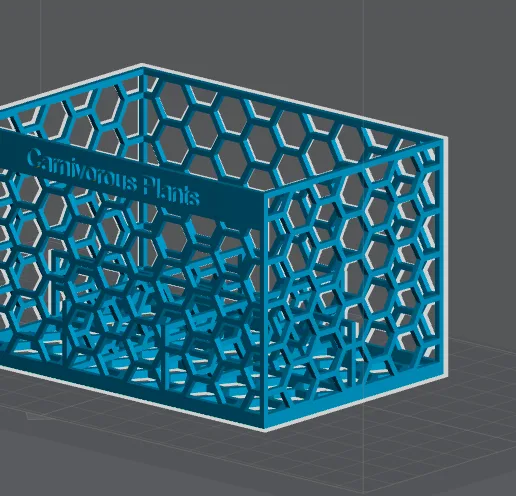
Miniature Storage Trays for Shadows of Brimstone
Shadows of Brimstone Game System (2014)
· Inserts
Cults3D
The Isofarian Guard Mine/Harvest Markers
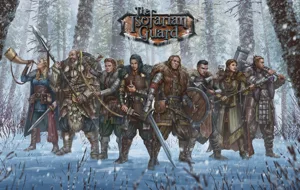
The Isofarian Guard (2023)
· Tokens & Resources
Cults3D
The Isofarian Guard Quest Markers
The Isofarian Guard (2023)
· Scoring & Tracking
Cults3D
Warcrow Turn Counter
Tabletop Accessories
· Scoring & Tracking
Cults3D
Designs for these Games
Shadows of Brimstone Game System
4 prints
The Isofarian Guard
2 prints
Shadows of Brimstone: Forbidden Fortress
1 print
No Image
Tabletop Accessories
1 print
Top
Submit a 3D Model
Request a 3D Model
Board Games
All Game Models
Tabletop Accessories
Designers
Players
Home
Sign In
Register
Keyboard shortcuts
×
General
Ctrl
K
Open the command palette
/
Jump to the page search
Esc
Clear search · close dialogs
?
Show this help
In the command palette
↑
↓
Move between results
↵
Open the selected result
Esc
Close the palette
Open the command palette →