LayerUp Games
Games ▾
All Games
My Games My Accessories
Game Shelf Sleeve Stash Sleeve Catalog
3D Models ▾
All Game 3D Models Tabletop Accessories
Kanban BG My Prints My Future Prints My Collections
Blog
Community ▾
Makers Designers
Submit a 3D Model Request a 3D Model 3D Model Bounties
3D Printing Resources
Unboxing #55
Theme
Light
Dark
⌘K
Sign in Join free
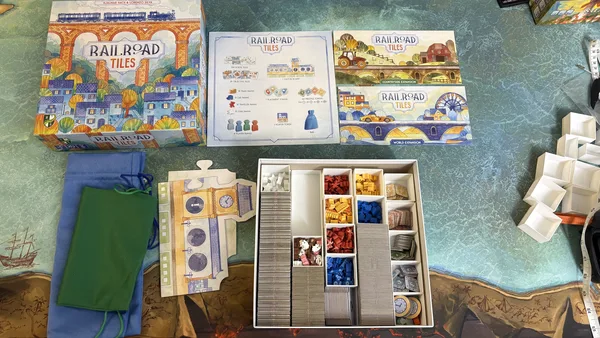
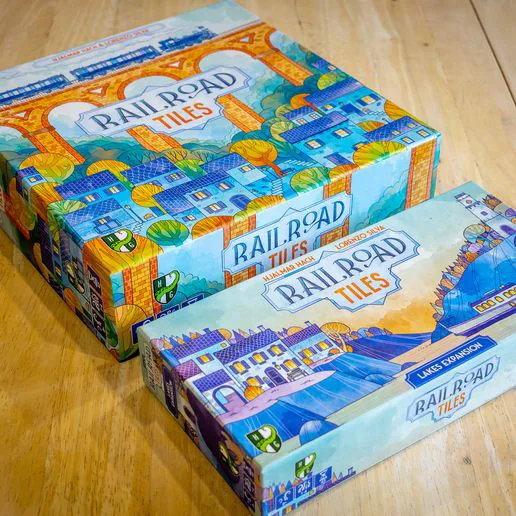
Railroad Tiles: Lakes Expansion

Railroad Tiles: Lakes Expansion

2025 Layer by Layer

Expansion of Railroad Tiles 11

Flag this page

Sign in to flag this page. Nothing changes right now either way - it tells an admin to look.

Buy this game on Amazon ↗

As an Amazon Associate, LayerUp Games earns from qualifying purchases.

Game Details

Your goal is to build Lakes and place Ferries in them to score points. Lakes also have another purpose: you can send a route into the lake side of a tile to create a Harbor (a bit like Canal End tokens work in the Canals Expansion), and all routes that are connected to the same Lake via Harbors are also connected to each other... basically, Lakes act as big Stations! Another special feature of the Lake Expansion also lies in the way Ferries are placed. At the end of each round, when you look at the active Placement tokens and place pawns accordingly, you must also look at each one of your Lakes: if you have more Harbors than Ferries in a certain Lake, you may place 1 Ferry pawn for free on any empty Ferry pin point until you have an equal number of Ferries and Harbors in that Lake. You score 1 point +1 point for each Ferry in the same Lake, up to a maximum of 3 Prestige points (they have a lower point limit than other pawns, which can be worth up to 5 points each, but you also place them for free on top of those coming from the 2 Placement tokens, instead of in place of 1 of them). Like all expansions, the Lake Expansion comes with a few Objectives as well: for example, the Fishermen's Island must be reachable by at least 3 Traveler pawns, while the Hydroelectric Plant must be part of a closed Lake with no open sides. —description from the publisher

Expansion for Base-game, Trains, Transportation · Connections, Map Addition, Pattern Building, Tile Placement

More ▾

View on BGG ↗

Hjalmar Hach , Lorenzo Silva , designer

Francesco De Benedittis , Marta Tranquilli , artist

Cranio Creations , publisher

7.7
Rating
2.0
Weight
1–4
Players
3 3D models for Railroad Tiles: Lakes Expansion

Submit a 3D Model
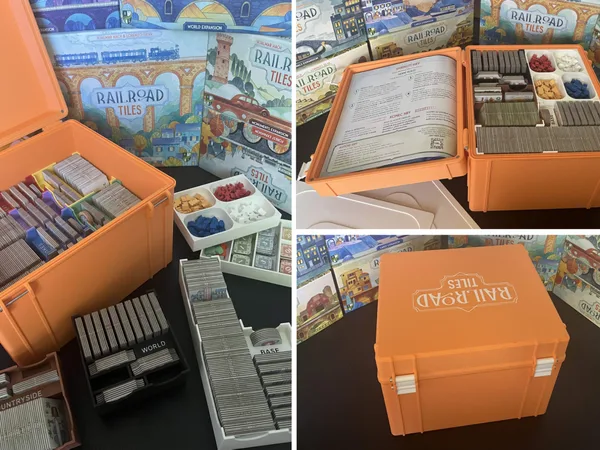
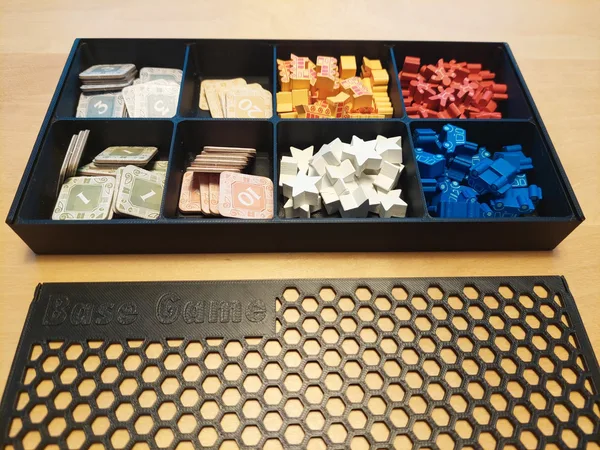
Railroad Tiles Boxes
Inserts · for Railroad Tiles
Thingiverse janno42 2
Railroad Tiles Retail + Expansion Single Box Insert Storage
Inserts · for Railroad Tiles
Thingiverse boardgaymesjames 1
Railroad Tiles + Expansions 3D Printable Insert PAID
Railroad Tiles + Expansions 3D Printable Insert
Inserts · for Railroad Tiles
Cults3D MiniManatee 1

3 designers · newest 6mo ago

Don't see the 3D model of your dreams? Request it here

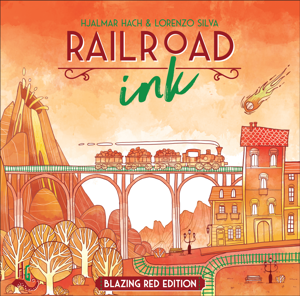
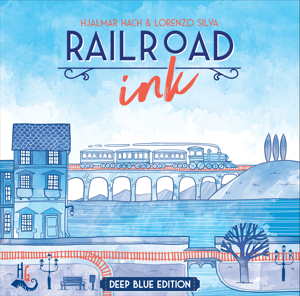
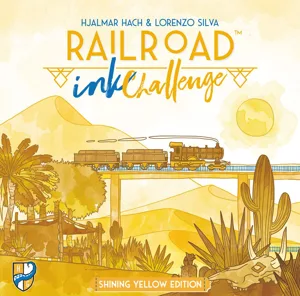
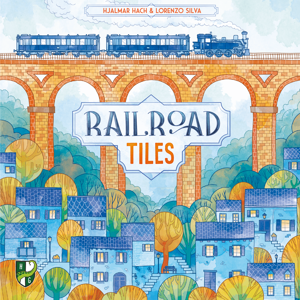
Same series: Railroad Ink: Blazing Red Edition 2018 2 Railroad Ink: Deep Blue Edition 2018 7 Railroad Ink Challenge: Collector's Edition 2021 1 Railroad Ink Challenge: Lush Green Edition 2021 4 Railroad Tiles 2025 11 Railroad Tiles: Collector's Edition 2025 2 +1 more

You might also like

Similar games by designer or mechanics that also have 3D models.

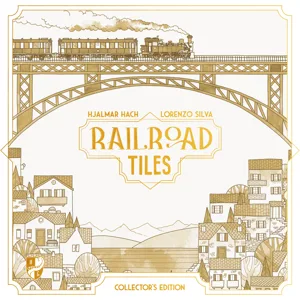
Railroad Tiles: Collector's Edition
2 models
Twinkle Twinkle
Twinkle Twinkle
2 models
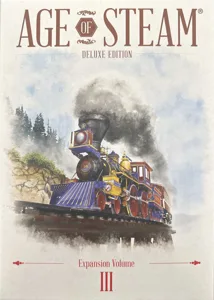
Age of Steam Deluxe: Expansion Volume III
1 model
Draft & Write Records
1 model
Railroad Ink: Deep Blue Edition
7 models
Railroad Ink Challenge: Lush Green Edition
4 models
Board Games Game Prints Accessories Designers Photos Stats Submit a 3D Model Request a 3D Model
Blog Guides About Privacy Contact VisualSpool Discord
Powered by BoardGameGeek Powered by BoardGameGeek
The newsletter

Join the LayerUp Newsletter and be notified of new blog posts and 3D model reviews/articles.

Made with by Kamio · © 2026 LayerUp Games · Not affiliated with any platform
↑↓ navigate ↵ open esc close

Keyboard shortcuts

General
CtrlKOpen the command palette
/Jump to the page search
EscClear search · close dialogs
?Show this help
In the command palette
↑↓Move between results
↵Open the selected result
EscClose the palette
Open the command palette →