Log in to join the conversation.
Raccoon Tycoon Insert with Upgraded Tokens & Trays
Print Profile (2) ALT Coal token, Trays & Money tray +Building tokens expanded 22h 4m 698 g PLA
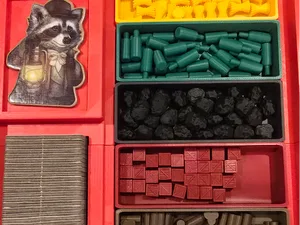
Plate Details (10)
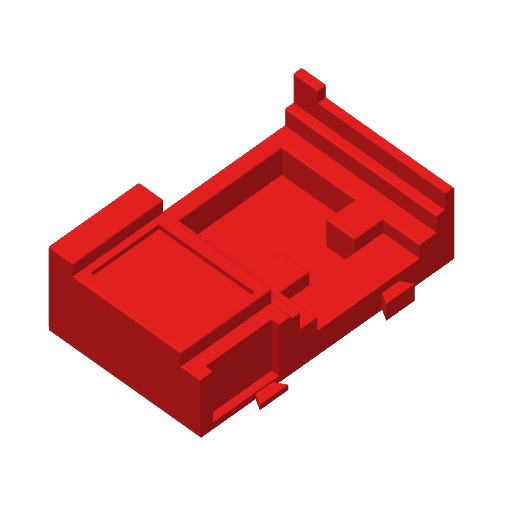
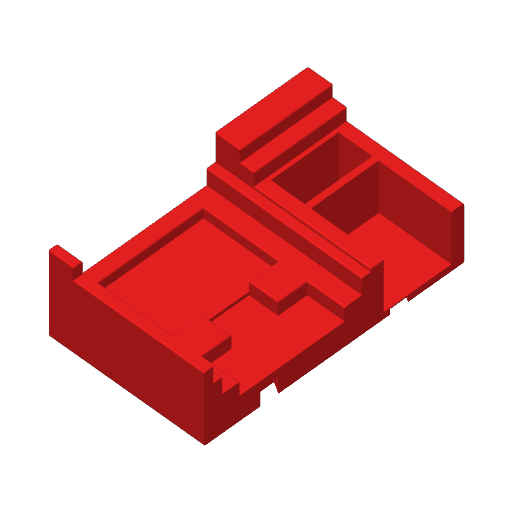

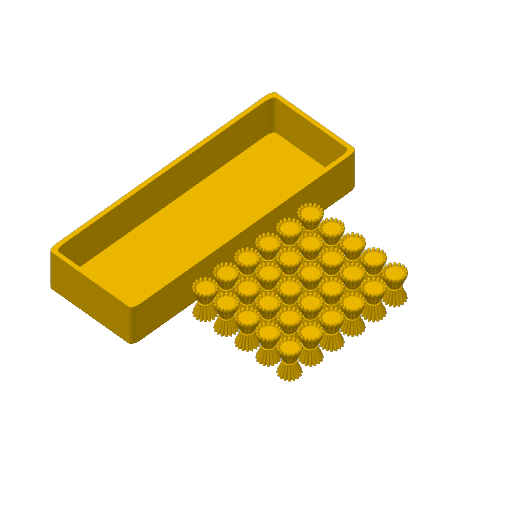
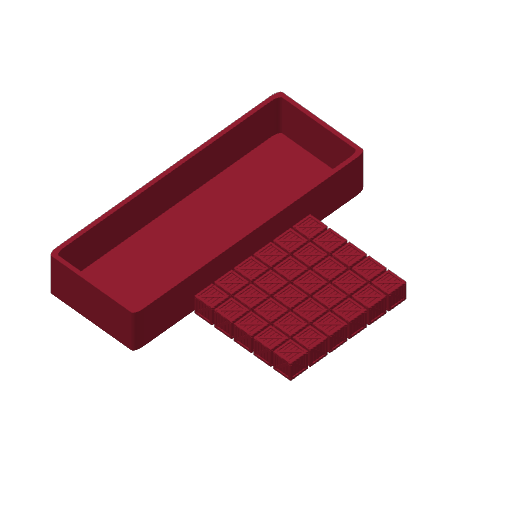
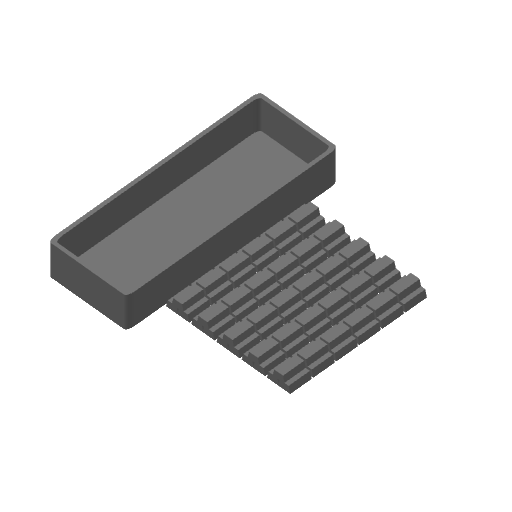
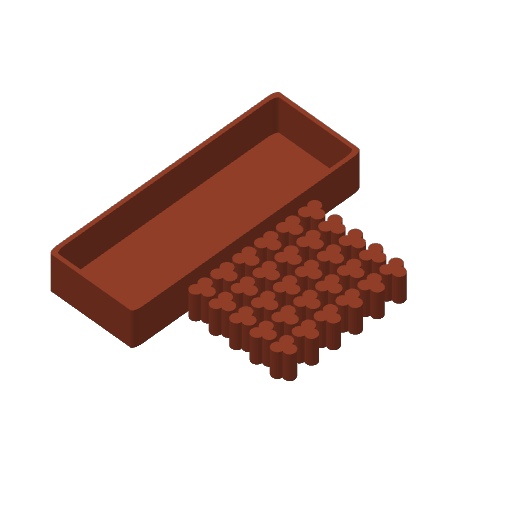
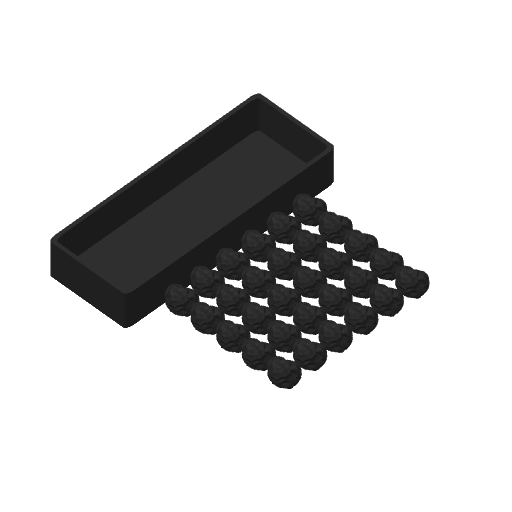
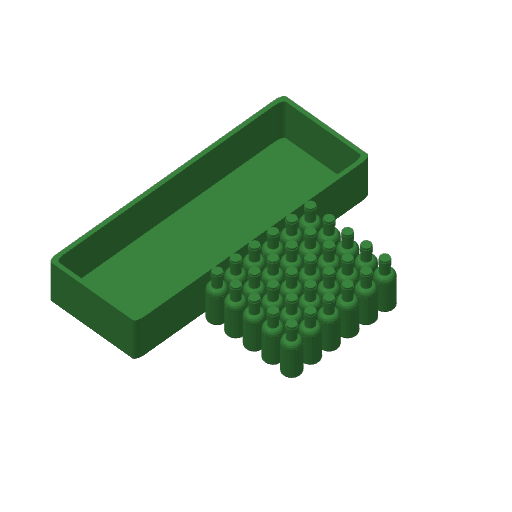
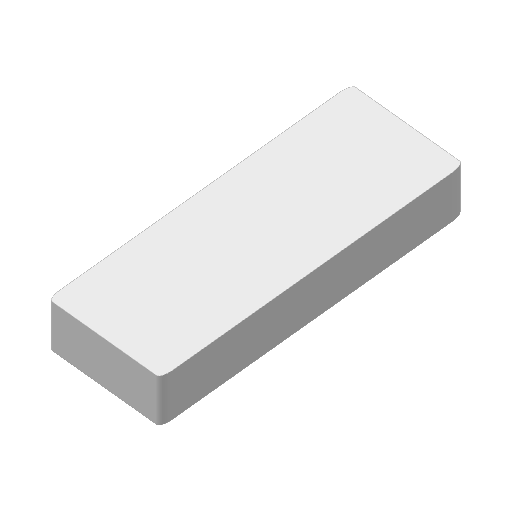
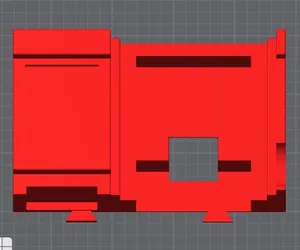
Plate Details (3)
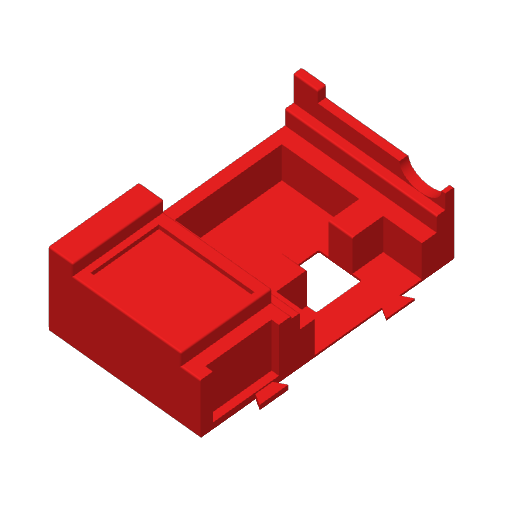
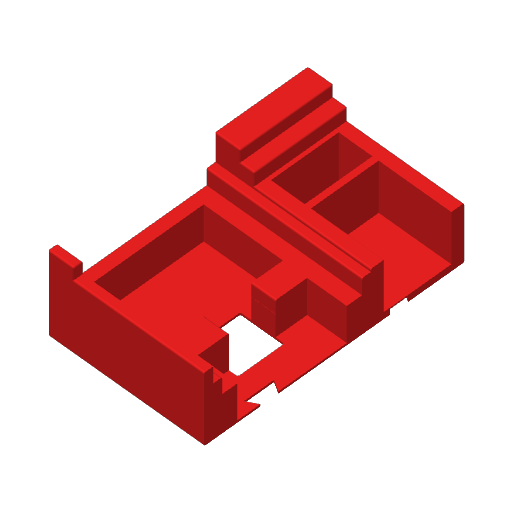

I really liked the organization of this insert, but I wanted to change a few things.
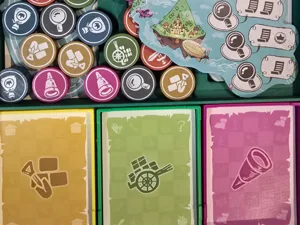
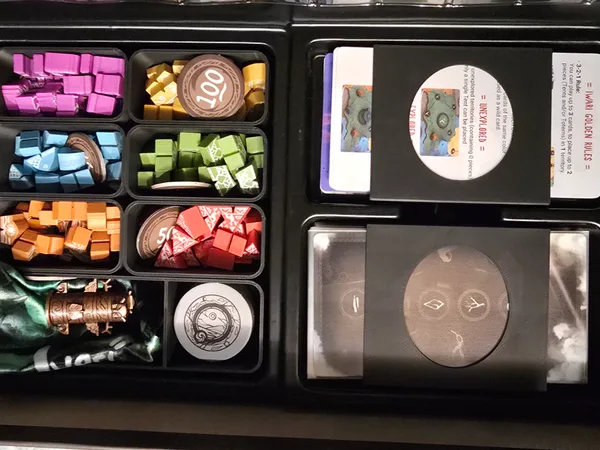
First, the original did not fit all my building tiles (a total of 3 tiles didn't fit), so I did simple negative rounded rectangles to add some length to each area. Then, the original token trays had very thin bottom layers, plus I wanted the upgraded tokens to fit better (I also wanted a different coal token as I found the pyramid-shaped tokens difficult to pick up). I used this coal by pelipone : https://makerworld.com/en/models/440802-board-game-resources-coal#profileId-346494, which was for the Roxley Brass games. I resized some of the tokens and changed to blue bottles back to green like the game shows them to be. I then needed more space in the insert for the new token trays to hold the correct amount of tokens, so when I made new trays, I increased their height. {Also, I wish I would have resized the red crates a little bigger -you may notice there is a LOT of spare room in the tray, so resize if you prefer.}
I realized I could shorten the money tray since it didn't need to be so tall. As seen in one of the pics, the token trays sit a little above the lip where the money tray used to rest on, but the money tray still sits flush at the top, so the board lies flat and still has no lid lift. 🎉
I also changed the infill on the two base pieces to 18% Lightning with 3 Wall Loops to conserve PLA -be careful to not squeeze them too tightly.
I changed the top layer infill pattern to 50% Octagram Spiral simply for a better look than the plain diagonal lines which I think allows for too many blah sections.
EDIT:
- Plate 4 (Yellow tray & resource) is showing green in the purge tower in the picture -this shouldn't show up on the file, I just didn't realize I didn't update the screenshot. IF it's still there, it should go away when you Slice the plate. Please let me know if there is an issue.
- The white box on Plate 10 is just the original cubes I used to create my new resource trays. If you prefer thicker/thinner walls/bottom, you can alter the negative cube to do this. I just figured we don't all prefer the same settings. :D
Boost Me If you enjoy my modifications, please consider giving a boost. Thank you!