Log in to join the conversation.
Gloomhaven Box Insert Organiser
Print Profile 21h 23m 957 g PLA
Plate Details (12)

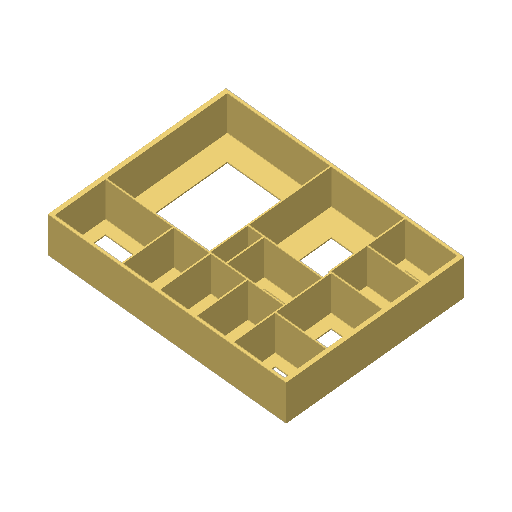
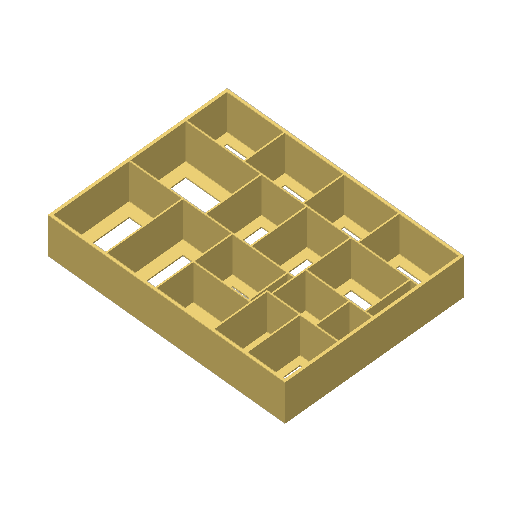
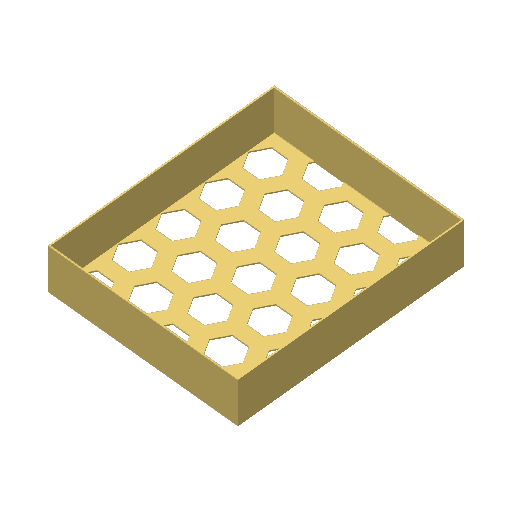
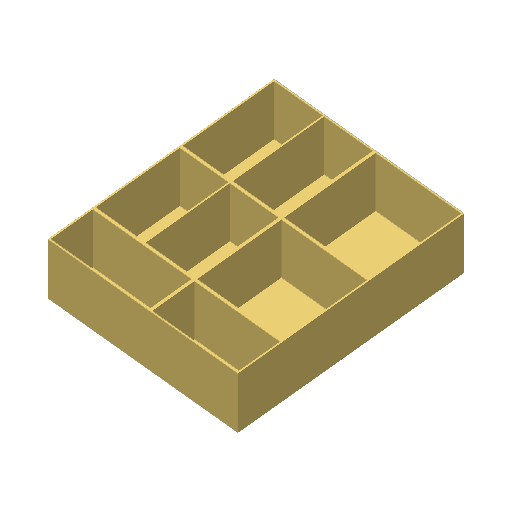
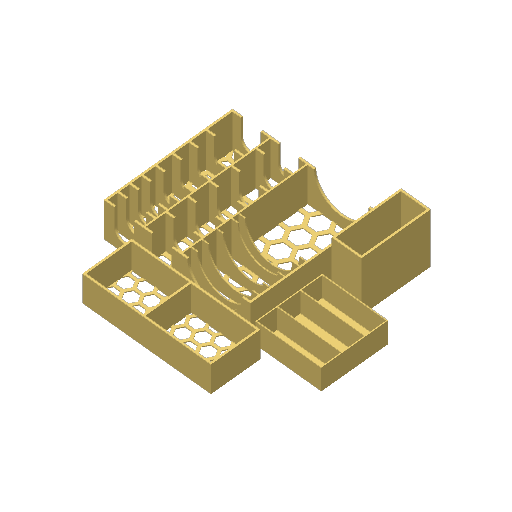
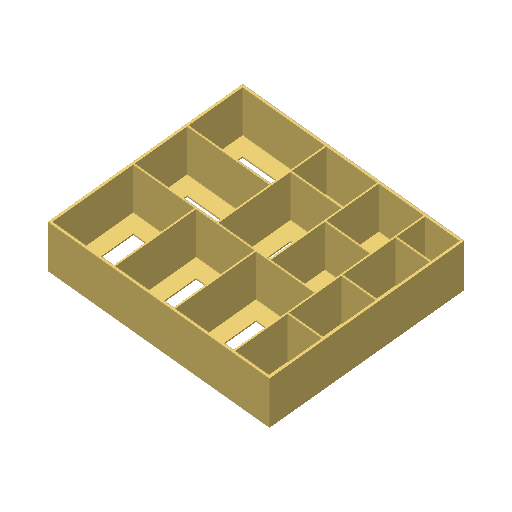




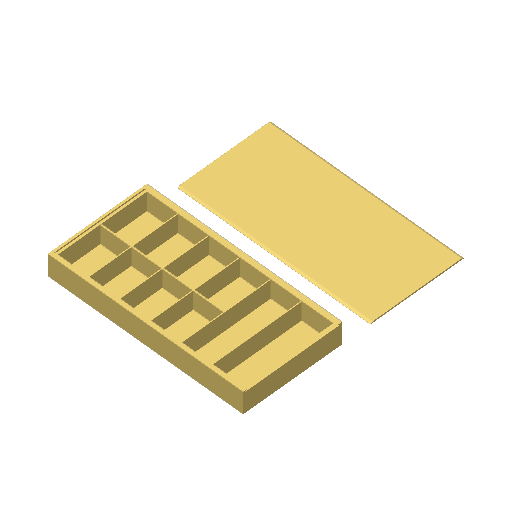
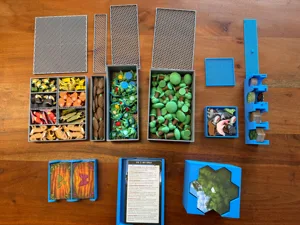
Since my group was not enthusiastic about always packing everything neatly, I decided to design this inlay.
When using the enemy types, I made sure not to make the compartments too small, so that you don't have to be careful which ones have to go where. Here you have various options, so that assembly and dismantling is much faster.
The "divider" prints are intended for the cards, because you often have to adjust the size of the compartments. So you can simply print more or less depending on how you want to sort. We had all separated the items from each other at the beginning and simply left out the corresponding dividers depending on the progress.
The large tiles for the areas fit on top in a relaxed way, you just have to make sure to put the small elongated ones on the 3D printed side, then that's no problem.
We need about 3 minutes for the complete dismantling of the game.
Translated from German - show original
Da meine Gruppe nicht begeistert davon war, immer alles ordentlich einzupacken habe ich mich dazu entschlossen dieses Inlay zu designen.
Bei den Einsätzen für die Gegnertypen habe ich darauf geachtet die Fächer nicht zu klein zu machen, sodass man nicht genau aufpassen muss, welche wo genau hin müssen. Hier hat man verschiedene Optionen, sodass der Auf und Abbau deutlich schneller geht.
Die “Trenner” drucke sind für die Karten gedacht, da man doch öfter mal die Größe der Fächer anpassen muss. So kann man je nachdem wie man sortieren will einfach mehr oder weniger drucken. Wir hatten die Items zu beginn alle voneinander getrennt und haben je nach Fortschritt einfach die entsprechenden Trenner rausgelassen.
Die großen Plättchen für die Gebiete passen ganz entspannt oben drauf, man muss nur drauf achten, die kleinen länglichen auf die 3D Druck Seite zu legen, dann ist das kein Problem.
Wir brauchen so ca. 3 Minuten für den kompletten Abbau des Spiels.
/pic3589016.jpg)