Log in to join the conversation.
Ostia Dual-Layer overlays and "Dry Dock"
Print Profile 4h 31m 65 g PLA
Plate Details (3)
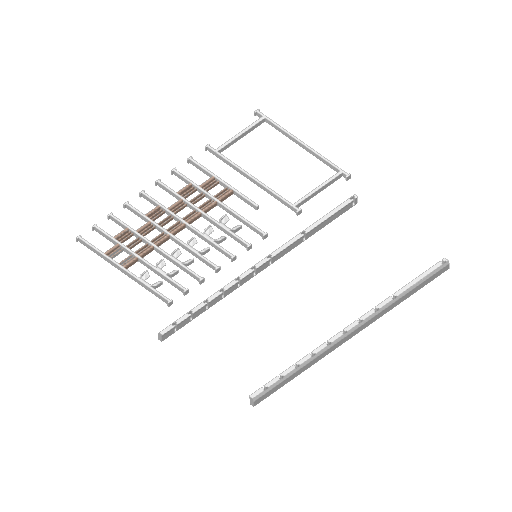
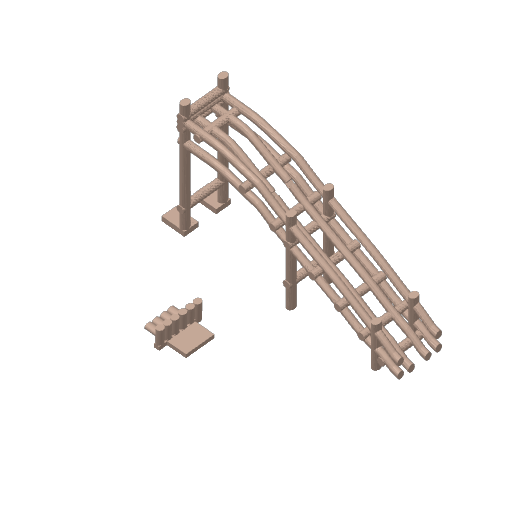
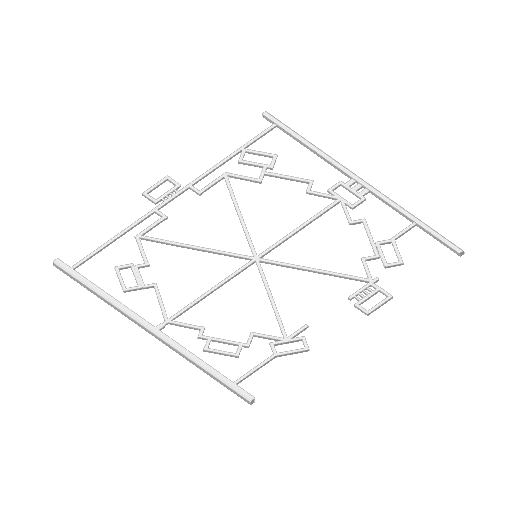
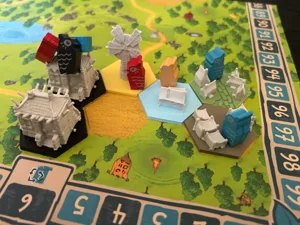
This is for a ‘dual layer’ overlay to turn your unusable single-layer Ostia Boards into useable Dual-Layer Ostia boards!
This file includes 3 components:
- Port Board Overlay
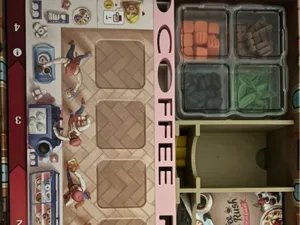
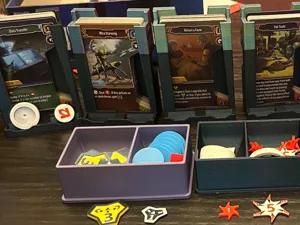
- “other board” overlay (for the board that holds the round discs, the pottery, and the ships. I haven't played the game yet so I don't know what this board or the components are really called)
- Dry dock (For launching your purchased ships into your port!)
What to print:
For each player who wants it, print One Port Board, Other Board, and one Dry Dock. The Dry Dock of course being 1,000,000% optional and very fiddly to use.
For ALL COMPONENTS:
Take care removing these from the print bed. This is one you'll definitely want to use a spatula or spanner or whatever it's called for. The parts are thin and liable to break when removing from the print bed. (I use a supertack cool bed so it's probably exacerbated by that).
Port Board notes:
Some of the boxes for buildings don't 100% match up. I got this to “good enough” and was done with it. Please feel free to adjust this to further align if desired! I initially wanted to keep the middle of this overlay open, like in the official dual layer board, but it was far too flimsy.
“Other Board” notes:
Building this thing after it prints is a hassle. I also have it set to be pretty snug, and if your printer has variance from mine it could be too snug. You have to push the pegs down into the outer legs (see photo, I used a random pointy tool), and then slide the Other Board up into the print. Be patient, if it's too snug then load into BambuStudio and increase ONLY the width by 1% (maybe 1.5%).
Dry Dock notes:
This will print with supports. They're a pain to get off. I broke off a leg removing the supports on my second print. A leg spaghetti'd on my first print. Print 3 was perfect, and I believe the current settings should result in a good print. If you see a way to make this better, please have at it :-)
Thank you, hope you enjoy… Of course let me know if any questions!