Log in to join the conversation.
Cola Vending Machine Dice Tower with Storage Bins
Print Profile 26h 39m 1,020 g PLA
Plate Details (14)
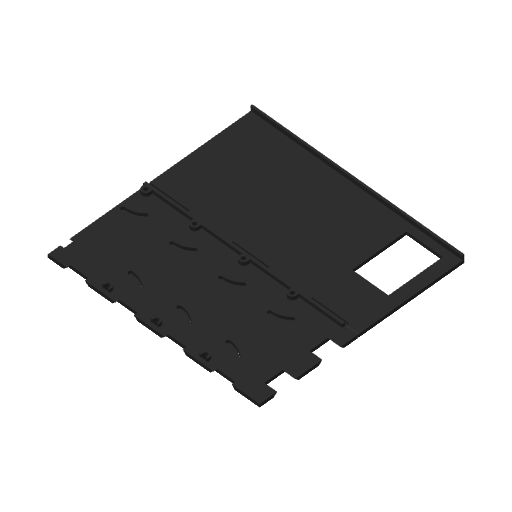
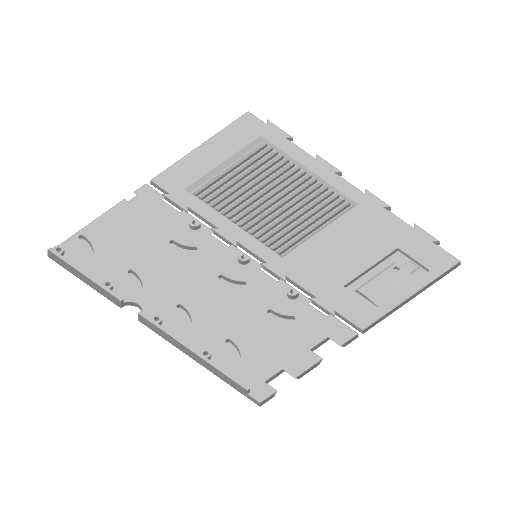
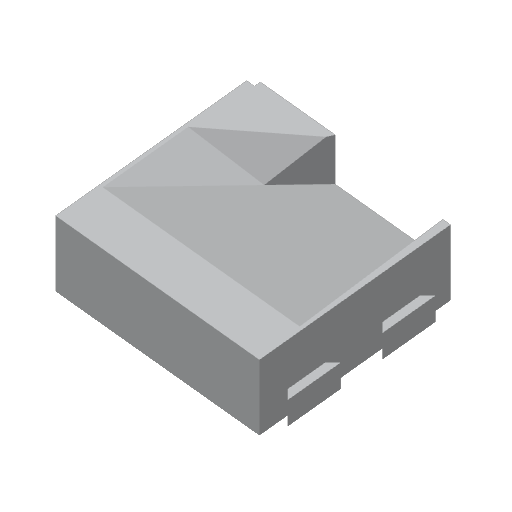
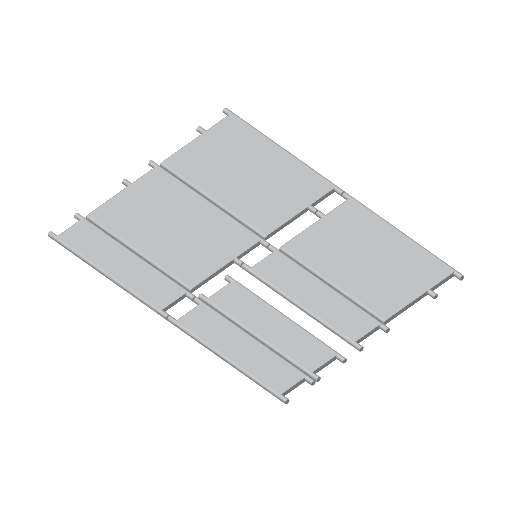
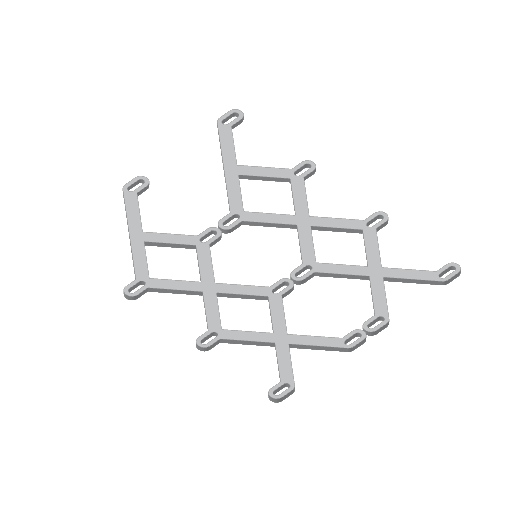
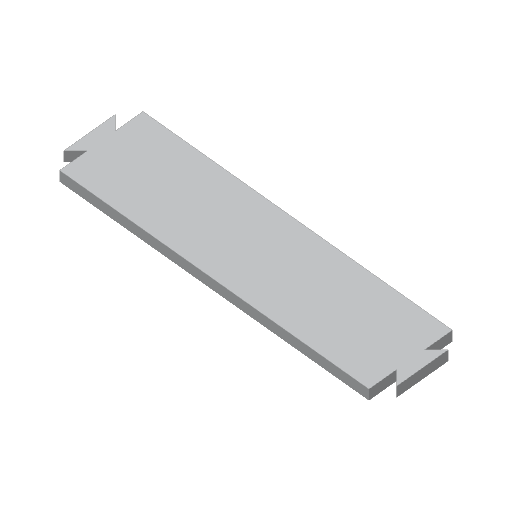
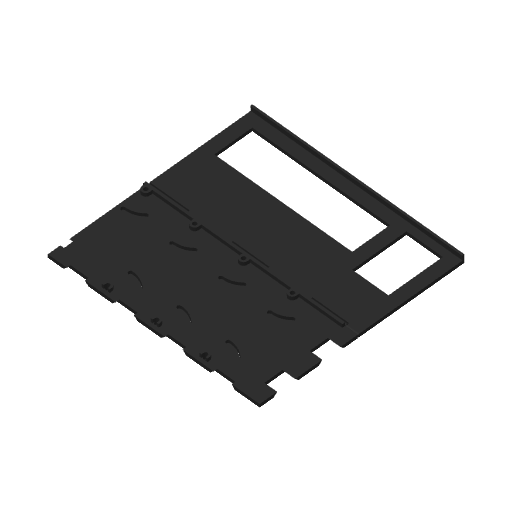
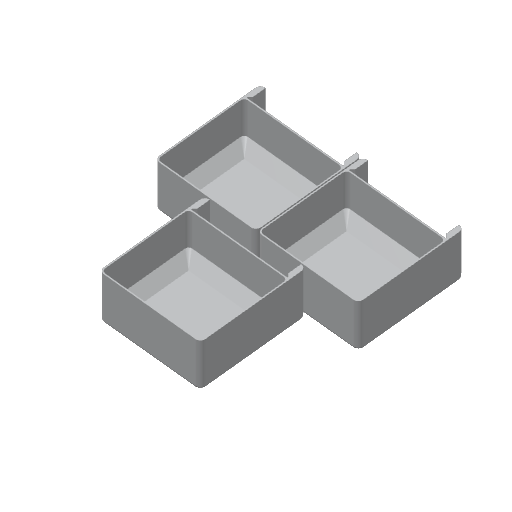
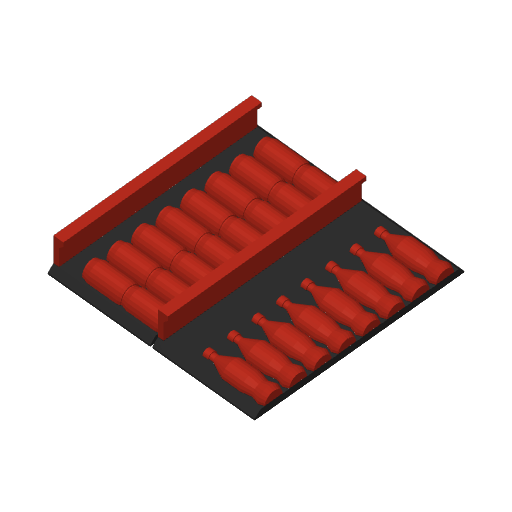
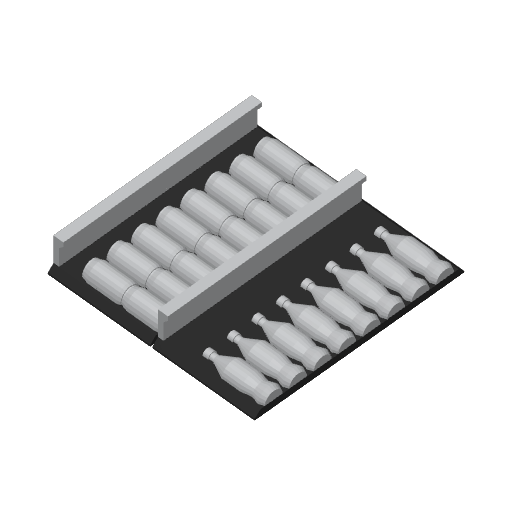
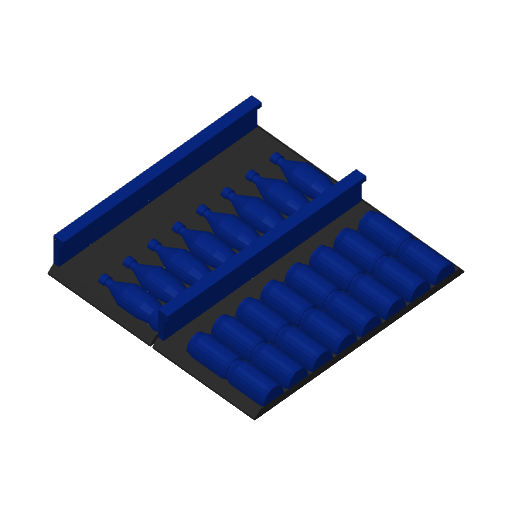
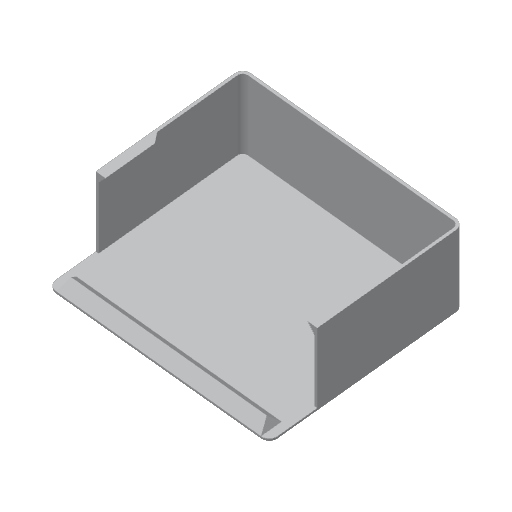
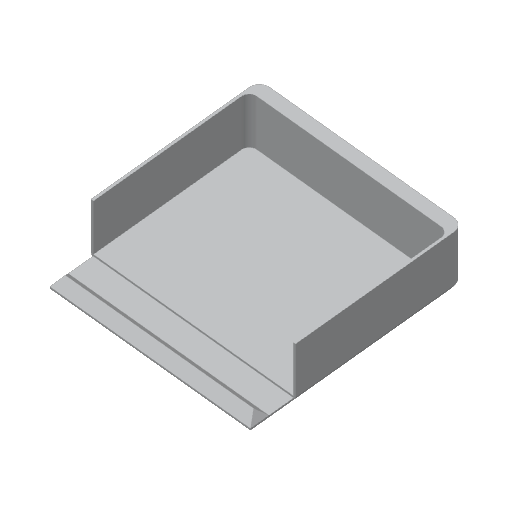
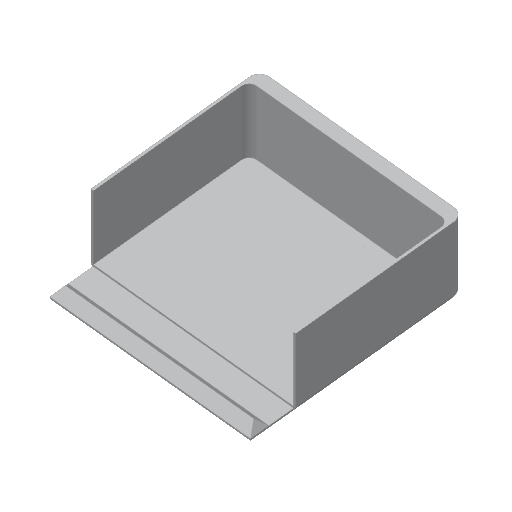
This is a dice tower with removable internal bins for storage. The front opens like a real vending machine with racks of drinks inside that you can pull out to use as token bins (or storage). Once the bins are removed, the shelves slide down and it becomes a dice tower with dice coming out of the vending hole. Shelf fronts are inserts for the bins so you could do something elaborate if you want or design your own.
There are 2 front plates, one with artwork and one with a window looking into the unit.
For the most part, settings are standard 0.2mm as a baseline. If you want the ramps to look more like shelves, turn off top and bottom layers with a grid infill. You can gently sand down the flaps and the guide to make it work a bit more smoothly, ideally the shelves automatically drop down when you remove the bins.
If you're printing the artwork, its important to get the first layer right. I would recommend the following settings (first 2 are im the 3mf file, temp settings need to be set per your filament)
6/15/26: Added 3 options for dice catcher/tray. First one is a bit smaller but fits inside one of the regular storage bins. The other 2 are stored inside the tower and replace a storage bin.
Bambu: RECOMMEND YOU TURN ON PRIME TOWER. It will fit in the dice output hole and print fine, but its “too close” for the autochecker to approve.
Initial layer speed outer wall = 30
Initial layer speed infill = 60
Bed temp 65 degrees for the first layer
Nozzle temp +5 degrees for the first layer
If you're using the stl files:
------------------ Base tower body:
1x cola-front.stl
Alternate 1x cola-front-alternate.stl (This is if you want the open window front panel)
1x cola-base.stl
1x cola-top.stl
2x cola-gear.stl
4x cola-flap-short.stl
3x cola-flap-long.stl
1x cola-side.stl
1x cola-rear.stl
------------------ Storage bins:
3x cola-bin.stl
3x total for cola-bin-face1.stl and cola-bin-face2.stl (1 is the face plate that has bottles, 2 is cans, you will need 3 total)
------------------ Dice catching tray (print only ONE of these):
1x cola-tray-insert.stl (Fits inside a bin)
1x cola-tray-tall.stl (REPLACES a bin)
1x cola-tray-short.stl (REPLACES a bin)